How to One-Hot Encode a Column with OneHotEncoder in scikit-learn

Models do arithmetic, so a column of words such as red, green and blue has to become numbers first. One-hot encoding gives every word its own column, holding 1 where a row has that word and 0 elsewhere. scikit-learn's OneHotEncoder does it, and remembers the words it saw so new data is encoded the same way. This guide encodes a small column of colors, with real output from scikit-learn 1.9.1.
Syntax
encoder = OneHotEncoder(handle_unknown="ignore", sparse_output=False)
encoded = encoder.fit_transform(frame[[column]])
| Part | What it means |
|---|---|
handle_unknown="ignore" | A category the encoder didn't see while fitting becomes all zeros instead of an error. The default, "error", raises one |
sparse_output=False | Return a plain array. The default, True, returns a sparse matrix, which stores only the 1s: compact, but harder to read |
fit_transform(...) | Learns the categories, then encodes the data. Later data uses transform |
frame[[column]] | The column as a one-column table: double brackets. The encoder expects a table, not a single list |
Step 1: Encode a Column
Create one_hot.py:
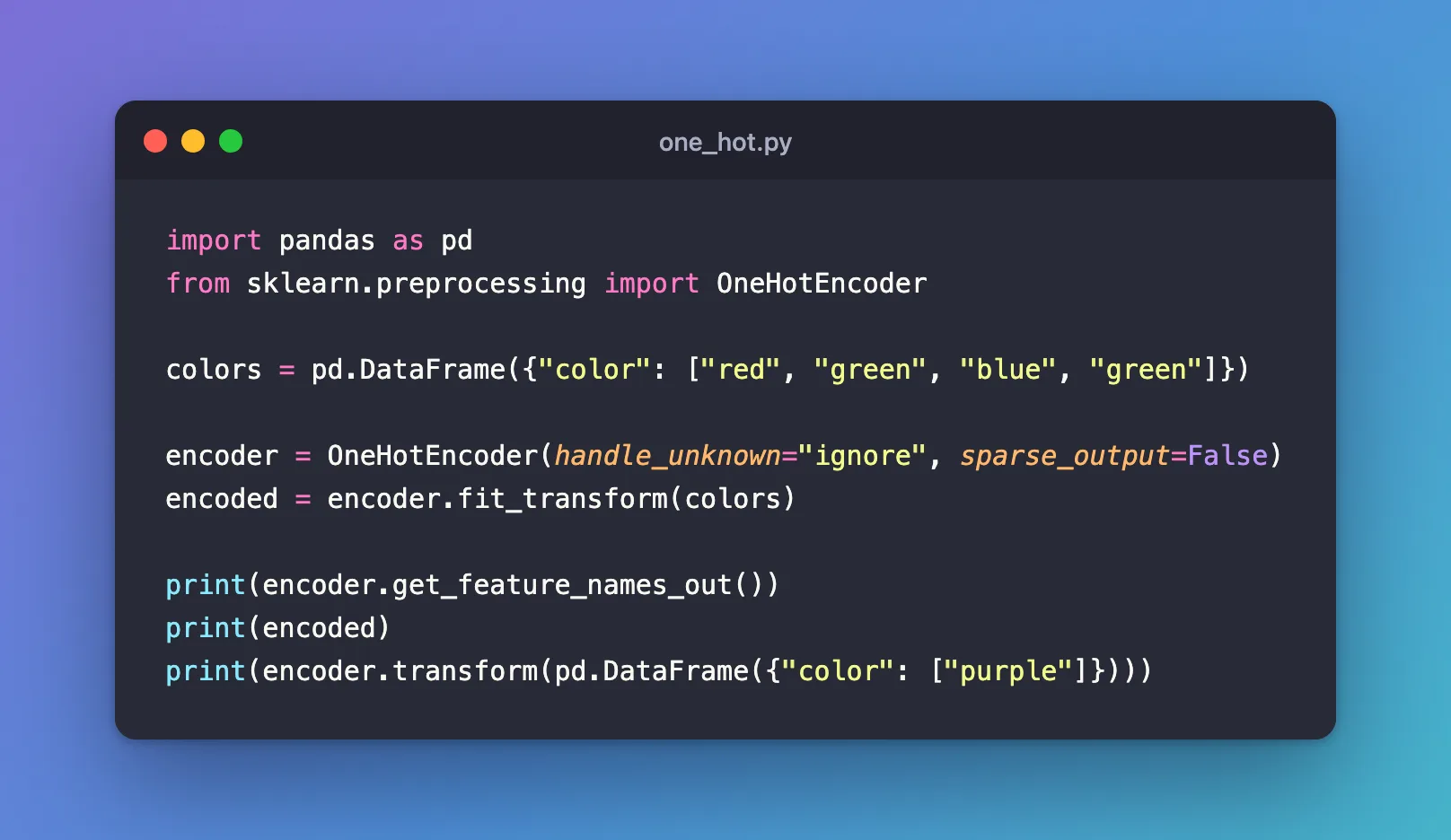
import pandas as pd
from sklearn.preprocessing import OneHotEncoder

colors = pd.DataFrame({"color": ["red", "green", "blue", "green"]})

encoder = OneHotEncoder(handle_unknown="ignore", sparse_output=False)
encoded = encoder.fit_transform(colors)

print(encoder.get_feature_names_out())
print(encoded)
print(encoder.transform(pd.DataFrame({"color": ["purple"]})))
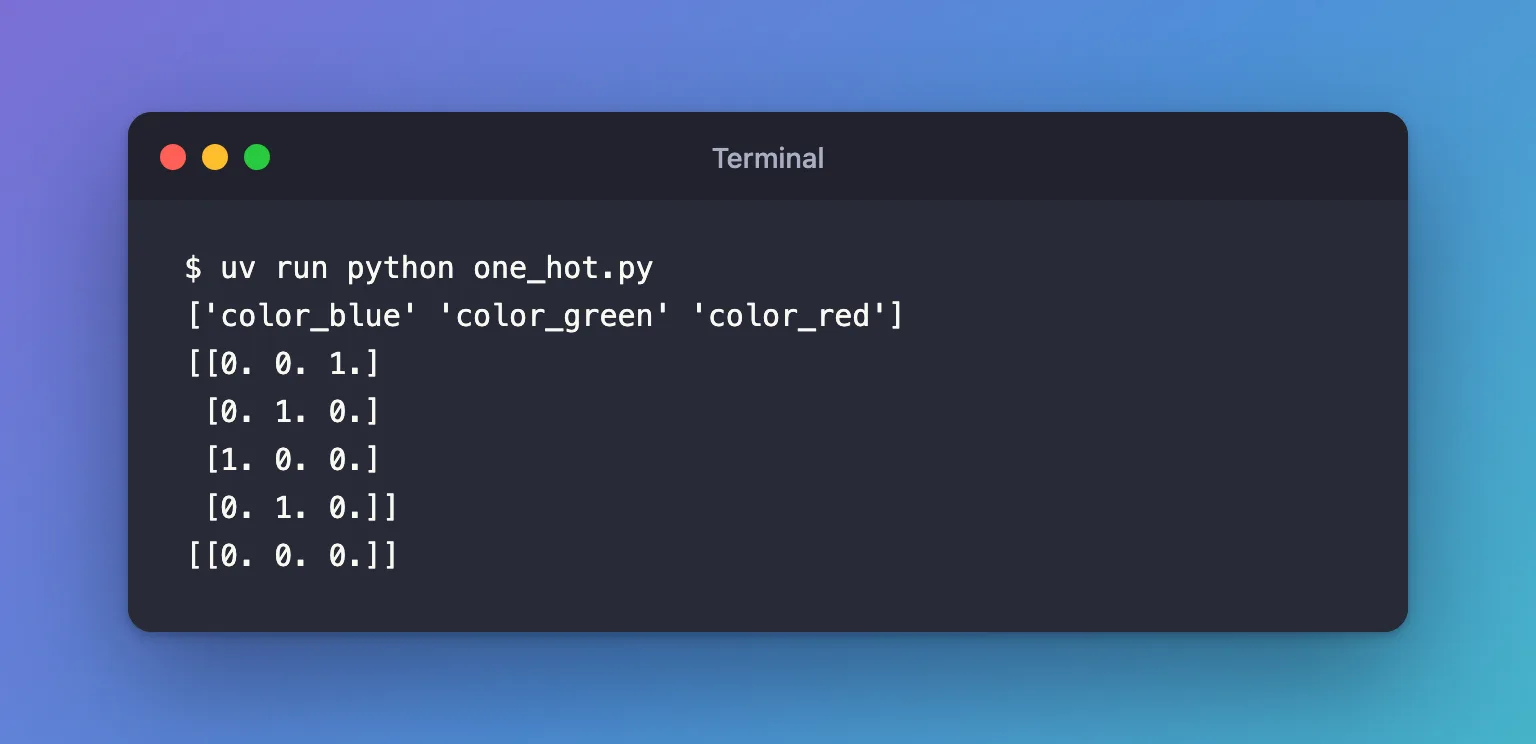
uv run python one_hot.py
['color_blue' 'color_green' 'color_red']
[[0. 0. 1.]
 [0. 1. 0.]
 [1. 0. 0.]
 [0. 1. 0.]]
[[0. 0. 0.]]
Step 2: Read the Result
- Three categories, three columns, sorted alphabetically:
color_blue,color_green,color_red. - Each row has a single 1, in its color's column: the first row is red, so
[0. 0. 1.]. purple, which the encoder never saw, became[0. 0. 0.]thanks tohandle_unknown="ignore". A model reads that as "none of the colors I know".
The encoder keeps its categories, so encode new data with transform, never fit_transform: fitting again would forget the old ones and could put the columns in a different order.
Common Mistakes
| Mistake | What happens | Do this instead |
|---|---|---|
Keeping the default handle_unknown="error" | New data with an unseen category fails: ValueError: Found unknown categories ['purple'] in column 0 during transform | handle_unknown="ignore", when unseen categories can happen |
| Printing the default output | <Compressed Sparse Row sparse matrix of dtype 'float64' with 2 stored elements and shape (2, 2)> instead of numbers | sparse_output=False, or .toarray() |
| Fitting the encoder on new data | The columns can change, and the model gets inputs it wasn't trained on | Fit once on training data, then transform |
Troubleshooting
| Symptom | Likely cause | Fix |
|---|---|---|
ValueError: Found unknown categories [...] in column 0 during transform | A category that wasn't in the training data | handle_unknown="ignore", or check the data |
| Too many columns | A column with hundreds of different values, such as IDs | Don't one-hot encode IDs; for common-but-many categories, look at min_frequency or max_categories |
FAQ
How do I encode only some columns of a table?
Wrap the encoder in a ColumnTransformer: How to Transform Only Some Columns with ColumnTransformer in scikit-learn.
Isn't pandas.get_dummies the same?
It produces similar columns, but it doesn't remember the categories, so new data can come out with different columns. OneHotEncoder fits once and encodes everything after the same way, which is what a model needs.
Conclusion
OneHotEncoder(handle_unknown="ignore", sparse_output=False) turned four colors into three 0/1 columns and an unseen color into all zeros. Fit it on training data, transform everything after, and read the column names with get_feature_names_out().
Additional Resources
- OneHotEncoder — its parameters, including
handle_unknownandsparse_output.
