How to Name the Dataset of an MLflow Evaluation

Pass a plain DataFrame to mlflow.models.evaluate and MLflow records it as a dataset named dataset. Every evaluation then says it was measured on "dataset", which tells you nothing once you have several test sets. Wrapping the data with mlflow.data.from_pandas lets you name it. This guide evaluates the same data both ways and compares what the runs show, with real output and UI from MLflow 3.18.0.
Syntax
test_set = mlflow.data.from_pandas(frame, targets="label_column", name="dataset-name")
result = mlflow.models.evaluate(model_uri, test_set, model_type="classifier")
| Part | What it means |
|---|---|
frame | A DataFrame with the model's input columns and the label column |
targets | The label column's name, kept with the dataset |
name | The name the run, the model's metrics and the UI show |
test_set | An MLflow dataset; evaluate takes it in place of the DataFrame, without targets |
The reference for mlflow.data.from_pandas on name: "The name of the dataset. If unspecified, a name is generated." mlflow.models.evaluate says that "If data is a mlflow.data.dataset.Dataset that defines targets, then targets is optional."
Prerequisites
- An MLflow tracking server at
http://127.0.0.1:8080. MLflow's tracking server guide shows how to start one. mlflowandscikit-learnin your project, for example withuv add mlflow scikit-learn pandas.
Step 1: Evaluate with a Plain DataFrame
First, the usual way, with the test rows in a DataFrame, in a run named plain-dataframe:
import mlflow
from sklearn.datasets import load_breast_cancer
from sklearn.linear_model import LogisticRegression
from sklearn.model_selection import train_test_split
from sklearn.pipeline import make_pipeline
from sklearn.preprocessing import StandardScaler

mlflow.set_tracking_uri("http://127.0.0.1:8080")
mlflow.set_experiment("named-dataset-demo")

X, y = load_breast_cancer(return_X_y=True, as_frame=True)
y = y == 0  # True when the tumour is malignant
X_train, X_test, y_train, y_test = train_test_split(X, y, test_size=0.25, random_state=0)
model = make_pipeline(StandardScaler(), LogisticRegression()).fit(X_train, y_train)

with mlflow.start_run(run_name="plain-dataframe"):
    info = mlflow.sklearn.log_model(model, name="model", input_example=X_train.head(3))
    result = mlflow.models.evaluate(
        info.model_uri,
        X_test.assign(malignant=y_test),
        targets="malignant",
        model_type="classifier",
    )

print("ROC AUC:", round(result.metrics["roc_auc"], 4))
uv run python plain_dataset.py
🏃 View run plain-dataframe at: http://127.0.0.1:8080/#/experiments/14/runs/883063a4ae7f485790c27e6c4b24450d
🧪 View experiment at: http://127.0.0.1:8080/#/experiments/14
ROC AUC: 0.9914
Step 2: Evaluate a Named Dataset
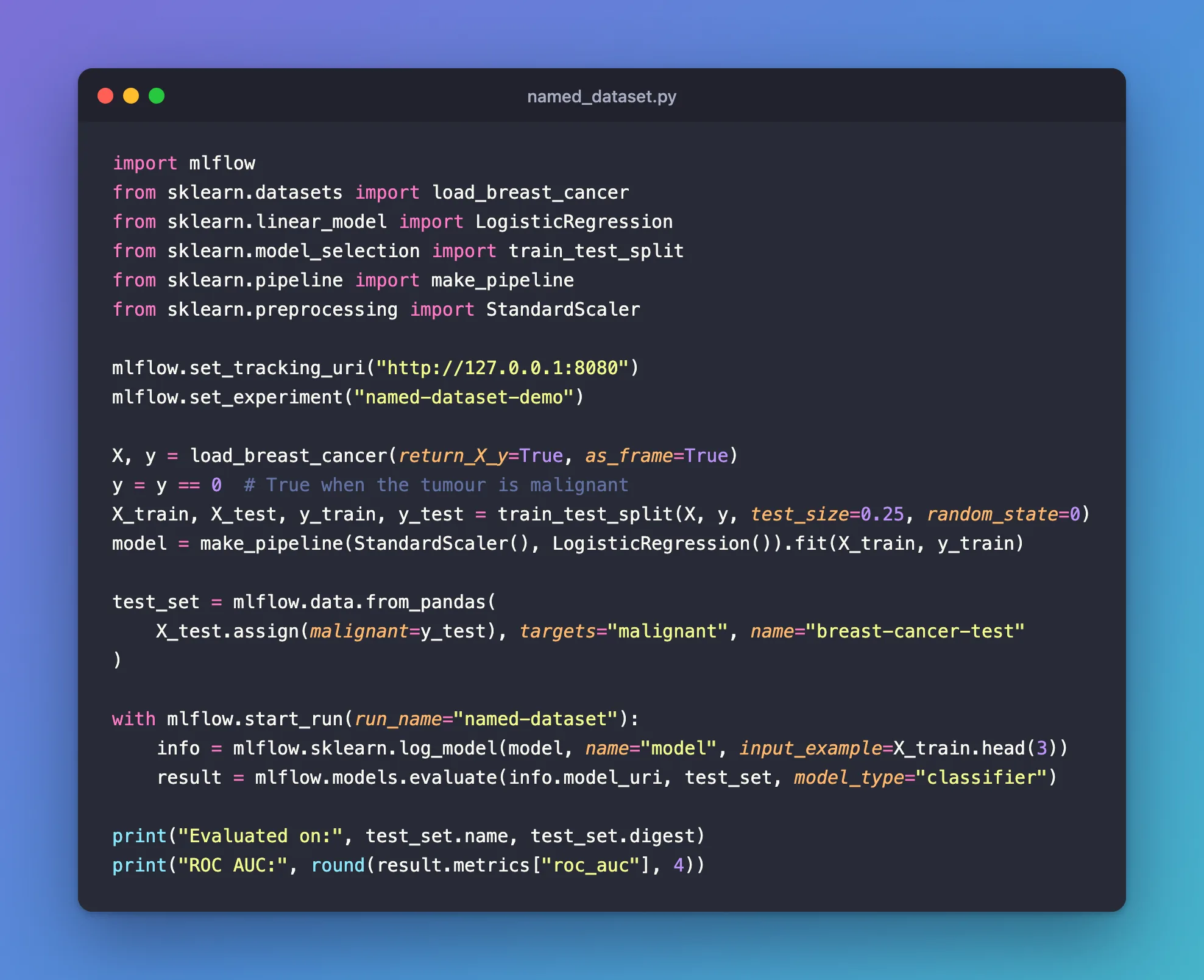
Now the same rows, wrapped in an MLflow dataset named breast-cancer-test, in a run named named-dataset:
import mlflow
from sklearn.datasets import load_breast_cancer
from sklearn.linear_model import LogisticRegression
from sklearn.model_selection import train_test_split
from sklearn.pipeline import make_pipeline
from sklearn.preprocessing import StandardScaler

mlflow.set_tracking_uri("http://127.0.0.1:8080")
mlflow.set_experiment("named-dataset-demo")

X, y = load_breast_cancer(return_X_y=True, as_frame=True)
y = y == 0  # True when the tumour is malignant
X_train, X_test, y_train, y_test = train_test_split(X, y, test_size=0.25, random_state=0)
model = make_pipeline(StandardScaler(), LogisticRegression()).fit(X_train, y_train)

test_set = mlflow.data.from_pandas(
    X_test.assign(malignant=y_test), targets="malignant", name="breast-cancer-test"
)

with mlflow.start_run(run_name="named-dataset"):
    info = mlflow.sklearn.log_model(model, name="model", input_example=X_train.head(3))
    result = mlflow.models.evaluate(info.model_uri, test_set, model_type="classifier")

print("Evaluated on:", test_set.name, test_set.digest)
print("ROC AUC:", round(result.metrics["roc_auc"], 4))
uv run python named_dataset.py
🏃 View run named-dataset at: http://127.0.0.1:8080/#/experiments/14/runs/d67c180213ed4b3f9f9493d2dc2ebecb
🧪 View experiment at: http://127.0.0.1:8080/#/experiments/14
Evaluated on: breast-cancer-test 9d2b5302
ROC AUC: 0.9914
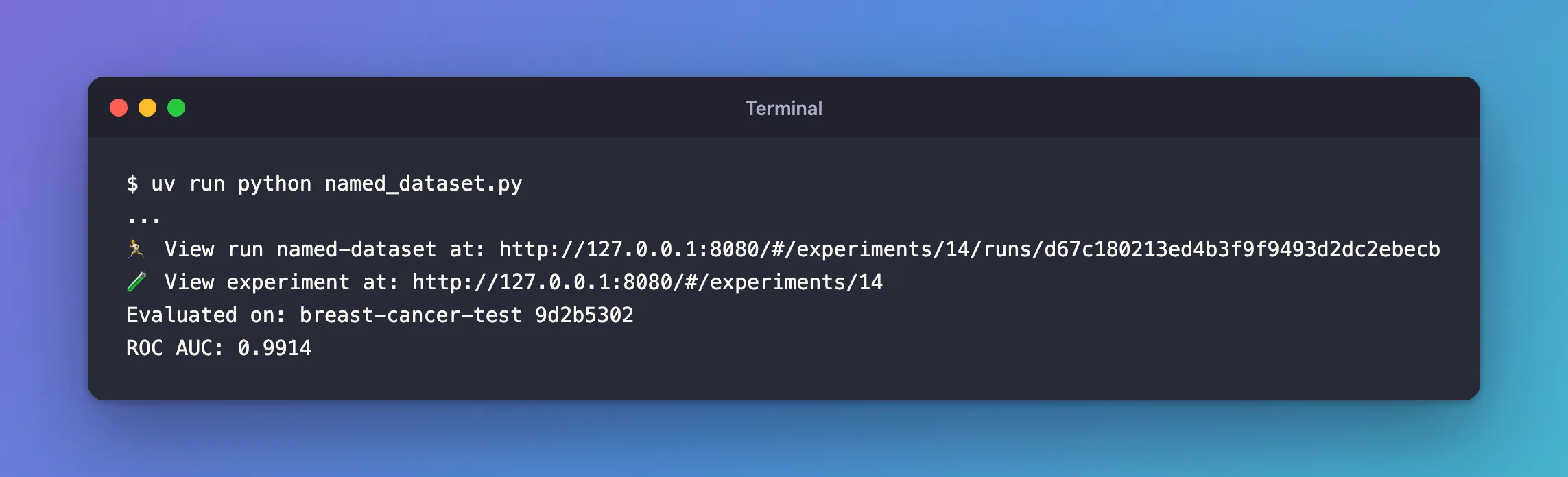
Same rows, same ROC AUC. The digest, 9d2b5302, is a fingerprint of the data, not of the name.
Step 3: Compare the Two Runs
Open the experiment named-dataset-demo. The runs table's Dataset column shows each run's evaluation data:

plain-dataframe was measured on dataset, named-dataset on breast-cancer-test, and the same digest shows it's the same data. The model's page lists its evaluation metrics under that name too.
Common Mistakes
| Mistake | What happens | Do this instead |
|---|---|---|
| Naming every test set the same | Different data, one name: only the digest tells them apart | One name per test set, such as customers-2026-11-test |
Troubleshooting
| Symptom | Likely cause | Fix |
|---|---|---|
The run's dataset is called dataset | A plain DataFrame was passed | Wrap it with from_pandas(..., name=...) |
| Two runs show the same digest under different names | The same data, named differently | Keep one name per test set |
FAQ
Does the name change the metrics?
No: the ROC AUC was 0.9914 both times. The name only labels the data.
Can I record where the data came from?
Yes: from_pandas also takes source, such as the address of the file it was read from: How to Log a Dataset in MLflow covers sources.
Conclusion
mlflow.data.from_pandas(..., targets="malignant", name="breast-cancer-test") turned the anonymous dataset into a named one, and the runs table, the run and the model's metrics now say which test set each evaluation used.
Additional Resources
- mlflow.data.from_pandas —
name,targetsandsource. - mlflow.models.evaluate — evaluating an MLflow dataset.
