How to Name JSON Fields with Struct Tags in Go

Go field names start with a capital letter, but JSON keys are usually lowercase. A struct tag, a short string after the field's type, tells encoding/json which key to use and whether to leave the field out when it's empty.
Syntax
type <Name> struct {
	<Field> <type> `json:"<key>"`
	<Field> <type> `json:"<key>,omitempty"`
}
| Part | What it does |
|---|---|
`json:"<key>"` | Uses <key> as this field's name in JSON. |
,omitempty | Leaves the field out when its value is empty, such as "" or 0. |
`json:"-"` | Never encodes this field. |
The encoding/json documentation: "The encoding of each struct field can be customized by the format string stored under the "json" key in the struct field's tag." And: "Each exported struct field becomes a member of the object".
The Example
The example encodes a User with a name, an empty email and an unexported age, to show all three rules at once.
Prerequisites
- Go.
go runcompiles and runs a single file. This guide uses Go 1.27.4.
Step 1: Write the Struct and Encode It
Create a file named main.go:
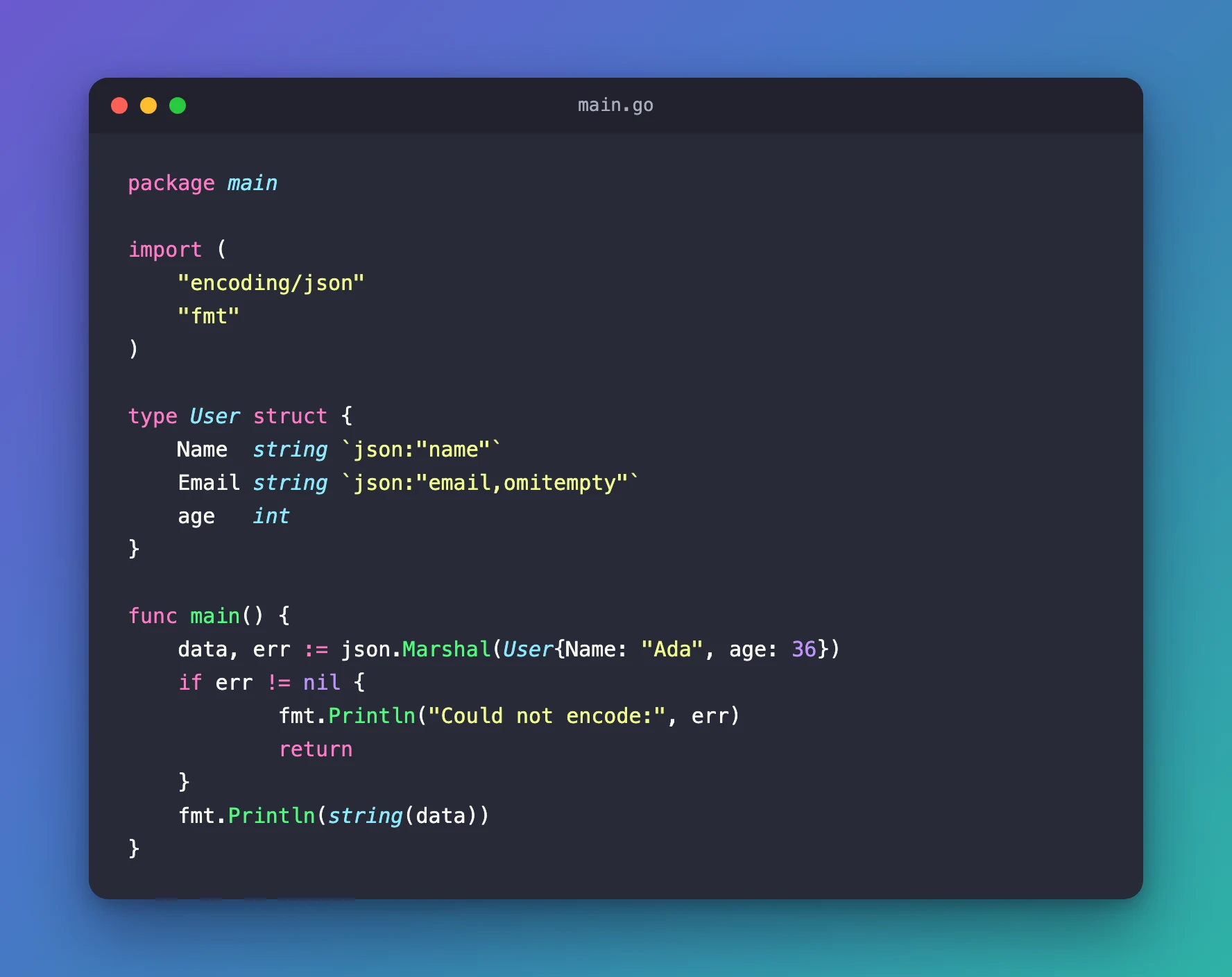
package main

import (
	"encoding/json"
	"fmt"
)

type User struct {
	Name  string `json:"name"`
	Email string `json:"email,omitempty"`
	age   int
}

func main() {
	data, err := json.Marshal(User{Name: "Ada", age: 36})
	if err != nil {
		fmt.Println("Could not encode:", err)
		return
	}
	fmt.Println(string(data))
}
Step 2: Run It
go run main.go
{"name":"Ada"}
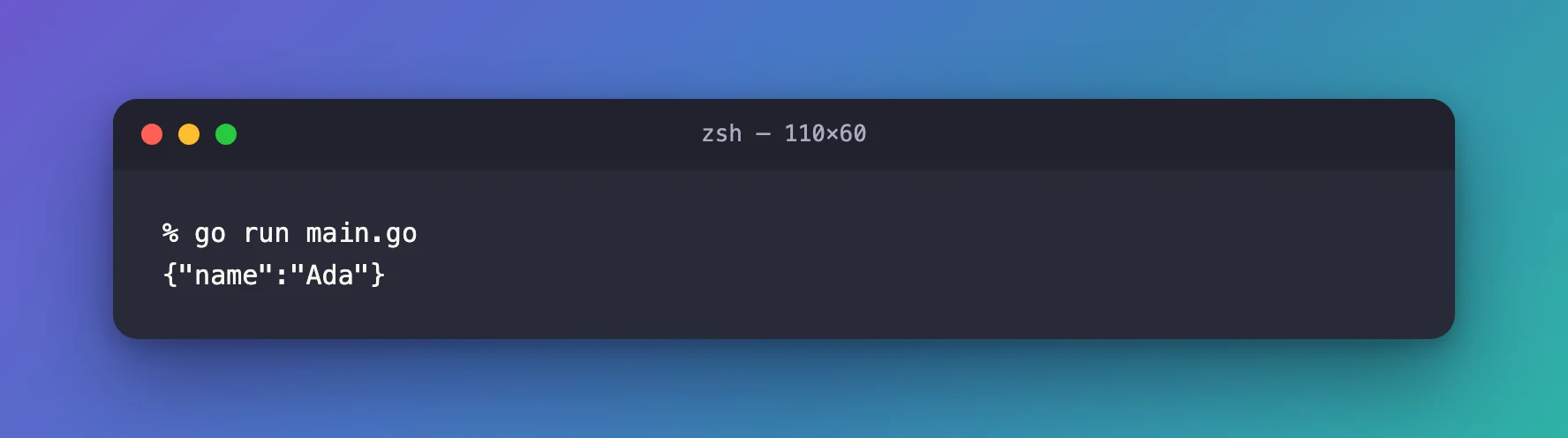
Namebecame"name", as its tag says.Emailwas empty, soomitemptyleft it out.agestarts with a lowercase letter, so it's unexported andencoding/jsonnever sees it.
The command is the same in zsh, bash and PowerShell.
Common Mistakes
| Mistake | What happens | Do this instead |
|---|---|---|
A space after the colon, as in `json: "name"` | The tag isn't recognized, so the field keeps its Go name | Write `json:"name"` with no spaces |
| Lowercase field names | They're silently left out of the JSON | Capitalize them and name the key with a tag |
Expecting omitempty to keep a deliberate 0 | 0 counts as empty and is left out | Drop omitempty for fields where 0 matters |
Troubleshooting
| Symptom | Likely cause | Fix |
|---|---|---|
| A field is missing from the JSON | It's unexported, empty with omitempty, or tagged json:"-" | Check the field's name and tag |
| A key keeps its capital letter | The tag is malformed | Run go vet: for `json: "name"` it reported struct field tag `json: "name"` not compatible with reflect.StructTag.Get: bad syntax for struct tag value |
FAQ
Do tags work when decoding too?
Yes. json.Unmarshal uses the same tags to match JSON keys to fields.
Can a field have tags for several formats?
Yes, separated by spaces: `json:"name" xml:"name"`.
Conclusion
A tag like `json:"name,omitempty"` sets a field's JSON key and leaves it out when empty. Only exported fields are encoded, so capitalize fields and name their keys in tags.
Additional Resources
- json.Marshal, in the Go standard library documentation.
- Struct types and tags, in the Go specification.
