How to Measure How Long a Command Takes with time in bash and zsh

To see how long a command takes, put time in front of it. The shell runs the command, then reports how long it took. This guide times a one-second pause, with real output from zsh 5.9 and bash 3.2, which report it in different formats.
Syntax
time <command>
| Part | What it means |
|---|---|
time | A word of the shell itself: it runs the command and reports how long it took |
<command> | The command to measure |
The bash manual: "If the reserved word time precedes the pipeline, Bash prints timing statistics for the pipeline once it finishes. The statistics currently consist of elapsed (wall-clock) time and user and system time consumed by the command’s execution." The zsh manual: "The pipeline is executed, and timing statistics are reported on the standard error in the form specified by the TIMEFMT parameter."
Prerequisites
- zsh or bash. This guide uses zsh 5.9, the default shell on macOS, and bash 3.2.
Step 1: Time a One-Second Pause in zsh
sleep 1 pauses for one second:
time sleep 1
sleep 1 0.00s user 0.00s system 0% cpu 1.014 total
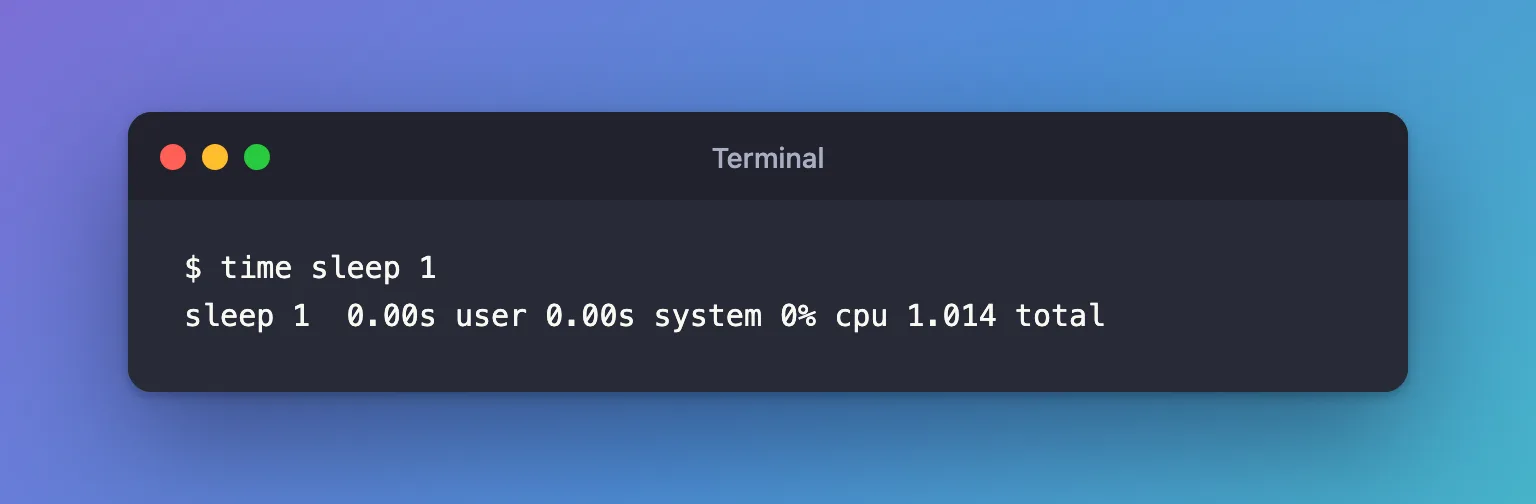
zsh printed one line: the command, the processor time it used (user and system), and total, the time that passed: 1.014 seconds.
Step 2: The Same in bash
In bash, run the same command:
time sleep 1
real    0m1.009s
user    0m0.001s
sys     0m0.001s
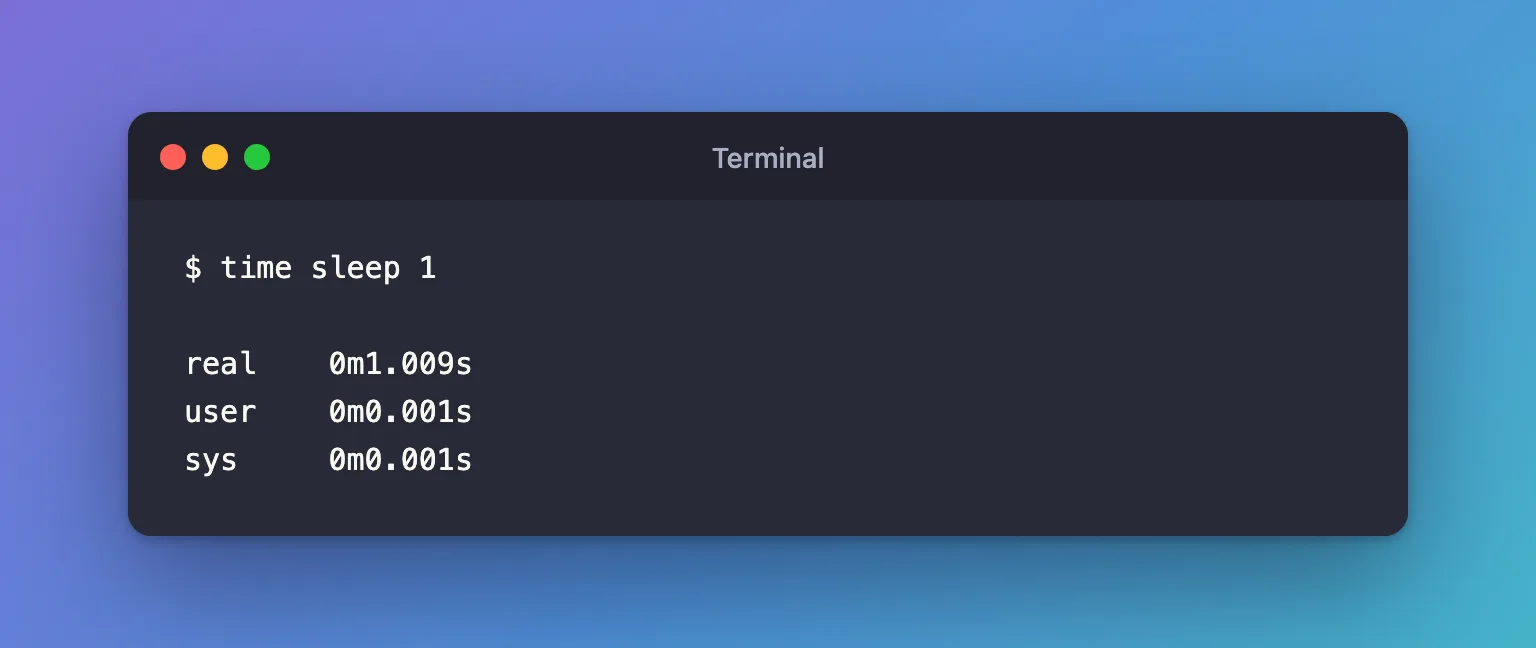
bash reports the same things on three lines: real is the time that passed, and user and sys are the processor time. sleep used almost none, because it only waits.
Common Mistakes
| Mistake | What happens | Do this instead |
|---|---|---|
Timing a command that's built into zsh: time echo hi | zsh printed hi and no timing line. type echo printed echo is a shell builtin | Time a separate program: time /bin/echo hi printed its timing line |
Troubleshooting
| Symptom | Likely cause | Fix |
|---|---|---|
time printed only the command's output in zsh | The command is built into zsh | Time a separate program, or a script |
FAQ
Why are user and system almost zero?
Because sleep only waits. zsh reported 0.00s user 0.00s system against a total of 1.014 seconds: sleep spent that second waiting, not computing.
Does the timing go into a file with > file?
No. time sleep 1 > out.txt still printed its timing line on the screen, and out.txt stayed empty. The zsh manual says the statistics are reported "on the standard error", and > redirects standard output only.
Conclusion
time sleep 1 reported about one second in both shells: zsh as 1.014 total on one line, bash as real 0m1.009s with user and sys below it. Put time in front of any program to measure it.
Additional Resources
- Pipelines —
timein the bash manual. - zsh: Shell Grammar —
timein the zsh manual. - zsh: Parameters Used By The Shell —
TIMEFMT, which sets the format of zsh's report.
