How to Match as Little as Possible with a Lazy Quantifier in a C# Regex

.+ in a regular expression takes as many characters as it can. Add a question mark, .+?, and it takes as few as it can. That one character is the difference between one match that swallows a whole line and one match per tag.
Microsoft's reference: Ordinarily, quantifiers are greedy. They cause the regular expression engine to match as many occurrences of particular patterns as possible. Appending the ? character to a quantifier makes it lazy. It causes the regular expression engine to match as few occurrences as possible.
Syntax
<element>*?
<element>+?
<element>{<n>,<m>}?
| Part | What it is |
|---|---|
<element> | What is repeated, such as . for any character |
*? | Zero or more times, as few as possible |
+? | One or more times, as few as possible |
{<n>,<m>}? | Between <n> and <m> times, as few as possible |
The Example
A console app called LazyQuantifier looks for the tags in a short piece of HTML, first with the greedy <.+> and then with the lazy <.+?>.
Prerequisites
- The .NET 10 SDK.
dotnet --versionprints a version that starts with10.0.
Step 1: Create a Console App
dotnet new console -n LazyQuantifier
cd LazyQuantifier
The template "Console App" was created successfully.

Processing post-creation actions...
Restoring /Users/you/source/LazyQuantifier/LazyQuantifier.csproj:
  Determining projects to restore...
  Restored /Users/you/source/LazyQuantifier/LazyQuantifier.csproj (in 45 ms).
Restore succeeded.
dotnet new console -n LazyQuantifier creates a folder named LazyQuantifier with a project file and a Program.cs, and cd moves into it. Everything this example uses is part of .NET, so there's no package to add. Open the folder in VS Code, or LazyQuantifier.csproj in Visual Studio.
Step 2: Write the Code
Replace everything in Program.cs. First the HTML:
using System.Text.RegularExpressions;

string html = "<b>bold</b> and <i>italic</i>";
Then the greedy search:
// Greedy: .+ takes as much as it can, so one match runs from the first < to the last >.
foreach (Match match in Regex.Matches(html, "<.+>"))
{
    Console.WriteLine($"greedy: {match.Value}");
}
And the lazy one:
// Lazy: .+? takes as little as it can, so each tag is a match of its own.
foreach (Match match in Regex.Matches(html, "<.+?>"))
{
    Console.WriteLine($"lazy:   {match.Value}");
}
Regex.Matches returns every match, and the foreach loops print them one per line.
Step 3: Run It
Run it in VS Code's terminal, or press Ctrl+F5 in Visual Studio:
dotnet run
greedy: <b>bold</b> and <i>italic</i>
lazy:   <b>
lazy:   </b>
lazy:   <i>
lazy:   </i>
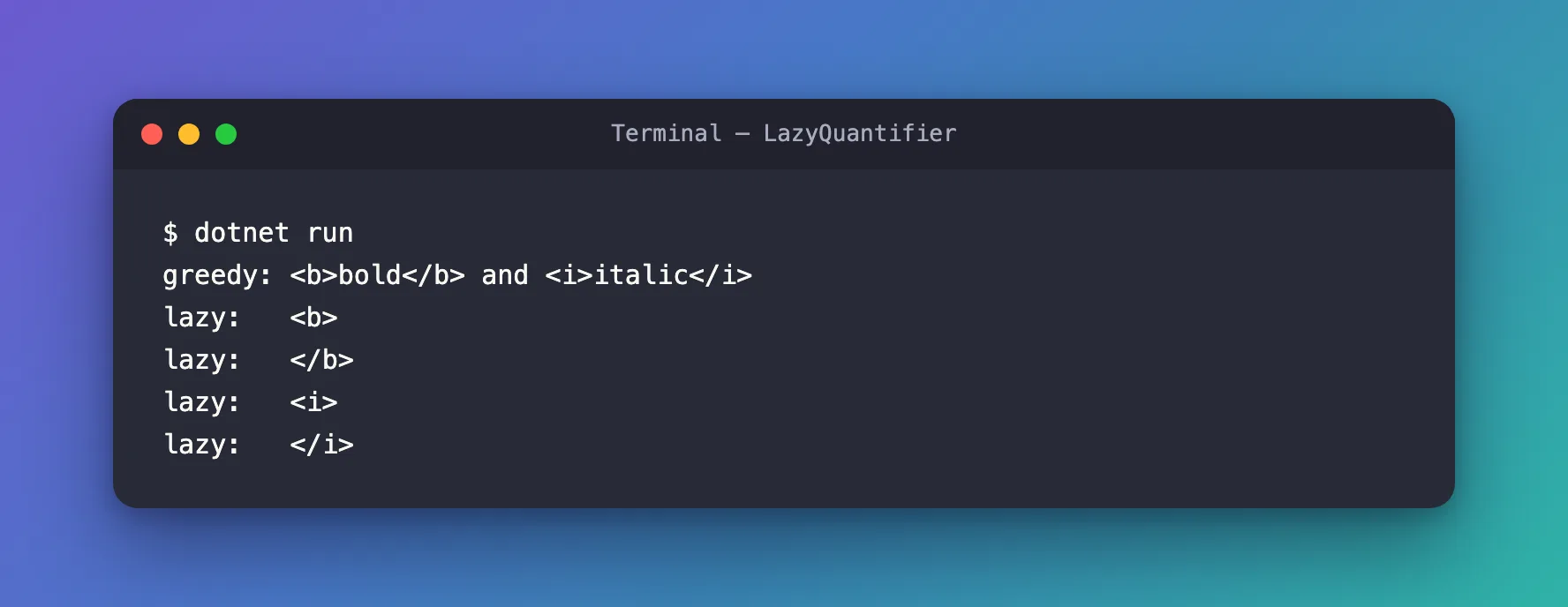
The greedy .+ ran on to the last > in the text, so its one match covered everything. The lazy .+? stopped at the first > it could, so each tag became a match of its own.
The Complete File
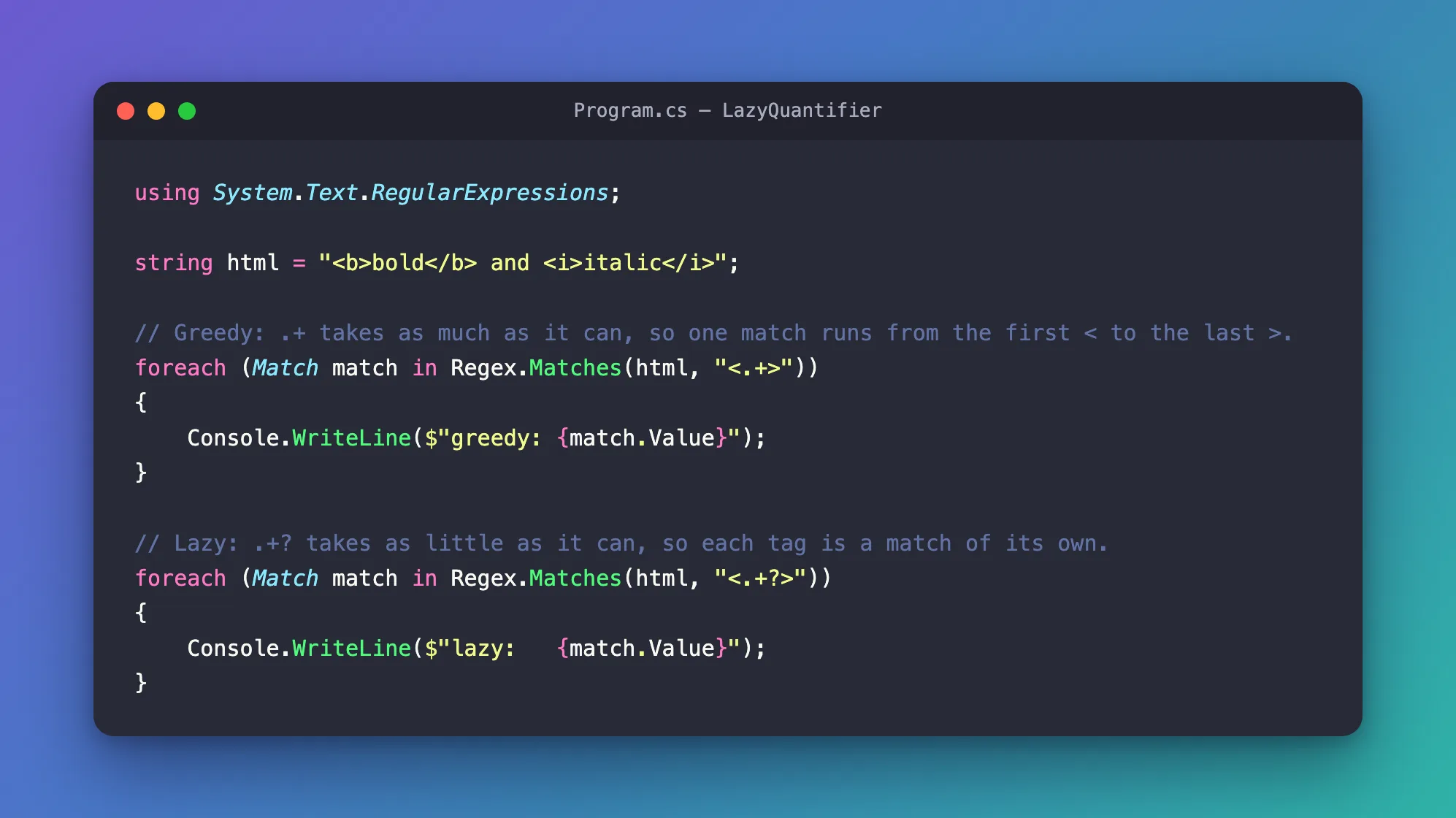
using System.Text.RegularExpressions;

string html = "<b>bold</b> and <i>italic</i>";

// Greedy: .+ takes as much as it can, so one match runs from the first < to the last >.
foreach (Match match in Regex.Matches(html, "<.+>"))
{
    Console.WriteLine($"greedy: {match.Value}");
}

// Lazy: .+? takes as little as it can, so each tag is a match of its own.
foreach (Match match in Regex.Matches(html, "<.+?>"))
{
    Console.WriteLine($"lazy:   {match.Value}");
}
Common Mistakes
| Mistake | What happens | Do this instead |
|---|---|---|
| Ending a pattern with a lazy quantifier | With nothing after it to reach, it takes the minimum: <.+? matched only <b | Follow it with what ends the match, such as > |
Expecting . to cross a line break | It doesn't: <.+?> found nothing in a tag split over two lines | Use RegexOptions.Singleline, or a class such as [^>], which includes line breaks: both found the tag |
FAQ
What does a lazy range do?
It takes the smallest number it may: in aaaa, a{1,3} matched aaa and a{1,3}? matched a.
Is there another way to find the tags?
A negated character class: <[^>]+> means a <, then anything that isn't a >, then >. It found the same four tags.
Conclusion
Add ? after *, + or {n,m} to make it lazy: it then matches as little as it can while the rest of the pattern still fits. Always give it something to stop at, such as the closing >.
Additional Resources
- Quantifiers in regular expressions — greedy and lazy quantifiers.
- Regular expression options —
Singlelineand the other options.
