How to Make curl Fail on HTTP Errors with curl -f

To curl, a 404 Not Found is a successful transfer: the server answered. So a script that checks curl's exit code sees success even when the page is missing. -f makes curl treat an HTTP error as a failure, with an error message and a non-zero exit code. This guide compares the two, with real output from curl 8.7.1.
Syntax
curl -f URL
| Part | What it means |
|---|---|
-f | Fail on HTTP responses of 400 and above: print an error instead of the body, and exit with a non-zero code |
URL | The address to request |
The man page: "Fail with error code 22 and with no response body output at all for HTTP transfers returning HTTP response codes at 400 or greater." The command is the same in PowerShell 7, where curl runs the curl program; only reading the exit code differs, below.
Prerequisites
- curl, which comes with macOS, Linux and Windows 10 and later.
Step 1: Request a Missing Page Without -f
httpbin.org's /status/404 always answers 404 Not Found. The second command prints curl's exit code: $? in zsh and bash, $LASTEXITCODE in PowerShell.
- macOS / Linux
- Windows (PowerShell)
curl https://httpbin.org/status/404; echo $?
0
curl https://httpbin.org/status/404; $LASTEXITCODE
0
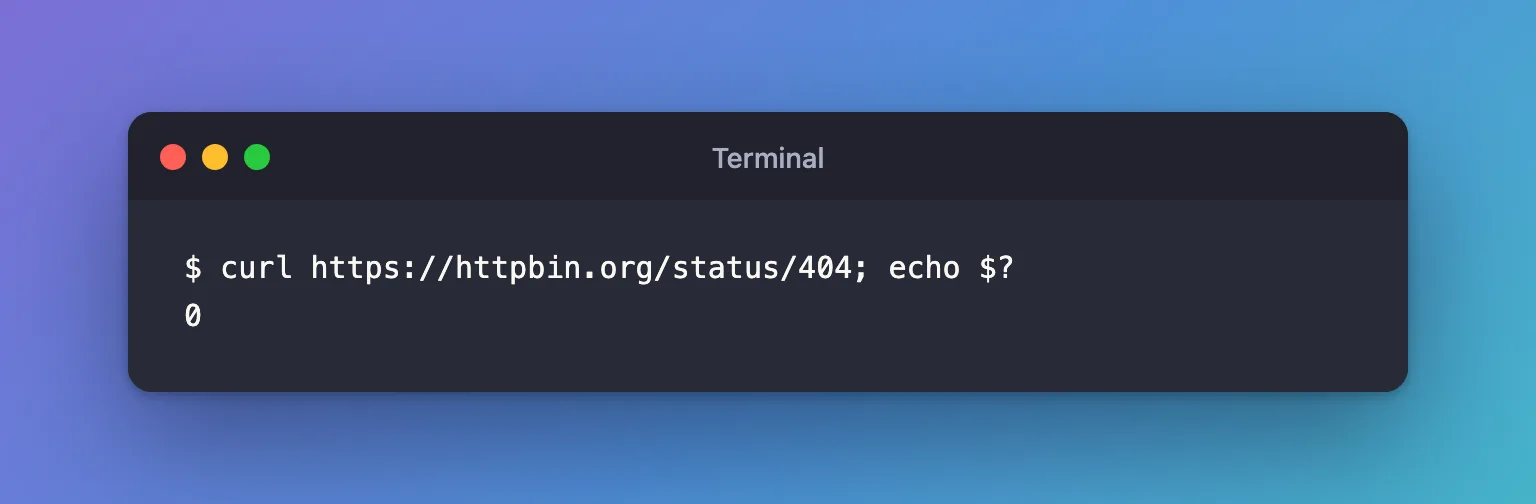
The page was missing, yet curl exited with 0, success.
Step 2: Request It with -f
- macOS / Linux
- Windows (PowerShell)
curl -f https://httpbin.org/status/404; echo $?
curl: (56) The requested URL returned error: 404
56
curl -f https://httpbin.org/status/404; $LASTEXITCODE
curl: (56) The requested URL returned error: 404
56
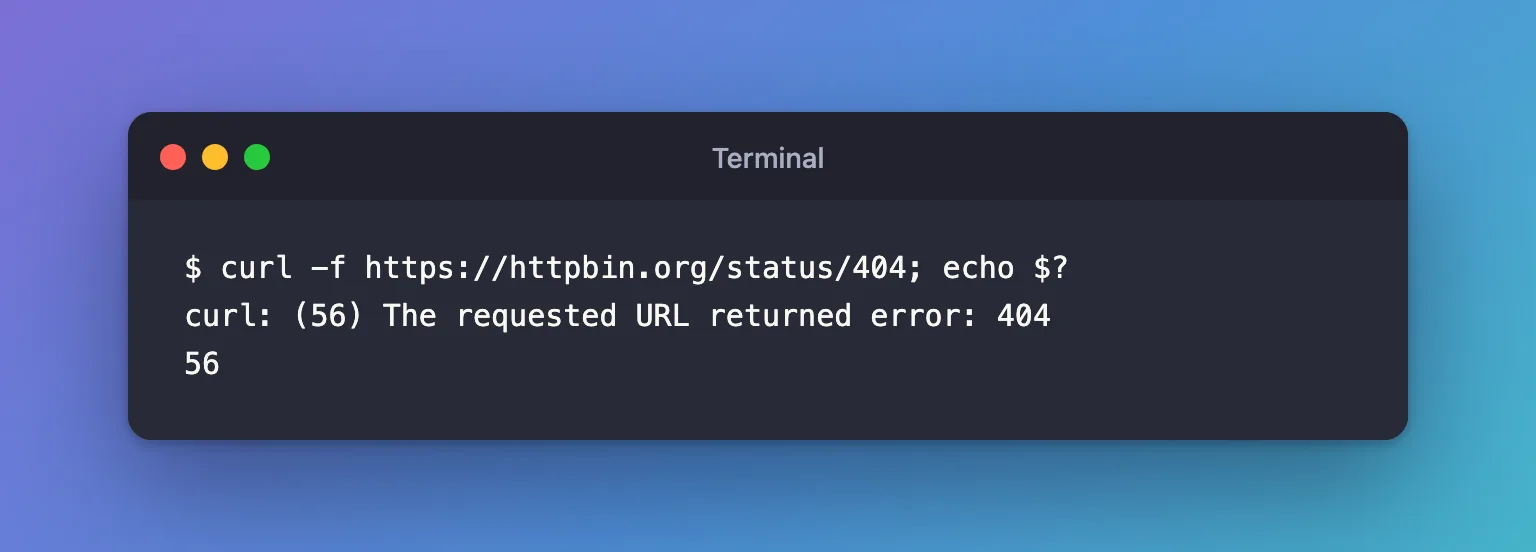
Now curl says what went wrong and exits with a non-zero code. The man page promises code 22, but curl 8.7.1 over HTTP/2 gives 56, a curl bug fixed in curl 8.8.0: Fixed: "curl: (56) The requested URL returned error: 404" with curl --fail.
Common Mistakes
| Mistake | What happens | Do this instead |
|---|---|---|
| Checking for exit code 22 exactly | curl 8.7.1 over HTTP/2 exits with 56 instead | Check for any non-zero code |
Using -f with -s alone | The error message is hidden too | Use -fsS: fail, no progress meter, but still show errors |
Troubleshooting
| Symptom | Likely cause | Fix |
|---|---|---|
| A script carries on after a missing page | curl without -f exits with 0 on a 404 | Add -f |
FAQ
Does -f work for 500 errors too?
Yes: it covers every response code of 400 and above. For httpbin.org's /status/500, curl -f printed curl: (56) The requested URL returned error: 500 and exited with 56.
Can I still see the error page's body?
Not with -f, which leaves the body out. --fail-with-body, "Fail on HTTP errors but save the body" in curl's help, keeps both: on a missing page of curl.se, it saved the HTML error page and exited with 22.
Conclusion
Without -f, curl exited with 0 on a 404; with -f, it printed The requested URL returned error: 404 and exited non-zero. Check for non-zero rather than one exact code.
Additional Resources
- curl man page: -f, --fail — the option.
- curl exit codes — what each code means.
