How to Make a Sequence of Numbers with Enumerable.Range in C#

Enumerable.Range(1, 5) is the numbers 1, 2, 3, 4 and 5. It's the quick way to get a run of whole numbers for a loop, a test list or a set of labels.
Microsoft's reference: Generates a sequence of integral numbers within a specified range. The numbers go up by one, from the start, for as many numbers as you ask for.
Syntax
IEnumerable<int> <numbers> = Enumerable.Range(<start>, <count>);
| Part | What it is |
|---|---|
<start> | The first number |
<count> | How many numbers: not the last one |
<numbers> | <start>, <start> + 1 and so on, <count> numbers in all |
The Example
A console app called NumberRange makes the numbers 1 to 5, three years from 2024, and three labels made from a range.
Prerequisites
- The .NET 10 SDK.
dotnet --versionprints a version that starts with10.0.
Step 1: Create a Console App
dotnet new console -n NumberRange
cd NumberRange
The template "Console App" was created successfully.

Processing post-creation actions...
Restoring /Users/you/source/NumberRange/NumberRange.csproj:
  Determining projects to restore...
  Restored /Users/you/source/NumberRange/NumberRange.csproj (in 50 ms).
Restore succeeded.
dotnet new console -n NumberRange creates a folder named NumberRange with a project file and a Program.cs, and cd moves into it. Everything this example uses is part of .NET, so there's no package to add. Open the folder in VS Code, or NumberRange.csproj in Visual Studio.
Step 2: Write the Code
Replace everything in Program.cs. First the three ranges:
IEnumerable<int> oneToFive = Enumerable.Range(1, 5);
IEnumerable<int> years = Enumerable.Range(2024, 3);
IEnumerable<string> labels = Enumerable.Range(1, 3).Select(number => $"Book {number}");
Enumerable.Range(1, 5)is five numbers from 1.Enumerable.Range(2024, 3)is three numbers from 2024..Select(number => $"Book {number}")turns each number into a label.
Then print them:
Console.WriteLine(string.Join(", ", oneToFive));
Console.WriteLine(string.Join(", ", years));
Console.WriteLine(string.Join(", ", labels));
Step 3: Run It
Run it in VS Code's terminal, or press Ctrl+F5 in Visual Studio:
dotnet run
1, 2, 3, 4, 5
2024, 2025, 2026
Book 1, Book 2, Book 3
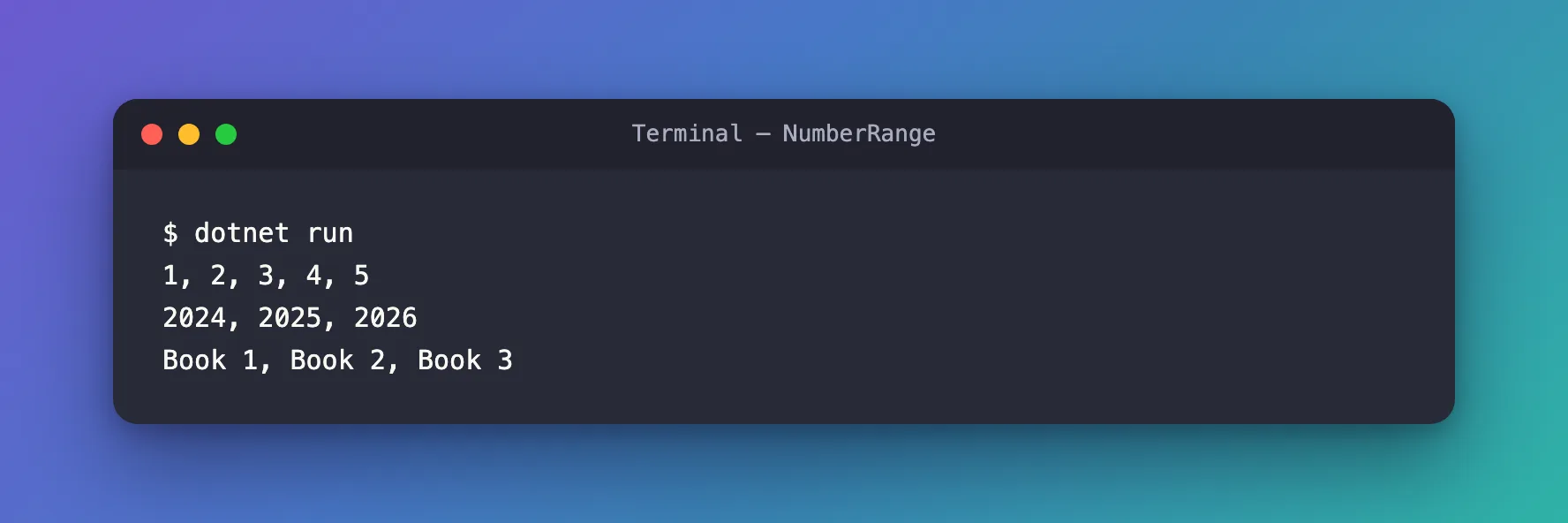
Each range starts at its first number and has exactly as many numbers as its count.
The Complete File
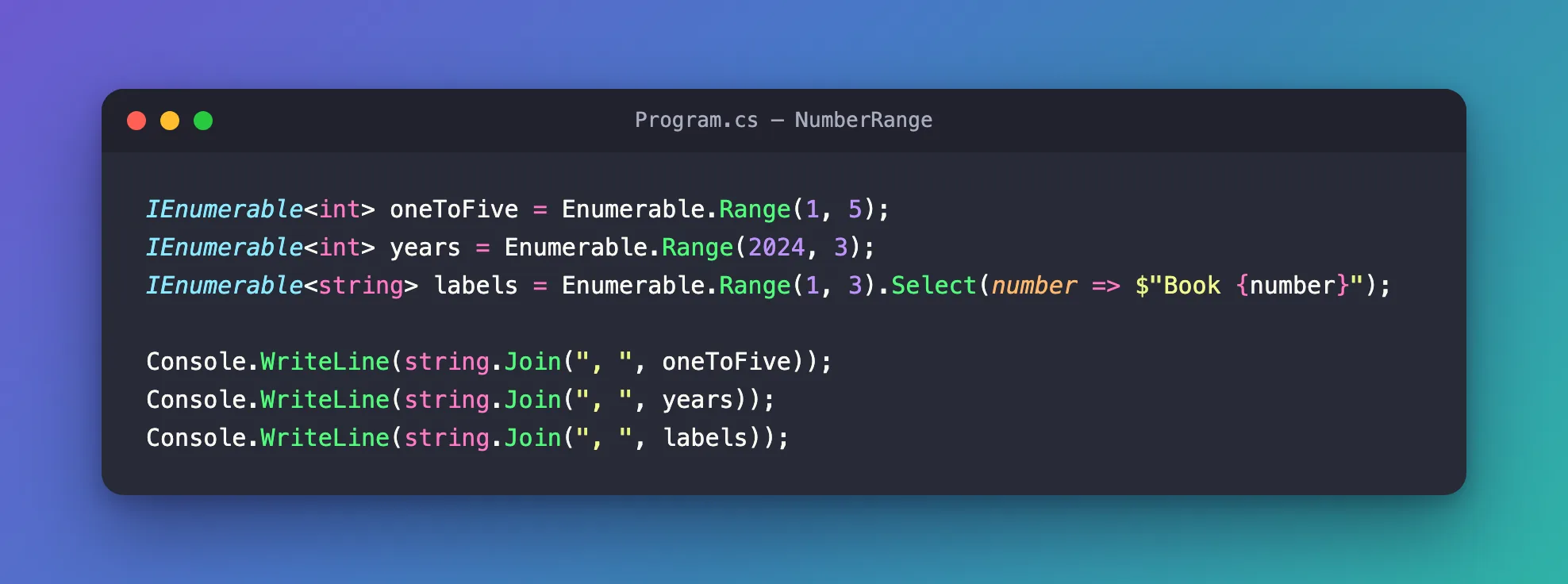
IEnumerable<int> oneToFive = Enumerable.Range(1, 5);
IEnumerable<int> years = Enumerable.Range(2024, 3);
IEnumerable<string> labels = Enumerable.Range(1, 3).Select(number => $"Book {number}");

Console.WriteLine(string.Join(", ", oneToFive));
Console.WriteLine(string.Join(", ", years));
Console.WriteLine(string.Join(", ", labels));
Common Mistakes
| Mistake | What happens | Do this instead |
|---|---|---|
| Reading the second number as the last one | Enumerable.Range(5, 10) is ten numbers from 5: 5 to 14 | Pass the count: for 5 to 10, Enumerable.Range(5, 6) returned 5, 6, 7, 8, 9, 10 |
| A negative count | ArgumentOutOfRangeException: Specified argument was out of the range of valid values. (Parameter 'count') | Use 0 or more: Enumerable.Range(1, 0) returned an empty sequence |
FAQ
How do I count in steps of 2?
Multiply with Select: Enumerable.Range(0, 5).Select(number => number * 2) returned 0, 2, 4, 6, 8.
Conclusion
Enumerable.Range(start, count) gives count whole numbers from start. Remember that the second number is a count, and use Select to turn the numbers into steps, labels or anything else.
Additional Resources
- Enumerable.Range — the method and its exceptions.
