How to Make a Case-Insensitive HashSet in C#

A HashSet<string> keeps a set of unique strings and answers "is this one in it?" quickly. By default, Leo and leo are two different strings. Pass StringComparer.OrdinalIgnoreCase when you create the set, and it treats them as one.
Syntax
var <set> = new HashSet<string>(<items>, StringComparer.OrdinalIgnoreCase);
var <set> = new HashSet<string>(StringComparer.OrdinalIgnoreCase);
| Part | What it does |
|---|---|
new HashSet<string>(...) | Creates the set. |
<items> | Optional. The strings to start with, such as a collection expression ["Leo", "Maya"]. |
StringComparer.OrdinalIgnoreCase | Compares the strings without regard to upper or lower case, character by character. |
The comparer is fixed when the set is created and applies to every Add, Contains and Remove. Microsoft's HashSet constructor reference: "Initializes a new instance of the HashSet<T> class that uses the specified equality comparer for the set type, contains elements copied from the specified collection, and has sufficient capacity to accommodate the number of elements copied." And StringComparer.OrdinalIgnoreCase: "Gets a StringComparer object that performs a case-insensitive ordinal string comparison."
The Example
The example builds two sets with the same names, Leo and Maya: a strict one with the default comparer, and a relaxed one that ignores case. It then looks names up in other spellings, and tries to add LEO to the relaxed set.
Prerequisites
- The .NET 10 SDK or newer, which runs a single
.csfile withdotnet run. This guide uses .NET SDK 10.0.404.
Step 1: Write the Code
Create a file named main.cs in an empty folder:
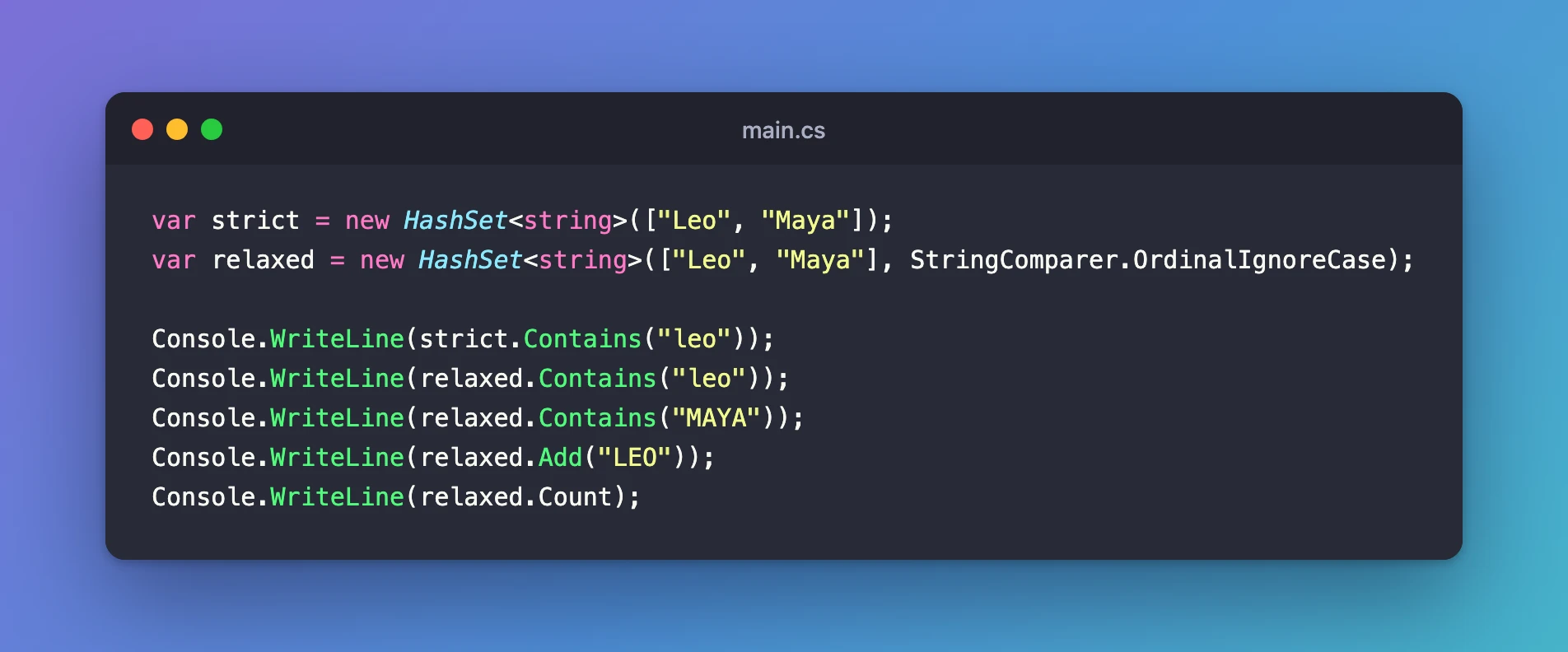
var strict = new HashSet<string>(["Leo", "Maya"]);
var relaxed = new HashSet<string>(["Leo", "Maya"], StringComparer.OrdinalIgnoreCase);

Console.WriteLine(strict.Contains("leo"));
Console.WriteLine(relaxed.Contains("leo"));
Console.WriteLine(relaxed.Contains("MAYA"));
Console.WriteLine(relaxed.Add("LEO"));
Console.WriteLine(relaxed.Count);
Step 2: Run It
dotnet run main.cs
False
True
True
False
2
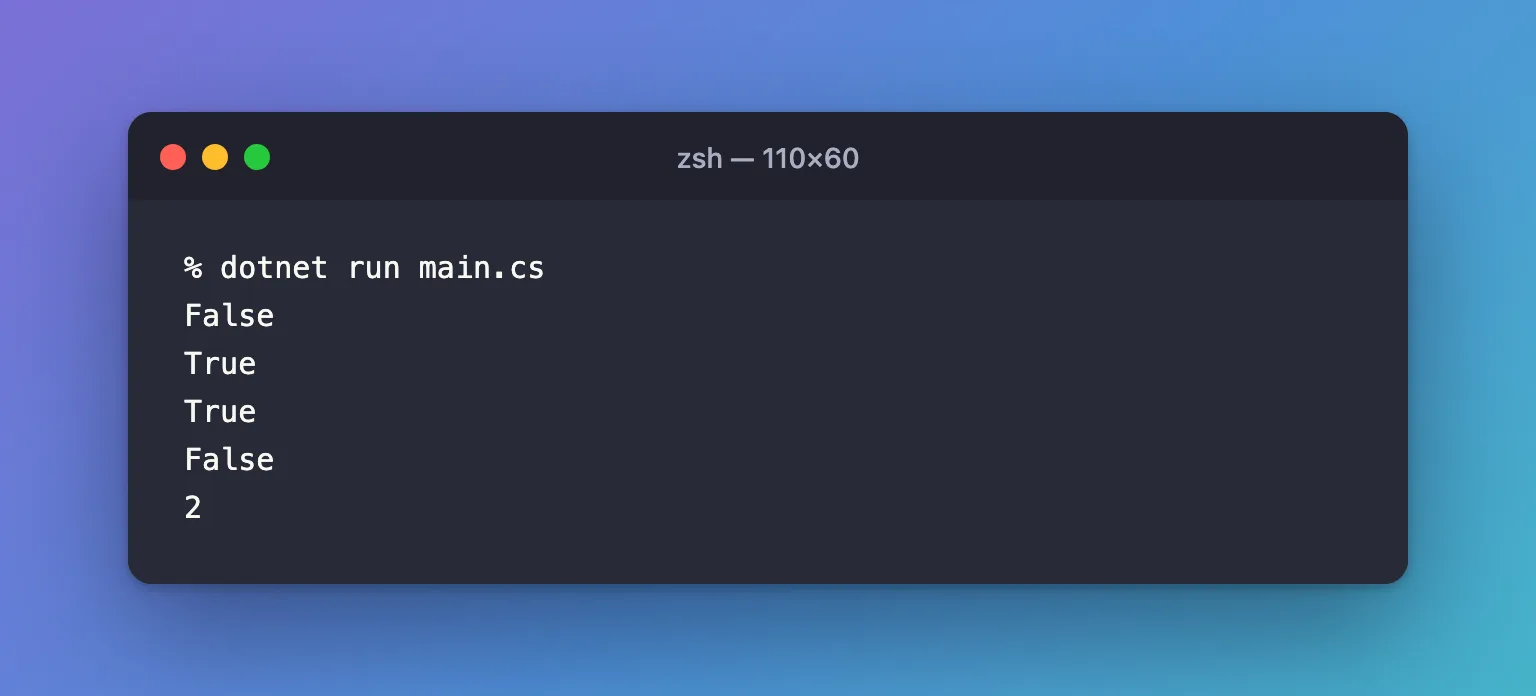
The strict set didn't find leo, because Leo has a capital L. The relaxed set found both leo and MAYA. Add("LEO") returned False: the Add reference says it returns "false if the element is already present", and for this set LEO is the same as Leo. So the set still holds 2 names. The command is the same in zsh, bash and PowerShell.
Which Spelling the Set Keeps
The set keeps the spelling that was added first. Printing the relaxed set after Add("LEO"):
var relaxed = new HashSet<string>(["Leo", "Maya"], StringComparer.OrdinalIgnoreCase);
relaxed.Add("LEO");
Console.WriteLine(string.Join(", ", relaxed));
Leo, Maya
LEO was rejected as a duplicate, so Leo stays as it was written.
Common Mistakes
| Mistake | What happens | Do this instead |
|---|---|---|
| Creating the set without a comparer | Leo and leo are counted as two different names | Pass StringComparer.OrdinalIgnoreCase to the constructor |
| Lowercasing every value before adding and looking up | Works, but loses the original spelling and is easy to forget in one place | Let the comparer handle case |
Expecting Add to replace an existing spelling | The first spelling stays, and Add returns false | Remove the old value first if the spelling must change |
Troubleshooting
| Symptom | Likely cause | Fix |
|---|---|---|
Contains misses a value that differs only in case | The set uses the default, case-sensitive comparer | Recreate it with StringComparer.OrdinalIgnoreCase |
Add returns false for a value you haven't added | Another spelling of it is already in the set | Expected with a case-insensitive comparer |
FAQ
When is OrdinalIgnoreCase the right comparer?
For identifiers that programs produce or compare, such as names, keys, file names and IDs. Its reference: "This is most appropriate when comparing strings that are generated programmatically or when comparing case-insensitive resources such as paths and filenames."
Can I change the comparer of an existing set?
No, it's fixed at creation. Create a new set from the old one with the comparer you want: new HashSet<string>(oldSet, StringComparer.OrdinalIgnoreCase).
Conclusion
new HashSet<string>(items, StringComparer.OrdinalIgnoreCase) creates a set in which Leo, leo and LEO are one item. Contains finds any spelling, Add returns false for another spelling of an existing name, and the set keeps the spelling that came first.
Additional Resources
- HashSet constructors, on Microsoft Learn.
- StringComparer.OrdinalIgnoreCase, on Microsoft Learn.
