How to Loop Through a Dictionary in C#

foreach (KeyValuePair<string, int> item in stock) goes through a dictionary one entry at a time, with item.Key and item.Value. You can also take each entry apart into two variables of its own.
Microsoft's reference: For purposes of enumeration, each item in the dictionary is treated as a KeyValuePair<TKey,TValue> structure representing a value and its key. The order in which the items are returned is undefined.
Syntax
foreach (KeyValuePair<TKey, TValue> <item> in <dictionary>)
{
    // <item>.Key and <item>.Value
}

foreach ((TKey <key>, TValue <value>) in <dictionary>)
{
    // <key> and <value>
}
| Part | What it is |
|---|---|
KeyValuePair<TKey, TValue> | One entry, with a Key and a Value |
(TKey <key>, TValue <value>) | Takes each entry apart into two variables |
<dictionary> | Any Dictionary<TKey, TValue> |
The Example
A console app called DictionaryLoop has a stock list of three fruits. It prints each entry with its key and value, then loops again with two variables to work out the stock after a delivery.
Prerequisites
- The .NET 10 SDK.
dotnet --versionprints a version that starts with10.0.
Step 1: Create a Console App
dotnet new console -n DictionaryLoop
cd DictionaryLoop
The template "Console App" was created successfully.

Processing post-creation actions...
Restoring /Users/you/source/DictionaryLoop/DictionaryLoop.csproj:
  Determining projects to restore...
  Restored /Users/you/source/DictionaryLoop/DictionaryLoop.csproj (in 46 ms).
Restore succeeded.
dotnet new console -n DictionaryLoop creates a folder named DictionaryLoop with a project file and a Program.cs, and cd moves into it. Everything this example uses is part of .NET, so there's no package to add. Open the folder in VS Code, or DictionaryLoop.csproj in Visual Studio.
Step 2: Write the Code
Replace everything in Program.cs. First the dictionary:
Dictionary<string, int> stock = new()
{
    ["apples"] = 12,
    ["pears"] = 5,
    ["plums"] = 0,
};
Then the first loop, with KeyValuePair:
// Each item is a KeyValuePair with a Key and a Value.
foreach (KeyValuePair<string, int> item in stock)
{
    Console.WriteLine($"{item.Key}: {item.Value}");
}
And the second, with two variables:
// The same pairs, taken apart into two variables.
foreach ((string fruit, int count) in stock)
{
    Console.WriteLine($"{fruit} after a delivery of 10: {count + 10}");
}
(string fruit, int count) takes each entry apart, so the body uses fruit and count instead of item.Key and item.Value.
Step 3: Run It
Run it in VS Code's terminal, or press Ctrl+F5 in Visual Studio:
dotnet run
apples: 12
pears: 5
plums: 0
apples after a delivery of 10: 22
pears after a delivery of 10: 15
plums after a delivery of 10: 10
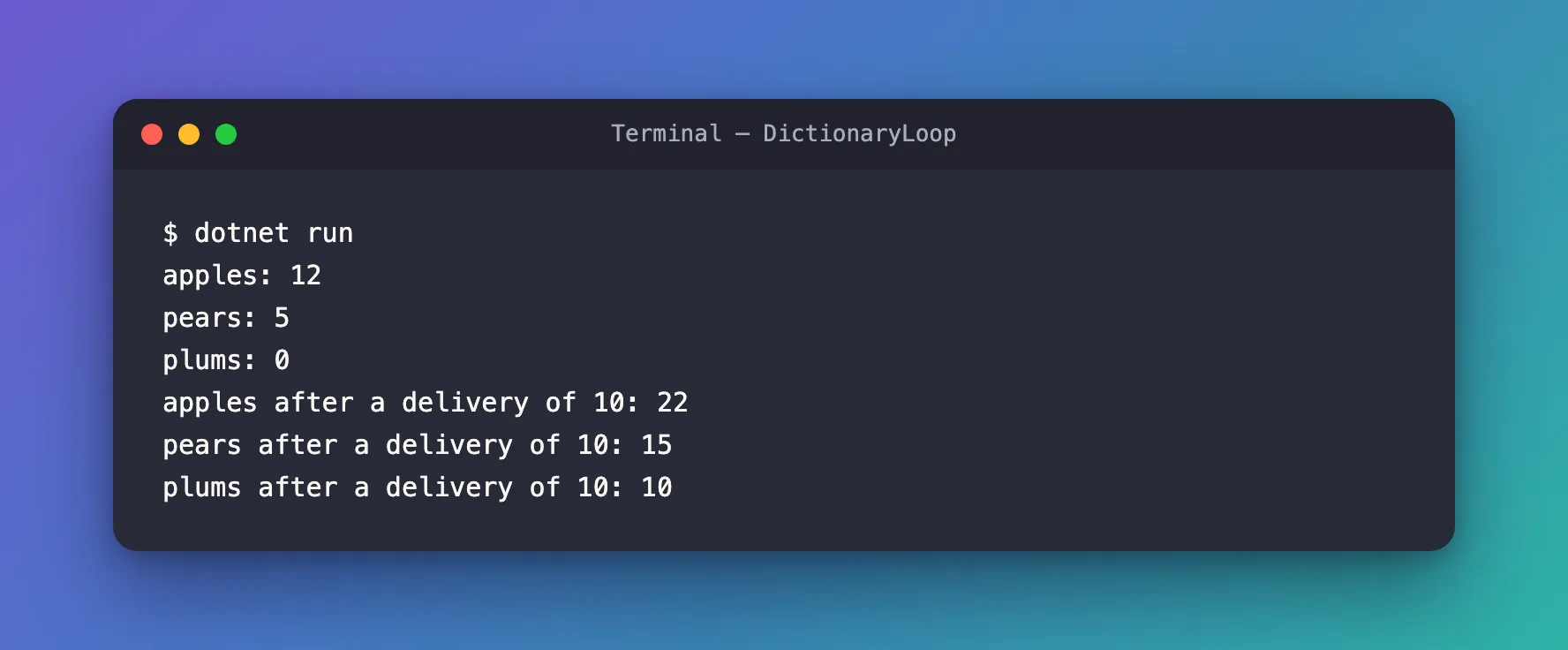
Both loops saw the same three entries. They came out in the order they were added here, but the reference says the order is undefined, so don't rely on it.
The Complete File
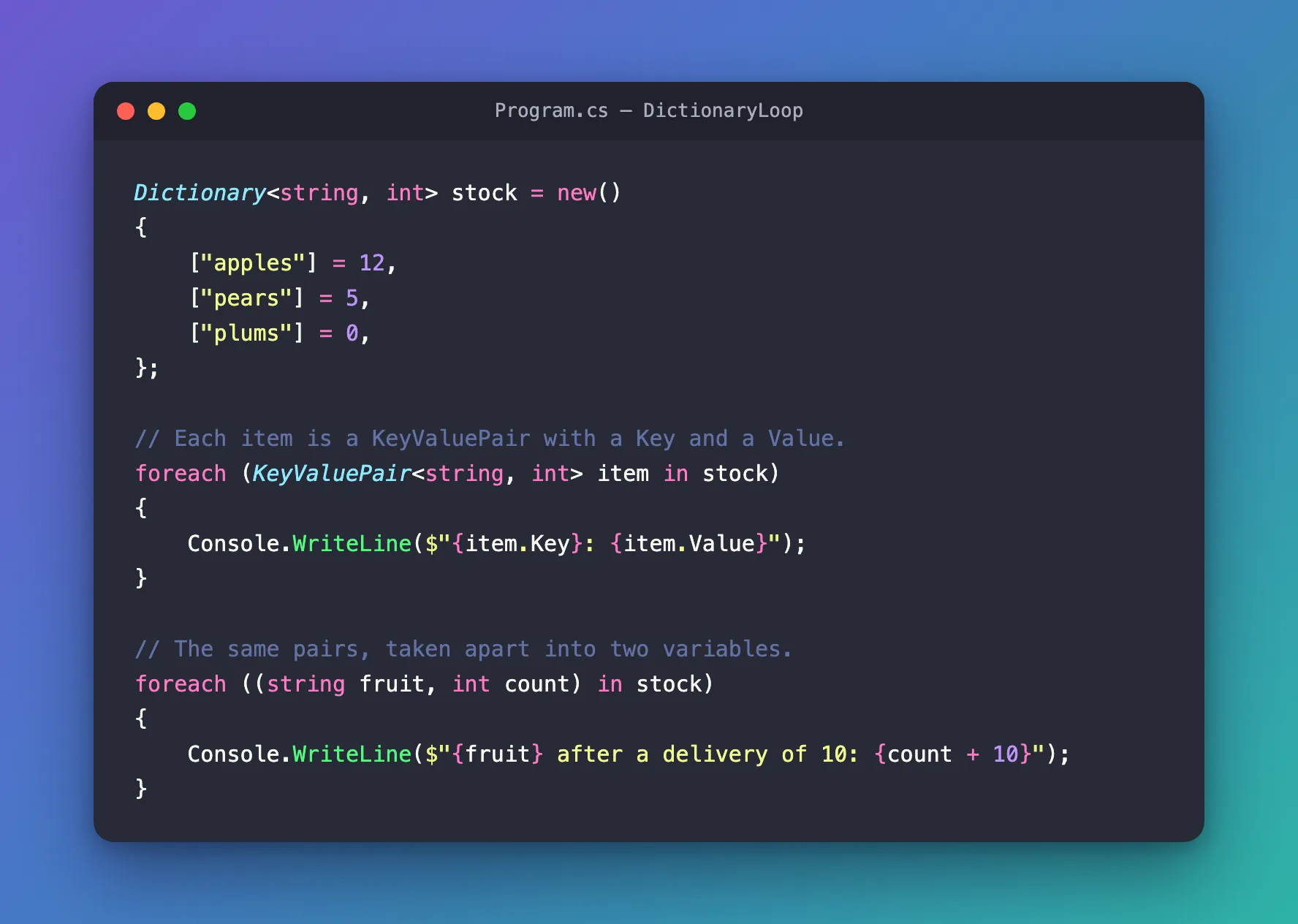
Dictionary<string, int> stock = new()
{
    ["apples"] = 12,
    ["pears"] = 5,
    ["plums"] = 0,
};

// Each item is a KeyValuePair with a Key and a Value.
foreach (KeyValuePair<string, int> item in stock)
{
    Console.WriteLine($"{item.Key}: {item.Value}");
}

// The same pairs, taken apart into two variables.
foreach ((string fruit, int count) in stock)
{
    Console.WriteLine($"{fruit} after a delivery of 10: {count + 10}");
}
Common Mistakes
| Mistake | What happens | Do this instead |
|---|---|---|
| Adding an entry inside the loop | InvalidOperationException: Collection was modified; enumeration operation may not execute. | Loop over a copy: foreach (... in stock.ToList()) added two new entries without an error |
| Counting on the order of the entries | The reference says the order is undefined | Sort when the order matters: stock.OrderBy(item => item.Key) gave apples pears plums |
FAQ
Can I change a value during the loop?
For a key that's already there, yes: setting stock[item.Key] = item.Value + 1 inside the loop worked, and gave apples 13 and pears 6. Adding a new key is what fails.
How do I loop over only the keys?
Use stock.Keys, or stock.Values for the values: string.Join(", ", stock.Keys) returned apples, pears, plums.
Conclusion
Loop over a dictionary with foreach (KeyValuePair<TKey, TValue> item in dictionary), or take each entry apart into two variables. Don't add entries while you loop, and sort the entries yourself when their order matters.
Additional Resources
- Dictionary class — enumeration and every member.
- KeyValuePair struct — the entry type.
