How to Loop over Items in Python with for

When a list has several items and each needs the same work, write the work once inside a for loop. Python runs it once per item, with the item in a variable you name. This guide prints a shopping list, with real output from Python 3.15.2.
Syntax
for <item> in <list>:
    <code that runs for each item>
| Part | What it means |
|---|---|
<item> | A name for the current item. It holds a new item on each pass |
<list> | What to loop over: a list, a string, a range and more |
| The indented lines | The code that runs once per item |
The Python language reference: "The for statement is used to iterate over the elements of a sequence (such as a string, tuple or list) or other iterable object".
Prerequisites
- uv and Python 3. This guide uses uv 0.13.10 with Python 3.15.2, in a project made with
uv init.
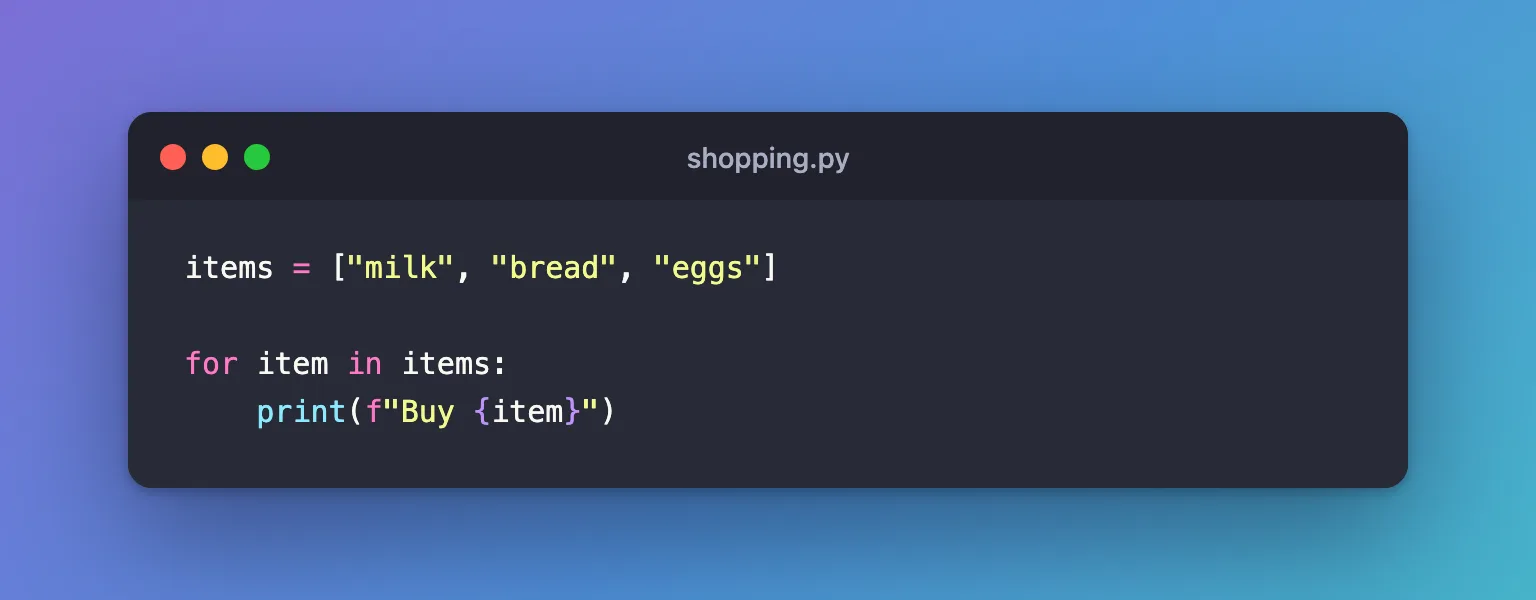
Step 1: Write the Script
items = ["milk", "bread", "eggs"]

for item in items:
    print(f"Buy {item}")
Step 2: Run It
uv run python shopping.py
Buy milk
Buy bread
Buy eggs
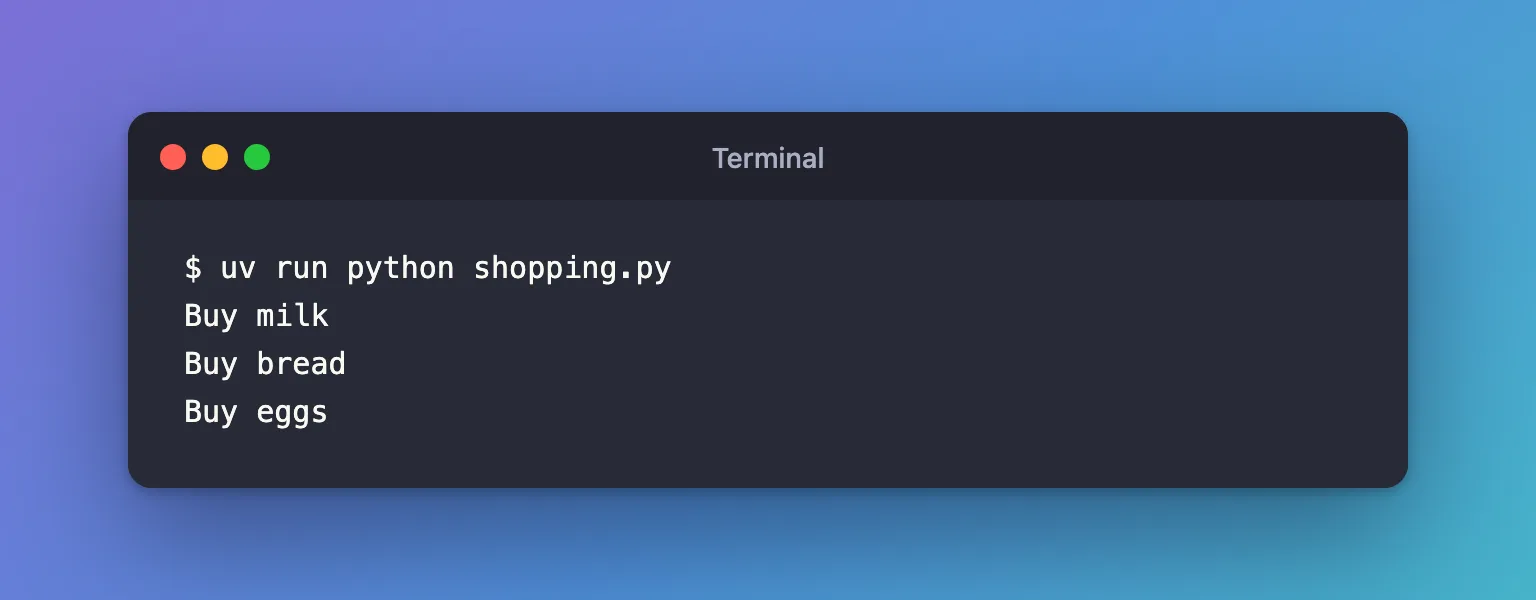
The print line ran three times, once per item, in the list's order.
Common Mistakes
| Mistake | What happens | Do this instead |
|---|---|---|
| Leaving out the colon | for item in items raised SyntaxError: expected ':' | End the for line with : |
| Not indenting the loop's code | IndentationError: expected an indented block after 'for' statement on line 2 | Indent the loop's lines, usually by four spaces |
Troubleshooting
| Symptom | Likely cause | Fix |
|---|---|---|
| A line runs once instead of once per item | It isn't indented under the for: an unindented print("Done shopping") after the loop printed once, after the three Buy lines | Indent it to the same level as the other lines in the loop |
FAQ
How do I number the items?
Wrap the list in enumerate: for number, item in enumerate(items, start=1): gave 1 milk, 2 bread and 3 eggs.
Can I loop over other things than lists?
Yes: anything iterable. In a check, a string gave its characters a, b, c; a dictionary gave its keys milk and eggs; and range(3) gave 0, 1, 2.
Conclusion
for item in items: ran print(f"Buy {item}") once per item and printed the three lines of the shopping list. Use enumerate when you also need the position.
Additional Resources
- for statements — the tutorial's introduction.
- The for statement — the language reference.
