How to Log with the LoggerMessage Source Generator in .NET C#

logger.LogInformation("Archived product {ProductId}", id) works, but with stricter analyzers it stops the build with CA1848. The replacement is a [LoggerMessage] method: you declare one line, and a source generator writes the rest. Each message gets a name, an event ID and a level in one place, and the call looks like any other method.
Prerequisites
- A .NET project with logging. The examples use a .NET 10 minimal API. ASP.NET Core already references what this needs. The attribute is in
Microsoft.Extensions.Logging.
Step 1: Declare the Message
Create a static partial class, and one static partial method per message. You write no method body:
internal static partial class DemoLog
{
    [LoggerMessage(EventId = 1001, Level = LogLevel.Information, Message = "Archived product {ProductId}")]
    public static partial void ProductArchived(ILogger logger, int productId);

    [LoggerMessage(EventId = 1002, Level = LogLevel.Debug, Message = "Checked product {ProductId}")]
    public static partial void DebugOnly(ILogger logger, int productId);
}
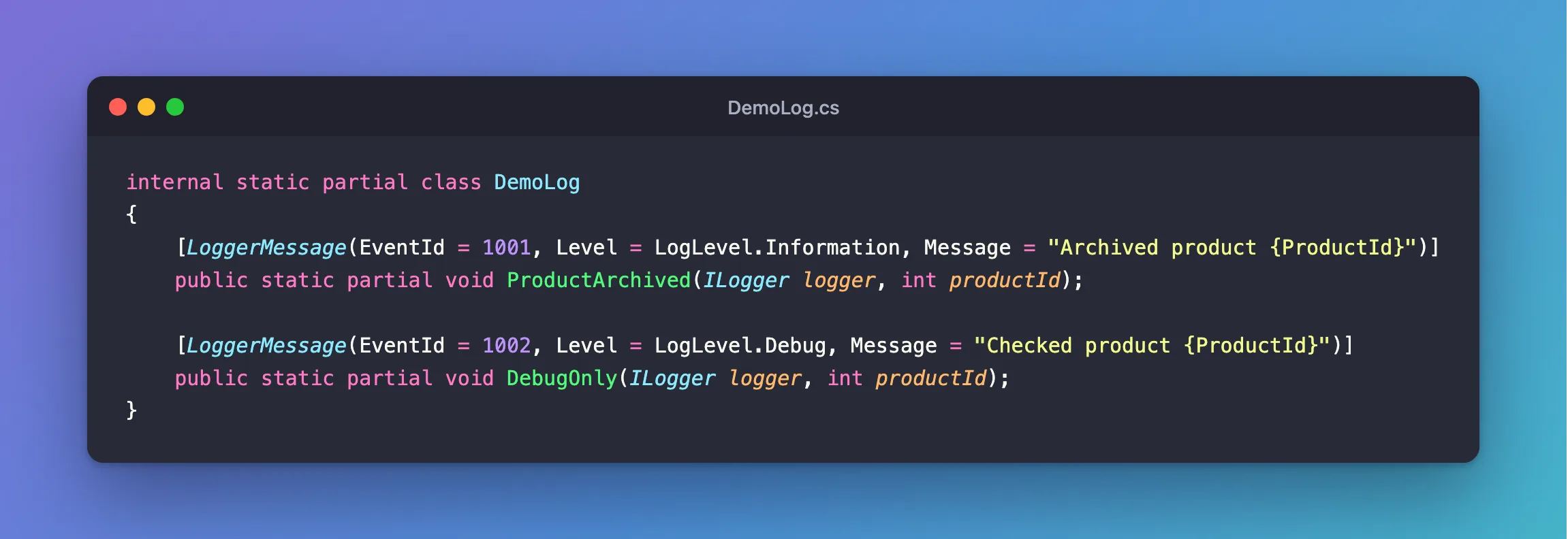
{ProductId} in the template matches the productId parameter, because the generator "does a case-insensitive comparison". The ILogger parameter says which logger to write to. Microsoft's page explains what happens next: "The source generator is triggered when LoggerMessageAttribute is used on partial logging methods. When triggered, it autogenerates the implementation of the partial methods it's decorating."
Step 2: Get a Logger
In a class of your own, ask for ILogger<YourClass>. Endpoints in a static class can't, since a static class can't be a type argument. Take ILoggerFactory instead, and name the category yourself:
d.MapGet("/event-id", (ILoggerFactory loggers) =>
{
    var logger = loggers.CreateLogger("Dewiride.Inventory.Api.Features.Products");
    DemoLog.ProductArchived(logger, 42);
    DemoLog.DebugOnly(logger, 42);
    return Results.Ok();
});
Step 3: See the Output
info: Dewiride.Inventory.Api.Features.Products[1001]
      Archived product 42
Reading that line from left to right:
infois the level.Dewiride.Inventory.Api.Features.Productsis the category you named, which is what log level settings match on.[1001]is the event ID, the same for every occurrence, so you can search for this one event.Archived product 42is the message.
Checked product isn't there, because the level is Debug and the default level here is Information.
Why Bother?
- Speed. The page says: "This compile-time logging solution is considerably faster at runtime than previously available logging approaches. It eliminates boxing, temporary allocations, and copies to the maximum extent possible."
- No wasted work. With
logger.LogInformation, the arguments are evaluated even when the level is off, which CA1873 warns about. - One list of messages. Levels, IDs and wording sit in one class. The compiler checks that the template and the parameters agree.
Leave EventId out if you don't need it, and a number is generated for you. Another message in this project, with no EventId, logged as info: Demo[1317550069].
Common Mistakes
| Mistake | What happens | Do this instead |
|---|---|---|
Forgetting partial on the class or the method | It doesn't compile | Add both |
| Writing a method body | The generator writes the body, and reports an error | End with a semicolon |
The same EventId twice in a class | The generator reports it | Give each message its own |
| Logging personal data in a message | It reaches your log store | Log IDs |
ILogger<CategoryEndpoints> on a static class | Static classes can't be type arguments | Use ILoggerFactory.CreateLogger |
FAQ
Can I call it as logger.ProductArchived(42)?
Yes. Write this ILogger logger as the first parameter, and it becomes an extension method, as the page shows.
Does this mean I must never call LogInformation?
No. It's the analyzer that flags it, and in a project without that rule turned on as an error, it still works. This project sets TreatWarningsAsErrors with latest-recommended analysis, so it does stop the build.
Conclusion
Declare a static partial method with [LoggerMessage], setting the event ID, level and template, and call it like any other method. The generator writes fast code behind it, CA1848 stops complaining, and every message in the app is listed in one place.
Additional Resources
- Compile-time logging source generation — the attribute's options.
- CA1848 — the rule.
