How to Log the Database Settings When an ASP.NET Core App Starts

"Which database is this connected to, and with which settings?" is the first question in many incidents. A single log line at startup answers it. Read the settings by name, and the password can't get into your logs.
What You Need
An ASP.NET Core app with a MySQL connection string. It reads it through MySqlConnectionStringBuilder, and logs with LoggerMessage, which keeps the analyzer happy.
Step 1: Write the Class
Create Infrastructure/DatabaseSettingsLog.cs:
using Dewiride.Inventory.Data;
using MySql.Data.MySqlClient;

namespace Dewiride.Inventory.Api.Infrastructure;

/// <summary>
/// Writes the database settings the app really runs with to the log when it starts. It reads them
/// one by one, so the password can never reach the log.
/// </summary>
public static partial class DatabaseSettingsLog
{
    /// <summary>Logs the connection settings, and warns when the server's identity isn't checked.</summary>
    public static void LogDatabaseSettings(this WebApplication app)
    {
        ArgumentNullException.ThrowIfNull(app);

        var connectionString = app.Configuration.GetConnectionString(InventoryDataServiceCollectionExtensions.ConnectionStringName);
        var settings = new MySqlConnectionStringBuilder(connectionString);

        LogSettings(
            app.Logger,
            settings.Server,
            settings.Database,
            settings.UserID,
            settings.SslMode,
            settings.MaximumPoolSize,
            settings.ConnectionTimeout);

        if (!app.Environment.IsDevelopment() && settings.SslMode is not (MySqlSslMode.VerifyCA or MySqlSslMode.VerifyFull))
        {
            LogServerNotVerified(app.Logger, settings.SslMode);
        }
    }

    [LoggerMessage(
        Level = LogLevel.Information,
        Message = "MySQL connection: server {Server}, database {Database}, user {User}, SslMode {SslMode}, pool up to {MaximumPoolSize}, connect timeout {ConnectTimeoutSeconds} s")]
    private static partial void LogSettings(
        ILogger logger,
        string server,
        string database,
        string user,
        MySqlSslMode sslMode,
        uint maximumPoolSize,
        uint connectTimeoutSeconds);

    [LoggerMessage(
        Level = LogLevel.Warning,
        Message = "SslMode is {SslMode}: the connection doesn't check the MySQL server's certificate. Use VerifyFull in production.")]
    private static partial void LogServerNotVerified(ILogger logger, MySqlSslMode sslMode);
}
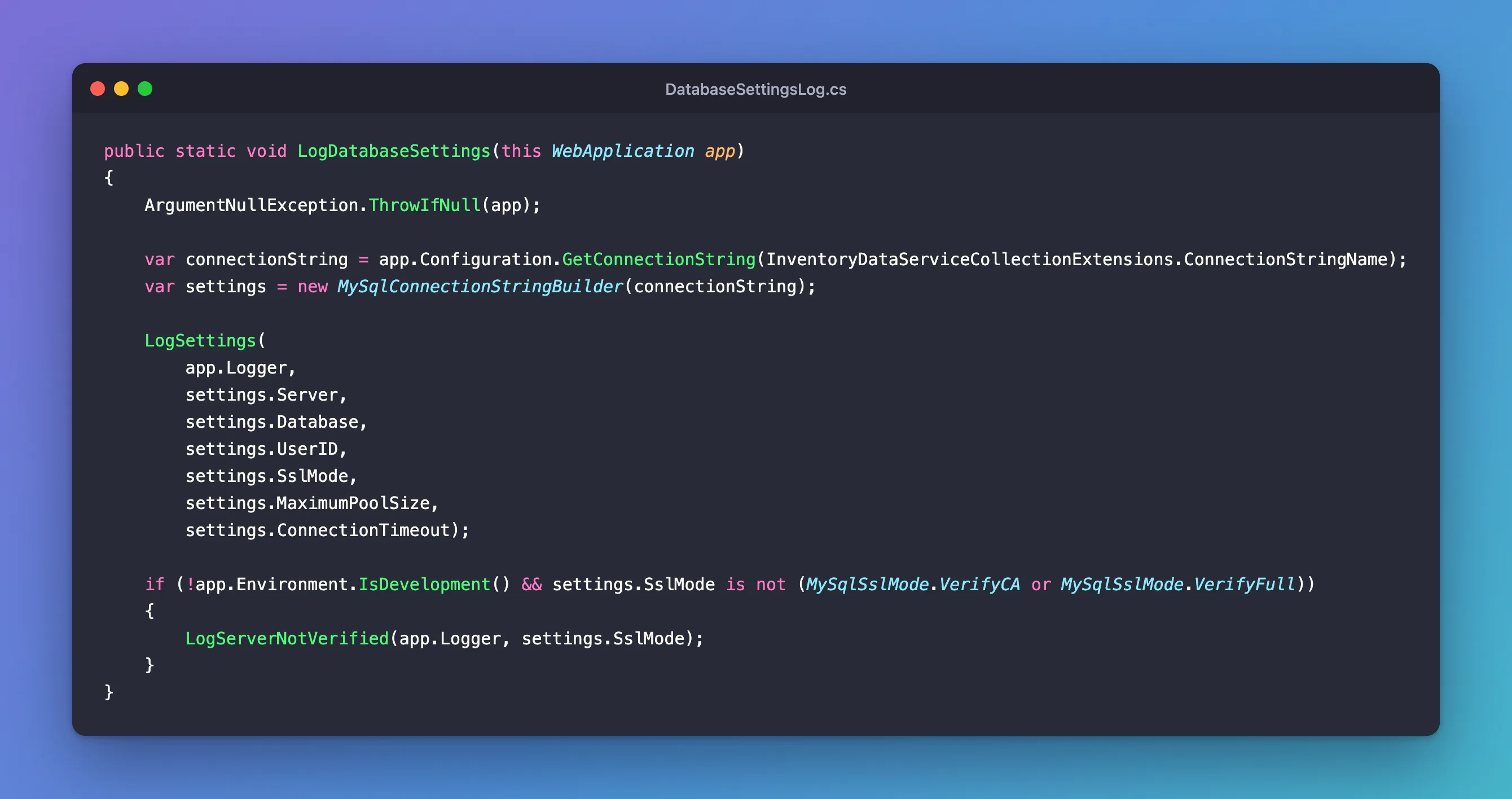
- Each setting is named, so the password isn't anywhere in this code. Passing the whole string, or
builder.ConnectionString, would log it. IsDevelopmentkeeps the warning out of your own machine, whereSslMode=Requiredis fine.- Partial methods with
[LoggerMessage]have the source generator write the logging code. That's why the class ispartial.
Step 2: Call It
In Program.cs, right after var app = builder.Build();:
app.LogDatabaseSettings();
It's after Build, so dotnet ef doesn't run it: EF's tools stop at Build to get your context.
Step 3: See It
In Development, in plain text:
MySQL connection: server 127.0.0.1, database inventory, user inventory_app, SslMode Required, pool up to 100, connect timeout 15 s
In Production, with SslMode=Required, as JSON:
{"Timestamp":"2026-11-06T07:23:37.258Z","EventId":2111287004,"LogLevel":"Information","Category":"Dewiride.Inventory.Api","Message":"MySQL connection: server 127.0.0.1, database inventory, user inventory_app, SslMode Required, pool up to 25, connect timeout 15 s","State":{"Server":"127.0.0.1","Database":"inventory","User":"inventory_app","SslMode":"Required","MaximumPoolSize":25,"ConnectTimeoutSeconds":15,"{OriginalFormat}":"MySQL connection: server {Server}, database {Database}, user {User}, SslMode {SslMode}, pool up to {MaximumPoolSize}, connect timeout {ConnectTimeoutSeconds} s"}}
{"Timestamp":"2026-11-06T07:23:37.266Z","EventId":436935167,"LogLevel":"Warning","Category":"Dewiride.Inventory.Api","Message":"SslMode is Required: the connection doesn\u0027t check the MySQL server\u0027s certificate. Use VerifyFull in production.","State":{"SslMode":"Required","{OriginalFormat}":"SslMode is {SslMode}: the connection doesn\u0027t check the MySQL server\u0027s certificate. Use VerifyFull in production."}}
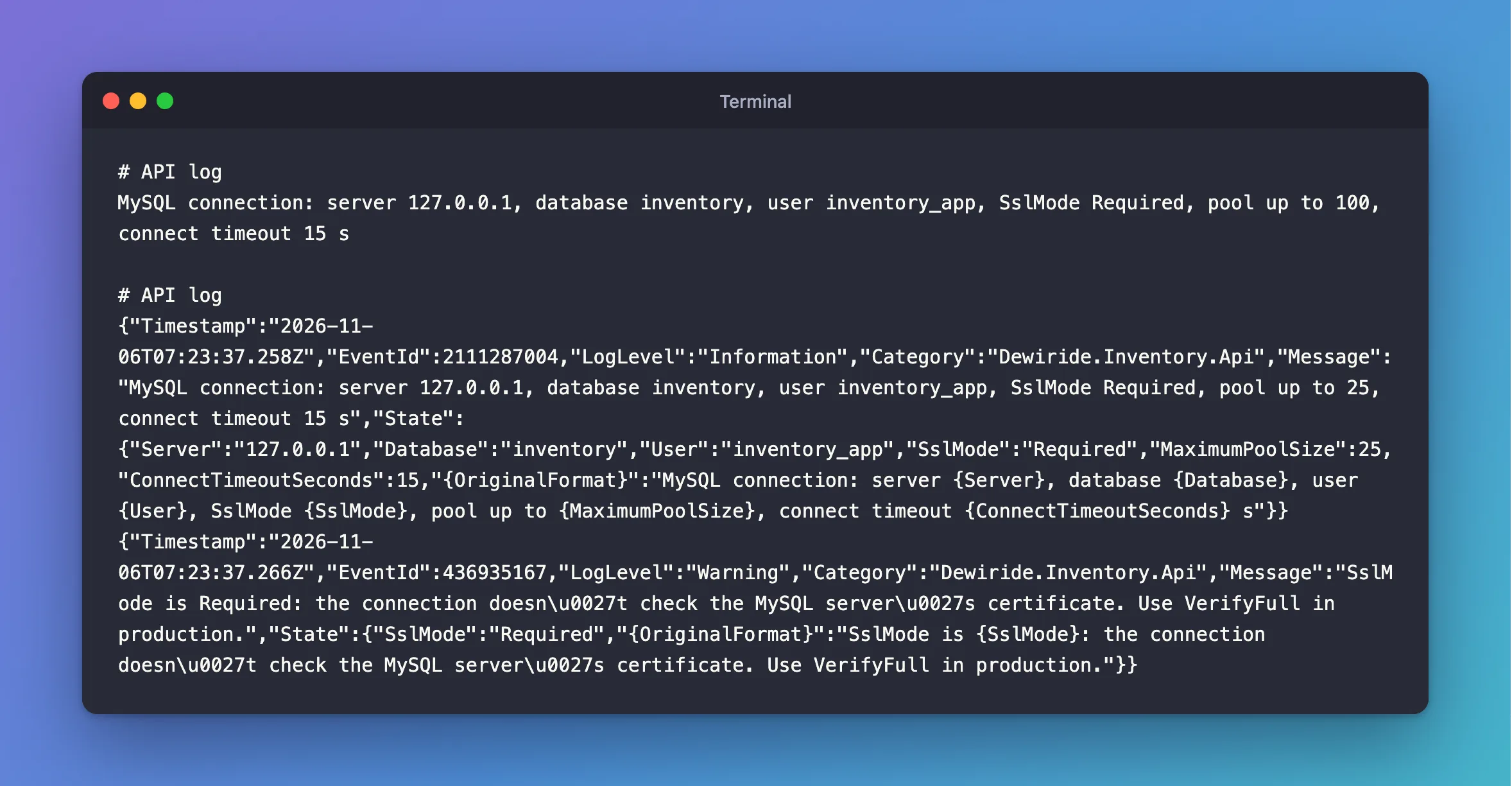
With VerifyFull, the warning goes away. After a run in Production, I searched the whole log for each password in .env, and found none.
What to Add for Your App
The same idea works for anything people ask about in an incident: the app's version, the environment and the feature flags that are on. Keep it to one or two lines, and leave out what doesn't change.
Common Mistakes
| Mistake | What happens | Do this instead |
|---|---|---|
| Logging the whole connection string | The password's in your log, for good | Log named settings |
| Logging it on every request | Noise, and cost | At startup only |
Failing silently without SslMode | Preferred can fall back to no encryption | The warning catches that too |
Troubleshooting
| Symptom | Likely cause | Fix |
|---|---|---|
CA1848 on the logging calls | The analyzer wants LoggerMessage | The fix |
| The line doesn't appear | The log level for your app's category is above Information | Check appsettings.json |
Option not supported at startup | A ; in the password | The fix |
Conclusion
One startup log line, built from named settings, tells you what the app's connected to, and it can't leak the password. Add a warning for the settings you'd never want in production.
Additional Resources
- Compile-time logging source generation —
LoggerMessage. - Connector/NET Connection Options — the settings.
