How to Log Every Deadlock in MySQL

MySQL's status report keeps one deadlock, the most recent. If deadlocks come in bursts at 3 a.m., that's no use. One setting writes every one of them to the error log, with the same detail, so you can read them the next morning.
Prerequisites
- MySQL, and an administrator account. The examples use root on MySQL 9.7.4, running in Docker with Docker Compose.
Step 1: Check the Setting
SELECT @@innodb_print_all_deadlocks, @@innodb_deadlock_detect, @@log_error_verbosity;
+------------------------------+--------------------------+-----------------------+
| @@innodb_print_all_deadlocks | @@innodb_deadlock_detect | @@log_error_verbosity |
+------------------------------+--------------------------+-----------------------+
|                            0 |                        1 |                     2 |
+------------------------------+--------------------------+-----------------------+
1 row in set (0.001 sec)
0 means off, the default. Deadlock detection itself is on, so MySQL still resolves them. It just doesn't write them down.
Step 2: Turn It On
SET GLOBAL innodb_print_all_deadlocks = ON;
The InnoDB options page says: "When this option is enabled, information about all deadlocks in InnoDB user transactions is recorded in the mysqld error log."
It takes effect at once, for everyone. It needs an administrator: an ordinary account gets ERROR 1227.
Step 3: Cause a Deadlock, and Read the Log
Two sessions take the same two rows in opposite orders, as in Fixed: ERROR 1213. The official Docker image writes its error log to the container's output, so docker compose logs is where to look:
docker compose logs mysql --since 30s
mysql-1  | TRANSACTION 4581, ACTIVE 3 sec starting index read
mysql-1  | mysql tables in use 4, locked 4
mysql-1  | LOCK WAIT 3 lock struct(s), heap size 1128, 2 row lock(s), undo log entries 1
mysql-1  | MySQL thread id 115, OS thread handle 281472163827392, query id 1110 localhost inventory_app updating
mysql-1  | UPDATE products SET QuantityOnHand = QuantityOnHand - 1 WHERE Id = 4
mysql-1  | RECORD LOCKS space id 10 page no 4 n bits 88 index PRIMARY of table `inventory`.`products` trx id 4581 lock_mode X locks rec but not gap
mysql-1  | RECORD LOCKS space id 10 page no 4 n bits 88 index PRIMARY of table `inventory`.`products` trx id 4581 lock_mode X locks rec but not gap waiting
mysql-1  | TRANSACTION 4582, ACTIVE 2 sec starting index read
mysql-1  | mysql tables in use 4, locked 4
mysql-1  | LOCK WAIT 3 lock struct(s), heap size 1128, 2 row lock(s), undo log entries 1
mysql-1  | MySQL thread id 116, OS thread handle 281472164945600, query id 1111 localhost inventory_app updating
mysql-1  | UPDATE products SET QuantityOnHand = QuantityOnHand - 1 WHERE Id = 3
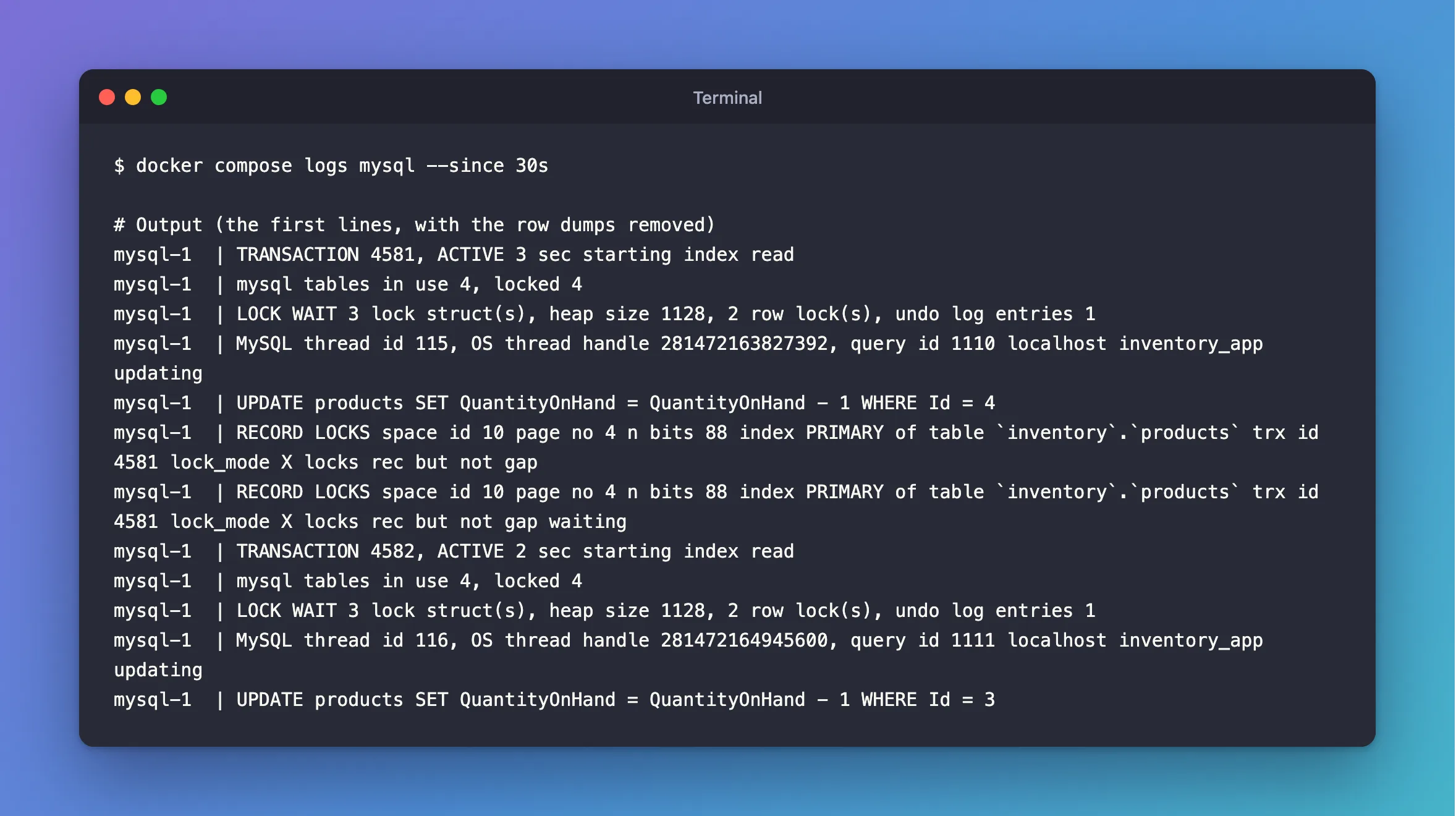
It's the same details as in How to See the Last Deadlock in MySQL, once per deadlock. Search the log for LOCK WAIT to find them.
Step 4: Keep It On After a Restart
SET GLOBAL doesn't survive a restart. With Docker Compose, add the option to the service in compose.yaml:
services:
  mysql:
    image: mysql:9.7
    command: ["--innodb-print-all-deadlocks=ON"]
Then recreate the container, which keeps the data in its volume:
docker compose up -d --wait
SELECT @@innodb_print_all_deadlocks;
+------------------------------+
| @@innodb_print_all_deadlocks |
+------------------------------+
|                            1 |
+------------------------------+
1 row in set (0.000 sec)
Step 5: Turn It Off
SET GLOBAL innodb_print_all_deadlocks = OFF;
The deadlock handling page treats this as a debugging aid: "If frequent deadlock warnings cause concern, collect more extensive debugging information by enabling the innodb_print_all_deadlocks variable." Each one writes a good deal of text, so if deadlocks are frequent, keep an eye on the size of your logs.
Common Mistakes
| Mistake | What happens | Do this instead |
|---|---|---|
Looking in a .log file inside the container | The Docker image sends its error log to the container's output | Use docker compose logs |
Relying on SET GLOBAL after a restart | It's back to off | Use a startup option |
| Leaving it on with thousands of deadlocks a day | The log grows fast | Fix the cause, then turn it off |
Troubleshooting
| Symptom | Likely cause | Fix |
|---|---|---|
| Nothing in the log | The setting's off, or there's been no deadlock | Check the variable, and run a deadlock |
Access denied; you need (at least one of) the SUPER or SYSTEM_VARIABLES_ADMIN | The account can't set global variables | Use an admin account |
| The log is hard to read | The row dumps fill it | Search for TRANSACTION and HOLDS |
FAQ
Does logging slow MySQL down?
It writes only when a deadlock happens, and a deadlock is already a slow event. It costs log space more than anything.
Conclusion
SET GLOBAL innodb_print_all_deadlocks = ON sends every deadlock to the error log. In Docker that's docker compose logs mysql, and a command: line in compose.yaml makes it stick across restarts.
Additional Resources
- innodb_print_all_deadlocks — the option.
- How to Minimize and Handle Deadlocks — what to do with what you find.
