How to Log a Folder of Files to MLflow with log_artifacts

When a step of your code writes several files, such as a set of reports or charts, logging them one by one gets tedious. mlflow.log_artifacts() uploads a whole folder to the run in one call, subfolders included. One detail decides where the files end up: artifact_path. This guide logs a folder of two reports, with real output from MLflow 3.18.0.
Syntax
mlflow.log_artifacts("<folder on disk>", artifact_path="<folder in the run>")
| Part | What it means |
|---|---|
"<folder on disk>" | The folder whose contents to upload: "Log all the contents of a local directory as artifacts of the run" |
artifact_path= | The folder in the run to put them in. Without it, the contents go to the top level of the run's artifacts, and the folder's own name isn't kept |
| The current run | MLflow logs to the active run, and starts one if none is active |
Subfolders keep their structure: reports/charts/c.txt on disk becomes reports/charts/c.txt in the run.
Prerequisites
- An MLflow tracking server at
http://127.0.0.1:8080. MLflow's tracking server guide shows how to start one.
Step 1: Log a Folder
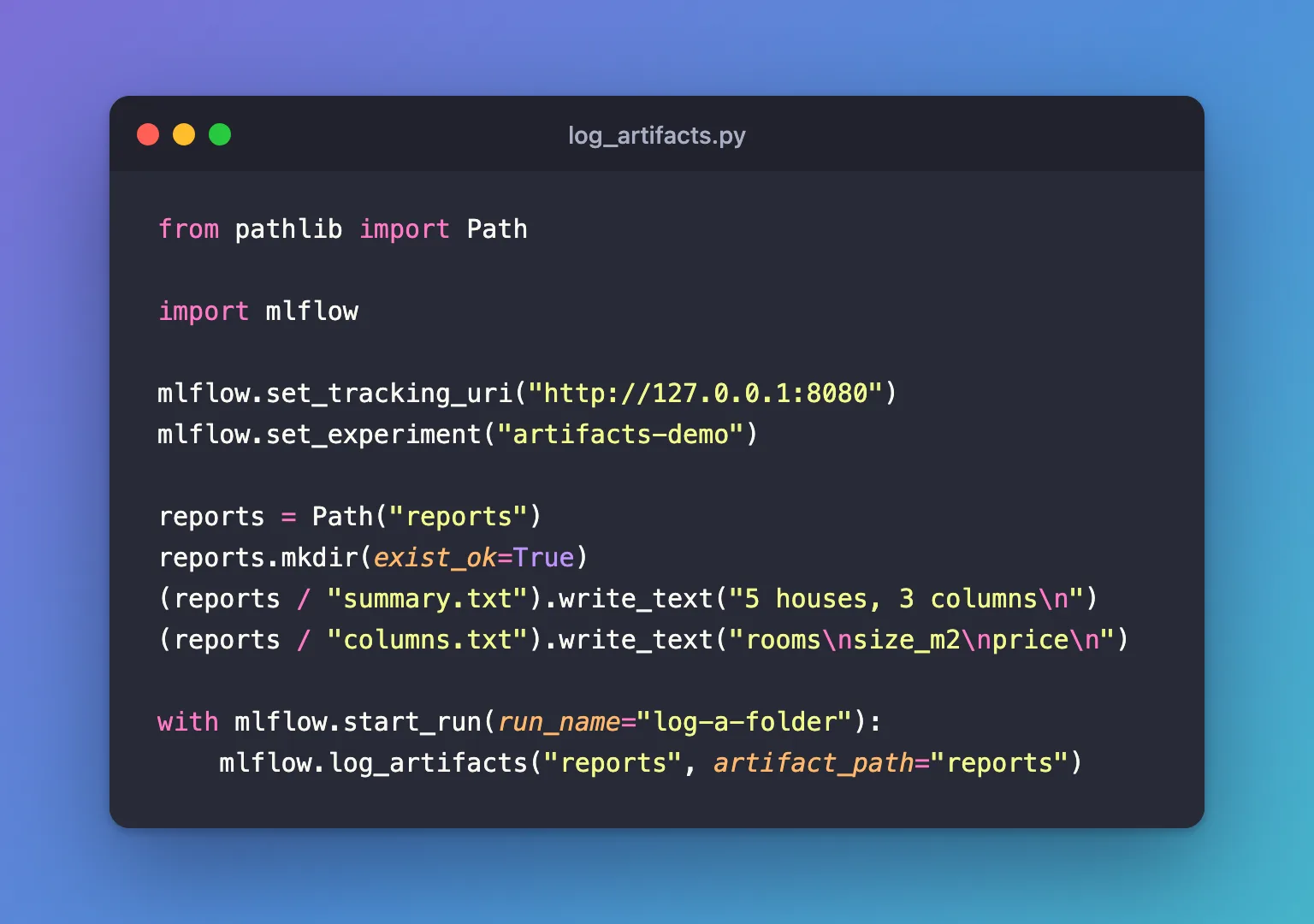
The example writes two small text files into a folder called reports, then logs the folder to a run, keeping its name. Create log_artifacts.py:
from pathlib import Path

import mlflow

mlflow.set_tracking_uri("http://127.0.0.1:8080")
mlflow.set_experiment("artifacts-demo")

reports = Path("reports")
reports.mkdir(exist_ok=True)
(reports / "summary.txt").write_text("5 houses, 3 columns\n")
(reports / "columns.txt").write_text("rooms\nsize_m2\nprice\n")

with mlflow.start_run(run_name="log-a-folder"):
    mlflow.log_artifacts("reports", artifact_path="reports")
| Line | What it does |
|---|---|
reports.mkdir(exist_ok=True) | Creates the folder, or leaves it if it already exists |
The two write_text lines | Write a file each into it. How to Build File Paths in Python with pathlib explains the / |
mlflow.log_artifacts("reports", artifact_path="reports") | Uploads everything in reports into a folder of the same name in the run |
uv run python log_artifacts.py
🏃 View run log-a-folder at: http://127.0.0.1:8080/#/experiments/9/runs/e1347de3a1b44fe2bbce7bdca3f5272d
🧪 View experiment at: http://127.0.0.1:8080/#/experiments/9
Step 2: See the Folder in the UI
Open the run, click Artifacts, expand reports and click summary.txt:

Both files are inside reports, as on disk.
Without artifact_path
mlflow.log_artifacts("reports"), without artifact_path, uploads the same two files to the top level of the run: summary.txt and columns.txt sit next to any other artifact, and no reports folder appears. That's how MLflow's reference describes it, as the folder's contents rather than the folder. Pass artifact_path whenever the folder's name matters, or when a run logs more than one folder.
mlflow.log_artifact("reports"), the single-file function given a folder, behaves the other way round: it keeps the name and creates reports/ in the run.
Common Mistakes
| Mistake | What happens | Do this instead |
|---|---|---|
Leaving out artifact_path | The files land at the top level, mixed with the run's other artifacts | Pass artifact_path="<name>" |
| A misspelled folder name | No error, and nothing is logged: a folder that doesn't exist has no contents to upload | Check that the folder exists, for example with Path("reports").is_dir() |
| Logging a folder that also holds large or private files | Everything in it is uploaded | Write only what belongs to the run into the folder |
| Logging the same folder twice in one run | Files with the same names are replaced; others are added | Log each folder once, after all its files are written |
Troubleshooting
| Symptom | Likely cause | Fix |
|---|---|---|
| The run's Artifacts tab is empty | The folder path was wrong or the folder was empty | Print the folder's contents before logging |
| Files appear at the top level instead of in a folder | artifact_path was left out | Add it, as above |
FAQ
Should I log a temporary folder?
Often, yes: write the files into a tempfile.TemporaryDirectory() and log it before the with block ends, so nothing is left on disk: How to Create a Temporary Folder in Python with tempfile.
Can I log a folder into a subfolder of the run?
Yes: artifact_path="reports/daily" creates both levels.
What's the difference from log_artifact?
log_artifact uploads one file, or a folder under its own name; log_artifacts uploads a folder's contents to the place artifact_path names: How to Log a File to MLflow with log_artifact.
Conclusion
mlflow.log_artifacts("reports", artifact_path="reports") uploaded a folder of two files, keeping its name and structure in the run. Without artifact_path the same files land at the top level, and a misspelled folder logs nothing without an error, so check the folder and name its place in the run.
Additional Resources
- mlflow.log_artifacts — the function's reference, with an example.
- mlflow.log_artifact — the single-file function.
