How to Lock and Unlock a MySQL Account

To stop an account signing in, without deleting it or changing its rights or password, lock it. One thing to know first: sessions that are already open carry on working.
Step 1: Lock It
As an administrator:
ALTER USER 'inventory_app'@'%' ACCOUNT LOCK;
SELECT user, host, account_locked FROM mysql.user WHERE user = 'inventory_app';
Query OK, 0 rows affected (0.002 sec)

+---------------+------+----------------+
| user          | host | account_locked |
+---------------+------+----------------+
| inventory_app | %    | Y              |
+---------------+------+----------------+
1 row in set (0.000 sec)
Step 2: See What It Does
A new sign-in is refused, and the message says why:
ERROR 3118 (HY000): Access denied for user 'inventory_app'@'localhost'. Account is locked.
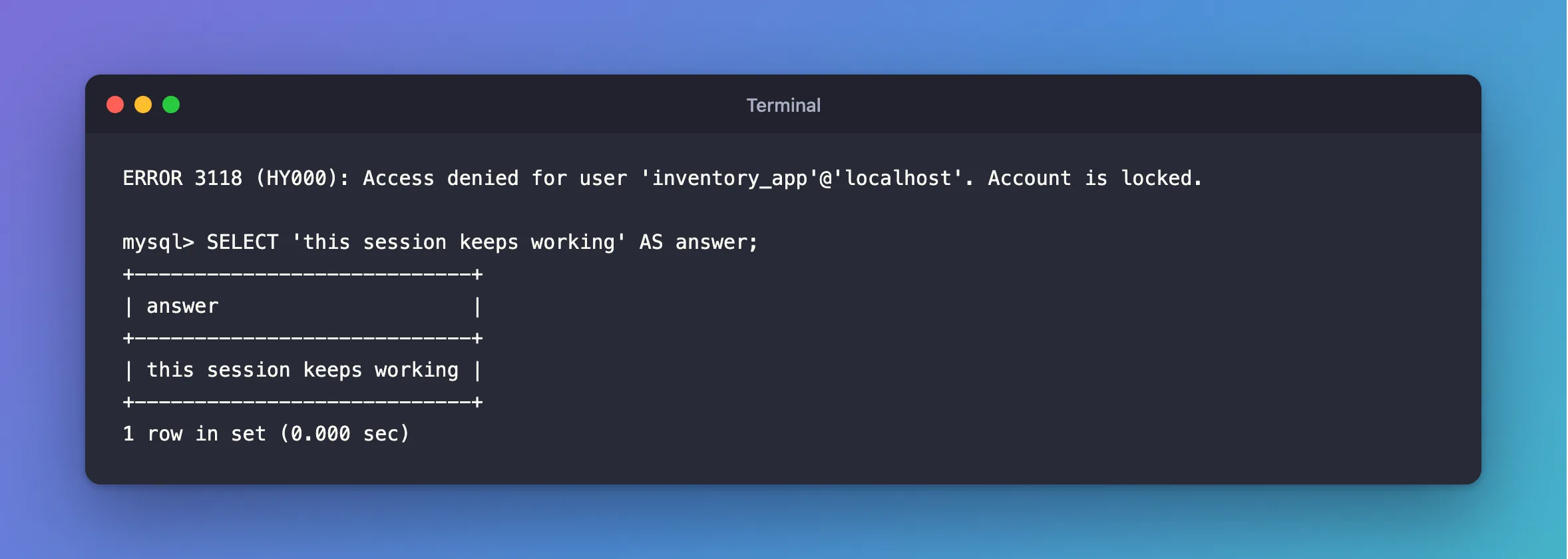
A session that was open before the lock keeps working:
mysql> SELECT 'this session keeps working' AS answer;
+----------------------------+
| answer                     |
+----------------------------+
| this session keeps working |
+----------------------------+
1 row in set (0.000 sec)
So does a running app: an API with pooled connections kept answering while its account was locked. It would fail at its next new connection. Oracle's manual agrees: a lock affects logins, not connections already made.
Step 3: Close the Open Sessions, If You Need To
Find them, and end each one, as an administrator:
SELECT PROCESSLIST_ID AS id, PROCESSLIST_HOST AS host, PROCESSLIST_COMMAND AS command
FROM performance_schema.threads
WHERE PROCESSLIST_USER = 'inventory_app';

KILL 42;
Use the id from your output in place of 42. How to Stop a Running Query or Connection in MySQL with KILL has the details.
Step 4: Unlock It
ALTER USER 'inventory_app'@'%' ACCOUNT UNLOCK;
SELECT user, host, account_locked FROM mysql.user WHERE user = 'inventory_app';
Query OK, 0 rows affected (0.002 sec)

+---------------+------+----------------+
| user          | host | account_locked |
+---------------+------+----------------+
| inventory_app | %    | N              |
+---------------+------+----------------+
1 row in set (0.000 sec)
The password and rights are as they were.
When to Use It
- An account you've stopped using, before deleting it, to see if anything complains.
- A role-like account nobody should sign in to.
CREATE USER … ACCOUNT LOCKstarts it locked. - During an incident, to stop new logins while you look.
For one that should sign in only from certain places, restrict its host.
Common Mistakes
| Mistake | What happens | Do this instead |
|---|---|---|
| Assuming a lock stops a running app | Its connections carry on | Close them too |
| Changing the password to lock someone out | You've lost the old one | Lock it |
Unlocking mysql.sys and friends | They're locked for a reason | Leave them |
Troubleshooting
| Symptom | Likely cause | Fix |
|---|---|---|
ERROR 3118 | It's locked | The fix |
ERROR 3955 … Account is blocked | Too many failed logins: a temporary lock | ACCOUNT UNLOCK ends it |
ERROR 1396 from ALTER USER | No account has that name and host | Check mysql.user |
Conclusion
ALTER USER … ACCOUNT LOCK stops new logins, and keeps everything else about the account. Open sessions need closing separately. ACCOUNT UNLOCK undoes it.
Additional Resources
- Account Locking — the rules.
- KILL Statement — ending a session.
