How to Lock a Row with SELECT FOR UPDATE in EF Core

Sometimes a decision can't fit in one UPDATE: you need to read a row, think about it in C#, and only then change it, with nobody else changing it in the meantime. SELECT ... FOR UPDATE holds the row while you do that. EF Core has no LINQ method for it, so it takes FromSql.
Prerequisites
- A .NET C# project using EF Core. I used EF Core 10.0.14 and MySQL 9.7.4.
- A transaction. A row lock lasts until the transaction ends, so without one, it's released immediately. See How to Use a Transaction with a Retrying Execution Strategy in EF Core.
- What the lock does. How to Lock a Row in MySQL with SELECT FOR UPDATE covers MySQL's side.
Step 1: Read and Lock the Row
g.MapPost("/lock/{id:int}", async (int id, InventoryDbContext db, CancellationToken cancellationToken) =>
{
    var strategy = db.Database.CreateExecutionStrategy();

    return await strategy.ExecuteAsync(
        async ct =>
        {
            db.ChangeTracker.Clear();

            await using var transaction = await db.Database.BeginTransactionAsync(ct);

            // MySQL locks the row until the transaction ends. Anyone else asking for it waits.
            var product = await db.Products
                .FromSql($"SELECT * FROM products WHERE Id = {id} FOR UPDATE")
                .FirstOrDefaultAsync(ct);

            if (product is null)
            {
                return Results.NotFound();
            }

            // Decide in C#. The value can't change until the transaction ends.
            if (product.QuantityOnHand < 1)
            {
                return Results.Problem(title: "There isn't enough stock.", statusCode: 409);
            }

            await Task.Delay(1000, ct);

            product.QuantityOnHand -= 1;
            await db.SaveChangesAsync(ct);

            await transaction.CommitAsync(ct);

            return Results.Ok(new { product.QuantityOnHand });
        },
        cancellationToken);
});
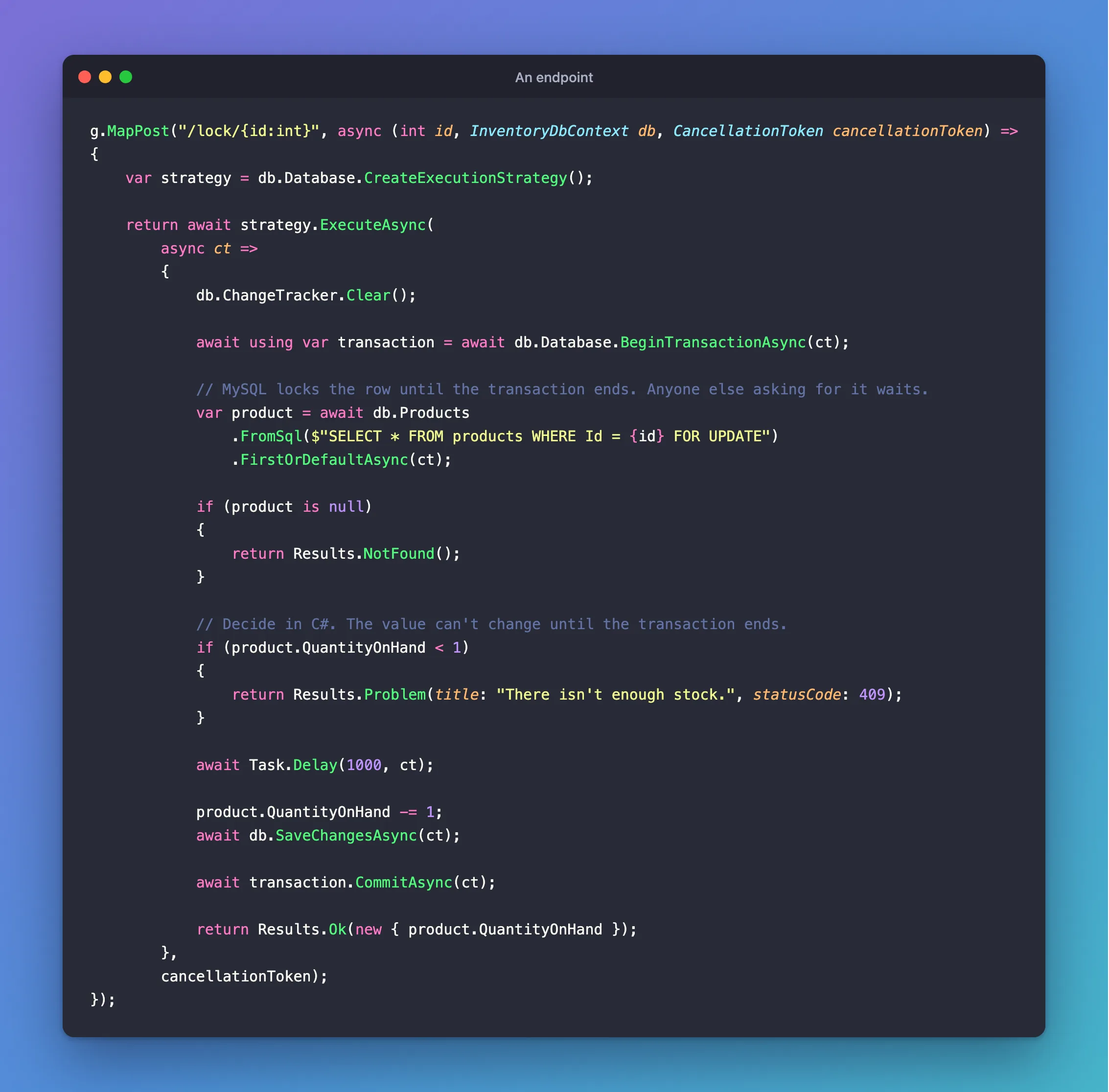
FromSqltakes an interpolated string, and turns{id}into a parameter, so it's safe.- The result is a tracked entity, so you change it and call
SaveChangesAsyncas usual. Task.Delaystands in for the work that needs the row to stay still. It's there so you can see the second request wait.
Step 2: Send Two at Once
With one unit in stock:
{"quantityOnHand":0} 200 1.035076s
{"type":"https://tools.ietf.org/html/rfc9110#section-15.5.10","title":"There isn't enough stock.","status":409,"traceId":"00-cb35a67b4e53743e76dae87e1d659484-69c4a6fde505125a-00"} 409 0.727642s
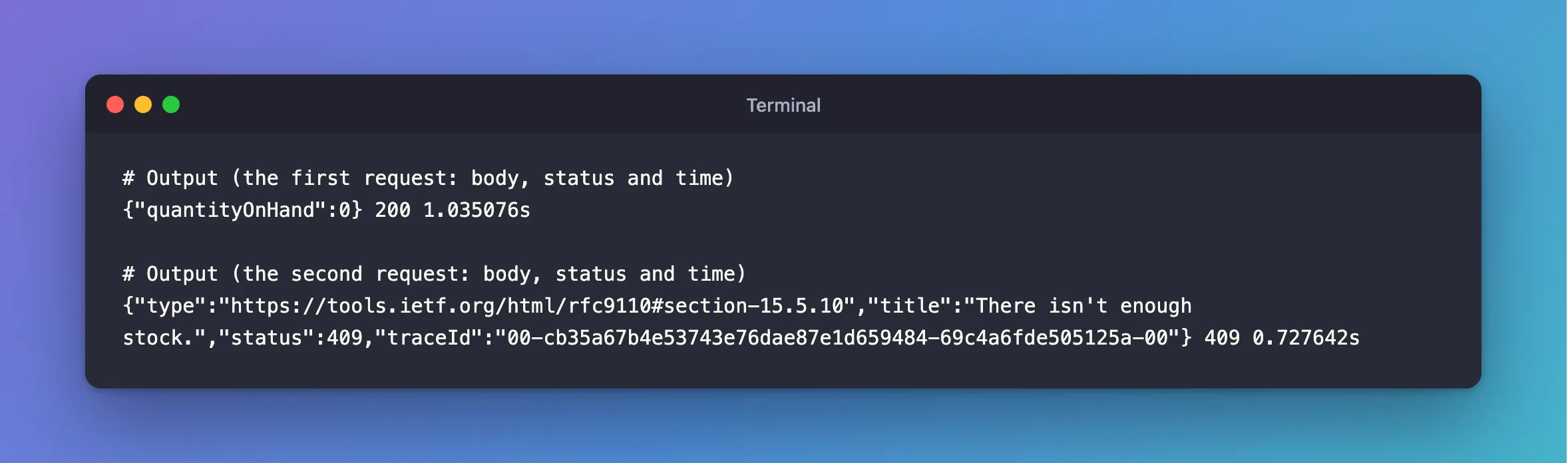
The second waited for the first one's COMMIT, then read 0, and refused.
Step 3: See What EF Core Sent
+------------------------------------------------------------------------------------------------------------------------------------+
| statement                                                                                                                          |
+------------------------------------------------------------------------------------------------------------------------------------+
| SET TRANSACTION ISOLATION LEVEL REPEATABLE READ                                                                                    |
| BEGIN                                                                                                                              |
| SELECT `d`.`Id`, `d`.`ArchivedAtUtc`, `d`.`CategoryId`, `d`.`CreatedAtUtc`, `d`.`Description`, `d`.`IsArchived`, `d`.`Name`, `d`.` |
| SET TRANSACTION ISOLATION LEVEL REPEATABLE READ                                                                                    |
| BEGIN                                                                                                                              |
| SELECT `d`.`Id`, `d`.`ArchivedAtUtc`, `d`.`CategoryId`, `d`.`CreatedAtUtc`, `d`.`Description`, `d`.`IsArchived`, `d`.`Name`, `d`.` |
| SAVEPOINT `__EFSavePoint`                                                                                                          |
| UPDATE `products` SET `QuantityOnHand` = 0 WHERE `Id` = 25 AND `Version` = 0;                                                      |
| SELECT ROW_COUNT()                                                                                                                 |
| RELEASE SAVEPOINT `__EFSavePoint`                                                                                                  |
| COMMIT                                                                                                                             |
| ROLLBACK                                                                                                                           |
+------------------------------------------------------------------------------------------------------------------------------------+
FirstOrDefaultAsync composed over my SQL, so it became a subquery, as the `d` alias shows. It still locks the row: the lock is on the row the inner SELECT reads.
Step 4: Decide Whether You Need This
For "subtract if there's enough", you don't: a conditional UPDATE does it in one statement, and holds the lock for less time. Use FOR UPDATE when the decision needs more than a WHERE can express.
Whichever you use, keep the transaction short, because everyone who wants that row is waiting.
Common Mistakes
| Mistake | What happens | Do this instead |
|---|---|---|
| No transaction | The lock ends with the statement | Begin one first |
| Locking by a column with no index | Every row is locked | Use the primary key |
| Several rows in varying order | Deadlocks | Lock in ID order |
Building the SQL with + | SQL injection | Use FromSql with interpolation |
Troubleshooting
| Symptom | Likely cause | Fix |
|---|---|---|
Lock wait timeout exceeded | Another transaction held it too long | The fix |
| The second request doesn't wait | There's no transaction, or the row differs | Check the log |
| You'd rather not wait | MySQL can skip or refuse locked rows | SKIP LOCKED and NOWAIT |
Conclusion
Use FromSql with FOR UPDATE in a transaction, and the row stays yours until you commit. Reach for it when your decision doesn't fit in a conditional UPDATE.
Additional Resources
- SQL Queries —
FromSql, and composing over it. - Locking Reads —
FOR UPDATE.
