How to Load the Iris Dataset in Python with scikit-learn

The iris dataset is the classic first dataset for classification: 150 flowers, four measurements each, and three species to predict. It ships inside scikit-learn, so load_iris loads it without a download. This guide loads it as a pandas DataFrame and looks at what's inside, with real output from scikit-learn 1.9.1.
Syntax
from sklearn.datasets import load_iris

<dataset> = load_iris(as_frame=True)
X, y = load_iris(return_X_y=True, as_frame=True)
| Part | What it means |
|---|---|
as_frame=True | Returns pandas objects. Without it, NumPy arrays |
<dataset>.frame | One DataFrame with the four measurements and a target column |
return_X_y=True | Returns just the measurements (X) and the species codes (y) |
The scikit-learn reference: "Load and return the iris dataset (classification). The iris dataset is a classic and very easy multi-class classification dataset."
Prerequisites
- scikit-learn and pandas in your project, for example with
uv add scikit-learn pandas. This guide uses scikit-learn 1.9.1 and pandas 3.1.1 on Python 3.15.2.
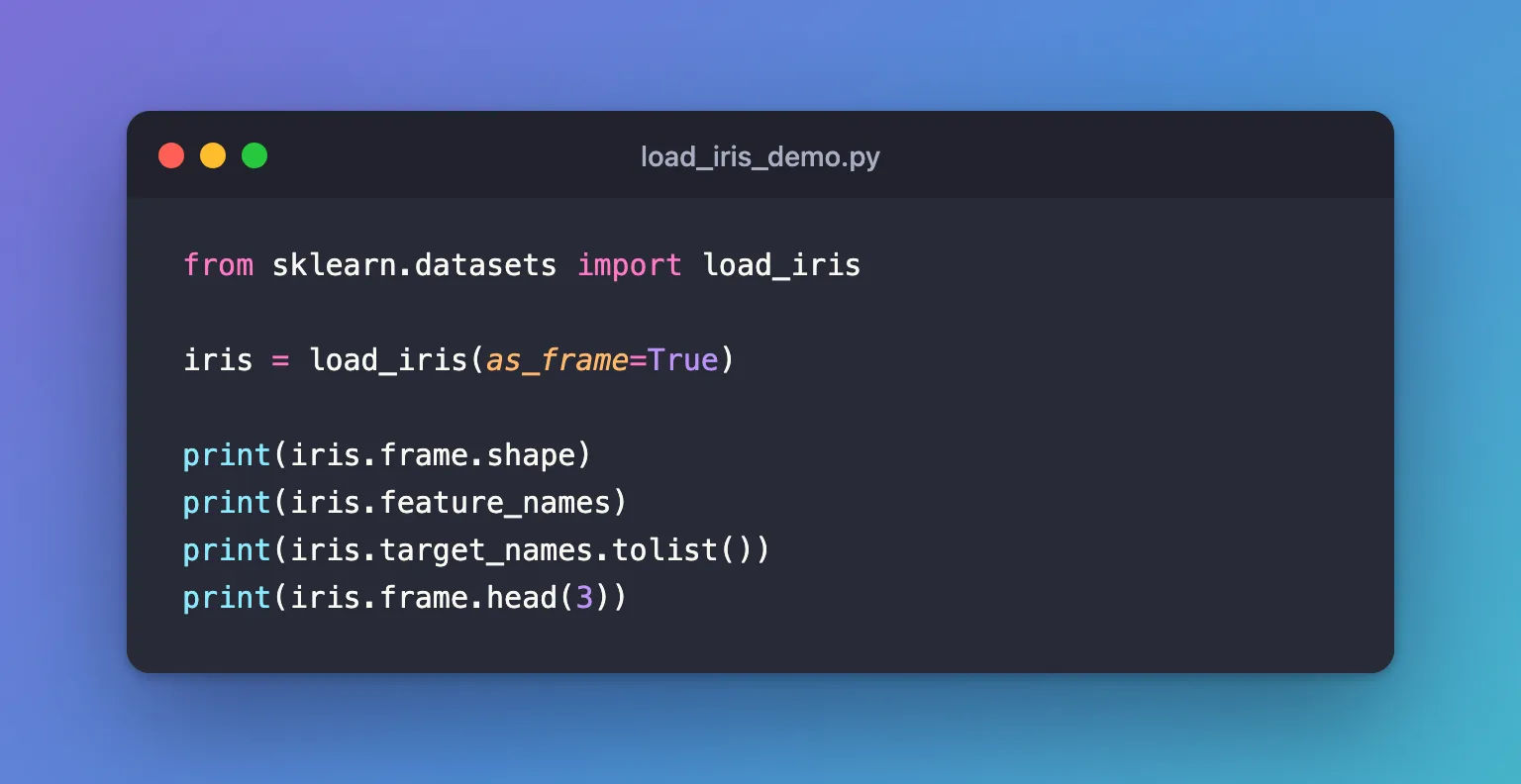
Step 1: Write the Script
from sklearn.datasets import load_iris

iris = load_iris(as_frame=True)

print(iris.frame.shape)
print(iris.feature_names)
print(iris.target_names.tolist())
print(iris.frame.head(3))
Step 2: Run It
uv run python load_iris_demo.py
(150, 5)
['sepal length (cm)', 'sepal width (cm)', 'petal length (cm)', 'petal width (cm)']
['setosa', 'versicolor', 'virginica']
   sepal length (cm)  sepal width (cm)  petal length (cm)  petal width (cm)  target
0                5.1               3.5                1.4               0.2       0
1                4.9               3.0                1.4               0.2       0
2                4.7               3.2                1.3               0.2       0
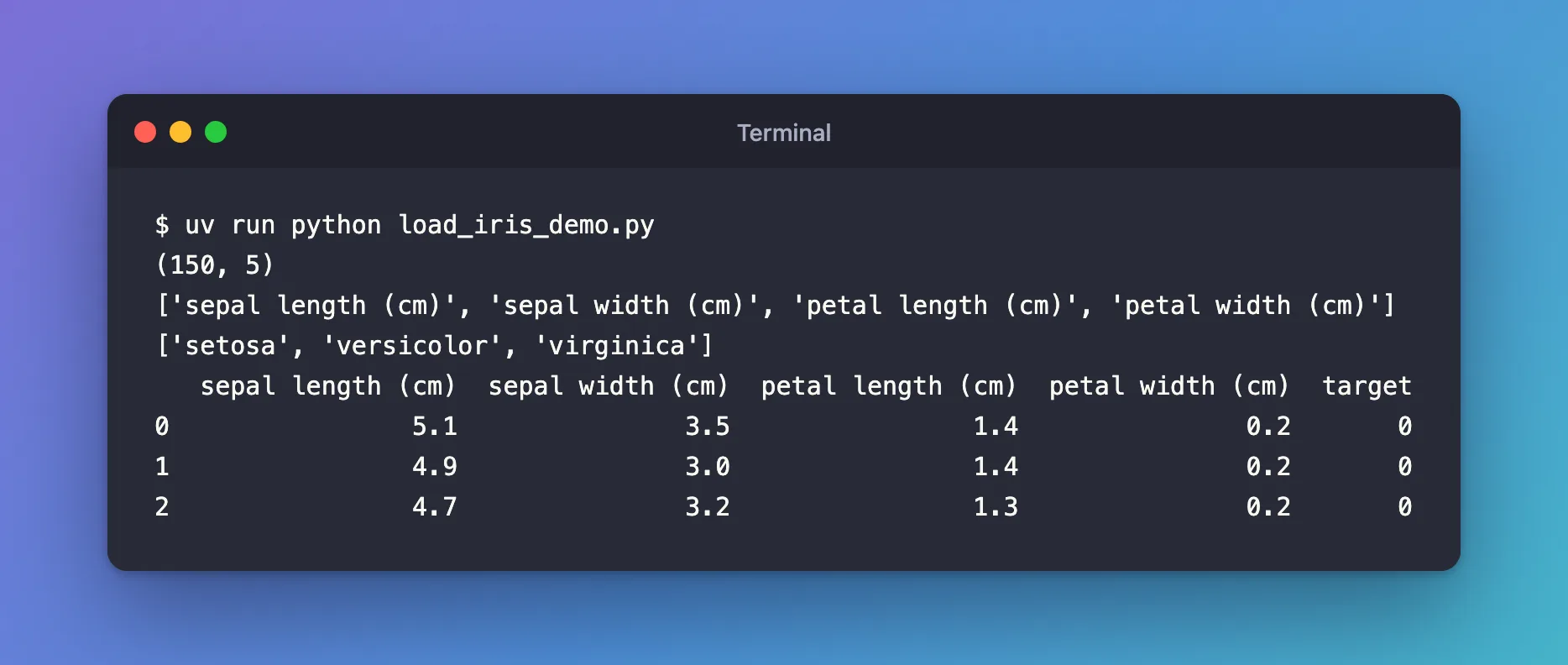
- 150 rows, 5 columns: four measurements and the
target. targetis the species as a code:0is setosa,1versicolor and2virginica, in the order oftarget_names.
Common Mistakes
| Mistake | What happens | Do this instead |
|---|---|---|
list(iris.target_names) | With NumPy 2, it printed [np.str_('setosa'), np.str_('versicolor'), np.str_('virginica')] | iris.target_names.tolist() printed ['setosa', 'versicolor', 'virginica'] |
Leaving out as_frame=True and expecting a DataFrame | iris.data was a NumPy ndarray of shape (150, 4) | Pass as_frame=True |
Troubleshooting
| Symptom | Likely cause | Fix |
|---|---|---|
iris.frame is None | The dataset was loaded without as_frame=True: load_iris().frame printed None | Load it again with as_frame=True |
FAQ
How many flowers of each species are there?
50 of each: the target's counts were {0: 50, 1: 50, 2: 50}.
How do I get X and y for training?
X, y = load_iris(return_X_y=True, as_frame=True) gave a DataFrame of shape (150, 4) and a Series of shape (150,).
Conclusion
load_iris(as_frame=True) returned the 150 flowers as a DataFrame with four measurements and a target code for the species, ready to split and train on.
Additional Resources
- load_iris — the function and its options.
- Toy datasets — iris and the other datasets that ship with scikit-learn.
