How to Load an MLflow Model with mlflow.pyfunc.load_model

A logged model is only useful once you load it again. mlflow.pyfunc.load_model loads any MLflow model, from scikit-learn or anything else, as a Python function with one predict method. Your code doesn't need to know which library trained the model. This guide loads one by its models:/ URI, with real output from MLflow 3.18.0.
Syntax
model = mlflow.pyfunc.load_model(model_uri)
predictions = model.predict(data)
| Part | What it means |
|---|---|
model_uri | Where the model is: models:/<model ID> for a logged model, the model_uri that log_model returned |
model | A PyFuncModel: the model behind a common interface |
data | The input, usually a pandas DataFrame with the model's columns |
Prerequisites
- An MLflow tracking server at
http://127.0.0.1:8080. MLflow's tracking server guide shows how to start one. mlflowandscikit-learnin your project, for example withuv add mlflow scikit-learn pandas.
Step 1: Log a Model to Load
This script logs a linear regression on scikit-learn's diabetes data into the experiment named on the command line, and prints its URI:
import sys

import mlflow
from sklearn.datasets import load_diabetes
from sklearn.linear_model import LinearRegression

mlflow.set_tracking_uri("http://127.0.0.1:8080")
mlflow.set_experiment(sys.argv[1])

X, y = load_diabetes(return_X_y=True, as_frame=True)
model = LinearRegression().fit(X, y)

with mlflow.start_run():
    model_info = mlflow.sklearn.log_model(model, name="diabetes-model", input_example=X.head(3))

print("Model URI:", model_info.model_uri)
uv run python log_diabetes_model.py pyfunc-load-demo
🏃 View run invincible-fish-273 at: http://127.0.0.1:8080/#/experiments/12/runs/556c8a67776e4e1c9bc2af32ed5b636a
🧪 View experiment at: http://127.0.0.1:8080/#/experiments/12
Model URI: models:/m-177f678f96414766b76dece8d770307e
Step 2: Load It and Predict
load_pyfunc.py takes the URI on the command line, loads the model and predicts the first three rows:
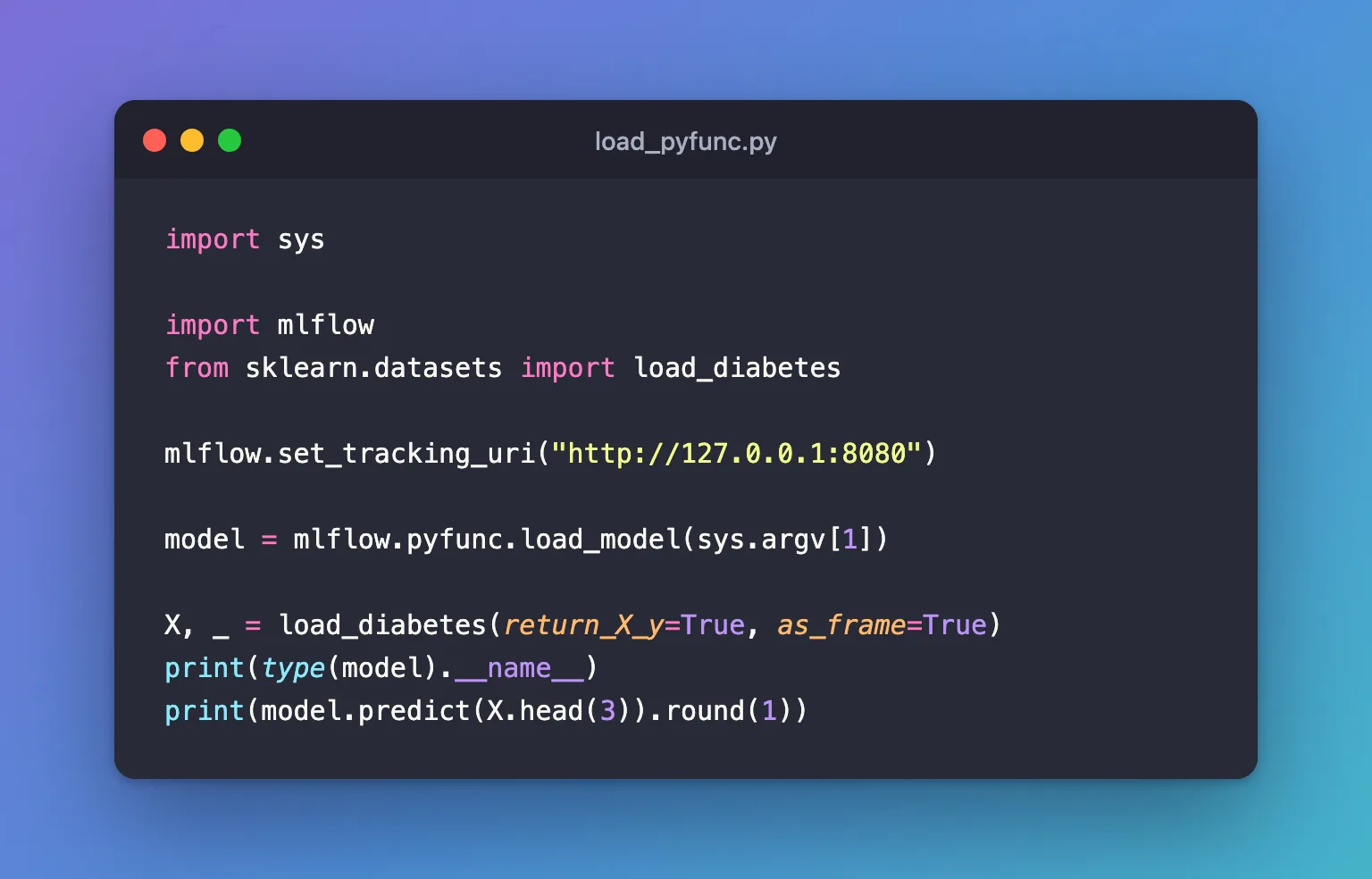
import sys

import mlflow
from sklearn.datasets import load_diabetes

mlflow.set_tracking_uri("http://127.0.0.1:8080")

model = mlflow.pyfunc.load_model(sys.argv[1])

X, _ = load_diabetes(return_X_y=True, as_frame=True)
print(type(model).__name__)
print(model.predict(X.head(3)).round(1))
uv run python load_pyfunc.py models:/m-177f678f96414766b76dece8d770307e
PyFuncModel
[206.1  68.1 176.9]
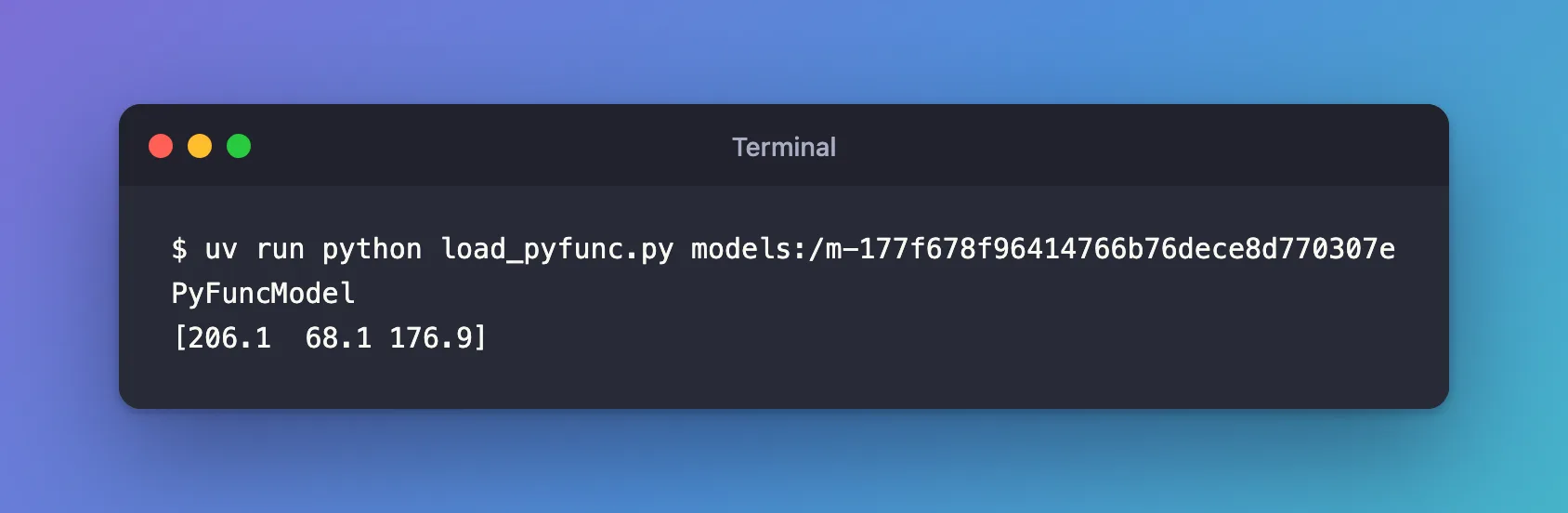
The loaded object is a PyFuncModel, not the scikit-learn model, and its predict gave three disease progression values. Before predicting, it checked the three rows against the model's signature: How to Check Data Against an MLflow Model's Signature shows what that check refuses.
Common Mistakes
| Mistake | What happens | Do this instead |
|---|---|---|
Reaching for scikit-learn attributes such as coef_ on the loaded model | AttributeError: 'PyFuncModel' object has no attribute 'coef_' | Load it with mlflow.sklearn.load_model |
| Building the URI from the run's artifact path | MLflow 3 keeps models outside the run's files | Use models:/<model ID> |
Troubleshooting
| Symptom | Likely cause | Fix |
|---|---|---|
MlflowException: Failed to enforce schema of data ... | The input doesn't match the signature | How to Check Data Against an MLflow Model's Signature |
Loading PyFunc models is disallowed because a PyFunc model names the Python module that loads it... | MLFLOW_ALLOW_MODEL_CODE_EXECUTION is false | How to Refuse to Load Untrusted Models in MLflow |
FAQ
Does load_model download the model?
Yes: it fetches the model's files from the tracking server before loading them.
Which predict method does it call?
The one MLmodel names under predict_fn: predict unless the model was logged with another, as in How to Make an MLflow Model Return Probabilities.
Conclusion
mlflow.pyfunc.load_model("models:/m-…") brought the logged linear regression back as a PyFuncModel, and its predict returned the same values the model gives in scikit-learn, after checking the input against the signature.
Additional Resources
- mlflow.pyfunc —
load_modelandPyFuncModel.
