How to Load a Library in Ruby with require

Ruby loads only its core when a script starts. Everything else, from the JSON library to installed gems, has to be loaded first with require, which makes its classes and methods available to the rest of the file.
Syntax
require '<library>'
require_relative '<file>'
| Part | What it does |
|---|---|
require '<library>' | Loads a library or gem by name, such as 'json', searching Ruby's library folders. |
require_relative '<file>' | Loads one of your own files, relative to the current file. |
| Result | true when it loaded the library, false when it was already loaded. |
The Ruby documentation for Kernel#require: "Loads the given name, returning true if successful and false if the feature is already loaded."
The Example
The example loads Ruby's JSON library and turns an array into JSON text.
Prerequisites
- Ruby. This guide uses Ruby 4.0.10.
Step 1: Write the Code
Create a file named main.rb:
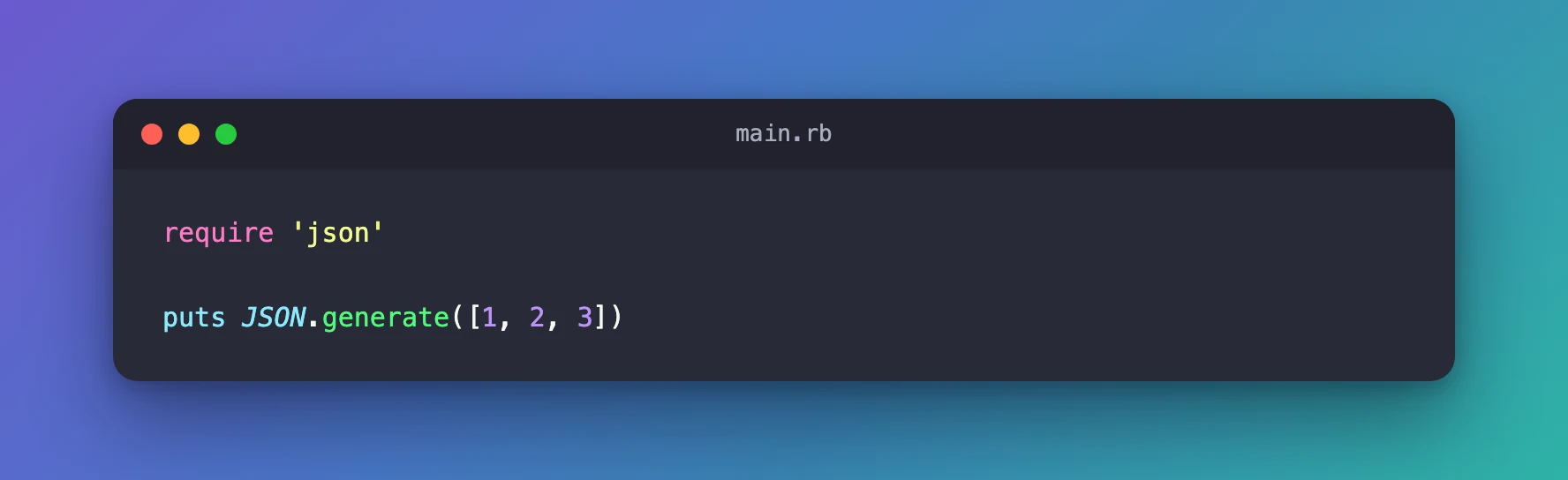
require 'json'

puts JSON.generate([1, 2, 3])
Step 2: Run It
ruby main.rb
[1,2,3]
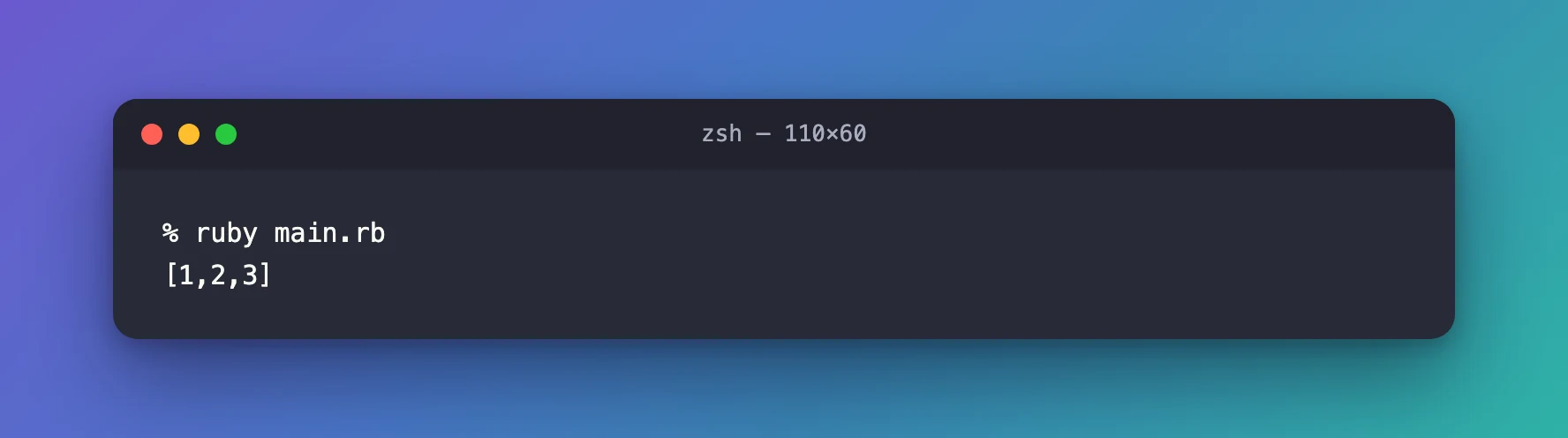
require 'json' loaded the library, so the JSON module existed when the next line used it. The command is the same in zsh, bash and PowerShell.
Common Mistakes
| Mistake | What happens | Do this instead |
|---|---|---|
Using JSON without require 'json' | uninitialized constant JSON (NameError) | Require the library first |
Misspelling the name, as in require 'jsn' | cannot load such file -- jsn (LoadError), with Did you mean? json | Use the exact name |
Loading your own file with require 'helpers' | Ruby searches its library folders, not your project | Use require_relative 'helpers' |
Troubleshooting
| Symptom | Likely cause | Fix |
|---|---|---|
cannot load such file -- … (LoadError) | A typo, or a gem that isn't installed | Fix the name, or install the gem |
uninitialized constant … | The library was never required | Add the require line at the top |
FAQ
Do I need the .rb extension?
No: require_relative 'helpers' finds helpers.rb.
Does requiring twice load the file twice?
No. The second require returns false and does nothing.
Conclusion
require 'name' loads a library or gem so its code is available; require_relative does the same for your own files. Put both at the top of the file.
Additional Resources
- Kernel#require, in the Ruby documentation.
- Kernel#require_relative, in the Ruby documentation.
