How to List the Tables in a MySQL Database

The first thing to check in a MySQL database is which tables it has. SHOW TABLES answers that in one line, and INFORMATION_SCHEMA.TABLES adds the details: storage engine, collation, size and an approximate row count. This guide runs both against a real MySQL 9.7 database and explains the one number in there you shouldn't trust.
Prerequisites
- A MySQL server and the mysql client. The examples use MySQL 9.7 in Docker, from How to Run MySQL in Docker with Docker Compose, and its built-in client, opened as in How to Connect to MySQL in a Docker Container with the mysql Client:
docker compose exec mysql mysql --user=inventory_app --password inventory
- A database with some tables. The
inventorydatabase here has three tables created by EF Core migrations from a .NET C# app:categories,productsandstock_movements.
The last word of the command, inventory, selects the database, so every statement below works on it.
Step 1: SHOW TABLES
SHOW TABLES;
+-----------------------+
| Tables_in_inventory   |
+-----------------------+
| __EFMigrationsHistory |
| categories            |
| products              |
| stock_movements       |
+-----------------------+
4 rows in set (0.001 sec)
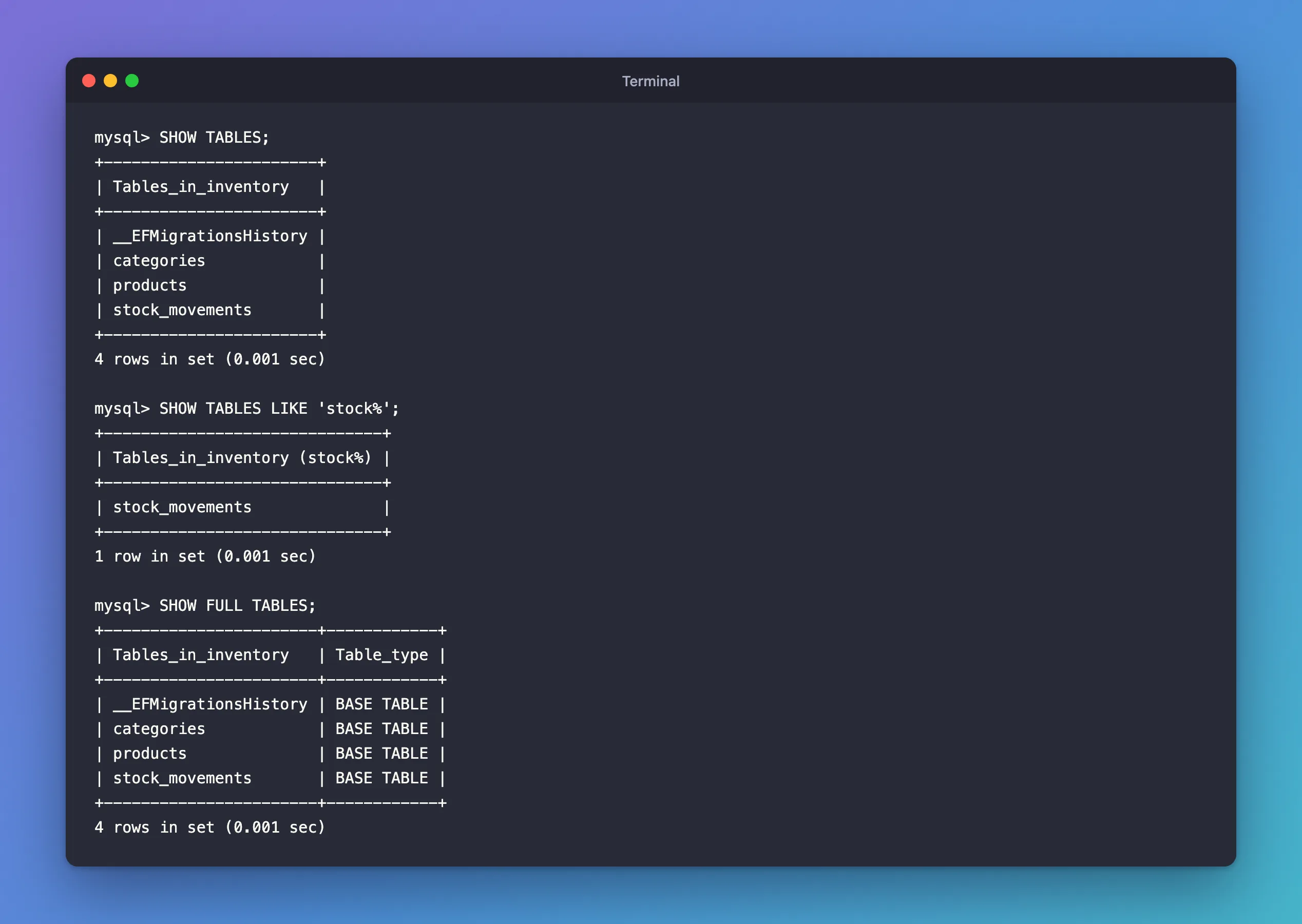
The MySQL manual's SHOW TABLES page puts it simply: "SHOW TABLES lists the non-TEMPORARY tables in a given database." The column heading names the database, Tables_in_inventory. __EFMigrationsHistory is EF Core's own table, where it records which migrations have been applied. Don't change it by hand.
Step 2: Only Some Tables, with LIKE
In a database with many tables, filter by name. % matches any number of characters:
SHOW TABLES LIKE 'stock%';
+------------------------------+
| Tables_in_inventory (stock%) |
+------------------------------+
| stock_movements              |
+------------------------------+
1 row in set (0.001 sec)
The manual adds a detail worth knowing: "Matching performed by the LIKE clause is dependent on the setting of the lower_case_table_names system variable." On Linux, including MySQL in Docker, table names are case-sensitive, so LIKE 'Stock%' wouldn't match.
Step 3: Tables or Views? SHOW FULL TABLES
SHOW FULL TABLES;
+-----------------------+------------+
| Tables_in_inventory   | Table_type |
+-----------------------+------------+
| __EFMigrationsHistory | BASE TABLE |
| categories            | BASE TABLE |
| products              | BASE TABLE |
| stock_movements       | BASE TABLE |
+-----------------------+------------+
4 rows in set (0.001 sec)
SHOW TABLES lists views too. The manual explains the extra column: "The optional FULL modifier causes SHOW TABLES to display a second output column with values of BASE TABLE for a table, VIEW for a view, or SYSTEM VIEW for an INFORMATION_SCHEMA table." Everything here is a real table.
You don't have to switch databases to list another one's tables: SHOW TABLES FROM other_database; works from anywhere, if your account may see that database.
Step 4: The Details, from INFORMATION_SCHEMA.TABLES
INFORMATION_SCHEMA is a built-in, read-only database that describes all the others. Its TABLES table has one row per table, with much more than the name:
SELECT TABLE_NAME, ENGINE, TABLE_ROWS, TABLE_COLLATION, CREATE_TIME
FROM information_schema.TABLES
WHERE TABLE_SCHEMA = 'inventory'
ORDER BY TABLE_NAME;
+-----------------------+--------+------------+--------------------+---------------------+
| TABLE_NAME            | ENGINE | TABLE_ROWS | TABLE_COLLATION    | CREATE_TIME         |
+-----------------------+--------+------------+--------------------+---------------------+
| __EFMigrationsHistory | InnoDB |         10 | utf8mb4_0900_ai_ci | 2026-11-03 04:34:48 |
| categories            | InnoDB |          2 | utf8mb4_0900_ai_ci | 2026-11-03 04:54:17 |
| products              | InnoDB |          3 | utf8mb4_0900_ai_ci | 2026-11-03 04:45:53 |
| stock_movements       | InnoDB |          4 | utf8mb4_0900_ai_ci | 2026-11-03 04:52:28 |
+-----------------------+--------+------------+--------------------+---------------------+
4 rows in set (0.002 sec)
| Column | What it tells you |
|---|---|
TABLE_SCHEMA | The database the table belongs to. Always filter on it, or you get every database's tables |
ENGINE | The storage engine: InnoDB, MySQL's default, which supports transactions and foreign keys |
TABLE_ROWS | A row count, but only an estimate for InnoDB, as Step 5 shows |
TABLE_COLLATION | How text is compared and sorted, here utf8mb4_0900_ai_ci |
CREATE_TIME | When the table was created. A change that rebuilds the table, such as some ALTER TABLE statements, resets it |
Step 5: Why TABLE_ROWS Is Wrong, and the Exact Count
The categories table showed 2 rows. Count them for real:
SELECT COUNT(*) FROM categories;
+----------+
| COUNT(*) |
+----------+
|        6 |
+----------+
1 row in set (0.000 sec)
Six, not two. The manual's TABLES table page warns about exactly this: for InnoDB, TABLE_ROWS "is an approximation, and may vary from the actual value by as much as 40% to 50%", and "In such cases, use SELECT COUNT(*) to obtain an accurate count."
There's a second reason the number can be old: the statistics are cached. The same page: "Columns in TABLES that represent table statistics hold cached values." The default cache lifetime is a day. ANALYZE TABLE refreshes them:
ANALYZE TABLE categories;
SELECT TABLE_NAME, TABLE_ROWS FROM information_schema.TABLES
WHERE TABLE_SCHEMA = 'inventory' AND TABLE_NAME = 'categories';
+----------------------+---------+----------+----------+
| Table                | Op      | Msg_type | Msg_text |
+----------------------+---------+----------+----------+
| inventory.categories | analyze | status   | OK       |
+----------------------+---------+----------+----------+
1 row in set (0.002 sec)

+------------+------------+
| TABLE_NAME | TABLE_ROWS |
+------------+------------+
| categories |          6 |
+------------+------------+
1 row in set (0.001 sec)
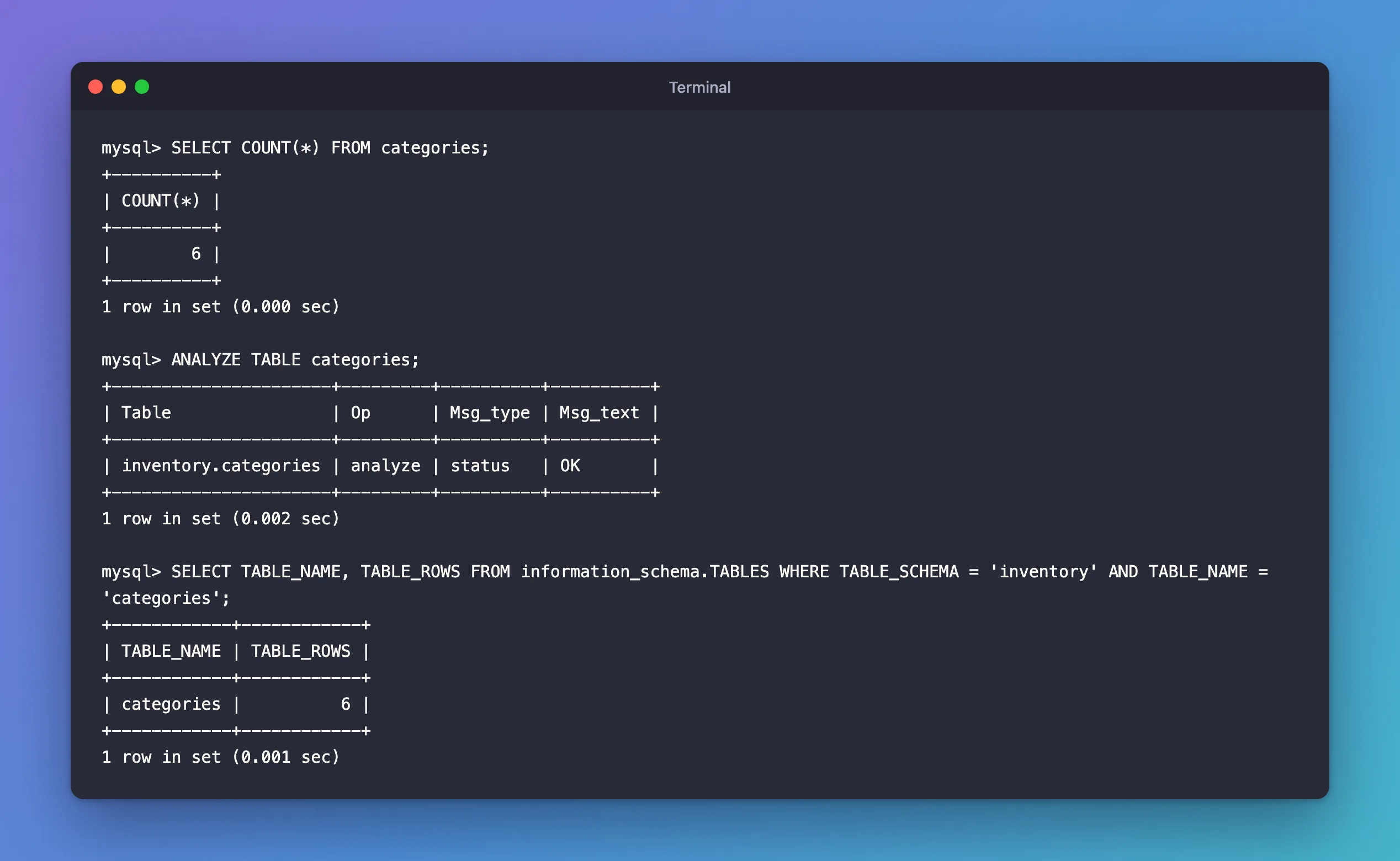
Fresh statistics happen to match here, on a tiny table. On a big table, even fresh ones are estimates. Use TABLE_ROWS to see roughly how big tables are, and COUNT(*) when the number matters.
Common Mistakes
| Mistake | What happens | Do this instead |
|---|---|---|
Querying information_schema.TABLES without TABLE_SCHEMA | Rows from every database, including MySQL's own | Add WHERE TABLE_SCHEMA = 'your_database' |
Trusting TABLE_ROWS as a count | It can be off by half on InnoDB | Use SELECT COUNT(*) |
SHOW TABLES before choosing a database | ERROR 1046 (3D000): No database selected | Name the database when you connect, run USE inventory;, or use SHOW TABLES FROM inventory; |
| Using the wrong letter case on Linux | LIKE matches nothing and queries fail | Use the exact case: on Linux, table names are case-sensitive |
Troubleshooting
| Symptom | Likely cause | Fix |
|---|---|---|
| A table you expect is missing | You're in a different database, or your account can't see it | Check SELECT DATABASE(); and your account's grants |
Empty set | The database has no tables yet, for example before EF Core migrations ran | Create them, then list again |
TABLE_ROWS doesn't change after inserts | Cached statistics | ANALYZE TABLE <name>; |
FAQ
How do I list the tables of every database?
Query INFORMATION_SCHEMA.TABLES without a database filter, leaving out MySQL's own system views:
SELECT TABLE_SCHEMA, TABLE_NAME FROM information_schema.TABLES
WHERE TABLE_SCHEMA NOT IN ('information_schema', 'performance_schema')
ORDER BY 1, 2;
It lists every table your account can see, in every database. For this account, that's only the four tables of inventory.
How do I count rows in every table exactly?
There's no single statement for it: run SELECT COUNT(*) per table. On large tables that reads a lot of data, so do it outside busy hours.
What is __EFMigrationsHistory?
EF Core's record of which migrations have been applied to this database. How to List EF Core Migrations and See Which Ones Are Applied shows what's in it.
Conclusion
SHOW TABLES lists a database's tables, LIKE filters them, and SHOW FULL TABLES tells tables from views. INFORMATION_SCHEMA.TABLES adds the engine, collation and creation time, and a TABLE_ROWS figure that's only an estimate for InnoDB: count with SELECT COUNT(*) when you need the real number.
Additional Resources
- SHOW TABLES Statement — the statement and its options.
- The INFORMATION_SCHEMA TABLES Table — every column, and the notes on estimates and caching.
- ANALYZE TABLE Statement — refreshing table statistics.
