How to List the Model Deployments of a Microsoft Foundry Resource with the Azure CLI

Code that calls a model in Microsoft Foundry asks for it by its deployment name, which isn't always the model's name. The Azure CLI lists every deployment of a Foundry resource, with the model behind it, in one table.
Syntax
az cognitiveservices account deployment list --resource-group <resource group> --name <foundry resource> --query "<query>" --output table
| Part | What it is |
|---|---|
az cognitiveservices account deployment list | Lists the deployments of a Foundry resource, which the Azure CLI calls a Cognitive Services account |
<resource group> | The resource group of the Foundry resource |
<foundry resource> | The name of the Foundry resource |
--query "<query>" | A JMESPath query that picks the columns to show. Without it, the table has only two columns: each deployment's name and its resource group |
--output table | Prints the result as a table |
The query in this guide is [].{Deployment:name, Model:properties.model.name, Version:properties.model.version, Sku:sku.name, Capacity:sku.capacity, State:properties.provisioningState}: for each deployment ([]), a column name, a colon and the field it comes from.
The Example
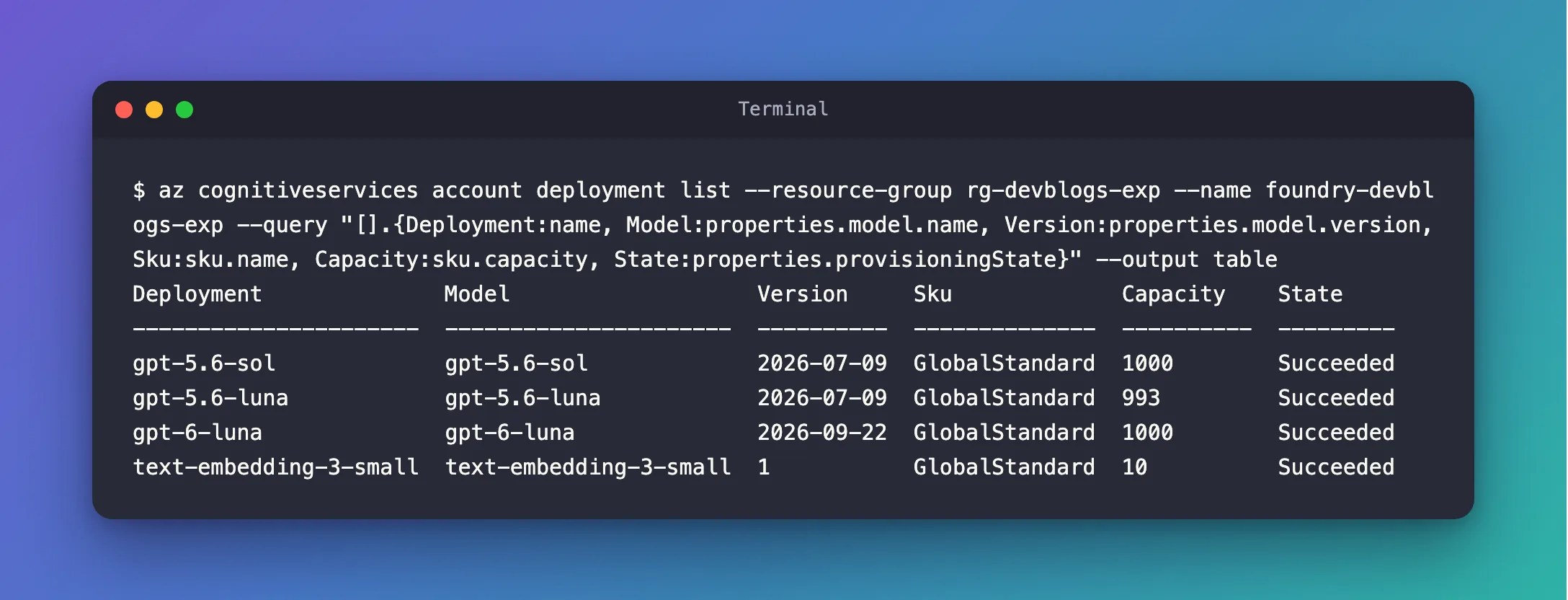
The Foundry resource foundry-devblogs-exp, in the resource group rg-devblogs-exp, has four deployments. The command lists them with six columns.
Prerequisites
- The Azure CLI, signed in with
az login, with an account that can read the Foundry resource.
Step 1: List the Deployments
Run the command, with your own resource group and resource:
az cognitiveservices account deployment list --resource-group rg-devblogs-exp --name foundry-devblogs-exp --query "[].{Deployment:name, Model:properties.model.name, Version:properties.model.version, Sku:sku.name, Capacity:sku.capacity, State:properties.provisioningState}" --output table
Deployment              Model                   Version     Sku             Capacity    State
----------------------  ----------------------  ----------  --------------  ----------  ---------
gpt-5.6-sol             gpt-5.6-sol             2026-07-09  GlobalStandard  1000        Succeeded
gpt-5.6-luna            gpt-5.6-luna            2026-07-09  GlobalStandard  993         Succeeded
gpt-6-luna              gpt-6-luna              2026-09-22  GlobalStandard  1000        Succeeded
text-embedding-3-small  text-embedding-3-small  1           GlobalStandard  10          Succeeded
Step 2: Read the Table
| Column | What it tells you |
|---|---|
| Deployment | The name your code uses, for example as the model of a Microsoft Agent Framework agent |
| Model and Version | The model behind the deployment, and its version |
| Sku | The deployment type. GlobalStandard is pay-per-token, served from Microsoft's global capacity |
| Capacity | How much of your quota the deployment holds, which sets how fast you can call it |
| State | Succeeded means the deployment is ready to use |
Here every deployment has the same name as its model, which is common but not required: a deployment named chat could run any model.
Common Mistakes
| Mistake | What happens | Do this instead |
|---|---|---|
| Using the Model column in your code | It fails when the deployment's name differs from the model's | Use the Deployment column |
Running the command without --query | The table shows only Name and ResourceGroup | Pick the columns with a query |
FAQ
Can I list the deployments of one project instead?
Deployments belong to the Foundry resource, and every project of that resource can use them, so the command takes the resource.
How do I see everything about one deployment?
az cognitiveservices account deployment show --resource-group <resource group> --name <foundry resource> --deployment-name <deployment> prints all of its details as JSON.
Conclusion
az cognitiveservices account deployment list with a JMESPath query prints a Foundry resource's deployments as a table you can read at a glance. The Deployment column is the name your code passes as the model.
Additional Resources
- az cognitiveservices account deployment — list, show, create and delete deployments.
- How to query Azure CLI command output using a JMESPath query — the
--querysyntax. - How to Create a Microsoft Foundry Resource and Deploy a Model — deploying a model in the Foundry portal.
