How to List the Foreign Keys of a MySQL Table

A foreign key ties a column to another table: a product's CategoryId must be the Id of a real category. Before you delete a row, rename a table or change a column, you need to know which foreign keys are involved and what MySQL will do with them. This guide lists them three ways on a real MySQL 9.7 database: for one table, for the whole database, and in reverse, every table that points at a given one.
Prerequisites
- A MySQL server and the mysql client. The examples use MySQL 9.7 in Docker, from How to Run MySQL in Docker with Docker Compose, and its built-in client:
docker compose exec mysql mysql --user=inventory_app --password inventory
- Tables with foreign keys. The
inventorydatabase here was created by EF Core migrations:products.CategoryIdpoints tocategories.Id, andstock_movements.ProductIdpoints toproducts.Id.
Step 1: One Table's Foreign Keys, with SHOW CREATE TABLE
The manual's foreign keys page gives the simplest way first: "To view a foreign key definition, use SHOW CREATE TABLE".
SHOW CREATE TABLE stock_movements\G
*************************** 1. row ***************************
       Table: stock_movements
Create Table: CREATE TABLE `stock_movements` (
  `Id` bigint NOT NULL AUTO_INCREMENT,
  `ProductId` int NOT NULL,
  `Type` varchar(32) NOT NULL,
  `QuantityChange` int NOT NULL,
  `Reason` varchar(200) DEFAULT NULL,
  `Reference` varchar(64) DEFAULT NULL,
  `OccurredAtUtc` datetime(6) NOT NULL,
  PRIMARY KEY (`Id`),
  KEY `IX_stock_movements_ProductId_OccurredAtUtc` (`ProductId`,`OccurredAtUtc`),
  CONSTRAINT `FK_stock_movements_products_ProductId` FOREIGN KEY (`ProductId`) REFERENCES `products` (`Id`) ON DELETE RESTRICT,
  CONSTRAINT `CK_stock_movements_QuantityChange` CHECK ((`QuantityChange` <> 0))
) ENGINE=InnoDB DEFAULT CHARSET=utf8mb4 COLLATE=utf8mb4_0900_ai_ci
1 row in set (0.000 sec)
The foreign key is the CONSTRAINT … FOREIGN KEY line. Read it left to right:
FK_stock_movements_products_ProductId: its name. EF Core names foreign keysFK_<table>_<referenced table>_<column>.FOREIGN KEY (`ProductId`): the column in this table.REFERENCES `products` (`Id`): the table and column it must match.ON DELETE RESTRICT: deleting a product that still has stock movements is refused.
Notice the KEY above it, on (ProductId, OccurredAtUtc). MySQL needs an index for every foreign key; the manual says it "requires indexes on foreign keys and referenced keys so that foreign key checks can be fast and not require a table scan." This two-column index starts with ProductId, so it serves the foreign key too.
Step 2: Every Foreign Key in the Database
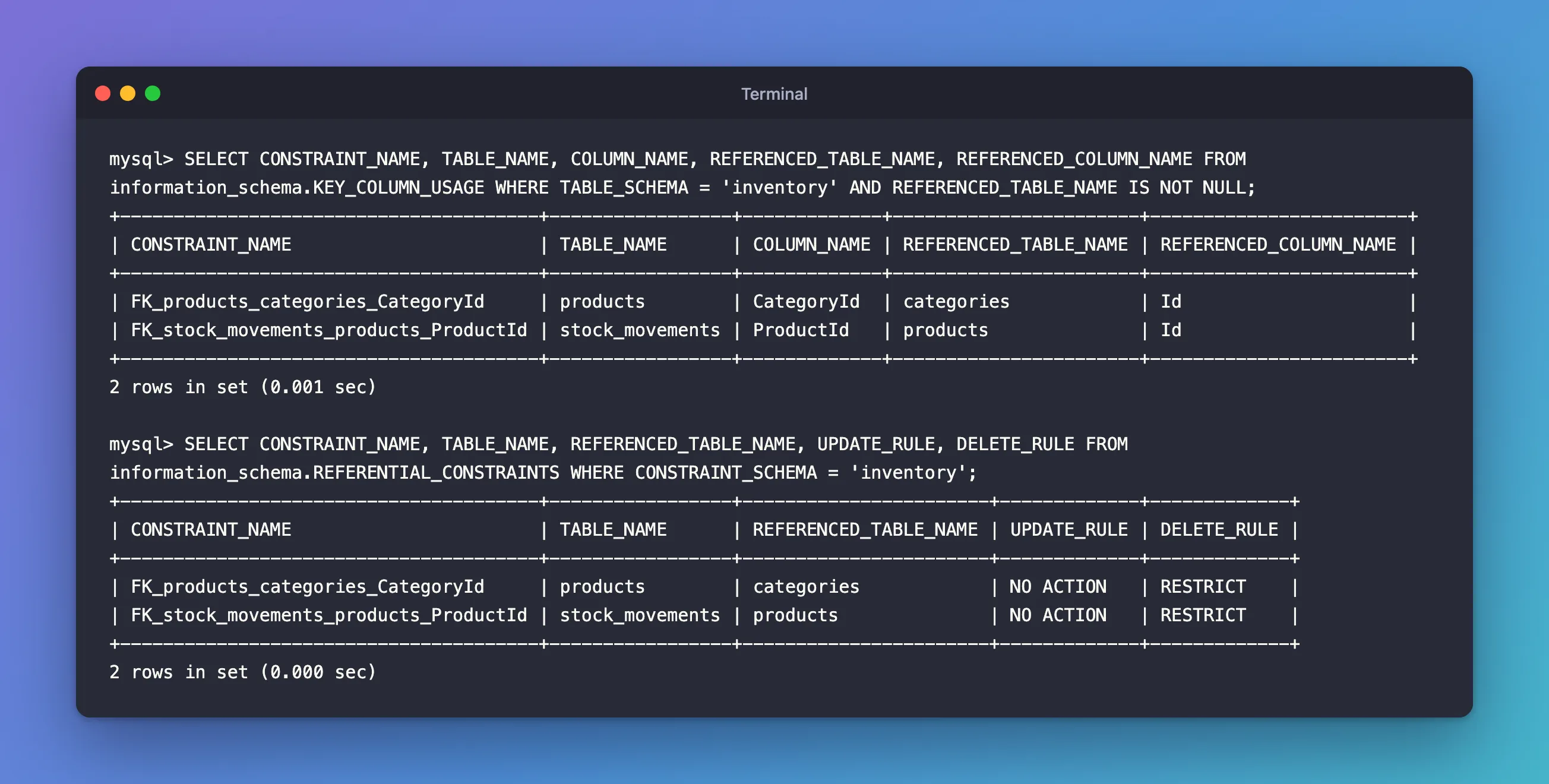
INFORMATION_SCHEMA.KEY_COLUMN_USAGE "describes which key columns have constraints", per its manual page. Rows with a REFERENCED_TABLE_NAME are foreign keys:
SELECT CONSTRAINT_NAME, TABLE_NAME, COLUMN_NAME,
       REFERENCED_TABLE_NAME, REFERENCED_COLUMN_NAME
FROM information_schema.KEY_COLUMN_USAGE
WHERE TABLE_SCHEMA = 'inventory' AND REFERENCED_TABLE_NAME IS NOT NULL;
+---------------------------------------+-----------------+-------------+-----------------------+------------------------+
| CONSTRAINT_NAME                       | TABLE_NAME      | COLUMN_NAME | REFERENCED_TABLE_NAME | REFERENCED_COLUMN_NAME |
+---------------------------------------+-----------------+-------------+-----------------------+------------------------+
| FK_products_categories_CategoryId     | products        | CategoryId  | categories            | Id                     |
| FK_stock_movements_products_ProductId | stock_movements | ProductId   | products              | Id                     |
+---------------------------------------+-----------------+-------------+-----------------------+------------------------+
2 rows in set (0.001 sec)
Two foreign keys, one per line: from the table and column on the left to the table and column on the right. The manual makes the direction explicit: for a foreign key, COLUMN_NAME "is the column of the foreign key, not the column that the foreign key references."
Step 3: What Happens on Delete and Update
KEY_COLUMN_USAGE doesn't say what happens when a referenced row is deleted. INFORMATION_SCHEMA.REFERENTIAL_CONSTRAINTS does:
SELECT CONSTRAINT_NAME, TABLE_NAME, REFERENCED_TABLE_NAME, UPDATE_RULE, DELETE_RULE
FROM information_schema.REFERENTIAL_CONSTRAINTS
WHERE CONSTRAINT_SCHEMA = 'inventory';
+---------------------------------------+-----------------+-----------------------+-------------+-------------+
| CONSTRAINT_NAME                       | TABLE_NAME      | REFERENCED_TABLE_NAME | UPDATE_RULE | DELETE_RULE |
+---------------------------------------+-----------------+-----------------------+-------------+-------------+
| FK_products_categories_CategoryId     | products        | categories            | NO ACTION   | RESTRICT    |
| FK_stock_movements_products_ProductId | stock_movements | products              | NO ACTION   | RESTRICT    |
+---------------------------------------+-----------------+-----------------------+-------------+-------------+
2 rows in set (0.000 sec)
The manual's referential actions section defines the values you can see:
| Rule | Meaning, from the manual |
|---|---|
RESTRICT | "Rejects the delete or update operation for the parent table." |
NO ACTION | "For InnoDB, this is equivalent to RESTRICT; the delete or update operation for the parent table is immediately rejected if there is a related foreign key value in the referenced table." |
CASCADE | "Delete or update the row from the parent table and automatically delete or update the matching rows in the child table." |
SET NULL | "Delete or update the row from the parent table and set the foreign key column or columns in the child table to NULL." |
So both foreign keys here refuse to let a referenced row be deleted (RESTRICT), and refuse to change its Id (NO ACTION, which InnoDB treats the same way). UPDATE_RULE says NO ACTION because nobody asked for anything else: "For an ON DELETE or ON UPDATE that is not specified, the default action is always NO ACTION." DELETE_RULE says RESTRICT because EF Core's migration asked for it explicitly.
Step 4: Which Tables Point at This Table?
Before deleting rows from, or dropping, a table, you want the reverse question: who depends on it? Filter by the referenced table instead:
SELECT TABLE_NAME, COLUMN_NAME, CONSTRAINT_NAME
FROM information_schema.KEY_COLUMN_USAGE
WHERE REFERENCED_TABLE_SCHEMA = 'inventory' AND REFERENCED_TABLE_NAME = 'products';
+-----------------+-------------+---------------------------------------+
| TABLE_NAME      | COLUMN_NAME | CONSTRAINT_NAME                       |
+-----------------+-------------+---------------------------------------+
| stock_movements | ProductId   | FK_stock_movements_products_ProductId |
+-----------------+-------------+---------------------------------------+
1 row in set (0.003 sec)
One table depends on products: stock_movements, through its ProductId column. With RESTRICT on that foreign key, MySQL refuses to delete any product that has stock movements, with ERROR 1451 (23000): Cannot delete or update a parent row. Fixed: ERROR 1451 Cannot delete or update a parent row shows that error and its fixes.
Common Mistakes
| Mistake | What happens | Do this instead |
|---|---|---|
Filtering KEY_COLUMN_USAGE on TABLE_NAME to find dependents | You get the table's own foreign keys, not the ones pointing at it | Filter on REFERENCED_TABLE_NAME |
Leaving out REFERENCED_TABLE_NAME IS NOT NULL | Primary and unique keys are listed too | Keep the filter |
Reading NO ACTION as "nothing happens" | You expect the delete to succeed | In InnoDB it rejects the change, like RESTRICT |
Looking for foreign keys in DESCRIBE | They aren't shown there | Use SHOW CREATE TABLE or INFORMATION_SCHEMA |
Troubleshooting
| Symptom | Likely cause | Fix |
|---|---|---|
| No rows from either query | No foreign keys exist, or another storage engine is used | Check ENGINE in SHOW CREATE TABLE: foreign keys need InnoDB |
| A foreign key you expect from EF Core is missing | Its migration hasn't been applied | Apply the migration |
ERROR 1451 on delete | A RESTRICT or NO ACTION foreign key protects the row | Find the dependents with Step 4 |
FAQ
What's the difference between RESTRICT and NO ACTION?
In InnoDB, none: both reject the change straight away. The manual: "Specifying RESTRICT (or NO ACTION) is the same as omitting the ON DELETE or ON UPDATE clause." The only visible difference is that SHOW CREATE TABLE prints RESTRICT but leaves out NO ACTION, the default.
Can I turn foreign key checks off?
SET foreign_key_checks = 0; turns them off for your session, for example while loading data in a different order. Turn them back on afterwards: MySQL doesn't check the rows you added while they were off.
How do I choose the rule in EF Core?
With OnDelete in the model. How to Choose What Happens on Delete in EF Core: Cascade or Restrict shows each choice and what MySQL does.
Conclusion
SHOW CREATE TABLE <table>\G shows one table's foreign keys in full. INFORMATION_SCHEMA.KEY_COLUMN_USAGE lists them all, and filtered by REFERENCED_TABLE_NAME it answers the reverse question: which tables depend on this one. INFORMATION_SCHEMA.REFERENTIAL_CONSTRAINTS adds what happens on delete and update, where RESTRICT and NO ACTION both refuse the change.
Additional Resources
- FOREIGN KEY Constraints — referential actions, the index requirement and how to view foreign keys.
- The INFORMATION_SCHEMA KEY_COLUMN_USAGE Table
- The INFORMATION_SCHEMA REFERENTIAL_CONSTRAINTS Table
