How to List Docker Images and See Their Size

Every image you pull or build stays on your computer until you remove it, and images can be large. docker images lists them with their size, and naming a repository after it keeps the list to the images you care about. This guide lists an nginx image, with real output from Docker Desktop 4.100.1.
Syntax
docker images
docker images REPOSITORY
| Part | What it means |
|---|---|
docker images | Every image on this computer |
REPOSITORY | Only images with this name, such as nginx |
docker images is short for docker image ls, which the reference describes as "List images". The same commands work in PowerShell.
Prerequisites
- Docker: Docker Desktop on Mac or Windows, running.
- An image, such as
nginx:alpine, downloaded withdocker pull nginx:alpine.
Step 1: List One Repository
docker images nginx
IMAGE          ID             DISK USAGE   CONTENT SIZE   EXTRA
nginx:alpine   7f2d42982b61       68.5MB             0B
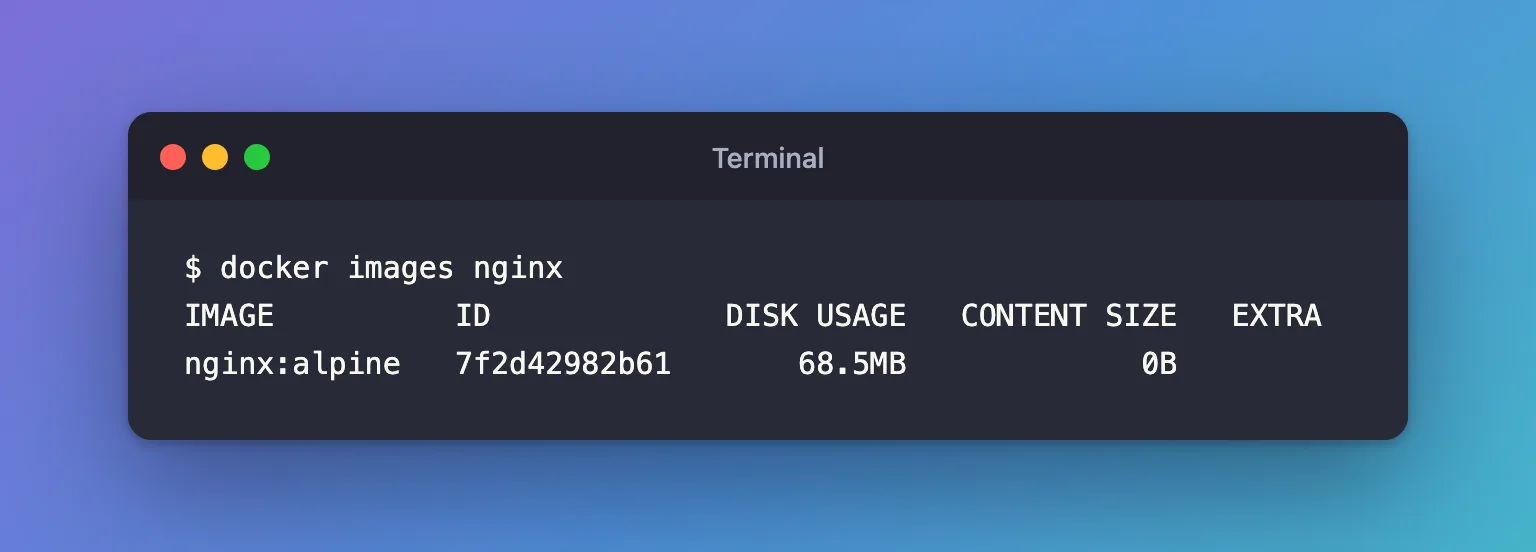
IMAGE: the name and tag,nginx:alpine.ID: the start of the image's ID, which commands accept in place of the name.DISK USAGE: the space the image takes on your computer, 68.5 MB.
Naming the repository, nginx, keeps the list to it. Plain docker images lists every image on the computer, which can be a long list.
Common Mistakes
| Mistake | What happens | Do this instead |
|---|---|---|
A tag you don't have, such as docker images alpine:3.20 when you have alpine:latest | Only the header line: the list matches the tag exactly | Name the repository alone, alpine, or the tag you have |
Troubleshooting
| Symptom | Likely cause | Fix |
|---|---|---|
| Only the header line | No image of that name is on this computer | docker pull it, or check the name |
Cannot connect to the Docker daemon | Docker Desktop isn't running | Fixed: Cannot connect to the Docker daemon |
FAQ
How do I free the space?
Remove the image: How to Remove a Docker Image.
Do images of different repositories share space?
They can share layers: when nginx:alpine was pulled, its first layer was Already exists, because another image on this computer already had that layer, so it wasn't downloaded or stored twice.
Conclusion
docker images nginx listed one image, nginx:alpine, with its ID and its disk usage, 68.5 MB.
Additional Resources
- docker image ls — the command and its filters.
