How to Limit the Request Body Size in ASP.NET Core

By default, ASP.NET Core reads a request body of up to about 28.6 MB. An API that takes small JSON documents has no use for that, and lowering it means a huge body gets turned away before your code spends any time on it.
What You Need
The .NET 10 SDK, and a small project: dotnet new web --no-https -n WebDemo.
Step 1: Set the Limit
Replace Program.cs. The limit is 1,024 bytes here, so that it's easy to reach:
var builder = WebApplication.CreateBuilder(args);

builder.WebHost.ConfigureKestrel(options =>
{
    options.Limits.MaxRequestBodySize = 1024;
});

var app = builder.Build();

app.MapPost("/notes", (Note note) => note.Text.Length);

app.Run();

record Note(string Text);
MaxRequestBodySize is in bytes. A real API might use 1 MB, which is 1,048,576.
Step 2: Test Both Sides
dotnet run --no-launch-profile --urls http://localhost:5300
A small body gets through, and the answer is the length of the text. These send one of those, and then one of about 2 KB, over the limit:
- macOS / Linux
- Windows (PowerShell)
printf '{"Text":"%s"}' "$(head -c 2000 /dev/zero | tr '\0' x)" > big.json
curl -s -i -X POST http://localhost:5300/notes -H "Content-Type: application/json" -d '{"Text":"short"}'
curl -s -i -X POST http://localhost:5300/notes -H "Content-Type: application/json" -H "Expect:" -d @big.json
Add-Type -AssemblyName System.Net.Http
$client = [System.Net.Http.HttpClient]::new()
$small = [System.Net.Http.StringContent]::new('{"Text":"short"}', [System.Text.Encoding]::UTF8, 'application/json')
$big = [System.Net.Http.StringContent]::new((@{ Text = 'x' * 2000 } | ConvertTo-Json -Compress), [System.Text.Encoding]::UTF8, 'application/json')
[int]$client.PostAsync("http://localhost:5300/notes", $small).Result.StatusCode
[int]$client.PostAsync("http://localhost:5300/notes", $big).Result.StatusCode
HTTP/1.1 200 OK
5
HTTP/1.1 413 Payload Too Large
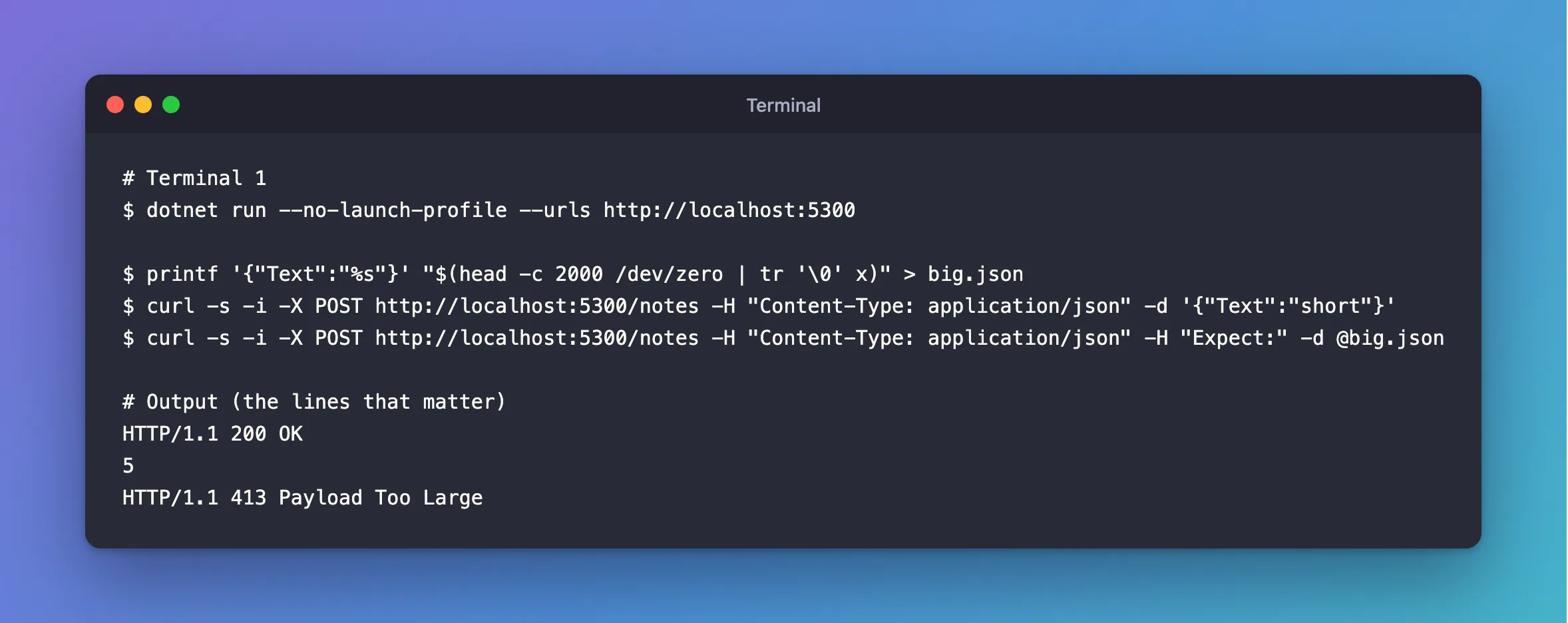
In the first tab, -H "Expect:" stops curl from pausing to ask the server first, which it can do for bigger bodies. With a real ASP.NET Core API using AddProblemDetails, the 413 also gets a body:
HTTP/1.1 413 Payload Too Large
Content-Type: application/problem+json
{"type":"https://tools.ietf.org/html/rfc9110#section-15.5.14","title":"Content Too Large","status":413,"traceId":"00-6acddb5bec50ec9782bfdf43f730e408-e8babaef6a868b74-00"}
Step 3: Keep the Number in Configuration
The limit can't go straight into appsettings.json. Kestrel:Limits is silently ignored. To keep the number there anyway, read it from a section of your own:
"RequestLimits": {
  "MaxRequestBodyBytes": 1048576
}
using Microsoft.AspNetCore.Server.Kestrel.Core;

var maxRequestBodyBytes = builder.Configuration.GetValue<long>("RequestLimits:MaxRequestBodyBytes");

builder.Services.Configure<KestrelServerOptions>(options =>
    options.Limits.MaxRequestBodySize = maxRequestBodyBytes);
One Endpoint That Needs More
An upload endpoint can change it for its own requests, in a middleware that runs before the body is read. Microsoft's documentation shows this with IHttpMaxRequestBodySizeFeature, whose IsReadOnly tells you if it's too late. I didn't need it here, so I haven't tested it.
Common Mistakes
| Mistake | What happens | Do this instead |
|---|---|---|
| Testing with a small body | It looks fine, whether the limit works or not | Send one over the limit |
Putting it in appsettings.json under Kestrel | It's ignored | Set it in code |
| Forgetting a reverse proxy has its own limit | The proxy answers first | Set that as well |
Troubleshooting
| Symptom | Likely cause | Fix |
|---|---|---|
| A big body gets a validation error | The limit isn't active: the body was read | The fix |
curl seems to stop at 100 Continue | It's asking first | Add -H "Expect:" |
A 413 with no body | Nothing writes one | Add AddProblemDetails and UseStatusCodePages |
Conclusion
Set Limits.MaxRequestBodySize in code, to what your API really takes, and prove it with a body that's too big.
Additional Resources
- Configure options for Kestrel —
MaxRequestBodySize, and the per-request feature. - Handle errors in ASP.NET Core APIs — problem details.
