How to Limit How Many Connections a MySQL Account Can Open

MySQL's max_connections limits the whole server, so one app with a runaway pool can lock everyone else out. MAX_USER_CONNECTIONS puts a ceiling on one account, so that its problem stays its own.
Step 1: Set the Limit
As an administrator. The value here is low so that it's easy to hit:
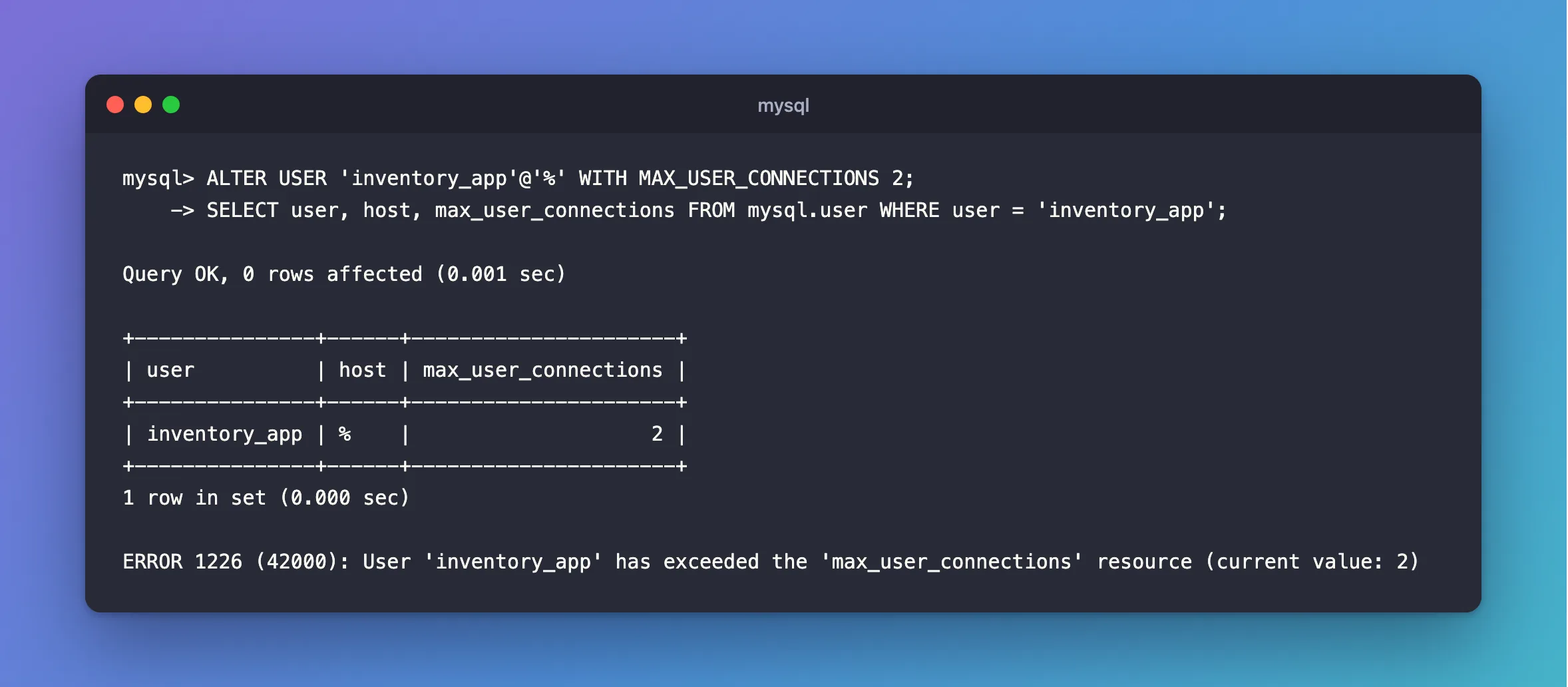
ALTER USER 'inventory_app'@'%' WITH MAX_USER_CONNECTIONS 2;
SELECT user, host, max_user_connections FROM mysql.user WHERE user = 'inventory_app';
Query OK, 0 rows affected (0.001 sec)

+---------------+------+----------------------+
| user          | host | max_user_connections |
+---------------+------+----------------------+
| inventory_app | %    |                    2 |
+---------------+------+----------------------+
1 row in set (0.000 sec)
0 means no limit of its own. A new account can have it from the start: CREATE USER … WITH MAX_USER_CONNECTIONS 60.
Step 2: See It Work
With two sessions open as that account, a third is refused. The message gives the limit:
ERROR 1226 (42000): User 'inventory_app' has exceeded the 'max_user_connections' resource (current value: 2)
An administrator can still sign in with their own account, so you can see what's happening and fix it.
Step 3: Choose a Number
It has to be above everything the account legitimately opens. For an app with a connection pool, that's:
copies of the app × the connections each one can hold
With .NET's MySql.Data, count two pools per copy if you use EF Core's readiness check with Oracle's provider. How to Size the MySql.Data Connection Pool explains that. A pool of 25 and one copy gives 50, so 60 leaves room to spare:
ALTER USER 'inventory_app'@'%' WITH MAX_USER_CONNECTIONS 60;
And keep the total across all your accounts under the server's max_connections. You can check how close you are with Max_used_connections.
Step 4: Know What the App Sees
With a limit of 5 and a pool of 100, a burst of 100 requests gave a .NET API 35 failures:
  65 200
  35 500
With Maximum Pool Size=5 to match, all 100 worked. So when you add a limit, set the pool to fit. And if you have retries, treat this error as temporary. The fix has both.
Step 5: Remove It
ALTER USER 'inventory_app'@'%' WITH MAX_USER_CONNECTIONS 0;
+---------------+------+----------------------+
| user          | host | max_user_connections |
+---------------+------+----------------------+
| inventory_app | %    |                    0 |
+---------------+------+----------------------+
1 row in set (0.001 sec)
A change applies from the next connection, and open sessions carry on.
Other Limits
The same clause takes three more, which count per hour: MAX_QUERIES_PER_HOUR, MAX_UPDATES_PER_HOUR and MAX_CONNECTIONS_PER_HOUR. They're less useful for an app, because hitting one stops it for the rest of the hour.
Common Mistakes
| Mistake | What happens | Do this instead |
|---|---|---|
| A limit below the pool's size | Requests fail under load | Size them together |
| Counting one copy of the app | The total goes over | Multiply by the copies |
Reading 0 as "none allowed" | It means no limit of its own | Use a positive number |
Troubleshooting
| Symptom | Likely cause | Fix |
|---|---|---|
ERROR 1226 | The limit's reached | The fix |
The account has 0, and it's still limited | The global max_user_connections | SHOW VARIABLES LIKE 'max_user_connections' |
ERROR 1040 | The server's limit, not the account's | The fix |
Conclusion
ALTER USER … WITH MAX_USER_CONNECTIONS caps one account, so that it can't take the whole server with it. Set it above what the account really uses, and size its pool to match.
Additional Resources
- Setting Account Resource Limits — this limit, and the per-hour ones.
- ALTER USER Statement — the syntax.
