How to Let an MLflow Server Accept Another Host Name with --allowed-hosts

An MLflow tracking server answers only requests addressed to the names it knows. Reach it under any other name, and it refuses with 403 Forbidden and Invalid Host header - possible DNS rebinding attack detected. --allowed-hosts adds the names you use. This guide reaches a local server as mlflow.localhost, with real output from MLflow 3.18.0.
Syntax
mlflow server --allowed-hosts "<host>[:<port>],<host>[:<port>],..."
| Part | What it means |
|---|---|
<host> | A name or address the server accepts in a request's Host header |
:<port> | Optional. A port such as :8090, or :* for any port |
, | Separates the entries. The list replaces the defaults, so include every name you still use |
MLflow's CLI reference: "Comma-separated list of allowed Host headers to prevent DNS rebinding attacks (default: localhost + private IPs). DNS rebinding allows attackers to trick your browser into accessing internal services." The environment variable MLFLOW_SERVER_ALLOWED_HOSTS does the same.
The Example
A tracking server in a folder called demo-server, on port 8090. curl sends names that end in .localhost to your own computer, so http://mlflow.localhost:8090 reaches the server without any network setup.
Prerequisites
- MLflow, in a project of its own. This guide uses MLflow 3.18.0.
Step 1: See the Default Refuse the Name
Start the server as usual, then ask for its home page under the new name with curl -I, which prints only the status and the headers:
uv run mlflow server --port 8090
curl -I http://mlflow.localhost:8090/
HTTP/1.1 403 Forbidden
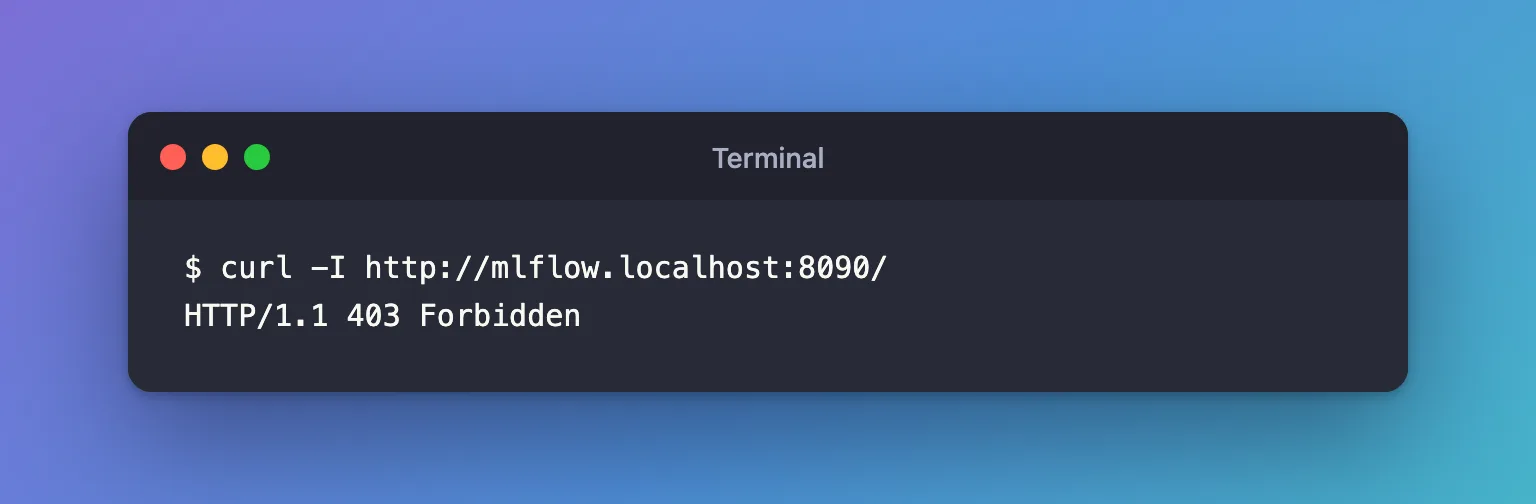
The server answered, but refused: mlflow.localhost isn't in its defaults.
Step 2: Allow the Name
Stop the server with Ctrl+C, and start it again with the new name and the two you already use:
uv run mlflow server --port 8090 --allowed-hosts "mlflow.localhost:*,localhost:*,127.0.0.1:*"
[MLflow] Security middleware enabled. Allowed hosts: mlflow.localhost:*, localhost:*, 127.0.0.1:*.
curl -I http://mlflow.localhost:8090/
curl -I http://127.0.0.1:8090/
HTTP/1.1 200 OK
HTTP/1.1 200 OK
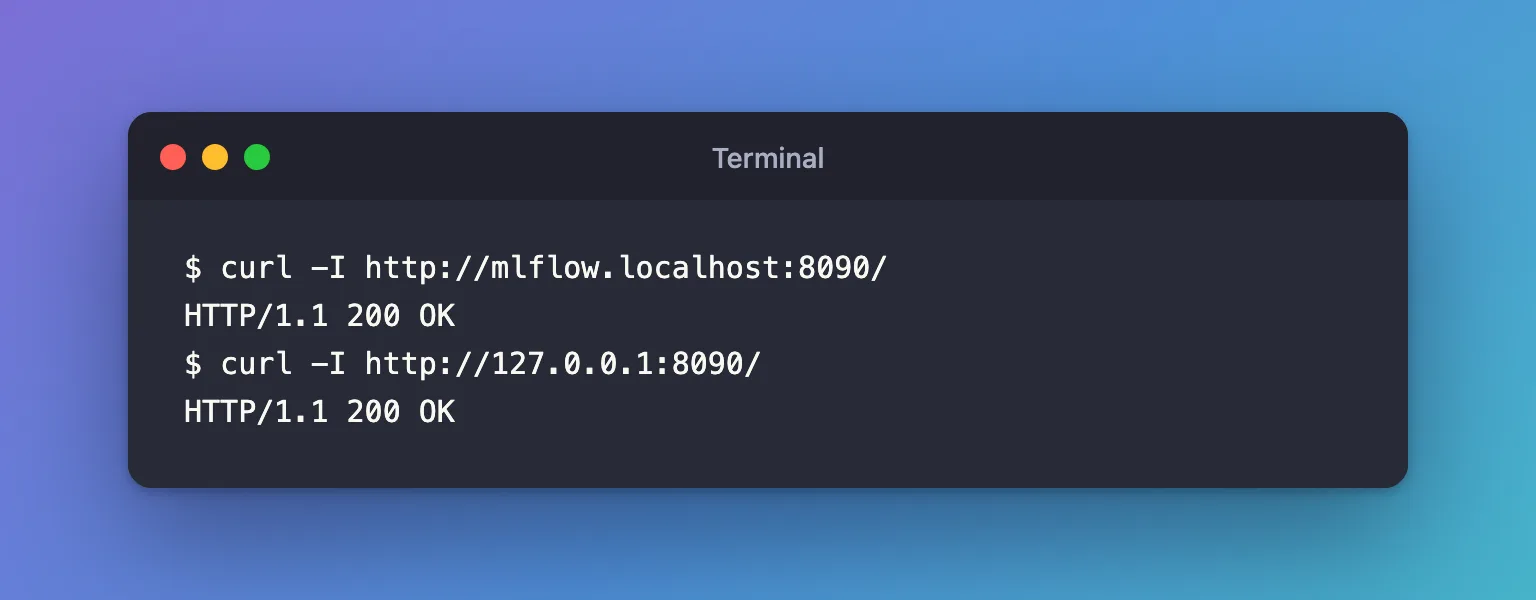
The server printed its new list when it started, and both names now get 200 OK.
Common Mistakes
| Mistake | What happens | Do this instead |
|---|---|---|
Listing only the new name: --allowed-hosts "mlflow.localhost:*" | The list replaces the defaults: http://127.0.0.1:8090/ got 403 Forbidden and Invalid Host header - possible DNS rebinding attack detected | Add localhost:* and 127.0.0.1:* too |
Using --allowed-hosts "*" | Every name is accepted; MLflow's network guide labels it "Allow all (not recommended)" | List the names you use |
Troubleshooting
| Symptom | Likely cause | Fix |
|---|---|---|
Invalid Host header - possible DNS rebinding attack detected | The name in the address isn't allowed | Add it to --allowed-hosts |
The UI stopped working at 127.0.0.1 after you set the option | The list no longer has 127.0.0.1 | Add 127.0.0.1:* |
FAQ
Does this let other computers reach the server?
No. Which computers can reach it depends on --host, which is 127.0.0.1 by default. --allowed-hosts only decides which names the server accepts from those that can reach it.
What does :* mean?
Any port. localhost:* accepts localhost:8090 and localhost on any other port.
Conclusion
The server refused http://mlflow.localhost:8090/ with 403 until --allowed-hosts "mlflow.localhost:*,localhost:*,127.0.0.1:*" added the name; then both names got 200 OK. Keep the names you already use in the list, because it replaces the defaults.
Additional Resources
- Protect Your Tracking Server from Network Exposure — allowed hosts, CORS and the other protections.
- mlflow server — every option of the command.
