How to Let a Web App Call an MLflow Server with --cors-allowed-origins

A web page can only call an API on another address when that API agrees, and an MLflow tracking server agrees only to pages served from localhost or 127.0.0.1. Your own web app on any other address gets 403 Forbidden and Cross-origin request blocked. --cors-allowed-origins adds it. This guide allows an app at http://app.localhost:3000, with real output from MLflow 3.18.0.
Syntax
mlflow server --cors-allowed-origins "<origin>,<origin>,..."
| Part | What it means |
|---|---|
<origin> | Where a web page comes from: its scheme, name and port, such as http://app.localhost:3000, with no path and no slash at the end |
, | Separates the origins |
MLflow's CLI reference: "Comma-separated list of allowed CORS origins to prevent cross-site request attacks (default: localhost origins on any port). CORS attacks allow malicious websites to make requests to your MLflow server using your credentials." The environment variable MLFLOW_SERVER_CORS_ALLOWED_ORIGINS does the same.
The Example
A tracking server in a folder called demo-server, on port 8090. A browser sends a page's origin in the Origin header of each request it makes for that page; curl sends the same header with -H, so you can see what the server answers without writing the app. The request searches the server's experiments, the kind of call a dashboard makes.
Prerequisites
- MLflow, in a project of its own. This guide uses MLflow 3.18.0.
Step 1: See the Default Refuse the App
uv run mlflow server --port 8090
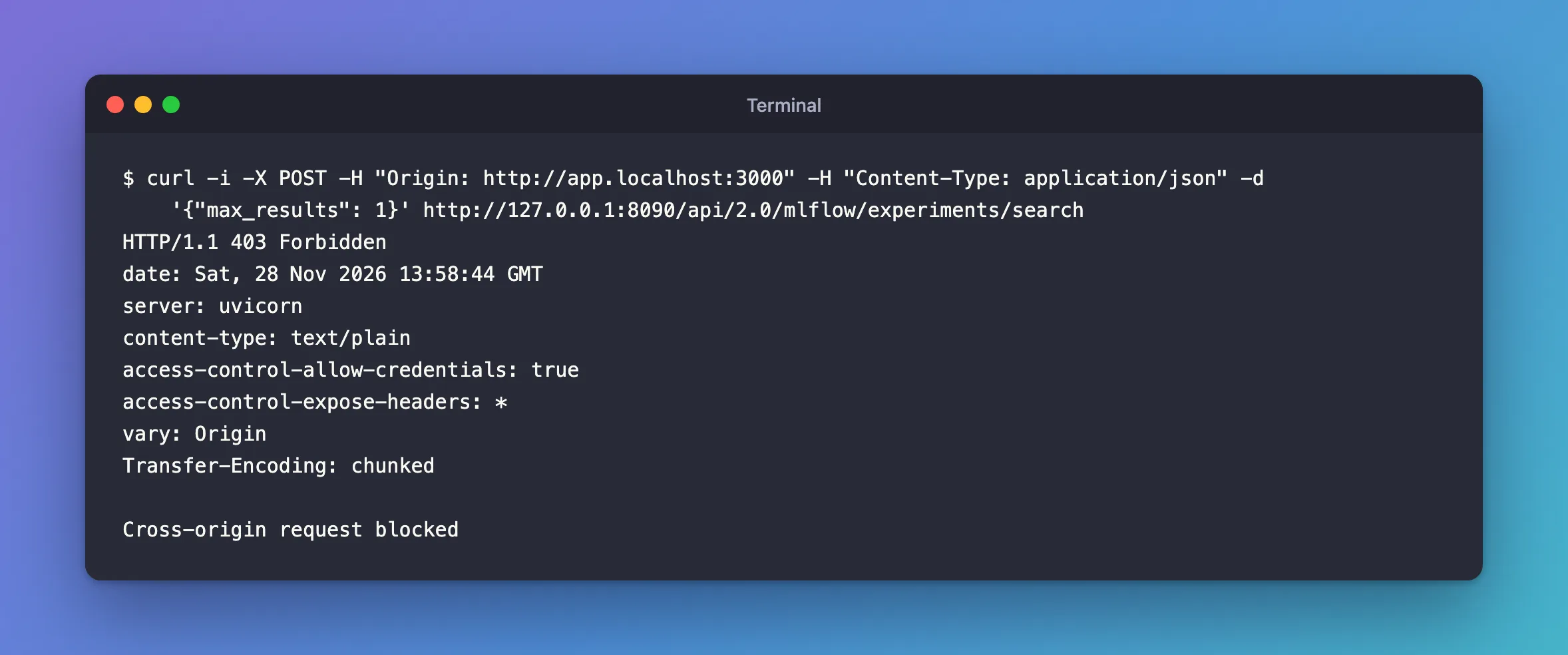
curl -i -X POST -H "Origin: http://app.localhost:3000" -H "Content-Type: application/json" -d '{"max_results": 1}' http://127.0.0.1:8090/api/2.0/mlflow/experiments/search
HTTP/1.1 403 Forbidden
date: Sat, 28 Nov 2026 13:58:44 GMT
server: uvicorn
content-type: text/plain
access-control-allow-credentials: true
access-control-expose-headers: *
vary: Origin
Transfer-Encoding: chunked

Cross-origin request blocked
Step 2: Allow the App's Origin
Stop the server with Ctrl+C, and start it again with the app's origin:
uv run mlflow server --port 8090 --cors-allowed-origins "http://app.localhost:3000"
Send the same request:
curl -i -X POST -H "Origin: http://app.localhost:3000" -H "Content-Type: application/json" -d '{"max_results": 1}' http://127.0.0.1:8090/api/2.0/mlflow/experiments/search
HTTP/1.1 200 OK
date: Sat, 28 Nov 2026 13:58:54 GMT
server: uvicorn
content-type: application/json
content-length: 333
x-content-type-options: nosniff
x-frame-options: SAMEORIGIN
access-control-allow-origin: http://app.localhost:3000
access-control-allow-credentials: true
vary: Origin, Origin
access-control-expose-headers: *
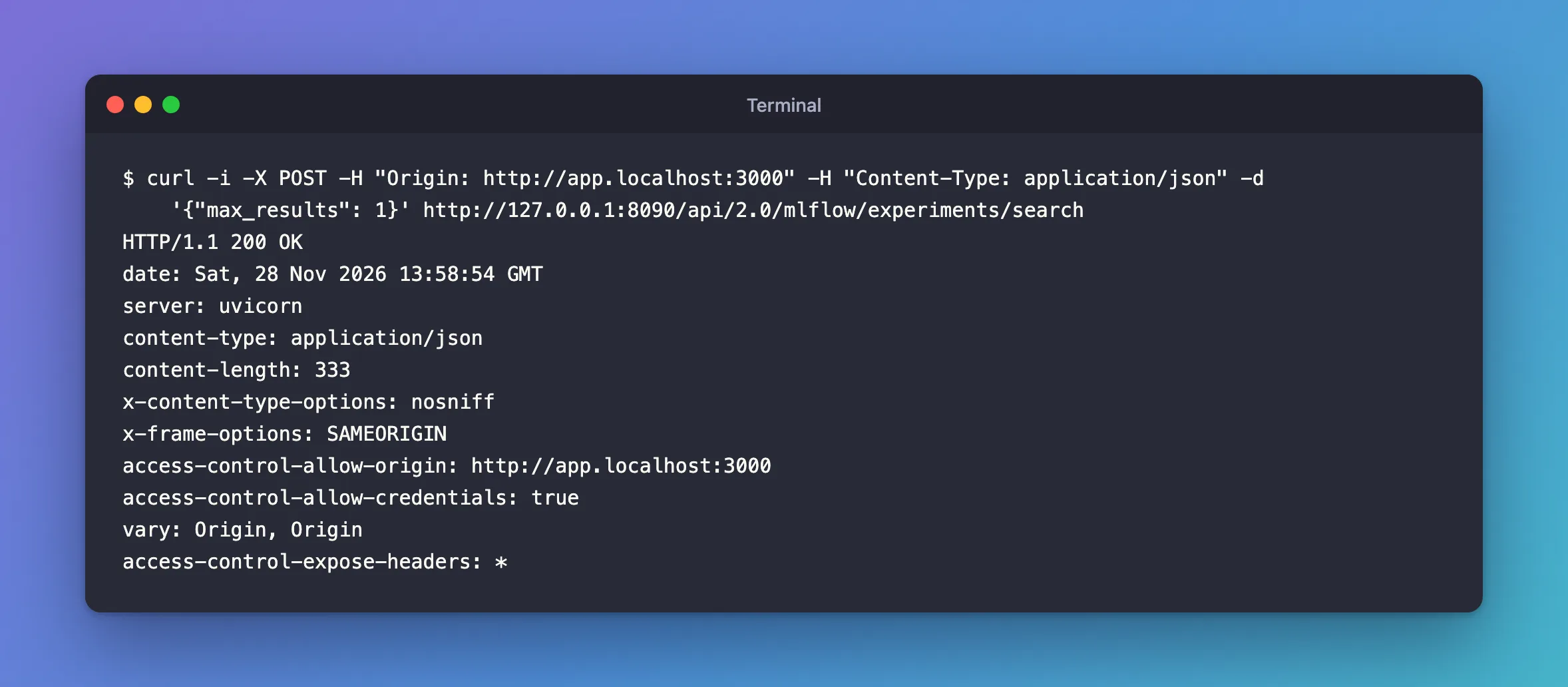
The server answered 200 OK with the experiments, and access-control-allow-origin: http://app.localhost:3000 tells the browser the page may read the answer.
Common Mistakes
| Mistake | What happens | Do this instead |
|---|---|---|
A slash at the end: --cors-allowed-origins "http://app.localhost:3000/" | An origin never ends in a slash, and MLflow compares the text exactly: the app's POST still got 403 and Cross-origin request blocked | Write the scheme, name and port only |
| Expecting the option to replace the localhost default | It adds to it: with the option set, a POST with Origin: http://localhost:5173 still got 200 OK | Nothing to do: localhost and 127.0.0.1 origins stay allowed |
Troubleshooting
| Symptom | Likely cause | Fix |
|---|---|---|
403 Forbidden and Cross-origin request blocked | The page's origin isn't allowed | Add it to --cors-allowed-origins |
A GET from the app gets 200 OK, but the page can't read the answer | MLflow blocks only requests that change data, such as POST; for a GET from an origin it doesn't allow, it answers without access-control-allow-origin, and the browser keeps the answer from the page | Add the origin, and restart the server |
FAQ
Is --allowed-hosts the same thing?
No. --allowed-hosts checks the name the request is addressed to, --cors-allowed-origins the page the request comes from. A web app on another address that calls the server by another name needs both.
Why do localhost origins stay allowed?
That's how MLflow 3.18.0's code works: it never blocks a request whose origin is localhost, 127.0.0.1 or [::1], whatever the option says.
Conclusion
The server refused the app's POST with 403 Cross-origin request blocked until --cors-allowed-origins "http://app.localhost:3000" added the origin; then it answered 200 OK with access-control-allow-origin: http://app.localhost:3000.
Additional Resources
- Protect Your Tracking Server from Network Exposure — CORS origins, allowed hosts and frame options.
- Cross-Origin Resource Sharing (CORS) — how browsers decide what a page may read.
