How to Keep Server-Only Code Out of the Browser in Next.js

In a Next.js app, the same file can be imported by code that runs on the server and by code that runs in the browser. One import "server-only" line at the top of a module that handles secrets makes the build fail the moment a Client Component imports it. This guide shows the line, the error it produces, what ships to the browser without it, and the right way to give a Client Component what it needs.
Why Server Code Can End Up in the Browser
In the App Router, components are Server Components unless a file starts with "use client". Server Components run only on the server, so they can read secrets such as an API key. Client Components also run in the browser, and everything they import is bundled into JavaScript that every visitor downloads.
A helper in lib/ doesn't belong to either side: whoever imports it decides. Next.js's guide calls the mistake environment poisoning: JavaScript modules can be shared between both Server and Client Components modules. This means it's possible to accidentally import server-only code into the client. The same guide explains that environment variables without the NEXT_PUBLIC_ prefix are replaced with an empty string in the browser — so the secret itself doesn't leak, but the code does, and it won't work there.
Prerequisites
- A Next.js app with the App Router. The examples use Next.js 16.4.6, created with create-next-app.
- A terminal in the app's folder.
Step 1: Mark the Module as Server-Only
Here is a small module that reads an API key from the server's environment. Its first line is the guard:
import "server-only";

// Reads the API key from the server's environment.
// Code that holds a secret must never run in the browser.
export function getApiKey(): string {
  const key = process.env.API_KEY;
  if (!key) {
    throw new Error("API_KEY is not set.");
  }
  return key;
}
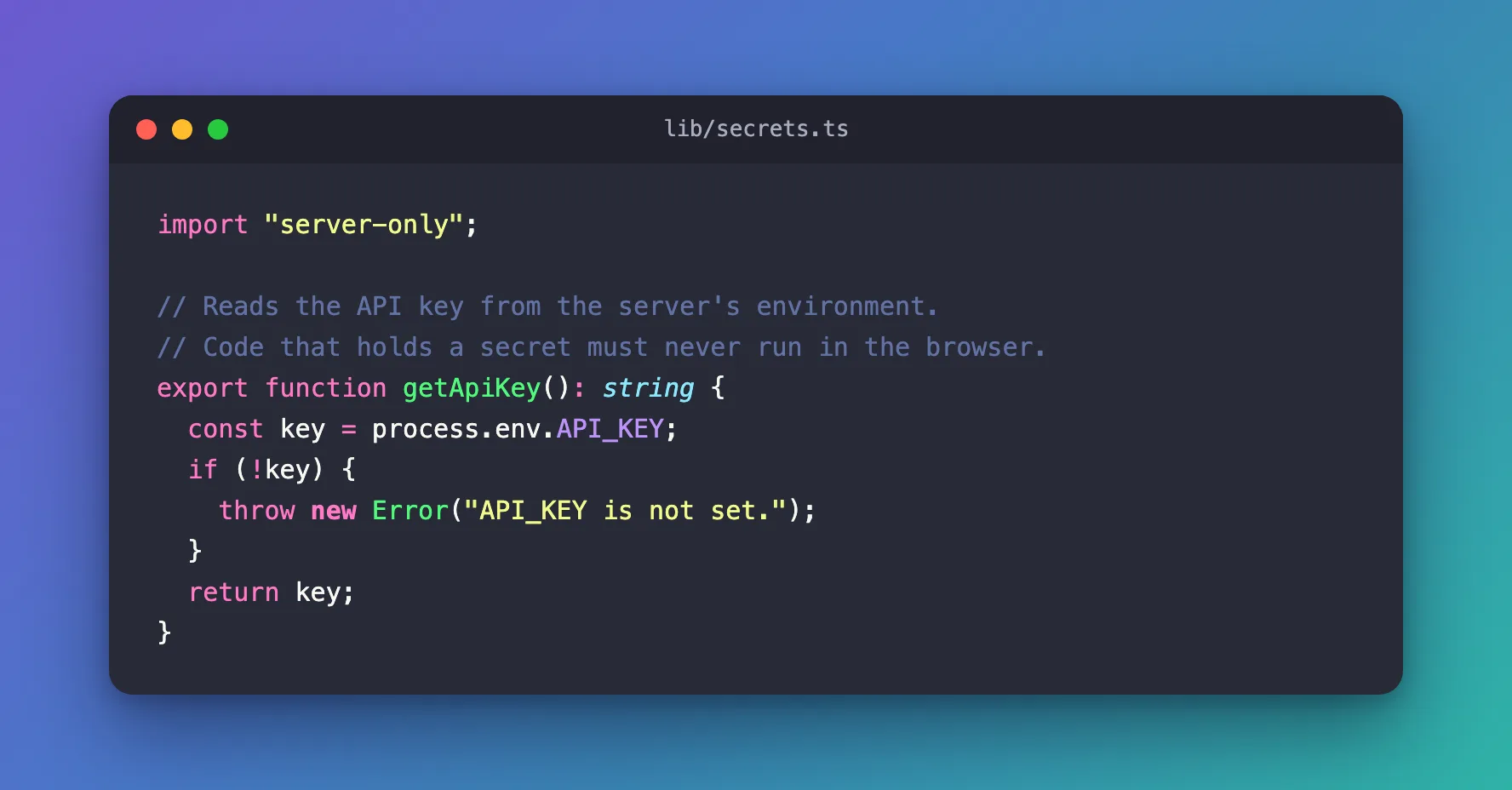
There is nothing to install. Next.js's documentation says: In Next.js, installing server-only or client-only is optional. Install it with npm install server-only only if your linter complains about a package that isn't in package.json.
For this example, the key lives in .env.local:
API_KEY=demo-key-4821
Step 2: Use It from a Server Component
A Server Component may call it. This page shows the last four characters of the key:
import { connection } from "next/server";
import { Suspense } from "react";
import { getApiKey } from "@/lib/secrets";

export default function Home() {
  return (
    <main style={{ padding: 48 }}>
      <h1>Server-only demo</h1>
      <Suspense>
        <KeyStatus />
      </Suspense>
    </main>
  );
}

// A Server Component: it runs on the server, so it may read the key.
async function KeyStatus() {
  await connection();
  const key = getApiKey();
  return <p>The API key ends in …{key.slice(-4)}.</p>;
}
await connection() makes the component read the key for each request, while the app runs, rather than once during the build (How to Read Environment Variables at Runtime in Next.js). npm run build passes:
Route (app)
┌ ◐ /
└ ○ /_not-found
Step 3: See What Happens When a Client Component Imports It
Now a Client Component — a file that starts with "use client" — imports the same function:
"use client";

import { getApiKey } from "@/lib/secrets";

// A Client Component: it runs in the browser too.
export function KeyBadge() {
  return <span>Key: {getApiKey()}</span>;
}
With <KeyBadge /> added to the page, the build stops:
npm run build
> Build error occurred
Error: Turbopack build failed with 2 errors:
./lib/secrets.ts:1:1
Error: You're importing a module that depends on "server-only". This API is only available in Server Components in the App Router, but you are using it in the Pages Router.
    Learn more: https://nextjs.org/docs/app/building-your-application/rendering/server-components
> 1 | import "server-only";
    | ^^^^^^^^^^^^^^^^^^^^^
…
./lib/secrets.ts:1:1
Error: 'server-only' cannot be imported from a Client Component module
> 1 | import "server-only";
    | ^^^^^^^^^^^^^^^^^^^^^
…
It should only be used from a Server Component.

Import traces:
  Server Component:
    ./lib/secrets.ts
    ./app/page.tsx

  Client Component Browser:
    ./lib/secrets.ts [Client Component Browser]
    ./app/key-badge.tsx [Client Component Browser]
    ./app/key-badge.tsx [Server Component]
    ./app/page.tsx [Server Component]
…
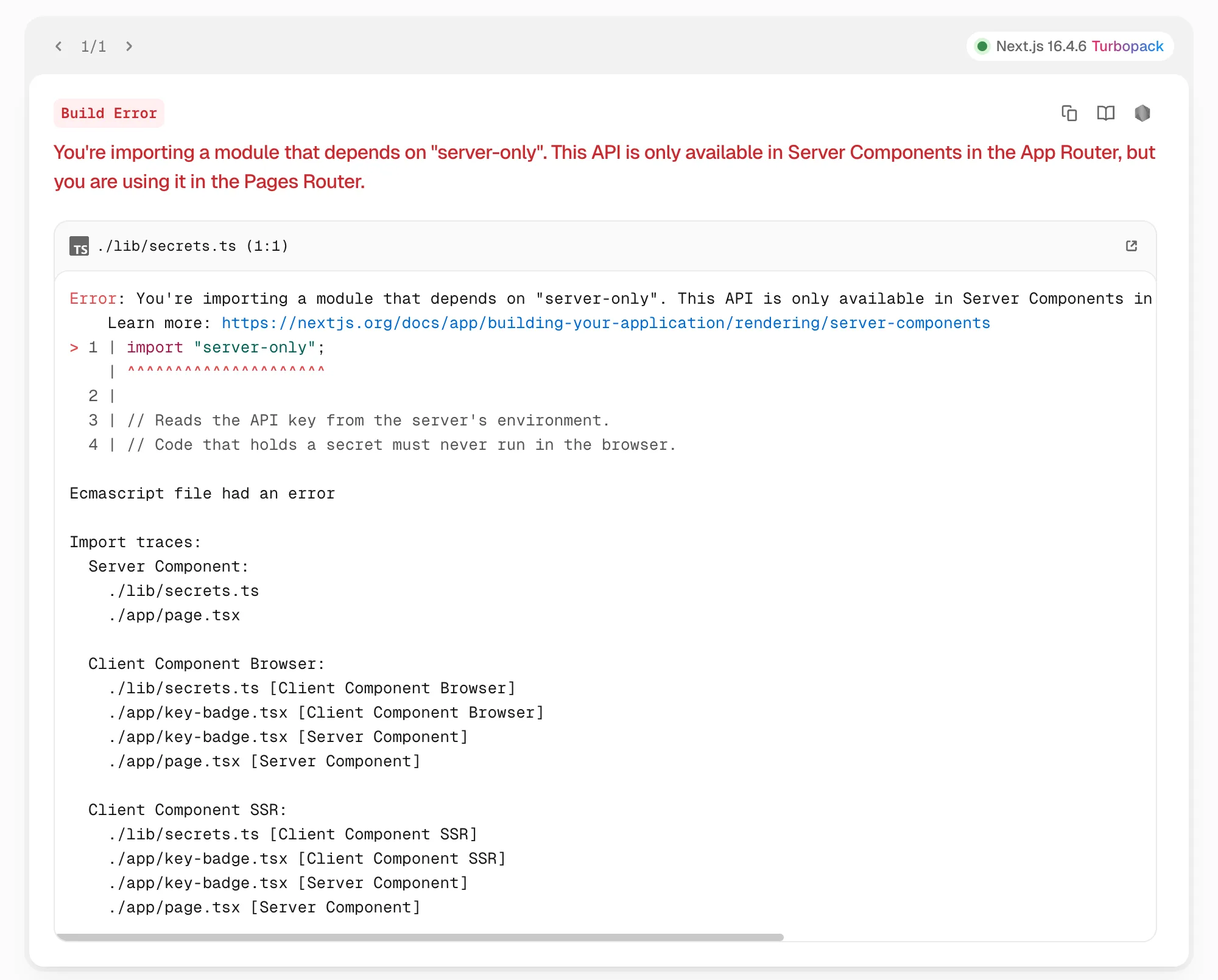
The second error says exactly what happened, and the import traces show the path: page.tsx renders key-badge.tsx, a Client Component, which imports lib/secrets.ts. The first message mentions the Pages Router, although this app uses only the App Router; read the second one. In npm run dev, the browser shows the same error in Next.js's overlay:
Without the guard
With the first line of lib/secrets.ts removed, the same app builds without a word. The function's code is then part of the JavaScript that ships to the browser — one of the files in .next/static/chunks contained the text API_KEY is not set. The key's value wasn't there: Next.js had replaced process.env.API_KEY with nothing, so in the browser the function would only throw. The guard turns that silent mix-up into a build error.
Step 4: Give the Client Component Only What It Needs
Read the secret on the server, and pass the Client Component a safe value as a prop:
"use client";

// A Client Component: it runs in the browser too, so it only gets
// the value it needs to show, never the key itself.
export function KeyBadge({ ending }: { ending: string }) {
  return <span>Key ending: {ending}</span>;
}
// A Server Component: it runs on the server, so it may read the key.
async function KeyStatus() {
  await connection();
  const key = getApiKey();
  return (
    <p>
      The API key is loaded. <KeyBadge ending={key.slice(-4)} />
    </p>
  );
}
Add import { KeyBadge } from "./key-badge"; at the top of page.tsx. Props passed from a Server Component to a Client Component are sent to the browser, so pass only values that are safe to show — here, four characters. The build passes again, and the page shows the result:

Common Mistakes
| Mistake | What happens | Do this instead |
|---|---|---|
Importing a secret-handling module into a "use client" file | Without the guard, its code ships to the browser | Put import "server-only" at the top of such modules |
| Passing the whole secret as a prop | Props of Client Components are sent to the browser | Pass only what the component shows |
Naming a secret NEXT_PUBLIC_… | Next.js copies it into the browser's JavaScript | Keep secrets without the prefix |
Troubleshooting
| Symptom | Likely cause | Fix |
|---|---|---|
| 'server-only' cannot be imported from a Client Component module | A Client Component imports the module, directly or through other files | Follow the import trace; call the module from a Server Component instead |
| The message mentions the Pages Router in an App Router app | The first of the two errors words it that way | Read the second error and the import traces |
| API_KEY is not set. in the browser console | Server code without the guard ran in the browser | Add import "server-only" and move the call to the server |
FAQ
Is there a client-only version?
Yes. Next.js's documentation describes the matching client-only package, for modules with client-only logic such as code that uses window. It is used the same way: import "client-only" as the first line.
Does server-only protect anything at runtime?
It works at build time: it stops the module from being bundled for the browser. What a Server Component passes on to the browser, as props or HTML, is still up to you.
Conclusion
import "server-only" at the top of a module turns an easy-to-miss mistake into a build error that names the file and the import path. Keep secrets in modules with the guard, call them from Server Components, and hand Client Components only the values they display.
Additional Resources
- Next.js: Server and Client Components — Preventing environment poisoning —
server-onlyandclient-only. - Next.js: Environment variables — what reaches the browser and what doesn't.
- server-only on npm — the package.
