How to Keep Only Items of One Type with LINQ OfType in C#

When a list holds different kinds of values, OfType<T>() gives you only the ones of type T. Everything else, null included, is left out without an error.
Microsoft's reference: Filters the elements of an IEnumerable based on a specified type. It returns only those elements in source that are non-null and compatible with type TResult, where TResult is the type you ask for.
Syntax
IEnumerable<T> <matches> = <items>.OfType<T>();
| Part | What it is |
|---|---|
<items> | A list of mixed values, such as an object[] |
T | The type to keep, such as string or int |
<matches> | Only the items that are a T, in their original order |
The Example
A console app called LinqOfType has a list of six objects: two strings, two whole numbers, a decimal number and a null. It picks out the strings and the whole numbers.
Prerequisites
- The .NET 10 SDK.
dotnet --versionprints a version that starts with10.0.
Step 1: Create a Console App
dotnet new console -n LinqOfType
cd LinqOfType
The template "Console App" was created successfully.

Processing post-creation actions...
Restoring /Users/you/source/LinqOfType/LinqOfType.csproj:
  Determining projects to restore...
  Restored /Users/you/source/LinqOfType/LinqOfType.csproj (in 46 ms).
Restore succeeded.
dotnet new console -n LinqOfType creates a folder named LinqOfType with a project file and a Program.cs, and cd moves into it. Everything this example uses is part of .NET, so there's no package to add. Open the folder in VS Code, or LinqOfType.csproj in Visual Studio.
Step 2: Write the Code
Replace everything in Program.cs. First the mixed list:
object?[] items = ["apple", 42, "pear", 3.5, null, 7];
object?[] can hold any value, null included.
Then the two filters:
IEnumerable<string> words = items.OfType<string>();
IEnumerable<int> wholeNumbers = items.OfType<int>();
And print the results:
Console.WriteLine($"All items:     {items.Length}");
Console.WriteLine($"Strings:       {string.Join(", ", words)}");
Console.WriteLine($"Whole numbers: {string.Join(", ", wholeNumbers)}");
Step 3: Run It
Run it in VS Code's terminal, or press Ctrl+F5 in Visual Studio:
dotnet run
All items:     6
Strings:       apple, pear
Whole numbers: 42, 7

Out of six items, OfType<string>() kept apple and pear, and OfType<int>() kept 42 and 7. 3.5 is a double, so neither filter kept it, and the null was skipped by both.
The Complete File
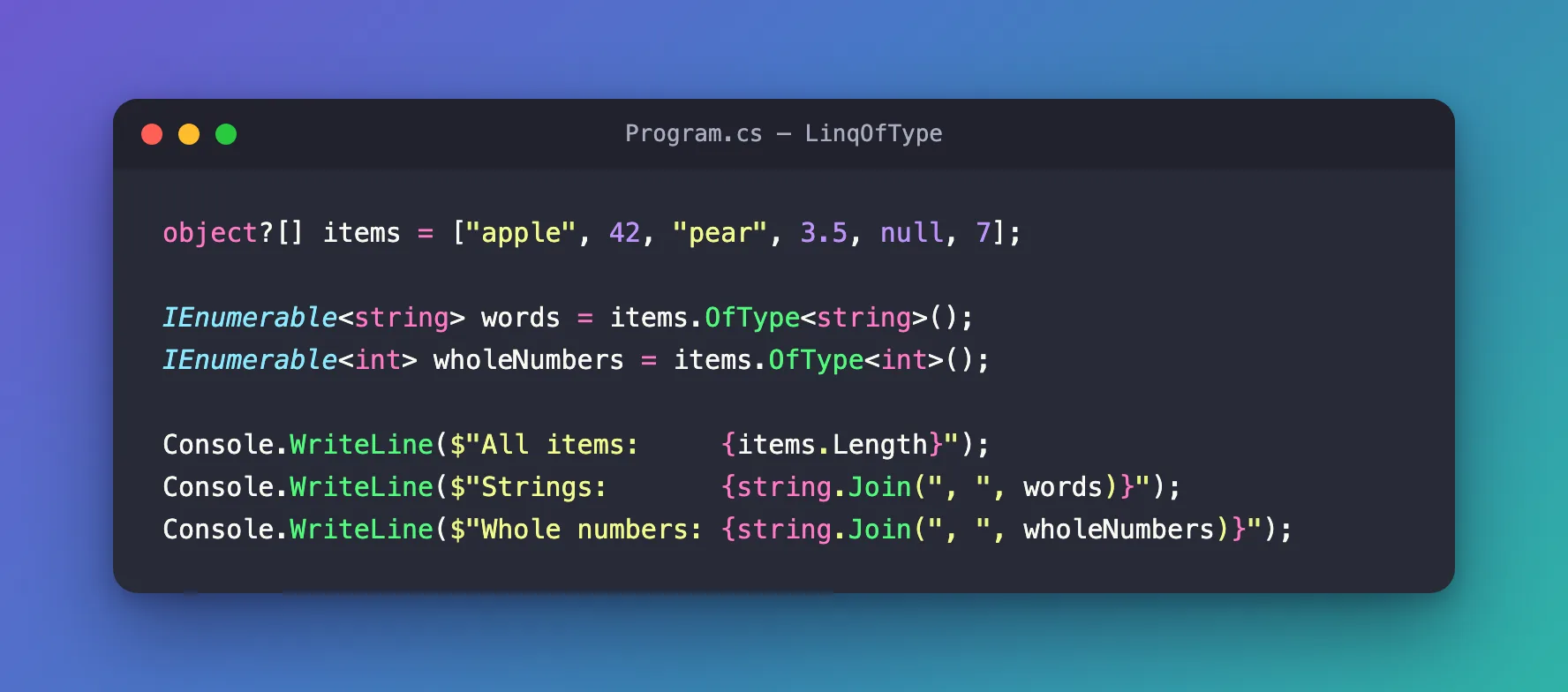
object?[] items = ["apple", 42, "pear", 3.5, null, 7];

IEnumerable<string> words = items.OfType<string>();
IEnumerable<int> wholeNumbers = items.OfType<int>();

Console.WriteLine($"All items:     {items.Length}");
Console.WriteLine($"Strings:       {string.Join(", ", words)}");
Console.WriteLine($"Whole numbers: {string.Join(", ", wholeNumbers)}");
Common Mistakes
| Mistake | What happens | Do this instead |
|---|---|---|
Using Cast<T>() to pick items out | Cast converts every item and fails on the first one that doesn't fit: InvalidCastException: Unable to cast object of type 'System.Int32' to type 'System.String'. | Use OfType<T>() to filter. Keep Cast<T>() for lists where every item is already a T |
Expecting OfType<object>() to keep everything | It still skips null: it returned 5 of the 6 items | Use the list itself when you need the null items too |
FAQ
Does OfType turn 3.5 into a whole number?
No, it only keeps values that already are that type: OfType<int>() skipped 3.5, and OfType<double>() returned 3.5.
Conclusion
items.OfType<T>() keeps the items that are a T, in order, and skips everything else, null included. Use Cast<T>() only when you want an error for an item of the wrong type.
Additional Resources
- Enumerable.OfType — what it keeps.
- Enumerable.Cast — the converting alternative.
