How to Keep Environment Variable Values Out of an Exported Solution

When you export a solution, its environment variables' current values go into the zip, so everyone who installs it gets your values. This guide takes them out with the Power Platform CLI: unpack the managed and unmanaged exports together, delete the value files, and pack both zips again.
Why the Values Should Stay Behind
An environment variable has a definition, which belongs in the solution, and a current value, which belongs to one environment. Microsoft's FAQ asks Should I include the value in my solution? and answers No (Environment variables overview). The same article says that an import asks for a value when a variable has none, while a variable with a value is filled in with it.
In the example, the Career Development Plan app's solution has three variables: a SharePoint site and two lists. Their values are the address of the developer's site and the IDs of its lists, which would be wrong in every other organization.
Why Not the Export Value Switch
Microsoft's FAQ removes a value from a solution under Current Value with ... → Remove from this solution. The variable's panel doesn't have that button any more. It has an Advanced → Export value switch, whose No promises The current value will be removed from the exported solution file. In my tests the switch went back to Yes after saving No, and the exported zip still held all three values: Fixed: Environment Variable Export Value Switches Back to Yes has the details.
What does work every time is the file itself. Microsoft's article says the values are separated into separate JSON files within the exported solution.zip file and can be edited offline.
How It Works
The Solution Packager, which the CLI runs as pac solution unpack and pac solution pack, turns a solution zip into a folder of files and back. Microsoft's SolutionPackager article describes the trick used here:
- Export the solution twice, as
AnyName.zip(unmanaged) andAnyName_managed.zip, in the same folder. - Unpack with Both: the two zips become one folder.
- Pack with Both: one folder becomes both zips again.
Between unpacking and packing, you delete the value files. The values in your own environment aren't touched: you only change files on your computer.
Prerequisites
- The Power Platform CLI (How to Sign In to the Power Platform CLI shows how to check it's installed). Unpacking and packing work on the files on your computer: unlike
pac solution export, they didn't connect to an environment. - The managed and unmanaged exports, with the same version, in one folder called
exported(How to Export a Solution in Power Apps).
The example uses this folder layout:
CareerDevelopmentPlan/
├── exported/   the two zips exported from Power Apps
├── source/     created by pac solution unpack
└── release/    created by pac solution pack
Open a terminal in CareerDevelopmentPlan. The commands are the same in every shell except the one that deletes files.
Step 1: Unpack Both Zips into One Folder
pac solution unpack --zipfile exported/CareerDevelopmentPlan_1_0_0_0.zip --folder source --packagetype Both
--zipfileis the unmanaged zip. With--packagetype Both, the CLI finds the managed one next to it by its_managedname.--folderis where the files go. It's created for you.
Unpacking Solution...

Extracting ~/CareerDevelopmentPlan/exported/CareerDevelopmentPlan_1_0_0_0.zip and ~/CareerDevelopmentPlan/exported/CareerDevelopmentPlan_1_0_0_0_managed.zip to ~/CareerDevelopmentPlan/source

Skipping localization
Processing Component: CanvasApps
 - dewiride_careerdevelopmentplan_c64b8

Unmanaged Extract complete.

Skipping localization

Managed Extract complete.


Unpacked Solution.
Each environment variable now has its own folder under source/environmentvariabledefinitions, with two files:
dewiride_CareerDevelopmentPlanSite/environmentvariabledefinition.xml
dewiride_CareerDevelopmentPlanSite/environmentvariablevalues.json
dewiride_CompetencyResponsesList/environmentvariabledefinition.xml
dewiride_CompetencyResponsesList/environmentvariablevalues.json
dewiride_RoleCompetenciesList/environmentvariabledefinition.xml
dewiride_RoleCompetenciesList/environmentvariablevalues.json
environmentvariabledefinition.xml is the variable, which stays. environmentvariablevalues.json is your environment's value, which goes.
Step 2: Delete the Value Files
- macOS / Linux
- Windows (PowerShell)
rm source/environmentvariabledefinitions/*/environmentvariablevalues.json
find source -name environmentvariablevalues.json
Remove-Item source/environmentvariabledefinitions/*/environmentvariablevalues.json
Get-ChildItem source -Recurse -Filter environmentvariablevalues.json
The * stands for every variable's folder, so one command deletes all the value files and nothing else. The second command looks for any that are left and prints nothing when there are none.
Step 3: Pack Both Zips Again
pac solution pack --zipfile release/CareerDevelopmentPlan_1_0_0_0.zip --folder source --packagetype Both
--zipfile names the unmanaged zip, and Both writes the _managed one beside it. The release folder is created for you. The output lists every component type it looks for; here's its start and end:
Packing Solution...

Packing ~/CareerDevelopmentPlan/source to ~/CareerDevelopmentPlan/release/CareerDevelopmentPlan_1_0_0_0.zip and ~/CareerDevelopmentPlan/release/CareerDevelopmentPlan_1_0_0_0_managed.zip

Processing Component: Entities
…
Processing Component: CanvasApps
 - dewiride_careerdevelopmentplan_c64b8
Processing Sharded Component Files

Unmanaged Pack complete.

…

Managed Pack complete.


Packed Solution.
$ ls -l release
total 592
-rw-r--r--  1 you  wheel  147986 Oct 29 11:16 CareerDevelopmentPlan_1_0_0_0.zip
-rw-r--r--  1 you  wheel  147987 Oct 29 11:16 CareerDevelopmentPlan_1_0_0_0_managed.zip
Step 4: Check the New Zips
Count the value files in each new zip, and read their versions (How to See What's Inside a Power Platform Solution Zip File has the PowerShell versions):
unzip -l release/CareerDevelopmentPlan_1_0_0_0.zip | grep -c environmentvariablevalues
unzip -p release/CareerDevelopmentPlan_1_0_0_0_managed.zip solution.xml | grep -E "<(Version|Managed)>"
0
    <Version>1.0.0.0</Version>
    <Managed>1</Managed>
No value files, and the version and package type are unchanged. The same check on the unmanaged zip gives 0 and <Managed>0</Managed>.
What Changed and What Didn't
| Part of the solution | After packing |
|---|---|
| The three value files | Gone |
| The three variable definitions | Unchanged |
The canvas app file (.msapp) | Identical, byte for byte, to the exported one |
| Version and package type | Unchanged: 1.0.0.0, managed and unmanaged |
solution.xml and customizations.xml | Same content, rewritten with small formatting differences, such as <Entities /> for <Entities></Entities> |
The new zips are about 1.4 KB smaller than the exports: the three value files and the formatting.
All Three Commands
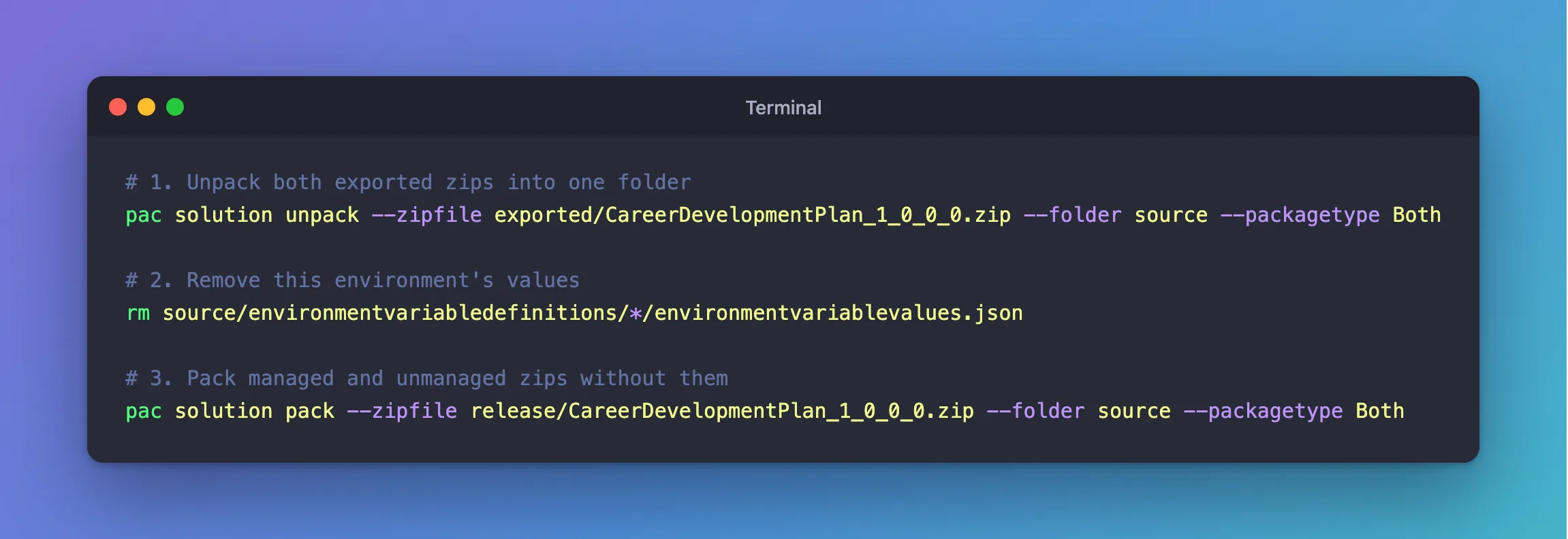
# 1. Unpack both exported zips into one folder
pac solution unpack --zipfile exported/CareerDevelopmentPlan_1_0_0_0.zip --folder source --packagetype Both

# 2. Remove this environment's values
rm source/environmentvariabledefinitions/*/environmentvariablevalues.json

# 3. Pack managed and unmanaged zips without them
pac solution pack --zipfile release/CareerDevelopmentPlan_1_0_0_0.zip --folder source --packagetype Both
On Windows, use Remove-Item for step 2, as above.
Common Mistakes
| Mistake | What happens | Do this instead |
|---|---|---|
| Exporting the two zips with different versions | They don't belong together | Export both with the same version |
| Unpacking without the managed zip next to the unmanaged one | Both can't do its job | Keep both exports in one folder |
Deleting the whole environmentvariabledefinitions folder | The app loses its variables | Delete only environmentvariablevalues.json |
| Sharing the original exports | The values go out after all | Share the zips from release |
Troubleshooting
| Symptom | Likely cause | Fix |
|---|---|---|
pac isn't found | The CLI isn't installed, or not on your path | Install it, then open a new terminal |
No environmentvariablevalues.json after unpacking | The export had no values | Nothing to remove; pack or share as it is |
The release zips still have value files | Step 2 ran in another folder | Run it from the folder that holds source |
FAQ
Does this change anything in my environment?
No. Everything happens in files on your computer, and the values stay in your environment, where the app keeps using them.
Does the zip still mention my site anywhere?
Yes. The canvas app's entry in customizations.xml records the data sources it was built with, including the site and list IDs. Microsoft's troubleshooting article Data source references based on environment variables aren't updated during solution import explains that the variables' values are read when the app runs, so the installer's values are the ones used.
Do I need this for a solution without environment variables?
No. The series' Setup solution has a flow and a connection reference but no variables, so its exports are shared as they are.
Conclusion
Export the solution twice with the same version, unpack both zips with --packagetype Both, delete every environmentvariablevalues.json, and pack both again. Check that the new zips have no value files, and share those. Whoever imports them is asked for their own values (How to Set Environment Variable Values When Importing a Solution).
Additional Resources
- SolutionPackager tool: unpacking and packing, and working with managed and unmanaged solutions together.
- pac solution:
unpackandpack. - Environment variables for Power Platform overview: values, imports and the FAQ.
