How to Join Strings with the Plus Operator in C#

The quickest way to put strings together in C# is the + operator: firstName + " " + lastName. When one side is a string, the other side is turned into text too, which is handy, and once in a while surprising.
Microsoft's operator reference: When one or both operands are of type string, the + operator concatenates the string representations of its operands (the string representation of null is an empty string). That covers numbers, null and any other value with a ToString.
Syntax
string <result> = <text1> + <text2> + ...;
<text> += <more>;
| Part | What it is |
|---|---|
<text1> + <text2> | A new string with <text2> right after <text1>. Nothing goes in between, so write any spaces yourself |
| A number or other value | Turned into its text when the other side is a string |
+= | Adds to the end of a string variable: text += "!" is short for text = text + "!" |
| A long expression | Can continue on the next line: C# reads on until the semicolon |
The Example
A console app called ConcatStrings builds a full name from two parts, a sentence with a number in it, and a long text written over three lines.
Prerequisites
- The .NET 10 SDK.
dotnet --versionprints a version that starts with10.0.
Step 1: Create a Console App
dotnet new console -n ConcatStrings
cd ConcatStrings
The template "Console App" was created successfully.

Processing post-creation actions...
Restoring /Users/you/source/ConcatStrings/ConcatStrings.csproj:
  Determining projects to restore...
  Restored /Users/you/source/ConcatStrings/ConcatStrings.csproj (in 46 ms).
Restore succeeded.
dotnet new console -n ConcatStrings creates a folder named ConcatStrings with a project file and a Program.cs, and cd moves into it. Everything this example uses is part of .NET, so there's no package to add. Open the folder in VS Code, or ConcatStrings.csproj in Visual Studio.
Step 2: Write the Code
Replace everything in Program.cs. First the values:
string firstName = "Asha";
string lastName = "Rao";
int age = 34;
Then the three strings built with +:
string fullName = firstName + " " + lastName;
string sentence = fullName + " is " + age + " years old.";
string longText = "This text is long, "
    + "so it continues "
    + "on the next lines.";
firstName + " " + lastNameputs a space between the two names. Without the" "you'd getAshaRao.fullName + " is " + age + " years old."has the numberagein the middle: because the left side is already a string,34is added as the text34.longTextcontinues over three lines. Each line starts with+, and the semicolon ends it.
And print them:
Console.WriteLine(fullName);
Console.WriteLine(sentence);
Console.WriteLine(longText);
Step 3: Run It
Run it in VS Code's terminal, or press Ctrl+F5 in Visual Studio:
dotnet run
Asha Rao
Asha Rao is 34 years old.
This text is long, so it continues on the next lines.
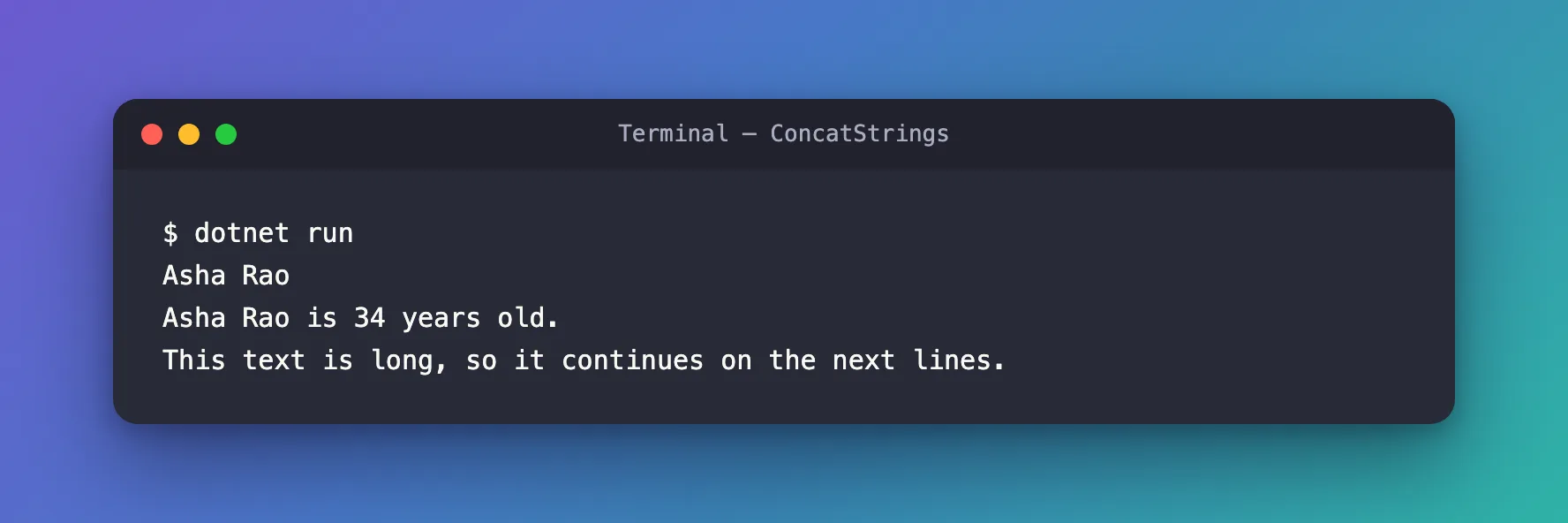
The three pieces of the long text came out as one line: the line breaks in the code are only there for whoever reads it.
The Complete File
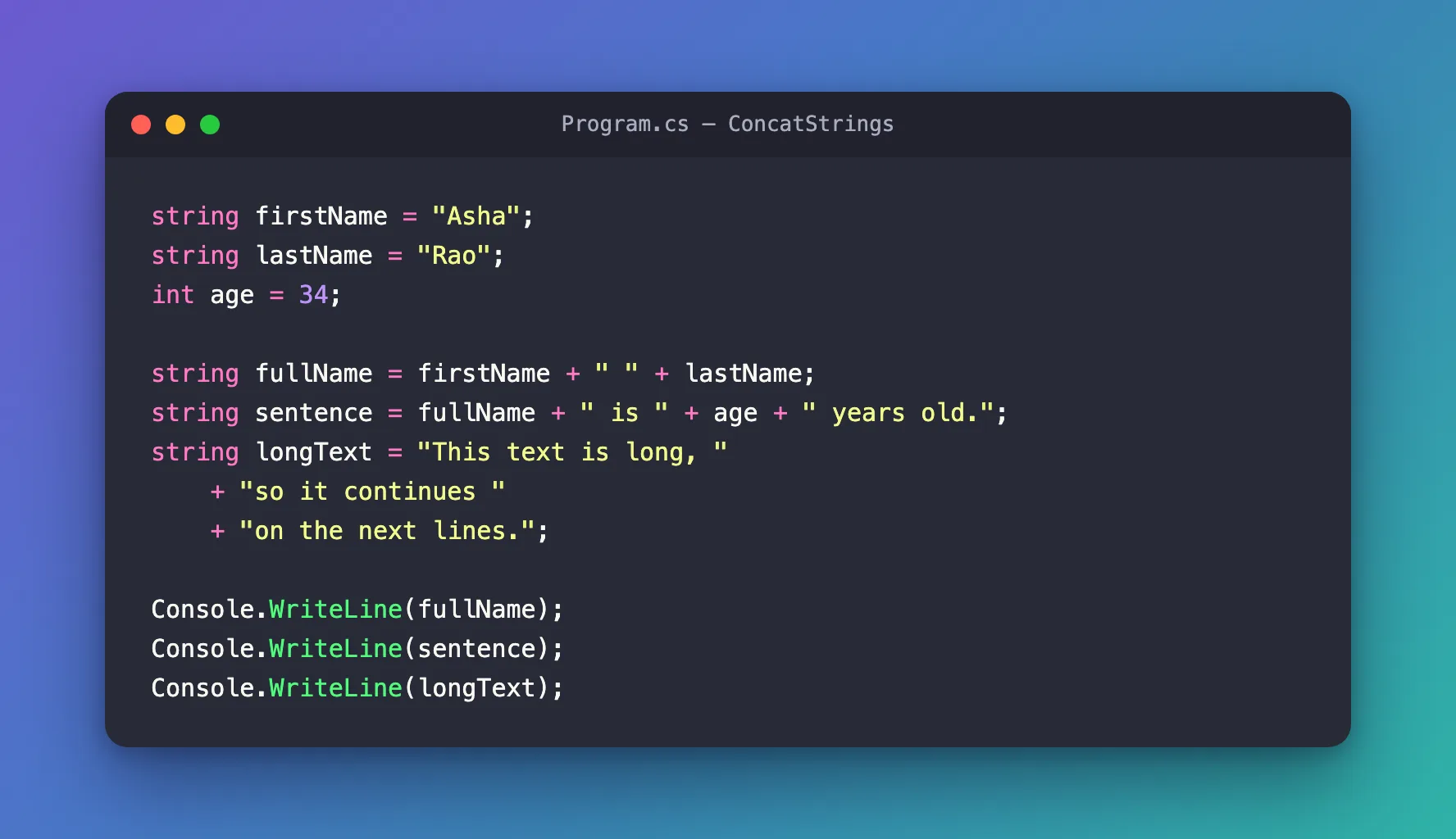
string firstName = "Asha";
string lastName = "Rao";
int age = 34;

string fullName = firstName + " " + lastName;
string sentence = fullName + " is " + age + " years old.";
string longText = "This text is long, "
    + "so it continues "
    + "on the next lines.";

Console.WriteLine(fullName);
Console.WriteLine(sentence);
Console.WriteLine(longText);
Common Mistakes
| Mistake | What happens | Do this instead |
|---|---|---|
Adding numbers after a string, such as "apples: " + 1 + 2 | C# works from left to right, and the left side is already a string, so 1 and 2 are added as text: apples: 12 | Put the sum in brackets: "apples: " + (1 + 2) gave apples: 3. With the numbers first, 1 + 2 + " apples" gave 3 apples |
Building a long string with += in a loop | Every += makes a new string: 20,000 of them took 23.0 ms, against 0.14 ms with StringBuilder for the same text | Use StringBuilder for many pieces. Microsoft's guide: Reach for StringBuilder when the number of pieces is large or unknown at compile time. |
FAQ
What happens when one side is null?
It counts as an empty string: with missing set to null, missing + "x" gave x.
Should I use + or string interpolation?
For a few fixed values, either is fine. Microsoft's guide: For a fixed, small set of values, the + operator and string interpolation are clearer.
Conclusion
a + b puts two strings together, turns a number or other value into text when the other side is a string, and treats null as empty. Mind the left-to-right order when numbers follow a string, and switch to StringBuilder when you join many pieces in a loop.
Additional Resources
- Addition operators — string concatenation with
+and+=. - Concatenate strings in C# —
+, interpolation andStringBuildercompared.
