How to Join Strings in PHP with the Dot Operator

PHP joins strings with a dot, not a plus: $first . ' ' . $last. To add to the end of a string you already have, use .=. Numbers can join in too; PHP turns them into text.
Syntax
$<text> = <string> . <string>;
$<text> .= <string>;
| Part | What it does |
|---|---|
<string> . <string> | A new string with the right side joined to the left. Numbers are turned into text first. |
$<text> .= <string> | Joins the string onto the end of $<text> and stores the result in $<text>. |
The PHP manual on string operators: "There are two string operators. The first is the concatenation operator ('.'), which returns the concatenation of its right and left arguments. The second is the concatenating assignment operator ('.='), which appends the argument on the right side to the argument on the left side."
The Example
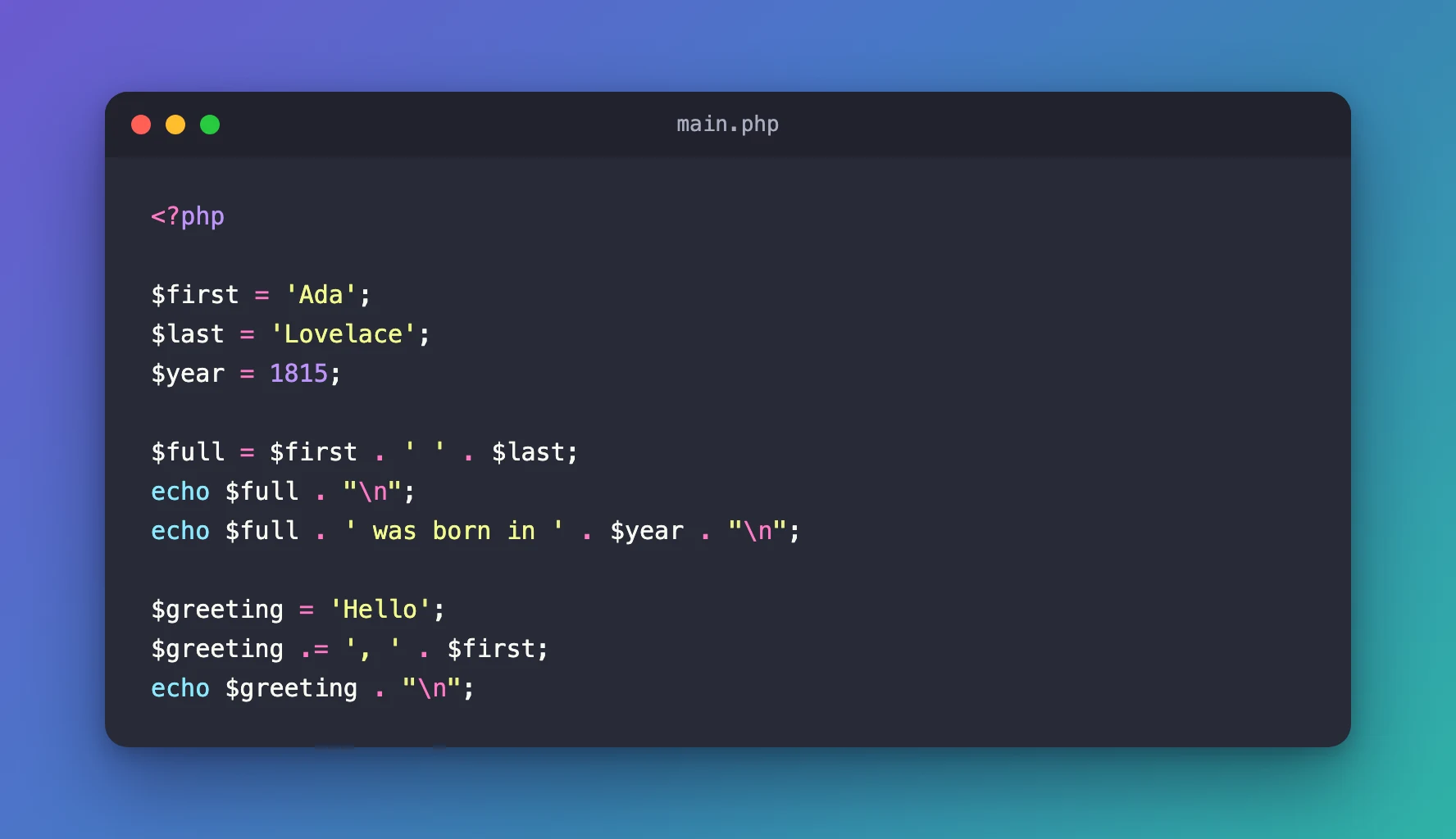
The example joins a first and a last name with a space, joins a sentence with a year in it, and builds a greeting with .=.
Prerequisites
- PHP for the command line. This guide uses PHP 8.6.0.
Step 1: Write the Code
Create a file named main.php:
<?php

$first = 'Ada';
$last = 'Lovelace';
$year = 1815;

$full = $first . ' ' . $last;
echo $full . "\n";
echo $full . ' was born in ' . $year . "\n";

$greeting = 'Hello';
$greeting .= ', ' . $first;
echo $greeting . "\n";
Step 2: Run It
php main.php
Ada Lovelace
Ada Lovelace was born in 1815
Hello, Ada
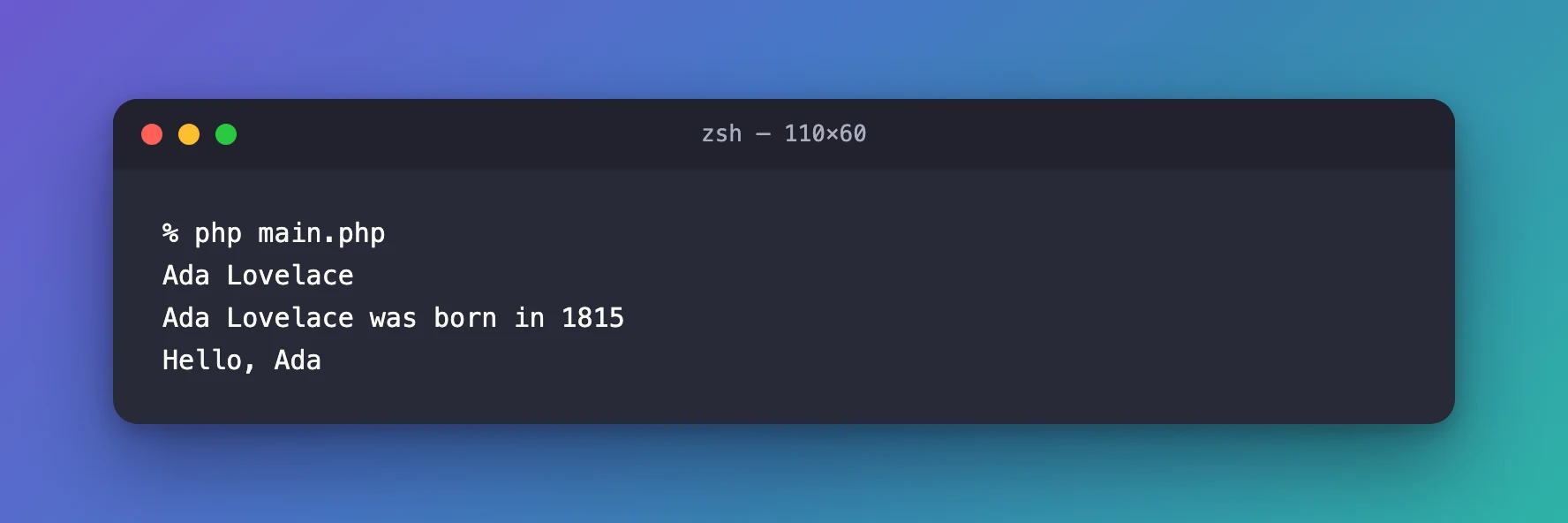
The command is the same in zsh, bash and PowerShell.
What Happened
$first . ' ' . $lastjoined three strings.$yearis a number,1815, and the dot turned it into text before joining.$greeting .= ', ' . $firstjoined, AdaontoHelloand stored the result back in$greeting.
Common Mistakes
| Mistake | What happens | Do this instead |
|---|---|---|
Joining with +, as in 'Ada' + 'Lovelace' | TypeError: Unsupported operand types: string + string | Use . |
Mixing . and + without brackets | "a" . 1 + 2 gives a3: + runs first | Put arithmetic in brackets: "a" . (1 + 2) |
| Putting a function call inside double quotes | "{strtoupper($name)}" printed {strtoupper(Ada)}: the function isn't called | Join it: 'Hi ' . strtoupper($name) |
Troubleshooting
| Symptom | Likely cause | Fix |
|---|---|---|
Unsupported operand types: string + string | + was used to join strings | Use . |
| A number appears added instead of joined | + ran before . in a mixed expression | Add brackets |
FAQ
When should I use double-quoted interpolation instead?
When the text has variables in it: "Hello, $name" reads more easily than 'Hello, ' . $name. Use the dot when you join the results of function calls or expressions.
How do I join an array of strings?
With implode(', ', $items), which puts the separator between the items.
Conclusion
. joins strings in PHP and .= adds to the end of one. Numbers join as text, but + on strings is a TypeError, and in a mixed expression + runs before ., so use brackets.
Additional Resources
- String operators and operator precedence, in the PHP manual.
