How to Join Strings in Java with the + Operator

The quickest way to build text from pieces in Java is the + operator: "Hello, " + name + "!". When one side of + is a String, Java turns the other side into text and joins them, which also explains one classic surprise with numbers.
Syntax
String <text> = <string> + <value> + <string>;
| Part | What it does |
|---|---|
<string> + <value> | When either side is a String, joins the two as text. |
<value> | Any value: numbers, booleans and objects are turned into text first. |
| Order | Evaluated from left to right, like other + operations. |
The Java Language Specification, section 15.18.1: "If only one operand expression is of type String, then string conversion is performed on the other operand to produce a string at run time."
The Example
The example greets a person, joins a name and a year, and prints the same sum twice to show the effect of brackets.
Prerequisites
- A JDK, the Java Development Kit.
java Main.javaruns a single file without compiling it first. This guide uses OpenJDK 25.0.5.1.
Step 1: Write the Code
Create a file named Main.java:
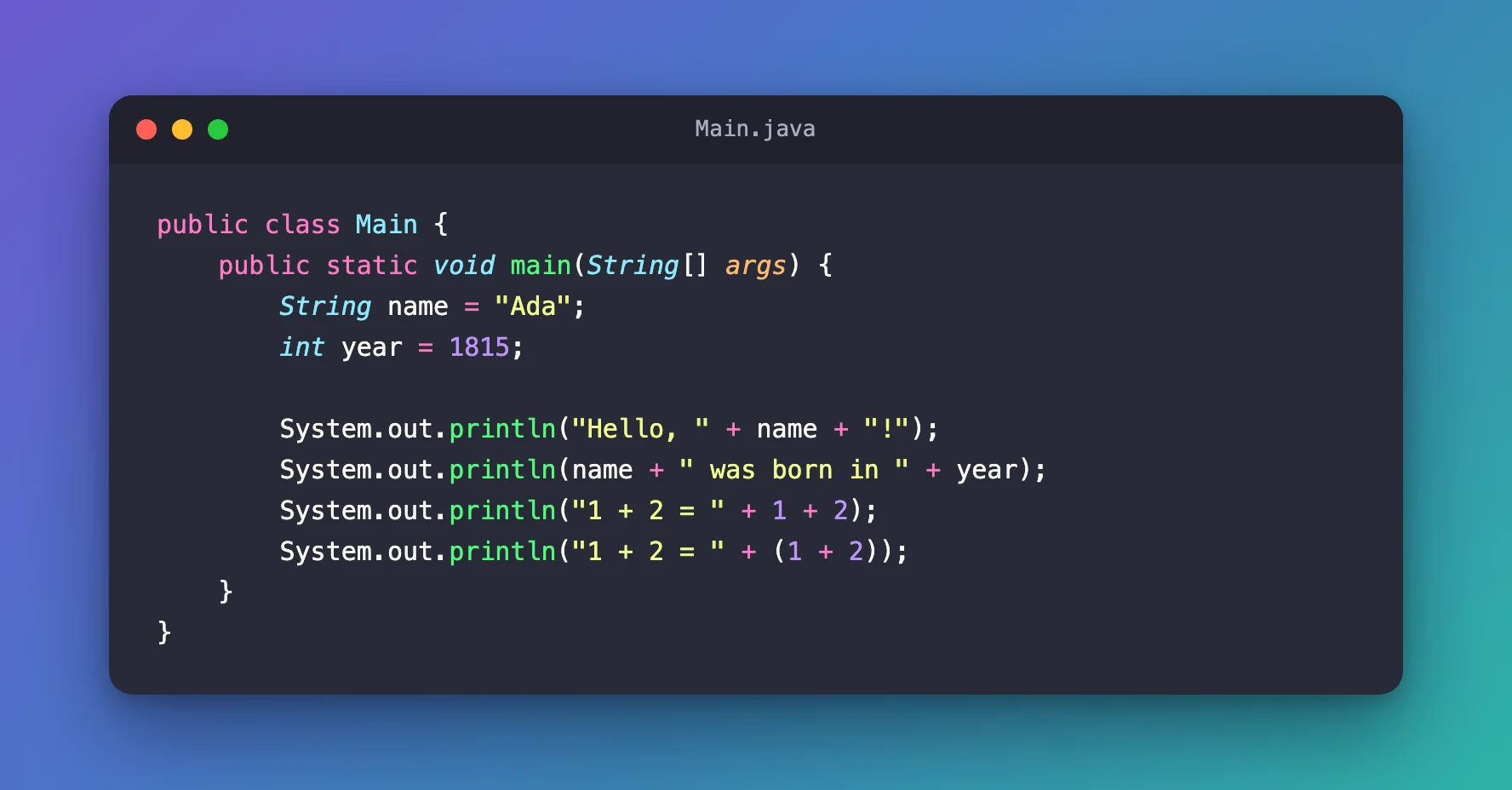
public class Main {
    public static void main(String[] args) {
        String name = "Ada";
        int year = 1815;

        System.out.println("Hello, " + name + "!");
        System.out.println(name + " was born in " + year);
        System.out.println("1 + 2 = " + 1 + 2);
        System.out.println("1 + 2 = " + (1 + 2));
    }
}
Step 2: Run It
java Main.java
Hello, Ada!
Ada was born in 1815
1 + 2 = 12
1 + 2 = 3
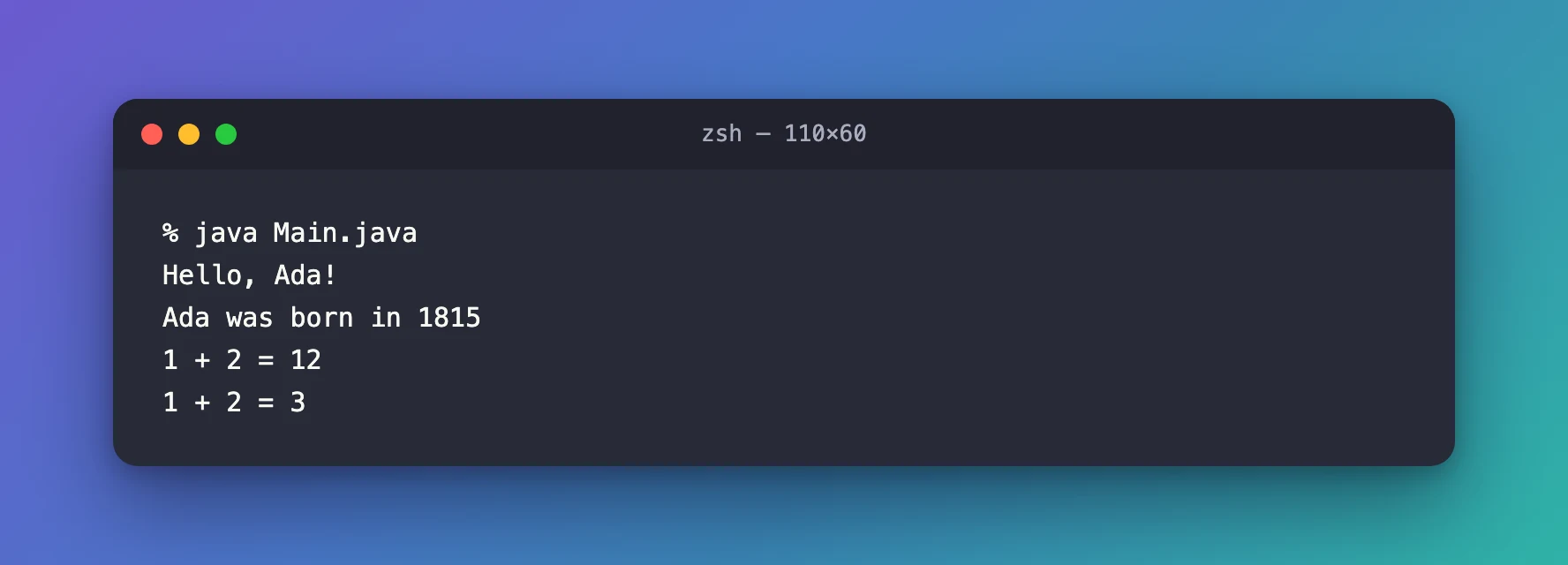
The command is the same in zsh, bash and PowerShell.
Why 12 and Not 3
+ runs from left to right. In "1 + 2 = " + 1 + 2, the first + joins the text and 1 into "1 + 2 = 1"; the second + then sees a String on its left, so it joins 2 as text too. The brackets in "1 + 2 = " + (1 + 2) make Java add the numbers first, then join the result.
Common Mistakes
| Mistake | What happens | Do this instead |
|---|---|---|
| Adding numbers inside a concatenation without brackets | "Total: " + 1 + 2 gives Total: 12 | Put the sum in brackets |
Joining strings with + inside a long loop | Each + builds a new String, which adds up | Use a StringBuilder in loops |
Comparing joined strings with == | Compares objects, not text, so it can be false | Use .equals(...) |
Troubleshooting
| Symptom | Likely cause | Fix |
|---|---|---|
Numbers stuck together, such as 12 instead of 3 | The sum ran after a string | Add brackets around the arithmetic |
null appears in the text | One of the values is null | Check the value before joining |
FAQ
Is there a way to join a list of strings with a separator?
Yes: String.join(", ", "a", "b", "c") returns a, b, c.
What about putting values into a template?
String.format("%s was born in %d", name, year), or System.out.printf to print directly, fills placeholders instead.
Conclusion
+ joins strings, and turns numbers and other values into text when a String is involved. It runs left to right, so put arithmetic in brackets when it sits inside a concatenation.
Additional Resources
- JLS 15.18.1: String Concatenation Operator +, in the Java Language Specification.
