How to Join a List of Strings with a Separator in C#

To turn a list into one line of text, such as Tokyo, London, New York, use string.Join. It puts the separator only between items, so there's never a stray comma at the end.
string.Join is a static method: you call it on the string type itself, not on a value. Microsoft's reference: Concatenates all the elements of a string array, using the specified separator between each element. It works with any list, numbers included, and turns each item into text first.
Syntax
string <result> = string.Join(<separator>, <items>);
| Part | What it is |
|---|---|
<separator> | The text that goes between items, such as ", ". A single character such as ',' works too |
<items> | An array or any other collection: strings, numbers or other values. Each item becomes text through its ToString |
<result> | One string with the separator between the items |
The reference covers the edge cases: separator is included in the returned string only if value has more than one element, and If any element in value is null, an empty string is used instead.
The Example
A console app called JoinStrings joins three city names with two different separators, and a list of numbers with a third.
Prerequisites
- The .NET 10 SDK.
dotnet --versionprints a version that starts with10.0.
Step 1: Create a Console App
dotnet new console -n JoinStrings
cd JoinStrings
The template "Console App" was created successfully.

Processing post-creation actions...
Restoring /Users/you/source/JoinStrings/JoinStrings.csproj:
  Determining projects to restore...
  Restored /Users/you/source/JoinStrings/JoinStrings.csproj (in 48 ms).
Restore succeeded.
dotnet new console -n JoinStrings creates a folder named JoinStrings with a project file and a Program.cs, and cd moves into it. Everything this example uses is part of .NET, so there's no package to add. Open the folder in VS Code, or JoinStrings.csproj in Visual Studio.
Step 2: Write the Code
Replace everything in Program.cs. First the two lists:
string[] cities = ["Tokyo", "London", "New York"];
List<int> numbers = [3, 1, 4];
cities is an array of strings and numbers is a List<int>: string.Join takes both.
Then three joins:
Console.WriteLine(string.Join(", ", cities));
Console.WriteLine(string.Join(" | ", cities));
Console.WriteLine(string.Join(" + ", numbers));
Each call gets a separator and a list, and returns the joined text for Console.WriteLine to print.
Step 3: Run It
Run it in VS Code's terminal, or press Ctrl+F5 in Visual Studio:
dotnet run
Tokyo, London, New York
Tokyo | London | New York
3 + 1 + 4
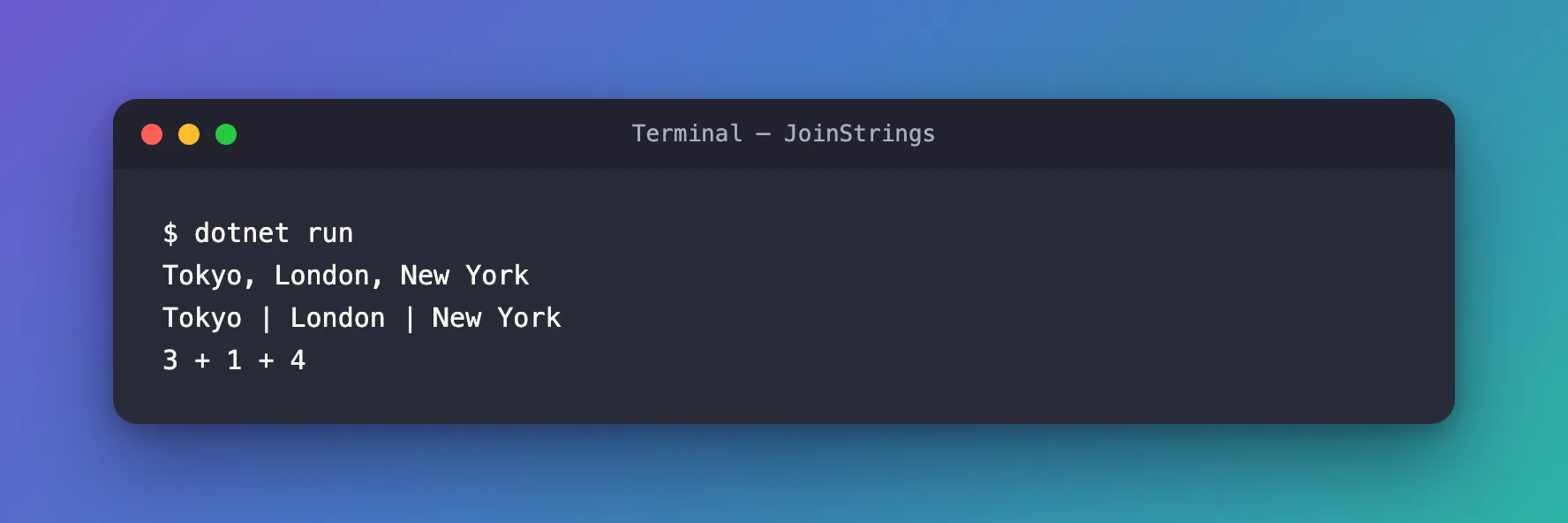
The separator went only between the items: there's no comma after New York and no plus after 4. The numbers were turned into text without any extra code.
The Complete File
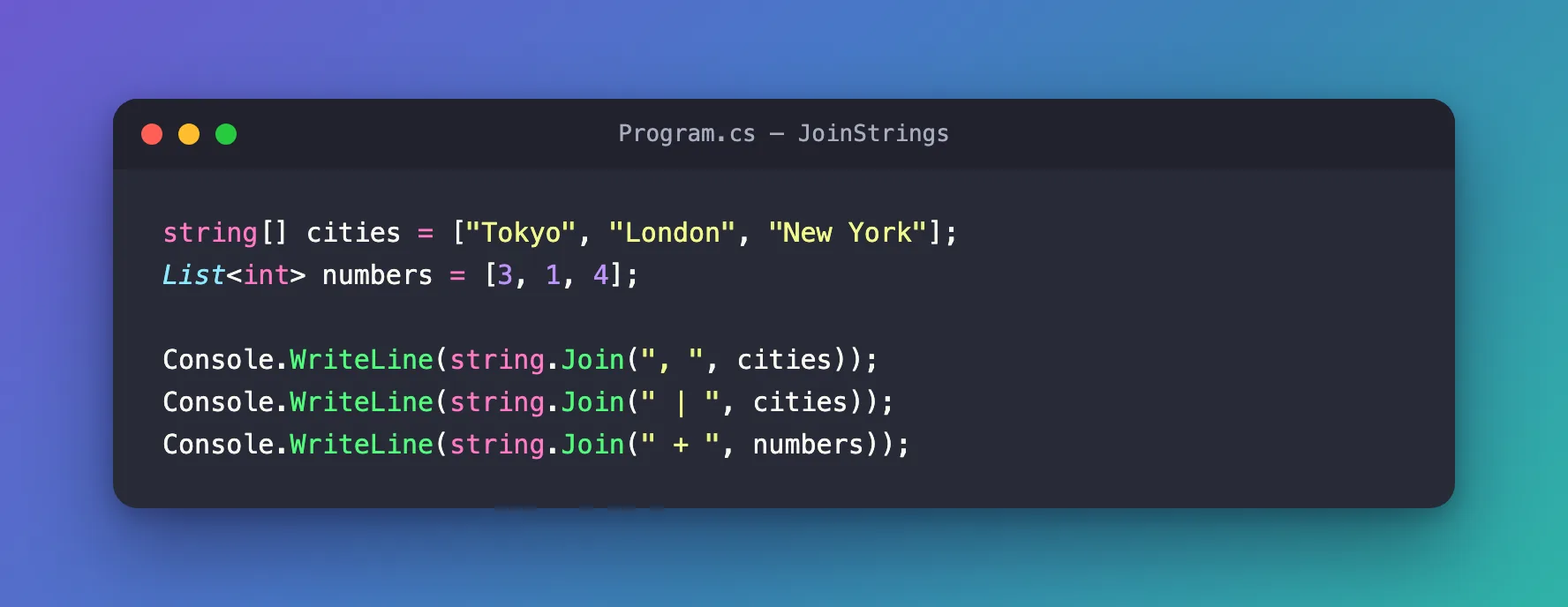
string[] cities = ["Tokyo", "London", "New York"];
List<int> numbers = [3, 1, 4];

Console.WriteLine(string.Join(", ", cities));
Console.WriteLine(string.Join(" | ", cities));
Console.WriteLine(string.Join(" + ", numbers));
Common Mistakes
| Mistake | What happens | Do this instead |
|---|---|---|
Building the text in a loop with += and adding a separator after each item | The last separator stays: the loop produced Tokyo, London, New York, with a comma and a space at the end | Use string.Join, which only puts separators between items |
Not expecting a gap for a null item | ["a", null, "b"] joined with ", " gave a, , b | Remove the null items first if you don't want the empty gap |
FAQ
What does Join return for an empty list?
An empty string: joining an empty array printed nothing between the brackets of []. The reference: Empty if value has zero elements.
Can the separator be a single character?
Yes: string.Join(',', cities) returned Tokyo,London,New York, with no spaces.
Conclusion
string.Join(separator, items) turns a list into one string with the separator between the items and nowhere else. It takes arrays and lists, turns numbers and other values into text, and treats a null item as empty text.
Additional Resources
- String.Join — every form, including the ones for objects and for a range of an array.
