How to Install MLflow in a Python Project with uv

MLflow installs like any Python package, but it brings a lot with it: a web server, a database layer and the most common data science libraries. Installing it into a uv project keeps all of that inside the project and records the exact versions. This guide installs MLflow 3.18.0, checks it, and explains which of MLflow's three packages you need.
Syntax
uv add mlflow
uv add "mlflow==<version>"
| Part | What it means |
|---|---|
uv add | uv's command that installs a package into your project and records it in pyproject.toml and uv.lock |
mlflow | MLflow's name on PyPI. Without a version, uv installs the newest release that works with your Python |
"mlflow==<version>" | One exact version instead, such as "mlflow==3.18.0". Quote it, as you must for any version range |
uv add itself is explained in full in How to Add a Package to a Python Project with uv.
Prerequisites
- uv 0.13.8 or newer and Python 3.15. Check with
uv --versionanduv run --python 3.15 python --version. - A uv project. This guide uses a bare project made with
uv init --bare --python 3.15 mlflow-server; any project works. See How to Create a Python Project with uv. - About 600 MB of disk space for the environment.
The commands work the same in Terminal (macOS), PowerShell (Windows) and Linux shells.
Step 1: Add MLflow
In the project folder:
uv add mlflow
Using CPython 3.15.2 interpreter at: /Library/Frameworks/Python.framework/Versions/3.15/bin/python3
Creating virtual environment at: .venv
Resolved 92 packages in 2.06s
      Built pyyaml==6.0.3
Prepared 88 packages in 14.71s
Installed 88 packages in 792ms
 + aiohappyeyeballs==2.7.1
 + aiohttp==3.14.5
...
 + mlflow==3.18.0
 + mlflow-skinny==3.18.0
 + mlflow-tracing==3.18.0
...
 + numpy==2.5.4
...
 + pandas==3.1.1
...
 + scikit-learn==1.9.1
...
 + sqlalchemy==2.1.8
...
 + uvicorn==0.54.0
...
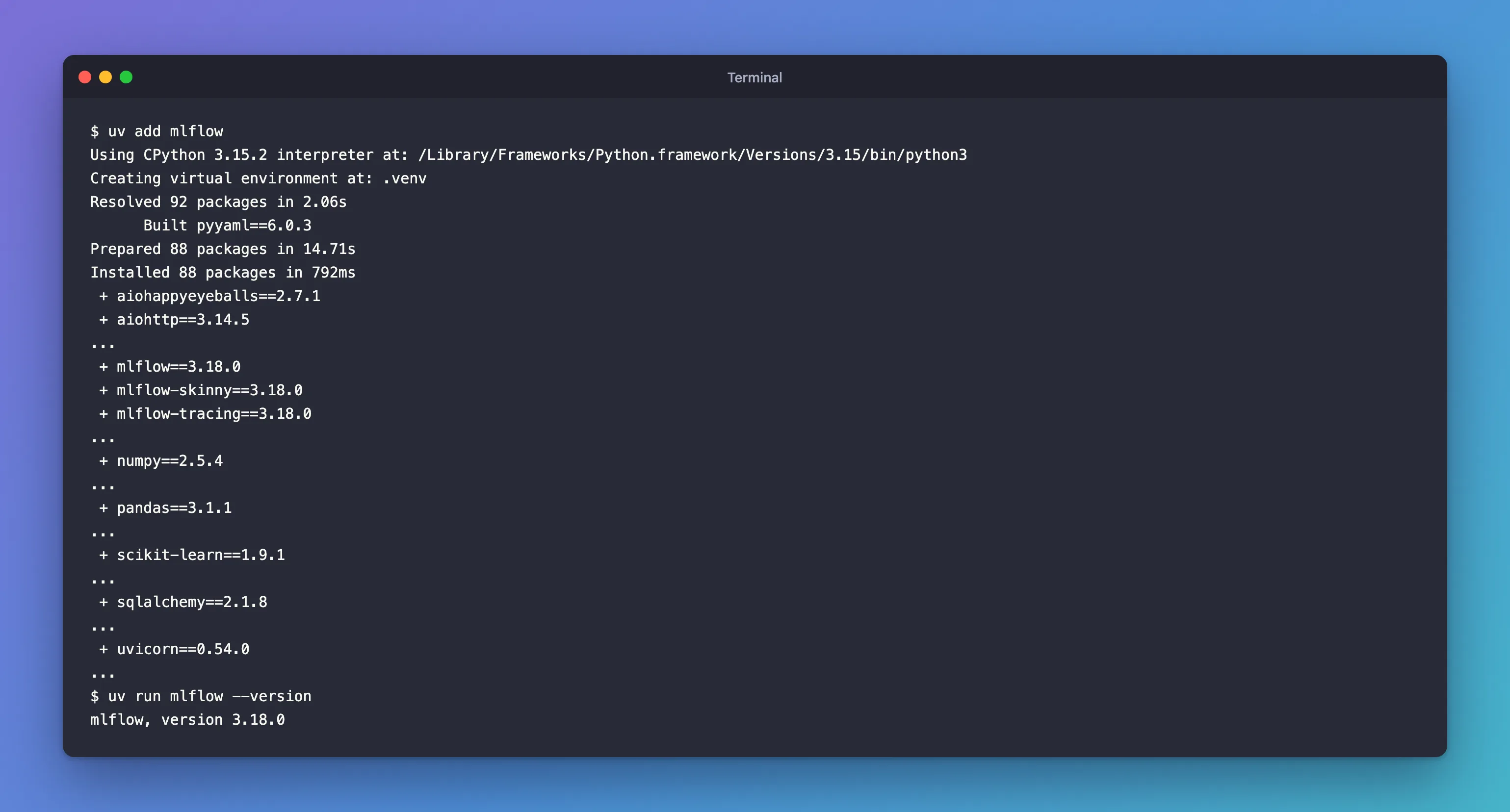
uv installed MLflow 3.18.0 and 87 packages it depends on into the project's .venv folder. Some of them, and why MLflow needs them:
| Package | What MLflow uses it for |
|---|---|
mlflow-skinny, mlflow-tracing | MLflow's own core and tracing code (Step 3 explains) |
sqlalchemy, alembic | Storing runs in a database and upgrading its tables |
uvicorn, fastapi, flask | The tracking server and its web UI |
pandas, numpy, scikit-learn, matplotlib | Datasets, models and charts |
huey | The server's background jobs |
Built pyyaml==6.0.3: PyYAML has no ready-made wheel for Python 3.15 on PyPI yet, so uv built it from its source code. It took about a second and needs nothing from you.
Step 2: Check the Version
uv run mlflow --version
mlflow, version 3.18.0
uv run runs the mlflow command from the project's environment. For other ways to check, see How to Check the Installed Version of a Python Package with uv.
Step 3: Know the Three MLflow Packages
MLflow is published as three packages, all at the same version:
| Package | What it is | Install it when |
|---|---|---|
mlflow | Everything: tracking, models, the server and UI, plus the data science libraries | You run the server, or want the full feature set. That's what this guide installed |
mlflow-skinny | In its own words, "a lightweight MLflow package without SQL storage, server, UI, or data science dependencies" | A program only sends runs to an existing MLflow server |
mlflow-tracing | In its own words, it "only includes the minimum set of dependencies and functionality to instrument your code/models/agents with MLflow Tracing" | A production app only sends traces for its AI features |
mlflow depends on the other two, so installing it gives you all three.
If You Use an AI Coding Agent
Run MLflow inside an AI coding agent's terminal, such as Claude Code, Cursor or Codex, and every mlflow command first prints a hint aimed at the agent:
2026/11/13 17:34:27 INFO mlflow.agent.hint: Load the `mlflow-trace-instrumentation` skill at /Users/you/source/mlflow-server/.venv/lib/python3.15/site-packages/mlflow/assistant/skills/mlflow-trace-instrumentation/SKILL.md before writing any tracing code; it ships with this MLflow install. Set MLFLOW_DISABLE_AGENT_HINT=1 to silence this.
mlflow, version 3.18.0
MLflow 3.18.0 detects the agent from environment variables the agent sets, and points it at instructions bundled with MLflow. In your own terminal you'll never see it. To silence it, set MLFLOW_DISABLE_AGENT_HINT=1, as the message says.
Common Mistakes
| Mistake | What happens | Do this instead |
|---|---|---|
pip install mlflow without an active environment | MLflow lands in your computer's Python, not the project | uv add mlflow in the project |
Running mlflow instead of uv run mlflow | The shell answers command not found: mlflow, because MLflow lives in the project's .venv | Prefix with uv run |
Installing mlflow-skinny on the computer that runs the server | There's no server or UI in it | Install mlflow there |
Troubleshooting
| Symptom | Likely cause | Fix |
|---|---|---|
Built pyyaml==6.0.3 during the install | No ready-made PyYAML wheel for Python 3.15 yet | Expected; uv builds it once and caches it |
mlflow.agent.hint lines before every command | You're running inside an AI coding agent | Set MLFLOW_DISABLE_AGENT_HINT=1, or ignore them |
| The install is slow | uv downloads about 88 packages the first time | Expected; later projects reuse uv's cache |
FAQ
Does MLflow cost anything?
No. MLflow is open source under the Apache 2.0 license and runs on your own computer. Managed versions from cloud vendors are paid, but you don't need them.
Which Python versions does MLflow 3.18.0 support?
Its package requires Python 3.10 or newer. This guide uses Python 3.15.2, the newest release.
Does open-source MLflow send data anywhere?
It collects anonymous usage data by default, which you can turn off: How to Turn Off MLflow Telemetry.
Conclusion
uv add mlflow installed MLflow 3.18.0 and its 87 dependencies into the project's own environment on Python 3.15.2, building PyYAML from source along the way, and uv run mlflow --version confirmed it. mlflow is the full package; mlflow-skinny and mlflow-tracing are lighter clients for programs that only send data to a server.
Additional Resources
- MLflow on PyPI — release history and requirements.
- MLflow 3.18.0 release notes — what's new in this version.
- mlflow-skinny on PyPI — the lightweight client.
