How to Install a PHP Package with Composer

Composer is PHP's package manager. composer require downloads a package into your project, records it in composer.json, and writes one file, vendor/autoload.php, that makes every installed package available to your code.
Syntax
composer require <vendor>/<package>[:<version>]
require __DIR__ . '/vendor/autoload.php';
| Part | What it does |
|---|---|
composer require | Adds a package to the project in the folder you're in, downloads it and records it. |
<vendor>/<package> | The package's name on Packagist, PHP's package registry, such as cocur/slugify. |
:<version> | Optional. A version constraint, such as :^4.8. Without it, Composer picks the newest version and writes a matching constraint. |
require __DIR__ . '/vendor/autoload.php'; | Loads Composer's autoloader, which finds each package's classes the moment your code uses them. __DIR__ is the folder of the script itself. |
The Example
The example turns a sentence into a slug, the lowercase, hyphenated form used in web addresses, with cocur/slugify.
Prerequisites
- PHP and Composer. Check them with
php --versionandcomposer --version. This guide uses PHP 8.6.0 and Composer 2.11.3.
Step 1: Install the Package
mkdir slug-maker
cd slug-maker
composer require cocur/slugify
./composer.json has been created
Running composer update cocur/slugify
Loading composer repositories with package information
Updating dependencies
Lock file operations: 1 install, 0 updates, 0 removals
  - Locking cocur/slugify (v4.8.0)
Writing lock file
Installing dependencies from lock file (including require-dev)
Package operations: 1 install, 0 updates, 0 removals
  - Downloading cocur/slugify (v4.8.0)
  - Installing cocur/slugify (v4.8.0): Extracting archive
Generating autoload files
No security vulnerability advisories found.
Using version ^4.8 for cocur/slugify
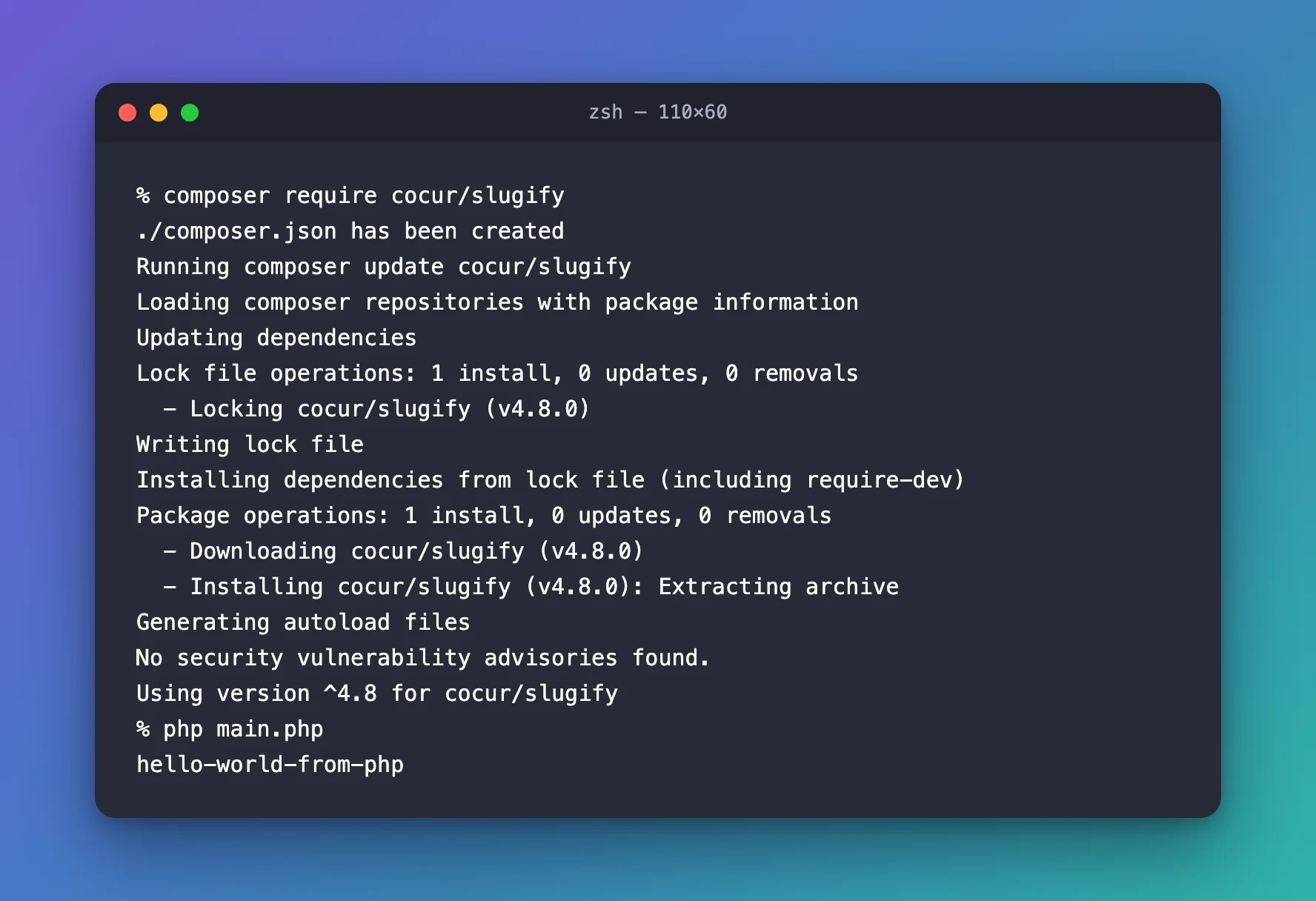
The commands are the same in zsh, bash and PowerShell. Reading the output from the top:
composer.jsondidn't exist, so Composer created it.composer.lock, the lock file, now records the exact version, 4.8.0, so every later install gets the same one.vendor, a new folder, holds the package, andvendor/autoload.phpwas generated.- No security vulnerability advisories found. Composer checked the installed packages against known security problems.
composer.json now lists the package:
{
    "require": {
        "cocur/slugify": "^4.8"
    }
}
^4.8 means 4.8 or any newer 4.x release, but never 5.0, which could change how the package works.
Step 2: Use It
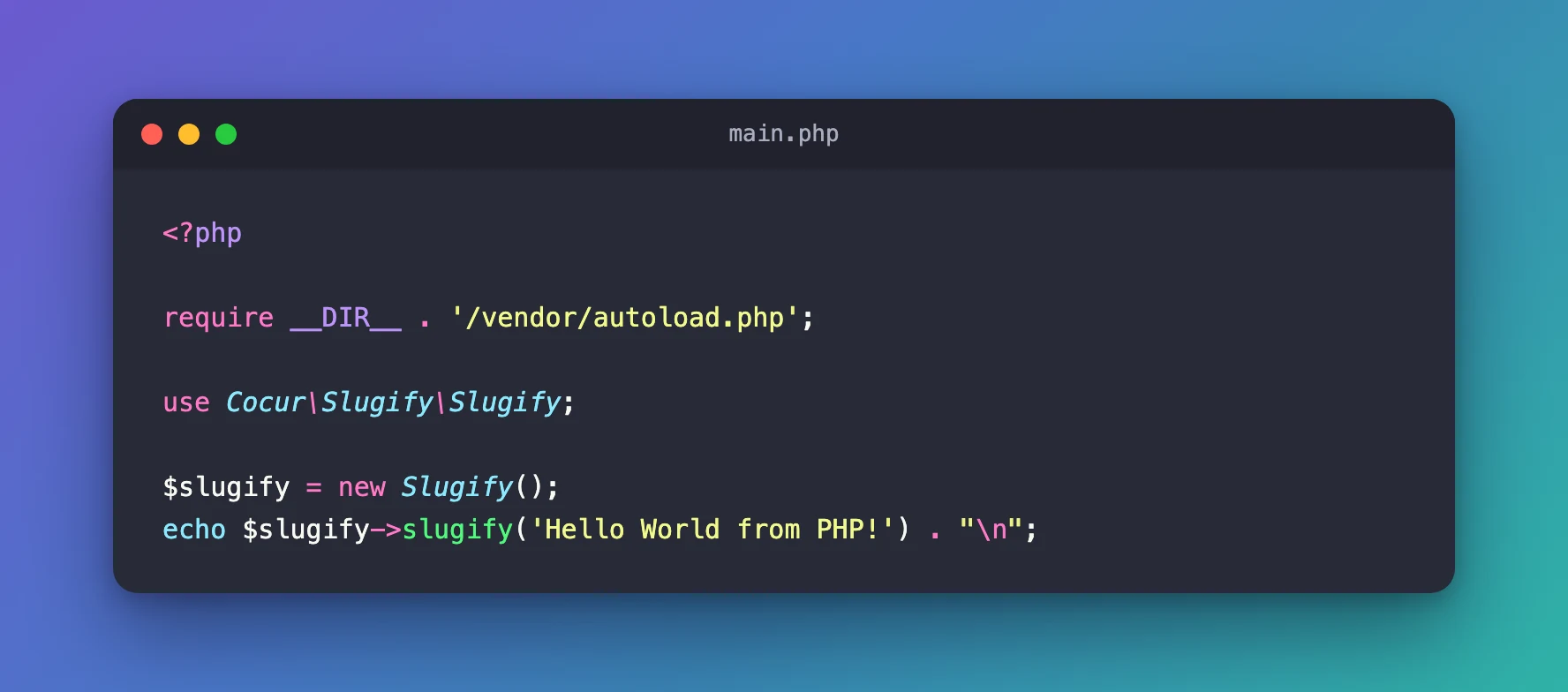
Create main.php:
<?php

require __DIR__ . '/vendor/autoload.php';

use Cocur\Slugify\Slugify;

$slugify = new Slugify();
echo $slugify->slugify('Hello World from PHP!') . "\n";
use Cocur\Slugify\Slugify; lets the code write Slugify instead of the class's full name, and the autoloader loads the class when new Slugify() first needs it.
php main.php
hello-world-from-php
Common Mistakes
| Mistake | What happens | Do this instead |
|---|---|---|
Leaving out require __DIR__ . '/vendor/autoload.php'; | PHP doesn't know the package's classes | Require the autoloader once, at the top of the script |
Committing the vendor folder | The repository fills with code anyone can download again | Commit composer.json and composer.lock, and add vendor/ to .gitignore |
Running composer require outside the project folder | Composer creates a composer.json wherever you are | cd into the project first |
Troubleshooting
| Symptom | Likely cause | Fix |
|---|---|---|
Class "Cocur\Slugify\Slugify" not found | The autoloader wasn't loaded, or the package isn't installed here | Require vendor/autoload.php, and run composer require in this project |
Failed opening required '…/vendor/autoload.php' | vendor doesn't exist in this project | Run composer install to recreate it from composer.lock |
FAQ
How do I install everything a project lists?
Run composer install in the project's folder. It installs the exact versions in composer.lock, and creates vendor again on another computer.
How do I install a specific version?
Add a constraint after a colon: composer require cocur/slugify:4.8.0 installs exactly that version.
Conclusion
composer require <vendor>/<package> installs a package into vendor, records it in composer.json and fixes its exact version in composer.lock. One line, require __DIR__ . '/vendor/autoload.php';, makes every installed package available to your script.
Additional Resources
- composer require, in the Composer command reference.
- Basic usage: autoloading, on
vendor/autoload.php.
