How to Insert a Row into a MySQL Table

INSERT adds rows to a table. You list the columns, give their values, and MySQL fills in an AUTO_INCREMENT ID by itself. This guide adds one row, gets its ID back, adds several rows at once, and shows what happens when you leave out a column that's required.
Prerequisites
- MySQL, and a way to run SQL. The examples use MySQL 9.7.4 in Docker, and the
mysqlclient from How to Connect to MySQL in a Docker Container. - A table. The examples use
categories, with anAUTO_INCREMENTId, aName, and aCreatedAtUtcwith no default.
Step 1: Insert a Row
Name the columns, then give one value for each, in the same order:
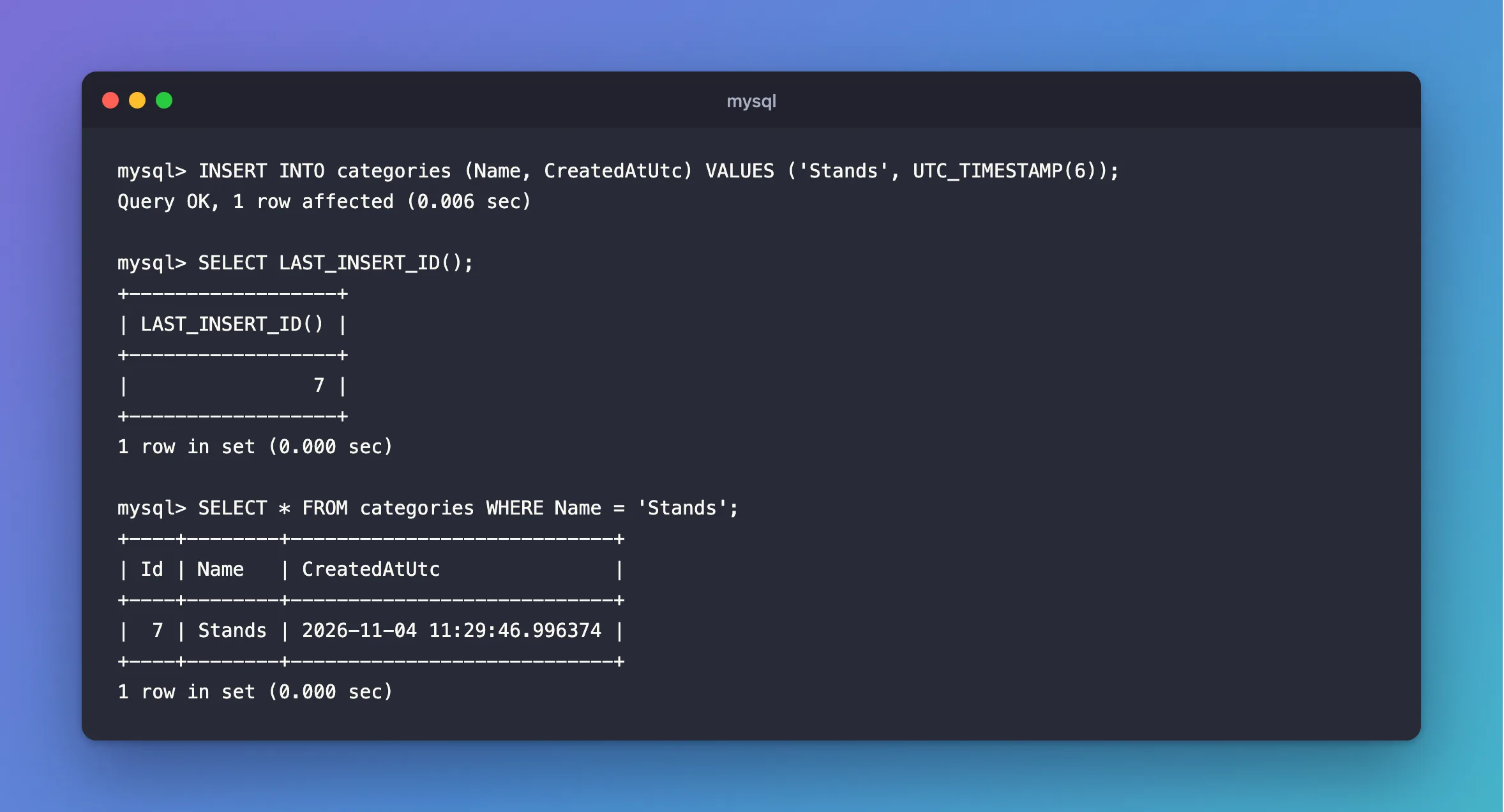
INSERT INTO categories (Name, CreatedAtUtc) VALUES ('Stands', UTC_TIMESTAMP(6));
Query OK, 1 row affected (0.006 sec)
Id isn't listed, so MySQL generates it. UTC_TIMESTAMP(6) is the current UTC time with six decimal places, which suits a datetime(6) column.
Step 2: Get the Generated ID
LAST_INSERT_ID() returns it, for your connection only:
SELECT LAST_INSERT_ID();
+------------------+
| LAST_INSERT_ID() |
+------------------+
|                7 |
+------------------+
1 row in set (0.000 sec)
Read the row back:
SELECT * FROM categories WHERE Name = 'Stands';
+----+--------+----------------------------+
| Id | Name   | CreatedAtUtc               |
+----+--------+----------------------------+
|  7 | Stands | 2026-11-04 11:29:46.996374 |
+----+--------+----------------------------+
1 row in set (0.000 sec)
The ID has its own guide: How to Get the Last Inserted ID and Affected Rows in MySQL.
Step 3: Add Several Rows at Once
Separate the rows with commas. It's one statement, so it's quicker than one INSERT per row:
INSERT INTO categories (Name, CreatedAtUtc) VALUES ('Docks', UTC_TIMESTAMP(6)), ('Hubs', UTC_TIMESTAMP(6));
Query OK, 2 rows affected (0.002 sec)
Records: 2  Duplicates: 0  Warnings: 0
With several rows, LAST_INSERT_ID() gives the ID of the first one, not the last:
+------------------+
| LAST_INSERT_ID() |
+------------------+
|                8 |
+------------------+
1 row in set (0.000 sec)
SELECT Id, Name FROM categories ORDER BY Id;
+----+---------------+
| Id | Name          |
+----+---------------+
|  1 | Cables        |
|  2 | Wall chargers |
|  5 | Adapters      |
|  7 | Stands        |
|  8 | Docks         |
|  9 | Hubs          |
+----+---------------+
6 rows in set (0.000 sec)
Docks is 8, and Hubs is 9. MySQL's LAST_INSERT_ID entry says it returns "the first automatically generated value successfully inserted".
When a Required Column Is Missing
Leave out a column that can't be NULL and has no default, and the statement fails, with no row added:
INSERT INTO categories (Name) VALUES ('Docks');
ERROR 1364 (HY000): Field 'CreatedAtUtc' doesn't have a default value
This post covers that error. A value the table refuses gets its own error too, such as a duplicate or a value out of range.
Common Mistakes
| Mistake | What happens | Do this instead |
|---|---|---|
| Leaving out the column list | Values must match every column, in order, and a new column breaks the statement | Always name the columns |
NOW() for a UTC column | It uses the session's time zone | Use UTC_TIMESTAMP(6) |
Sending your own Id | It works, and moves the counter | Leave it out |
| Quoting a number | MySQL converts it, which can hide mistakes | Write numbers plainly |
| Building the SQL from a user's text | SQL injection | Use parameters in application code |
FAQ
Do failed inserts use up an ID?
Often, yes. That's why AUTO_INCREMENT IDs have gaps.
What does "Records: 2 Duplicates: 0 Warnings: 0" mean?
That's the summary of a multi-row INSERT: rows added, rows that clashed, and warnings.
Conclusion
INSERT INTO table (columns) VALUES (values) adds a row, and commas between value lists add several. MySQL fills in AUTO_INCREMENT, LAST_INSERT_ID() gives you the first new ID, and a required column you leave out fails the whole statement.
Additional Resources
- INSERT Statement — the full syntax.
