How to Import Items in Rust with use

Rust code refers to items from other modules and crates by their path, such as std::collections::HashMap. A use declaration brings that path into scope once, so the rest of the file can simply say HashMap.
Syntax
use <path>::<Item>;
use <path>::{<Item1>, <Item2>};
use <path>::<Item> as <NewName>;
| Part | What it does |
|---|---|
<path> | Where the item lives: a crate, such as std or one listed in Cargo.toml, followed by its modules, separated by ::. |
<Item> | The type, function, constant or module to bring in. |
{<Item1>, <Item2>} | Several items from the same path in one declaration. |
as <NewName> | Optional. Uses the item under another name in this file. |
The Rust Reference on use declarations: "A use declaration creates one or more local name bindings synonymous with some other path. Usually a use declaration is used to shorten the path required to refer to a module item."
The Example
The example stores Ada's age in a HashMap, the key-value map from Rust's standard library, and reads it back. HashMap lives in the std::collections module, so the program brings it in with use.
Prerequisites
- Rust, installed with rustup, which comes with Cargo. This guide uses Rust 1.100.0.
Step 1: Create a Project
cargo new demo
cd demo
    Creating binary (application) `demo` package
note: see more `Cargo.toml` keys and their definitions at https://doc.rust-lang.org/cargo/reference/manifest.html
cargo new demo creates a folder named demo with a Cargo.toml file, which describes the project, and src/main.rs, which holds the code. cd demo moves into it.
Step 2: Write the Code
Replace the contents of src/main.rs with:
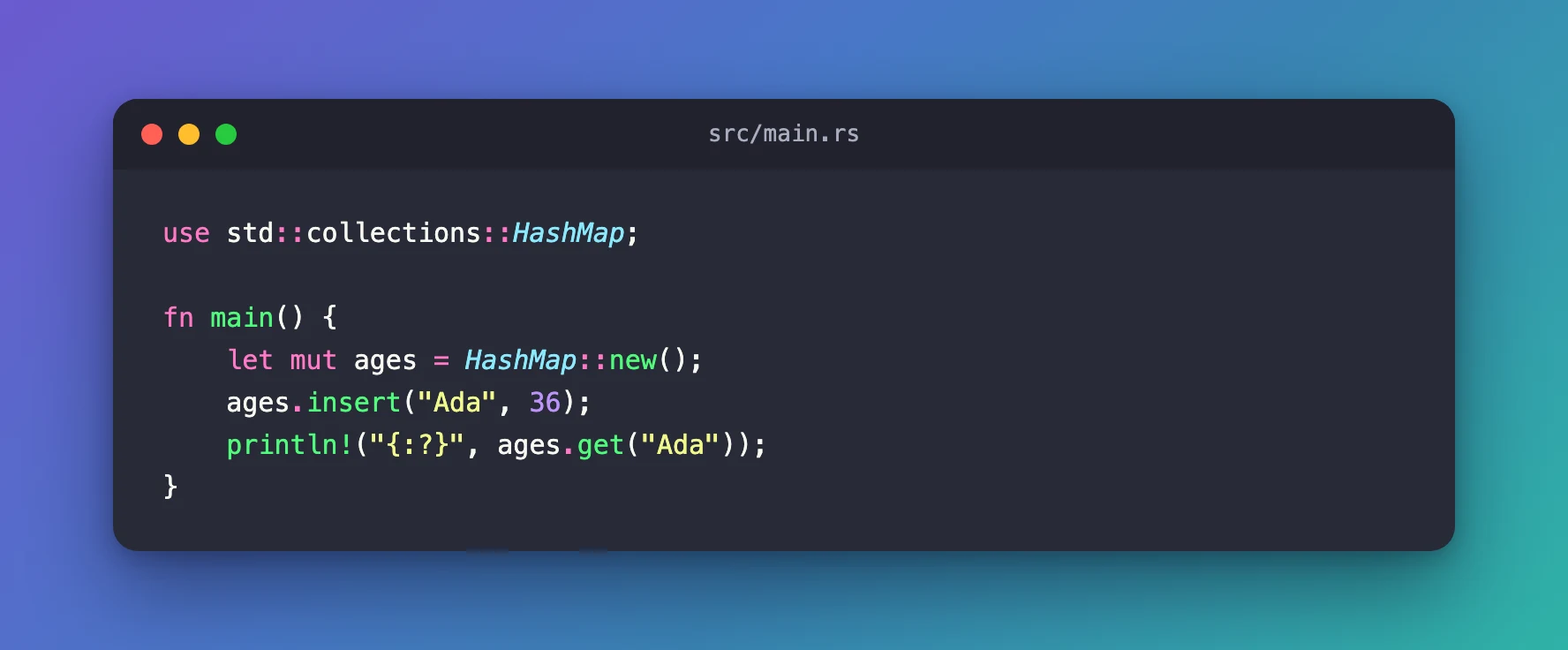
use std::collections::HashMap;

fn main() {
    let mut ages = HashMap::new();
    ages.insert("Ada", 36);
    println!("{:?}", ages.get("Ada"));
}
The first line makes HashMap mean std::collections::HashMap everywhere in this file. HashMap::new() creates an empty map, insert adds the key "Ada" with the value 36, and get looks the key up.
Step 3: Run It
cargo run -q
Some(36)
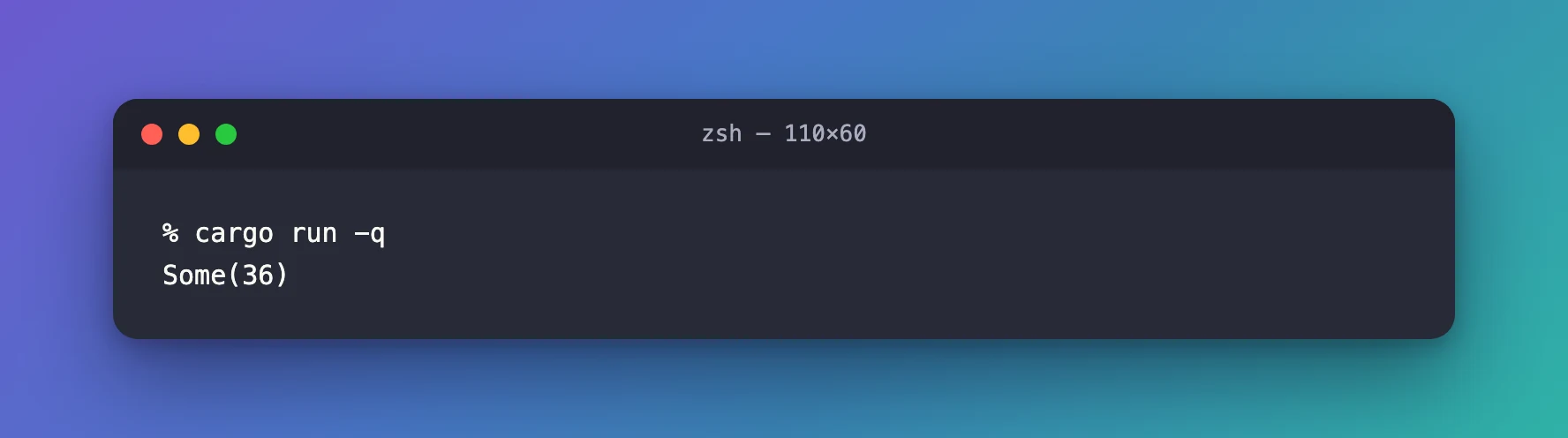
cargo run compiles the program and runs it, and -q hides Cargo's own status lines, so only the program's output is left. get returned Some(36), the value wrapped in an Option, because the key exists. For a key that isn't there, such as "Grace", it prints None.
What Happens Without use
Delete the use line and run the program again. The compiler stops and suggests the line you need:
error[E0433]: cannot find type `HashMap` in this scope
 --> src/main.rs:2:20
  |
2 |     let mut ages = HashMap::new();
  |                    ^^^^^^^ use of undeclared type `HashMap`
  |
help: consider importing this struct
  |
1 + use std::collections::HashMap;
  |

For more information about this error, try `rustc --explain E0433`.
error: could not compile `demo` (bin "demo") due to 1 previous error
A use is a shortcut, not a requirement: writing the full path, std::collections::HashMap::new(), also compiles and prints Some(36).
Import Several Items, or Rename One
Items from the same path share one use with braces:
use std::collections::{HashMap, HashSet};
The program still prints Some(36), but it doesn't use HashSet, so the compiler warns about it:
warning: unused import: `HashSet`
as gives an item another name in this file. With use std::collections::HashMap as Map;, the program creates the map with Map::new() and prints the same Some(36).
Why String and Vec Need No use
String, Vec, Option and Result work in every program without a use, because Rust brings them in for you. The standard library's prelude documentation says: "The prelude is the list of things that Rust automatically imports into every Rust program."
Common Mistakes
| Mistake | What happens | Do this instead |
|---|---|---|
Using a type without use or its full path | error[E0433]: cannot find type `HashMap` in this scope | Add the use line the compiler suggests |
A typo in the path, such as std::collection | error[E0432]: unresolved import `std::collection` | Copy the path from the documentation |
Importing a crate that isn't in Cargo.toml | error[E0432]: unresolved import `serde` | Add the crate with cargo add first |
| Importing items you don't use | warning: unused import: `HashSet` | Remove them from the braces |
Troubleshooting
| Symptom | Likely cause | Fix |
|---|---|---|
cannot find type `…` in this scope | The type isn't in scope | Add a use with its path, or write the full path |
could not find `collection` in `std` | A misspelled module | Fix the path: std::collections |
use of unresolved module or unlinked crate `…` | The crate isn't a dependency | Add it to the project, then build again |
FAQ
Where can a use declaration go?
Usually at the top of the file. The Reference says use declarations "may appear in modules and blocks, usually at the top", so a use inside a function works too, for that function only.
Does a use make my program bigger?
No. It only creates a name for an item, as the Reference's definition says. The item is the same with or without it.
Conclusion
use <path>::<Item>; brings an item into scope so you can call it by its short name. Group items from one path in braces, rename one with as, and let the compiler's help line tell you which use a missing type needs.
Additional Resources
- Use declarations, in the Rust Reference.
- Bringing Paths into Scope with the use Keyword, in the Rust Book.
- The Rust Prelude, in the standard library documentation.
