How to Import a Class in Java

Java's classes live in packages: LocalDate lives in java.time, ArrayList in java.util. An import line at the top of a file lets you use a class by its short name, LocalDate, instead of its full one every time.
Syntax
import <package>.<ClassName>;
import <package>.*;
| Part | What it does |
|---|---|
import <package>.<ClassName>; | Makes one class usable by its simple name. |
import <package>.*; | Makes every class in the package usable by its simple name. |
| Position | After the package line, if there is one, and before the class. |
The Java Language Specification, section 7.5: "An import declaration allows a named class, interface, or static member to be referred to by a simple name that consists of a single identifier."
The Example
The example imports LocalDate from java.time and prints the day of the week of 26 November 2026.
Prerequisites
- A JDK, the Java Development Kit.
java Main.javaruns a single file without compiling it first. This guide uses OpenJDK 25.0.5.1.
Step 1: Write the Import
Create a file named Main.java:
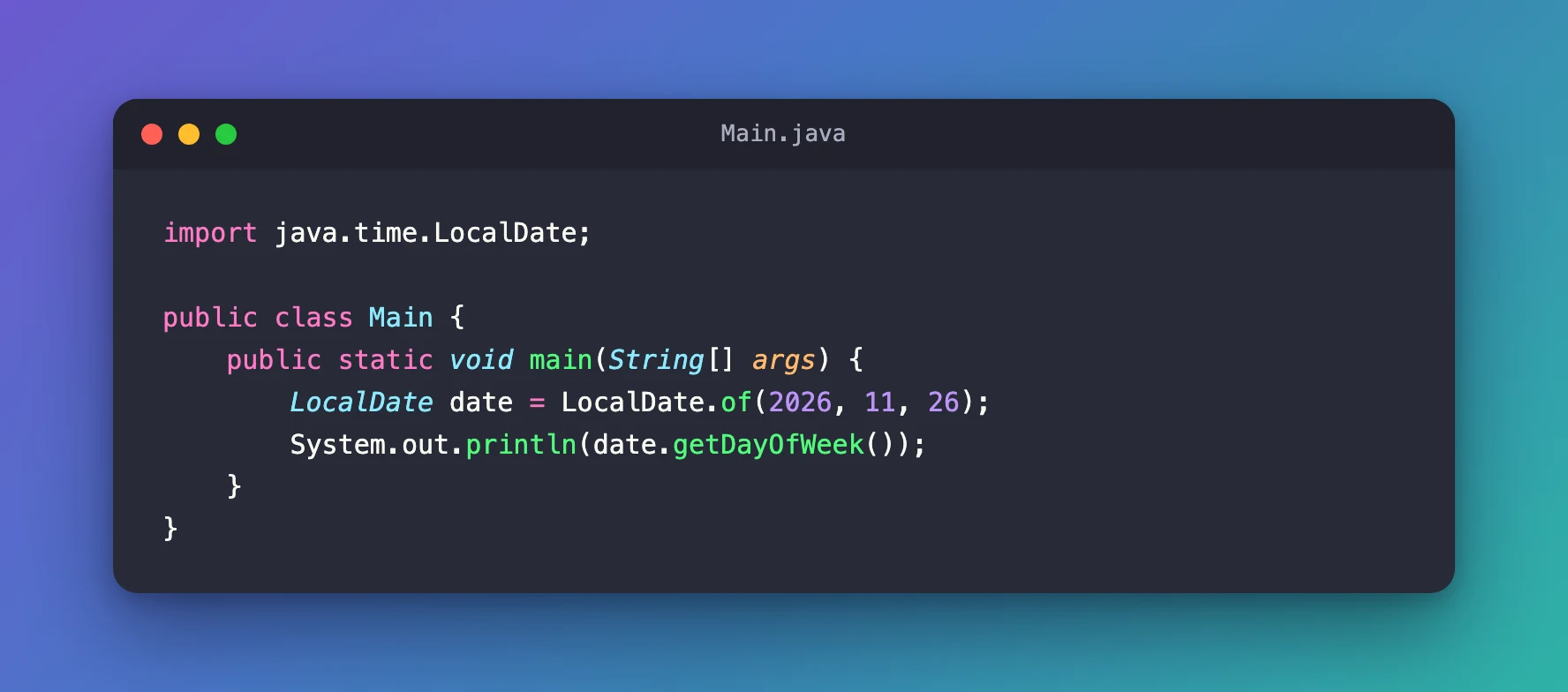
import java.time.LocalDate;

public class Main {
    public static void main(String[] args) {
        LocalDate date = LocalDate.of(2026, 11, 26);
        System.out.println(date.getDayOfWeek());
    }
}
Step 2: Run It
java Main.java
THURSDAY
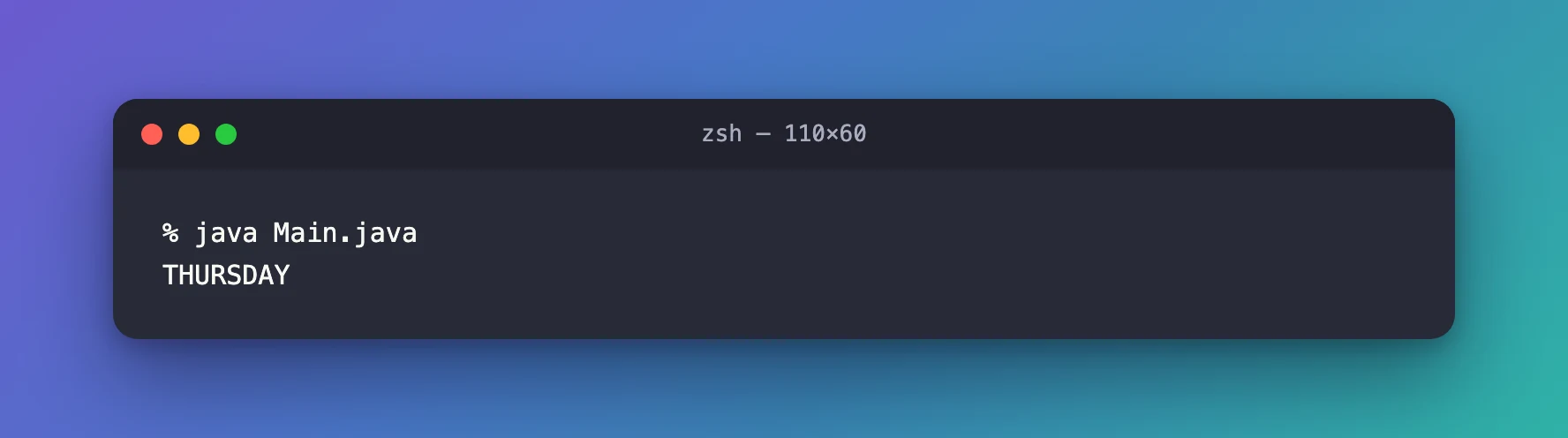
The command is the same in zsh, bash and PowerShell.
What Happens Without It
Delete the import line and the compiler can't find the class:
Main.java:4: error: cannot find symbol
        LocalDate date = LocalDate.of(2026, 11, 26);
        ^
  symbol:   class LocalDate
  location: class Main
Main.java:4: error: cannot find symbol
        LocalDate date = LocalDate.of(2026, 11, 26);
                         ^
  symbol:   variable LocalDate
  location: class Main
2 errors
error: compilation failed
Both uses of LocalDate on that line fail, and the program doesn't run.
Why String and System Need No import
Everything in the java.lang package, which includes String, System and Integer, is imported into every file automatically. Classes from any other package, such as java.time or java.util, need an import.
Common Mistakes
| Mistake | What happens | Do this instead |
|---|---|---|
| Forgetting the import | error: cannot find symbol with symbol: class … | Add the import for that class |
Importing a package, as in import java.time; | error: cannot find symbol: an import names a class, or ends in .* | Write import java.time.LocalDate; or import java.time.*; |
Importing two classes with the same simple name, such as java.util.Date and java.sql.Date | error: a type with the same simple name is already defined by the single-type-import of Date | Import one and write the other's full name |
Troubleshooting
| Symptom | Likely cause | Fix |
|---|---|---|
cannot find symbol for a class you know exists | Its package isn't imported | Look up the class's package in its Javadoc and import it |
error: package java.tiem does not exist | The package name is misspelled, or it's a library that isn't on the class path | Check the spelling, or add the library |
FAQ
Is import java.time.* slower than importing one class?
No. An import only tells the compiler where to look up names; the compiled program is the same.
Can I skip the import?
Yes, by writing the full name every time: java.time.LocalDate date = java.time.LocalDate.of(2026, 11, 26);.
Conclusion
import package.ClassName; lets you use a class by its short name. java.lang is imported for you; everything else needs an import line at the top of the file.
Additional Resources
- JLS 7.5: Import Declarations, in the Java Language Specification.
- LocalDate, in the JDK 25 API documentation.
