How to Ignore a Value with a Discard in C#

An underscore, _, tells C# and anyone reading the code that a value isn't needed. int.TryParse("42", out _) checks whether the text is a number without keeping the number.
Microsoft's guide: The underscore token (_) communicates that a value isn't needed. Its exact meaning depends on where it appears. The example uses it in three of those places.
Syntax
<Method>(out _);

(_, <type> <name>) = <tuple>;

<value> switch
{
    <pattern> => <result>,
    _ => <result>,
};
| Part | What it is |
|---|---|
out _ | Calls a method that has an out parameter, and throws that value away |
(_, <type> <name>) = <tuple> | Takes a tuple apart and keeps only the parts with names |
_ => | In a switch expression, the arm that matches every value |
The guide on that last arm: Put it last because it matches everything, including null.
The Example
A console app called Discards ignores the number TryParse produces, skips the name in a pair, and ends a switch expression with a _ arm.
Prerequisites
- The .NET 10 SDK.
dotnet --versionprints a version that starts with10.0.
Step 1: Create a Console App
dotnet new console -n Discards
cd Discards
The template "Console App" was created successfully.

Processing post-creation actions...
Restoring /Users/you/source/Discards/Discards.csproj:
  Determining projects to restore...
  Restored /Users/you/source/Discards/Discards.csproj (in 45 ms).
Restore succeeded.
dotnet new console -n Discards creates a folder named Discards with a project file and a Program.cs, and cd moves into it. Everything this example uses is part of .NET, so there's no package to add. Open the folder in VS Code, or Discards.csproj in Visual Studio.
Step 2: Write the Code
Replace everything in Program.cs. First the two lines that ignore a value:
// Only checking whether the text is a number: the parsed value isn't needed.
bool isNumber = int.TryParse("42", out _);
Console.WriteLine($"Is a number: {isNumber}");

// Only the second value of the pair is needed.
(_, int age) = GetPerson();
Console.WriteLine($"Age: {age}");
out _throws away the numberTryParseproduces: only itstrueorfalseresult is kept.(_, int age)takes the pair apart, keeping the age and dropping the name.
Then the switch call and the two methods:
// The arm for every other value.
Console.WriteLine(Size(7));

static (string Name, int Age) GetPerson() => ("Asha", 31);

static string Size(int count) => count switch
{
    0 => "none",
    < 5 => "a few",
    _ => "many",
};
_ => "many" catches every count that the other arms don't.
Step 3: Run It
Run it in VS Code's terminal, or press Ctrl+F5 in Visual Studio:
dotnet run
Is a number: True
Age: 31
many
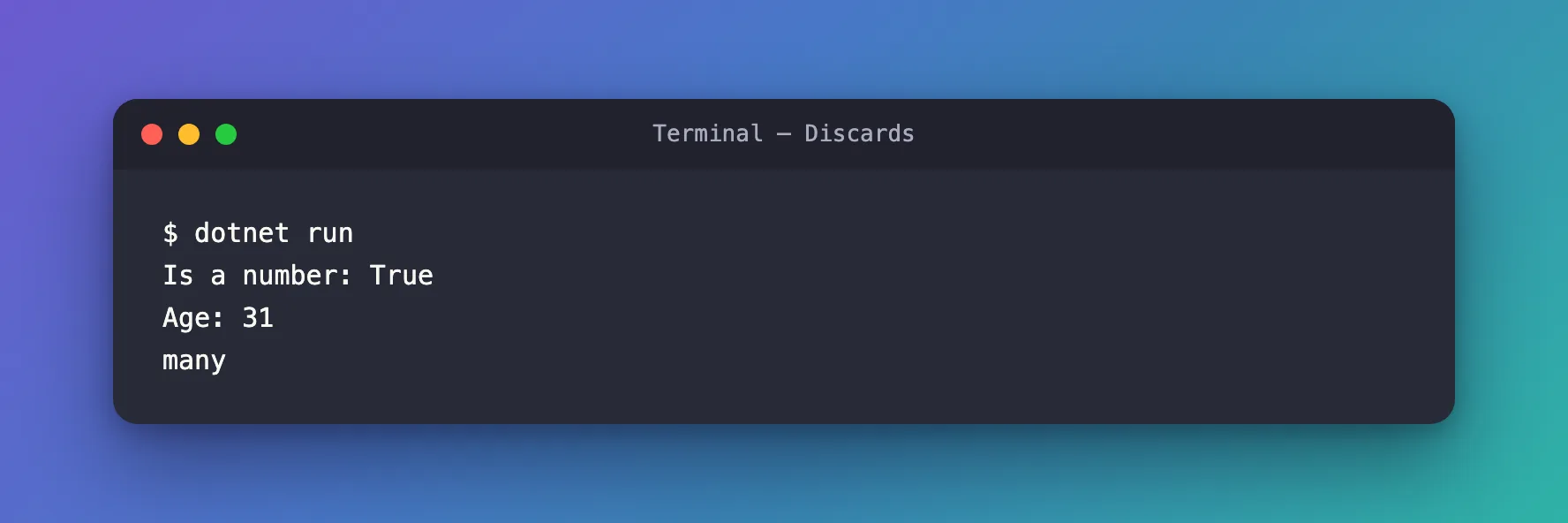
TryParse still parsed 42 and returned True, the age came through without the name, and 7 matched only the _ arm.
The Complete File
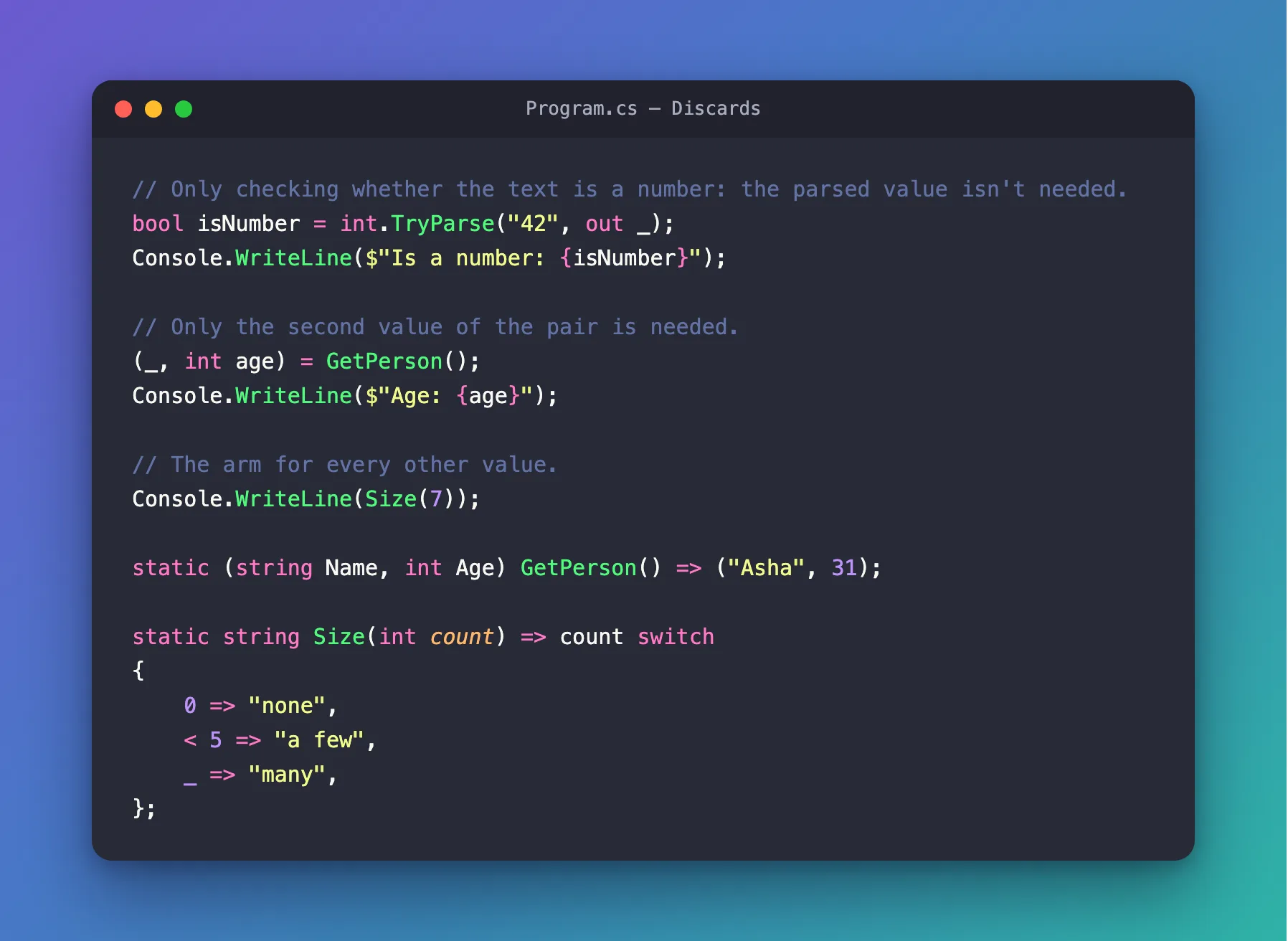
// Only checking whether the text is a number: the parsed value isn't needed.
bool isNumber = int.TryParse("42", out _);
Console.WriteLine($"Is a number: {isNumber}");

// Only the second value of the pair is needed.
(_, int age) = GetPerson();
Console.WriteLine($"Age: {age}");

// The arm for every other value.
Console.WriteLine(Size(7));

static (string Name, int Age) GetPerson() => ("Asha", 31);

static string Size(int count) => count switch
{
    0 => "none",
    < 5 => "a few",
    _ => "many",
};
Common Mistakes
| Mistake | What happens | Do this instead |
|---|---|---|
Reading _ back | Console.WriteLine(_) after out _ doesn't build: error CS0103: The name '_' does not exist in the current context | Give the value a name, such as out int number, when you need it |
FAQ
Is the underscore always a discard?
Not in a lambda with one parameter: in _ => _ * 2, _ is a parameter, and the lambda returned 8 for 4. The guide: If a lambda has only one parameter named _, _ remains an ordinary parameter name for backward compatibility. With two of them, as in (_, _) => "both ignored", both are discards.
Conclusion
Write _ for a value you have to accept but don't need: an out argument, part of a tuple, or a switch arm for everything else. You can't read _ back, and a lambda's only parameter named _ is still an ordinary parameter.
Additional Resources
- Discards — every place a discard can go.
