How to Handle Errors in PowerShell with try and catch

When a command can fail, such as reading a file that might be missing, you want to say what happened in your own words instead of a red error. PowerShell's try and catch do that. One detail decides whether it works at all: many cmdlets need -ErrorAction Stop. This guide handles a missing file, with real output from PowerShell 7.6.10.
Syntax
try {
    <command> -ErrorAction Stop
}
catch {
    <what to do; $_ is the error>
}
finally {
    <optional: runs either way>
}
| Part | What it means |
|---|---|
try { ... } | The commands that might fail |
-ErrorAction Stop | Turns a cmdlet's ordinary error into one that stops the command, so catch sees it |
catch { ... } | Runs when the try block fails. $_ is the error; $_.Exception.Message is its text |
finally { ... } | Optional. Runs whether there was an error or not |
The about_Try_Catch_Finally page: "Use try, catch, and finally blocks to respond to or handle terminating errors in scripts."
Prerequisites
- PowerShell 7. This guide uses PowerShell 7.6.10.
Step 1: Catch a Missing File
missing.txt doesn't exist:
try {
    Get-Content missing.txt -ErrorAction Stop
}
catch {
    "Could not read the file: $($_.Exception.Message)"
}
Could not read the file: Cannot find path '/Users/you/source/ps-demo/missing.txt' because it does not exist.
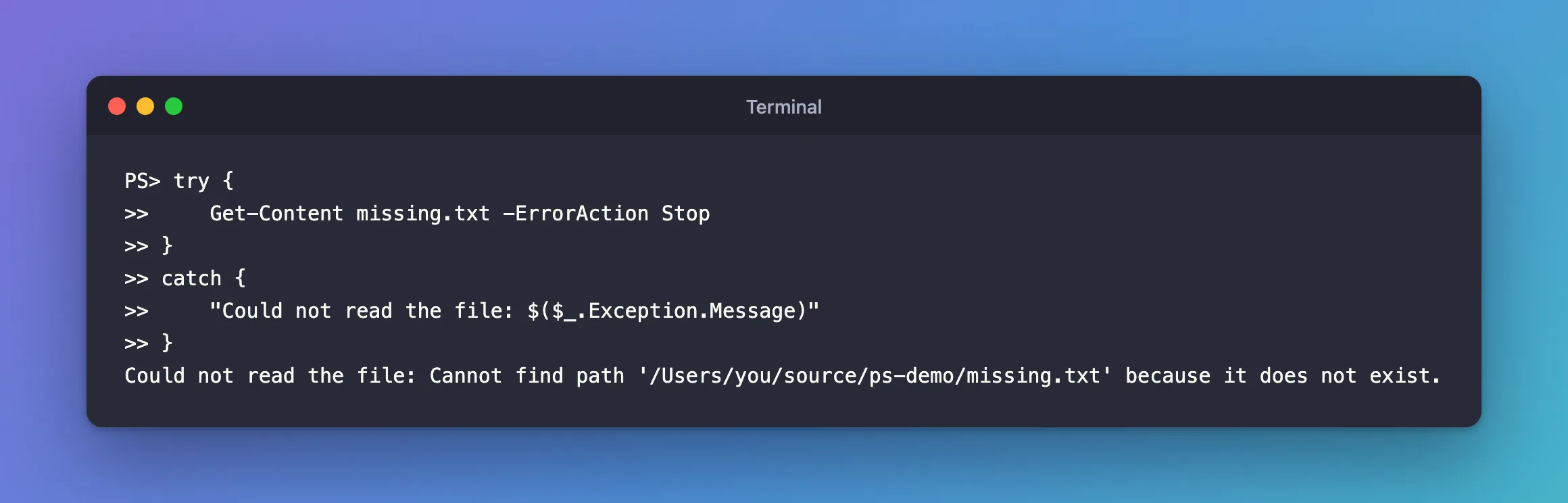
Instead of PowerShell's red error, your message ran, with the error's own text after it.
Common Mistakes
| Mistake | What happens | Do this instead |
|---|---|---|
Leaving out -ErrorAction Stop | Get-Content's error isn't a terminating error, so catch never ran: PowerShell printed its own error, then After the try block. | Add -ErrorAction Stop to the cmdlet in try |
Printing $_ alone | You get the full error display, with Get-Content:, the line and its marker, instead of a short message | Use $_.Exception.Message |
Troubleshooting
| Symptom | Likely cause | Fix |
|---|---|---|
catch doesn't run and the red error still shows | The cmdlet's error doesn't stop it | Add -ErrorAction Stop |
FAQ
What does finally do?
It runs last, whatever happened. With a finally block added, the output was Caught it. and then This always runs.
Which errors does try catch?
Terminating errors. The page: "PowerShell has two kinds of terminating errors: statement-terminating errors that stop the current statement and script-terminating errors that unwind the entire call stack Both kinds are caught by try/catch."
Conclusion
Get-Content missing.txt -ErrorAction Stop inside try sent the error to catch, which printed Could not read the file: and the error's message. Without -ErrorAction Stop, catch didn't run.
Additional Resources
- about_Try_Catch_Finally — terminating errors and the three blocks.
- about_CommonParameters —
-ErrorActionand its values.
