How to Group Without Capturing in a C# Regex

Brackets in a regular expression do two jobs: they group part of the pattern, and they capture what that part matched. When you only need the grouping, write (?:...) and nothing is captured.
Microsoft's reference: The following grouping construct does not capture the substring that's matched by a subexpression, and The noncapturing group construct is typically used when a quantifier is applied to a group, but the substrings captured by the group are of no interest. It's also handy for alternatives that belong together, such as two currencies.
Syntax
Regex.Match(<text>, @"...(?:<subexpression>)...")
| Part | What it is |
|---|---|
(?: and ) | Group the part in between without capturing it |
<subexpression> | Any pattern, such as two alternatives or a part to repeat |
A plain ( ) group | Captures what it matched. Capturing groups are numbered from 1 in Match.Groups, and group 0 is the whole match |
The Example
A console app called NonCapturing reads the amount from Total: 42 EUR twice: once with the currency in a capturing group, and once with it in a non-capturing group.
Prerequisites
- The .NET 10 SDK.
dotnet --versionprints a version that starts with10.0.
Step 1: Create a Console App
dotnet new console -n NonCapturing
cd NonCapturing
The template "Console App" was created successfully.

Processing post-creation actions...
Restoring /Users/you/source/NonCapturing/NonCapturing.csproj:
  Determining projects to restore...
  Restored /Users/you/source/NonCapturing/NonCapturing.csproj (in 49 ms).
Restore succeeded.
dotnet new console -n NonCapturing creates a folder named NonCapturing with a project file and a Program.cs, and cd moves into it. Everything this example uses is part of .NET, so there's no package to add. Open the folder in VS Code, or NonCapturing.csproj in Visual Studio.
Step 2: Write the Code
Replace everything in Program.cs. First the text and the two matches:
using System.Text.RegularExpressions;

string line = "Total: 42 EUR";

// (EUR|USD) groups the two currencies and captures the one that matched.
Match capturing = Regex.Match(line, @"(\d+) (EUR|USD)");

// (?:EUR|USD) only groups them: nothing is captured.
Match nonCapturing = Regex.Match(line, @"(\d+) (?:EUR|USD)");
(\d+)captures the amount in both patterns.(EUR|USD)groups the two currencies and captures the one that matched.(?:EUR|USD)groups them in the same way but captures nothing.
Then print the groups:
Console.WriteLine($"Capturing: {capturing.Groups.Count} groups");
Console.WriteLine($"  amount {capturing.Groups[1].Value}, currency {capturing.Groups[2].Value}");
Console.WriteLine($"Non-capturing: {nonCapturing.Groups.Count} groups");
Console.WriteLine($"  amount {nonCapturing.Groups[1].Value}");
Step 3: Run It
Run it in VS Code's terminal, or press Ctrl+F5 in Visual Studio:
dotnet run
Capturing: 3 groups
  amount 42, currency EUR
Non-capturing: 2 groups
  amount 42
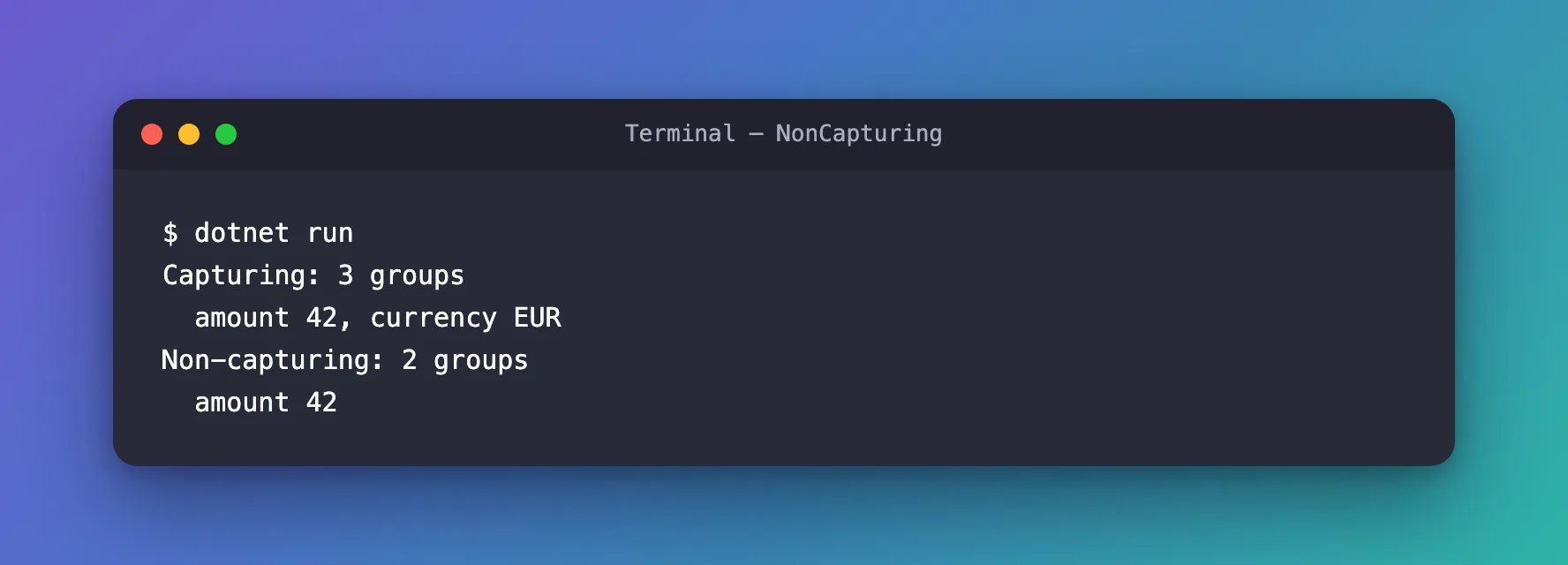
The capturing pattern has three groups: the whole match, the amount and the currency. The non-capturing one has two: the whole match and the amount. Both matched the same text, and the amount is group 1 in both.
The Complete File
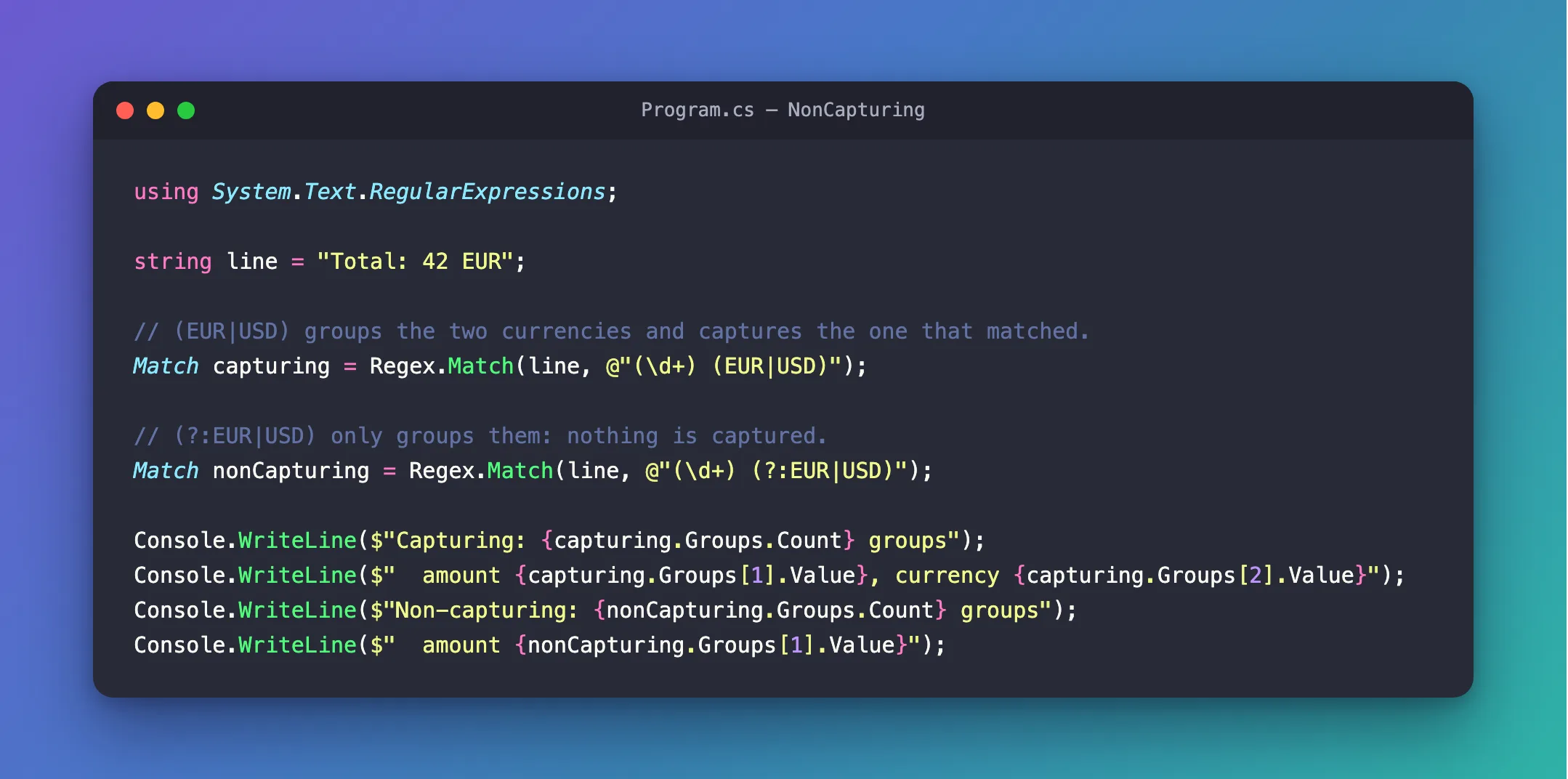
using System.Text.RegularExpressions;

string line = "Total: 42 EUR";

// (EUR|USD) groups the two currencies and captures the one that matched.
Match capturing = Regex.Match(line, @"(\d+) (EUR|USD)");

// (?:EUR|USD) only groups them: nothing is captured.
Match nonCapturing = Regex.Match(line, @"(\d+) (?:EUR|USD)");

Console.WriteLine($"Capturing: {capturing.Groups.Count} groups");
Console.WriteLine($"  amount {capturing.Groups[1].Value}, currency {capturing.Groups[2].Value}");
Console.WriteLine($"Non-capturing: {nonCapturing.Groups.Count} groups");
Console.WriteLine($"  amount {nonCapturing.Groups[1].Value}");
Common Mistakes
| Mistake | What happens | Do this instead |
|---|---|---|
| Reading a group that is now non-capturing | Groups[2] still answers, but with nothing in it: Success was False and Value was empty | Count only the plain ( ) groups when you number them, or name the groups you read |
| Using plain brackets only to repeat part of a pattern | It works, but it captures something you never read | Use (?:...): ^(?:ha)+$ matched hahaha |
FAQ
Can I make every unnamed group non-capturing at once?
Yes, with RegexOptions.ExplicitCapture. With it, the capturing pattern above had a single group, the whole match. Microsoft's grouping reference notes that with this option, the only way to capture a subexpression is to explicitly name capturing groups.
What does a repeated group match?
The whole run: Regex.Match("hahaha!", "^(?:ha)+").Value returned hahaha.
Conclusion
Write (?:...) when you need brackets for grouping or repeating, and plain ( ) only for what you want to read from Match.Groups. That keeps the group numbers short and predictable.
Additional Resources
- Grouping constructs in regular expressions — capturing, non-capturing and named groups.
