How to Group Minimal API Endpoints with MapGroup

When every endpoint in a minimal API starts with /api/v1/categories, the prefix gets typed five times and is easy to get wrong once. MapGroup writes it down one time. Everything in the group shares the prefix and any settings you put on the group, and groups can sit inside groups. This guide does that on a real .NET 10 API.
Prerequisites
- An ASP.NET Core minimal API project. The examples use .NET 10, from How to Create a .NET C# Web API Solution with a Class Library.
Step 1: See the Repetition
Without a group, each route carries the whole path:
app.MapPost("/api/v1/categories", CreateAsync);
app.MapGet("/api/v1/categories", ListAsync);
app.MapGet("/api/v1/categories/{id:int}", GetAsync);
app.MapPut("/api/v1/categories/{id:int}", UpdateAsync);
app.MapDelete("/api/v1/categories/{id:int}", DeleteAsync);
Step 2: Create a Group
MapGroup takes the prefix, and returns something you map routes on, the same way you do on app:
var categories = app.MapGroup("/api/v1/categories");

categories.MapPost("/", CreateAsync);
categories.MapGet("/", ListAsync);
categories.MapGet("/{id:int}", GetAsync);
categories.MapPut("/{id:int}", UpdateAsync);
categories.MapDelete("/{id:int}", DeleteAsync);
ASP.NET Core's route groups section says: "The MapGroup extension method helps organize groups of endpoints with a common prefix and reduces repetitive code." The routes stay the same, and changing the prefix now takes one edit.
Step 3: Put a Group Inside a Group
Groups can nest, and the prefixes add up. The inventory API has one group for the version, and one per feature inside it:
// Every data endpoint lives under /api/v1.
var api = app.MapGroup("/api/v1");
api.MapCategoryEndpoints();
api.MapProductEndpoints();
var group = routes.MapGroup("/categories").WithTags("Categories");

group.MapPost("/", CreateAsync).WithSummary("Create a category");
group.MapGet("/", ListAsync).WithSummary("List every category, by name");
group.MapGet("/{id:int}", GetAsync).WithSummary("Get one category");
group.MapPut("/{id:int}", UpdateAsync).WithSummary("Rename a category");
group.MapDelete("/{id:int}", DeleteAsync).WithSummary("Delete a category that has no products");
How to Move Minimal API Endpoints into Their Own Class explains MapCategoryEndpoints.
Step 4: Check the Routes
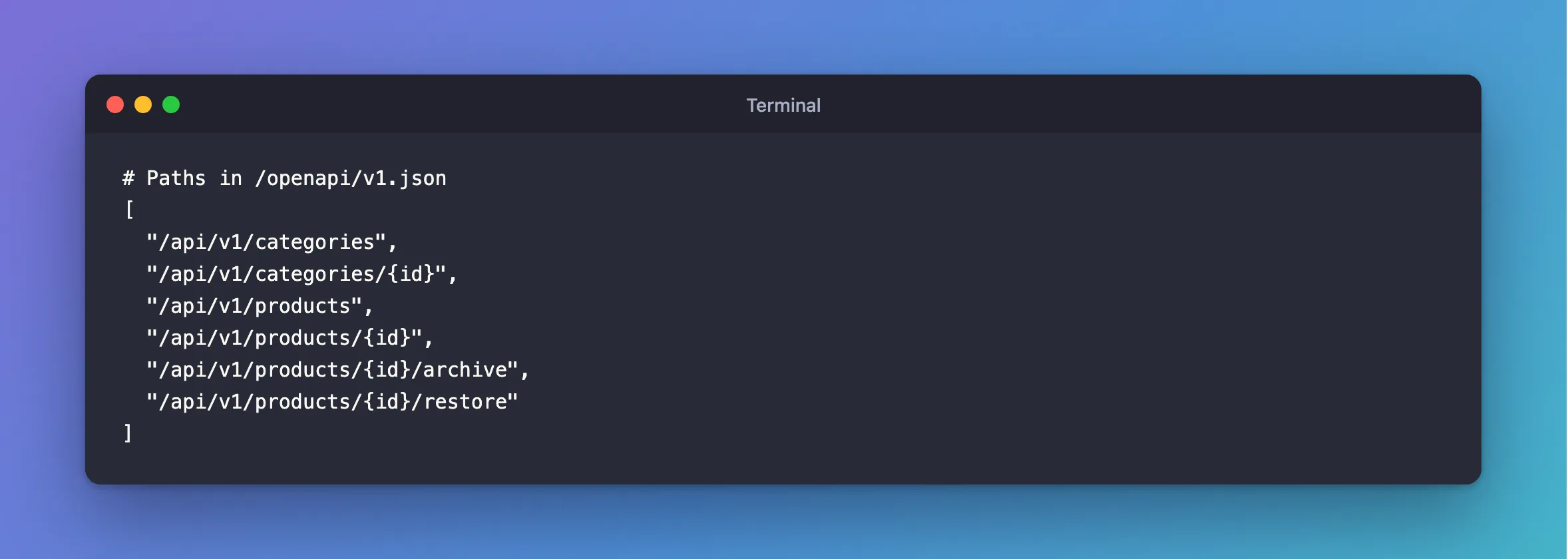
The API's OpenAPI document lists every route it ended up with:
[
  "/api/v1/categories",
  "/api/v1/categories/{id}",
  "/api/v1/products",
  "/api/v1/products/{id}",
  "/api/v1/products/{id}/archive",
  "/api/v1/products/{id}/restore"
]
Calling one shows it works at the combined path:
HTTP/1.1 200 OK
Content-Type: application/json; charset=utf-8

[
  {
    "id": 1,
    "name": "Cables",
    "createdAtUtc": "2026-11-04T10:48:37.000261Z"
  },
  {
    "id": 2,
    "name": "Chargers",
    "createdAtUtc": "2026-11-04T10:48:38.457419Z"
  }
]
Step 5: Set Something on the Whole Group
What you call on a group applies to everything in it. .WithTags("Categories") above is one example: every category endpoint gets that tag in the OpenAPI document, so documentation pages list them together. The route groups section gives more, including RequireAuthorization and endpoint filters. Set them on the group, and an endpoint added later can't forget them.
Common Mistakes
| Mistake | What happens | Do this instead |
|---|---|---|
| Repeating the prefix inside the group | /api/v1/categories/api/v1/categories | Use only what comes after the prefix |
Mapping on app instead of the group | The route has no prefix, and none of the group's settings | Map on the group |
| One group per endpoint | It adds lines and saves nothing | Group what shares a prefix or setting |
FAQ
Can a prefix have a route parameter in it?
Yes. The section says: "Route groups also support nested groups and complex prefix patterns with route parameters and constraints." An endpoint inside can capture values from any group above it.
Can a prefix be empty?
Yes, and the section gives the reason: "This approach can be useful for adding endpoint metadata or filters to a group of endpoints without changing the route pattern."
Conclusion
app.MapGroup("/api/v1/categories") gives you an object to map routes on, with the prefix added for you. Groups nest, prefixes combine, and settings on a group reach every endpoint inside it, which keeps the routes in one place and the handlers easy to read.
Additional Resources
- Route groups — the official reference.
- Use the MapGroup API — from Microsoft's minimal API tutorial.
