How to Give an Auto-Property a Default Value in C#

An auto-property in C# starts out as its type's default: null for a string or a list, 0 for an int, false for a bool. Put = value; after its accessors, and every new object starts with that value instead.
Syntax
public <Type> <Name> { get; set; } = <value>;
| Part | What it does |
|---|---|
<Type> <Name> { get; set; } | An auto-implemented property: C# stores the value for you, so there's no field to write. |
= <value>; | The value every new object starts with, such as "", "Open" or []. It must be of the property's type. |
No = <value> | The property starts as its type's default: null, 0 or false. |
Microsoft's auto-implemented properties guide: "Automatically implemented properties make property-declaration more concise when no other logic is required in the property accessors." For the starting value, the guide says: "You can initialize automatically implemented properties similarly to fields:", and shows the same = "Jane"; form as above.
The Example
A Ticket class has four auto-properties. Title starts as an empty string, Status as "Open" and Tags as an empty list, while IsDone has no starting value. The program creates a ticket, prints what it starts with, then changes two of the properties.
Prerequisites
- The .NET 10 SDK or newer, which runs a single
.csfile withdotnet run. This guide uses .NET SDK 10.0.404.
Step 1: Write the Code
Create a file named main.cs in an empty folder:
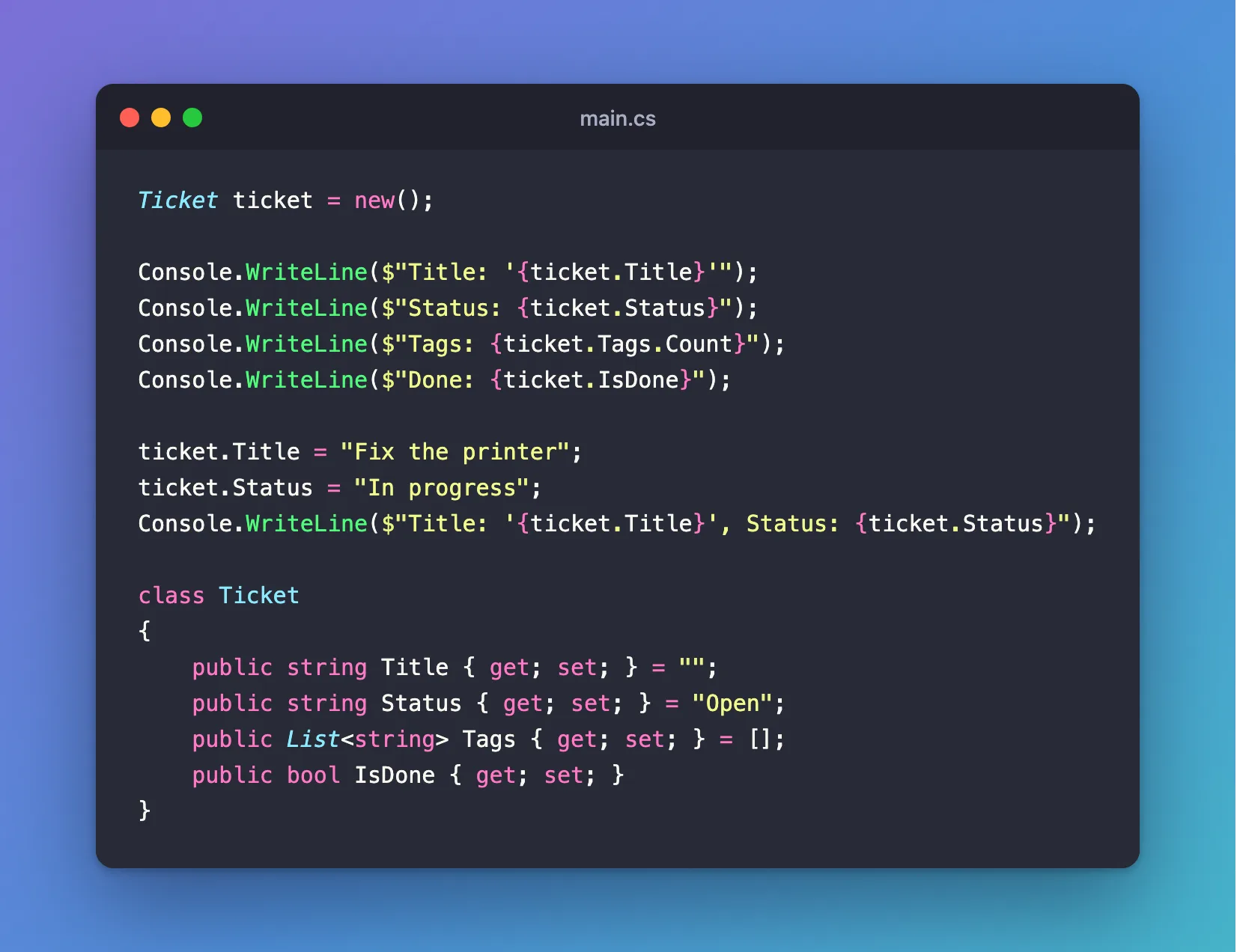
Ticket ticket = new();

Console.WriteLine($"Title: '{ticket.Title}'");
Console.WriteLine($"Status: {ticket.Status}");
Console.WriteLine($"Tags: {ticket.Tags.Count}");
Console.WriteLine($"Done: {ticket.IsDone}");

ticket.Title = "Fix the printer";
ticket.Status = "In progress";
Console.WriteLine($"Title: '{ticket.Title}', Status: {ticket.Status}");

class Ticket
{
    public string Title { get; set; } = "";
    public string Status { get; set; } = "Open";
    public List<string> Tags { get; set; } = [];
    public bool IsDone { get; set; }
}
[] is an empty collection, here an empty List<string>.
Step 2: Run It
dotnet run main.cs
Title: ''
Status: Open
Tags: 0
Done: False
Title: 'Fix the printer', Status: In progress
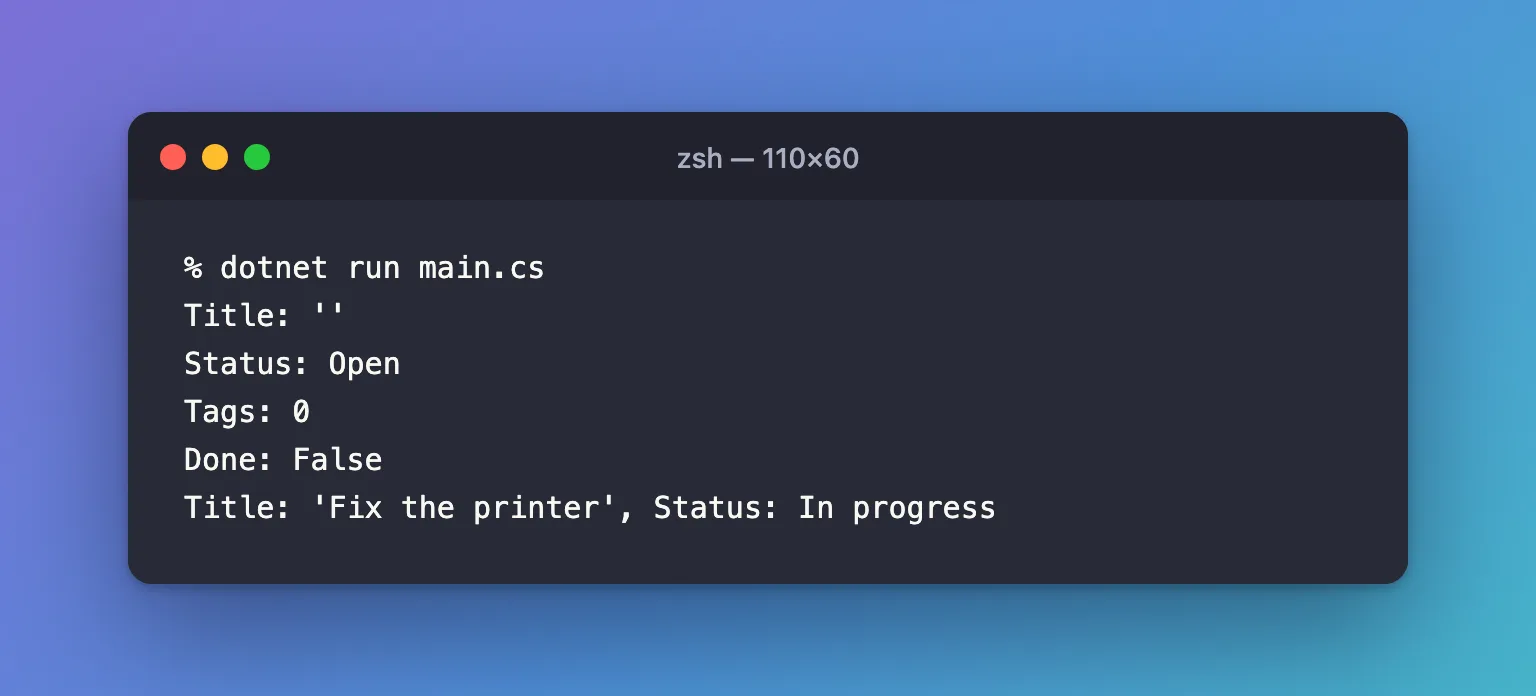
Titleprinted'': the empty string from= "".Statusstarted asOpen, andTagsas an empty list, so itsCountwas 0.IsDonehas no starting value, so it wasbool's default,False.- Setting a property replaces its starting value, as usual.
The command is the same in zsh, bash and PowerShell.
What Happens Without a Default
Here Title has no = "", and the program reads its Length:
Ticket ticket = new();

Console.WriteLine(ticket.Title.Length);

class Ticket
{
    public string Title { get; set; }
}
/Users/you/demo/main.cs(7,19): warning CS8618: Non-nullable property 'Title' must contain a non-null value when exiting constructor. Consider adding the 'required' modifier or declaring the property as nullable.
Unhandled exception. System.NullReferenceException: Object reference not set to an instance of an object.
   at Program.<Main>$(String[] args) in /Users/you/demo/main.cs:line 3
The build warned first: Title is a string, which promises never to be null, yet nothing gave it a value. Then the program ran anyway, Title was null, and reading Length threw. A default such as = "" removes both.
Each Object Gets Its Own Default
The = [] runs again for every new object, so two tickets don't share one list:
Ticket first = new();
Ticket second = new();

first.Tags.Add("printer");

Console.WriteLine(first.Tags.Count);
Console.WriteLine(second.Tags.Count);

class Ticket
{
    public List<string> Tags { get; set; } = [];
}
1
0
Common Mistakes
| Mistake | What happens | Do this instead |
|---|---|---|
Leaving a string property without a default or a constructor that sets it | Warning CS8618, and null when the program runs | Give it a default, such as = "" |
| Reading a member of a property that has no default | NullReferenceException: Object reference not set to an instance of an object. | Add a default, or check for null first |
Writing the default inside the braces, as in { get; set = "Open"; } | error CS8180: { or ; or => expected, then CS1525: Invalid expression term '=' | Put = "Open"; after the closing brace |
Troubleshooting
| Symptom | Likely cause | Fix |
|---|---|---|
warning CS8618: Non-nullable property 'Title' must contain a non-null value when exiting constructor. | The property has no starting value | Add = "" or another default |
A bool property is False although you never set it | false is bool's default | Give it = true; if it should start as true |
error CS8180: { or ; or => expected on the property line | The default was written inside the braces | Move = value; after the closing brace |
FAQ
Is a default the same as setting the property in a constructor?
The object ends up the same: the property has that value before any of your code reads it. A default is shorter when the value is always the same. Use a constructor when the starting value comes from outside, such as a name passed in.
Can I still change a property that has a default?
Yes. The default is only where it starts. Step 2 set Title and Status after the ticket was created, and printed the new values.
Conclusion
Add = value; after an auto-property's { get; set; } to choose what every new object starts with. Without it, the property starts as null, 0 or false, and a null string brings warning CS8618 and, sooner or later, a NullReferenceException.
Additional Resources
- Automatically implemented properties, on Microsoft Learn.
