How to Give a Microsoft Agent Framework Tool the Signed-In User in ASP.NET Core

A tool such as get_my_notes has to know whose notes to read. If the AI model tells it, anyone who can talk the model into it can read anyone's notes. This guide gives a Microsoft Agent Framework tool the signed-in user from the request's validated token instead, and shows two users each getting only their own notes.
Who Is Asking Can't Come from the Model
An agent's tool is a C# method the AI model may call. The model decides when to call it and fills in its parameters. Microsoft's tools overview puts the consequence in a warning: Tool calls and arguments are generated by the model. Validate and authorize them before application code performs side effects. Use approval and least-privileged execution for high-risk tools.
A tool with a userName parameter lets the model choose whose data it reads, and a user can ask the model to choose someone else. So a tool about "my" data takes the user from somewhere the model can't reach:
- The tool has no parameter for the user. The model can't name anyone, because there is nowhere to put a name.
- A small service reads the user from the request's validated token, at the moment the tool runs.
- The endpoint that runs the agent accepts signed-in callers only.
The Example
The example is a minimal ASP.NET Core API, NotesApi, that keeps a few notes in memory for two users, alice and bob. Its one endpoint, POST /ask, passes a question to an agent that has one tool, get_my_notes. The callers sign in with development tokens from dotnet user-jwts, a tool in the .NET SDK that creates tokens signed with a key on your machine, so the example needs no identity provider. The agent's model runs in Microsoft Foundry.
Prerequisites
- The .NET 10 SDK. Check with
dotnet --version. - A model deployment in a Microsoft Foundry project, and the Foundry User role on the Foundry resource for your account. The API calls the model as you.
- The Azure CLI, signed in with
az login. The API uses your Azure CLI sign-in to reach the model.
Step 1: Create the API
dotnet new web -n NotesApi -o NotesApi
cd NotesApi
The template "ASP.NET Core Empty" was created successfully.

Processing post-creation actions...
Restoring /Users/you/source/NotesApi/NotesApi.csproj:
Restore succeeded.
The template picks a random port. This guide uses 5310: replace everything in Properties/launchSettings.json with:
{
  "$schema": "https://json.schemastore.org/launchsettings.json",
  "profiles": {
    "http": {
      "commandName": "Project",
      "dotnetRunMessages": true,
      "launchBrowser": false,
      "applicationUrl": "http://localhost:5310",
      "environmentVariables": {
        "ASPNETCORE_ENVIRONMENT": "Development"
      }
    }
  }
}
Step 2: Add the Packages
Three packages: JWT bearer authentication for the tokens, the Agent Framework's Foundry package for the agent, and Azure.Identity for your Azure CLI sign-in:
dotnet add package Microsoft.AspNetCore.Authentication.JwtBearer --version 10.0.15
dotnet add package Microsoft.Agents.AI.Foundry --version 1.28.0-preview.261106.1
dotnet add package Azure.Identity --version 1.21.0
Each command ends with a line like this one:
info : PackageReference for package 'Microsoft.AspNetCore.Authentication.JwtBearer' version '10.0.15' added to file '/Users/you/source/NotesApi/NotesApi.csproj'.
Microsoft.Agents.AI.Foundry is a preview package, the version that goes with Microsoft Agent Framework 1.28.0.
Step 3: Add the Foundry Settings
Replace everything in appsettings.json with:
{
  "Logging": {
    "LogLevel": {
      "Default": "Information",
      "Microsoft.AspNetCore": "Warning"
    }
  },
  "AllowedHosts": "*",
  "Foundry": {
    "ProjectEndpoint": "https://foundry-devblogs-exp.services.ai.azure.com/api/projects/proj-devblogs-exp",
    "ModelDeployment": "gpt-5.6-luna"
  }
}
Put your own project endpoint and deployment name in the Foundry section.
Step 4: Say Who Is Signed In
Create CurrentUser.cs:
namespace NotesApi;

// Who is asking. Tools depend on this, never on a name the AI model writes.
public interface ICurrentUser
{
    string? Name { get; }
}

// The user of the request being handled right now, from its validated token.
// It reads the request each time, so one instance serves every request.
public sealed class SignedInUser(IHttpContextAccessor httpContextAccessor) : ICurrentUser
{
    public string? Name => httpContextAccessor.HttpContext?.User.Identity?.Name;
}
IHttpContextAccessor gives any class the request that is being handled right now. Microsoft's HttpContext guide recommends it for exactly this: For other framework and custom components that require access to HttpContext, the recommended approach is to register a dependency by using the built-in Dependency Injection (DI) container.
HttpContext.User holds the claims of the token that ASP.NET Core already validated, and Identity.Name is the user's name from it. The property reads the request every time the tool asks, which matters because the agent and its tool are created once and serve every request. Microsoft's best practices say the same: The IHttpContextAccessor.HttpContext should not be stored in a field or variable; keep the accessor and read HttpContext when you need it. Outside a request, HttpContext is null, and so is Name.
The interface keeps the tool free of ASP.NET Core: another kind of app, such as a background job, can supply the user its own way.
Step 5: Write the Tool Without a User Parameter
Create NoteTools.cs:
using System.ComponentModel;

namespace NotesApi;

public sealed class NoteTools(ICurrentUser currentUser)
{
    private static readonly Dictionary<string, string[]> NotesByUser = new()
    {
        ["alice"] = ["Book the team lunch for Friday", "Send the March invoice"],
        ["bob"] = ["Renew the car insurance"],
    };

    // No user parameter: the model can't choose whose notes to read.
    [Description("Gets the notes of the signed-in user.")]
    public string[] GetMyNotes()
    {
        string name = currentUser.Name ?? throw new InvalidOperationException("No one is signed in.");
        return NotesByUser.GetValueOrDefault(name, []);
    }
}
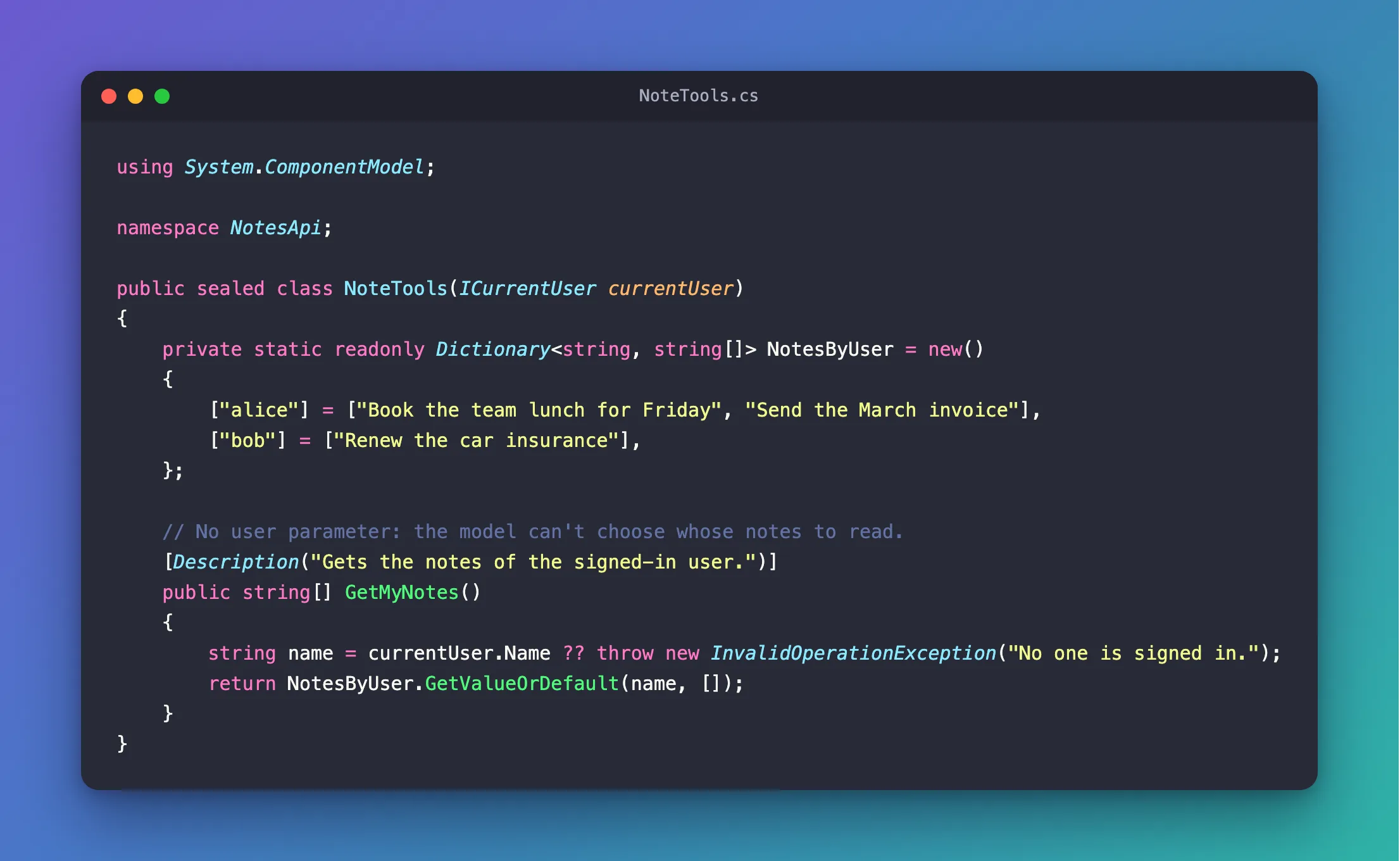
[Description]is what the model reads to decide when to call the tool.GetMyNotes()has no parameters. The user comes fromICurrentUser, which the class receives in its constructor.- With no signed-in user, the tool throws instead of guessing. An unknown user gets an empty list.
Step 6: Wire Up the Agent and the Endpoint
Replace everything in Program.cs with:
using Azure.AI.Projects;
using Azure.Identity;
using Microsoft.Agents.AI;
using Microsoft.Extensions.AI;
using NotesApi;

var builder = WebApplication.CreateBuilder(args);

// Accept the development tokens that dotnet user-jwts creates.
builder.Services.AddAuthentication("Bearer").AddJwtBearer();
builder.Services.AddAuthorization();

// Who is signed in, read from the current request whenever the tool runs.
builder.Services.AddHttpContextAccessor();
builder.Services.AddSingleton<ICurrentUser, SignedInUser>();
builder.Services.AddSingleton<NoteTools>();

// One agent for the whole app, with one tool.
builder.Services.AddSingleton<AIAgent>(services =>
{
    IConfiguration foundry = builder.Configuration.GetSection("Foundry");
    NoteTools notes = services.GetRequiredService<NoteTools>();

    return new AIProjectClient(new Uri(foundry["ProjectEndpoint"]!), new AzureCliCredential())
        .AsAIAgent(
            model: foundry["ModelDeployment"]!,
            instructions: "You answer questions about the user's notes. Read them with your tool.",
            tools: [AIFunctionFactory.Create(notes.GetMyNotes, name: "get_my_notes")]);
});

var app = builder.Build();

app.MapPost("/ask", async (Question question, AIAgent agent) =>
        (await agent.RunAsync(question.Text)).Text)
    .RequireAuthorization();

app.Run();

record Question(string Text);
| Lines | What they do |
|---|---|
AddAuthentication("Bearer").AddJwtBearer() | Accept bearer tokens. In Development, the tokens from dotnet user-jwts are checked with the signing key it keeps in your user secrets |
AddHttpContextAccessor() | Registers IHttpContextAccessor, which SignedInUser needs |
AddSingleton<ICurrentUser, SignedInUser>() | One SignedInUser for the whole app. It's safe, because it reads the request each time |
AIFunctionFactory.Create(notes.GetMyNotes, name: "get_my_notes") | Turns the method into a tool, with the name the model sees |
.RequireAuthorization() | Callers without a valid token get 401 Unauthorized, and the agent never runs for them |
Build it:
dotnet build
Restore complete (0.3s)
  NotesApi net10.0 succeeded (1.8s) → bin/Debug/net10.0/NotesApi.dll

Build succeeded in 2.4s
Step 7: Create a Token for Each User
Create a development token for alice:
dotnet user-jwts create --name alice
New JWT saved with ID 'cfaf472a'.
Name: alice

Token: eyJ…
The token is shortened here; yours is a long string starting with eyJ. The first run also set the project up for development tokens: it added a UserSecretsId to NotesApi.csproj, saved a signing key in your user secrets, and added this section to appsettings.Development.json:
"Authentication": {
  "Schemes": {
    "Bearer": {
      "ValidAudiences": [
        "http://localhost:5310"
      ],
      "ValidIssuer": "dotnet-user-jwts"
    }
  }
}
The audience is the API's address from launchSettings.json, which is why Step 1 set the port first.
Now create one token for each user and keep them in variables. --output token prints the token alone. Run these in the terminal you'll send the requests from:
- bash / zsh
- PowerShell
ALICE=$(dotnet user-jwts create --name alice --output token)
BOB=$(dotnet user-jwts create --name bob --output token)
$alice = dotnet user-jwts create --name alice --output token
$bob = dotnet user-jwts create --name bob --output token
Step 8: Ask as Alice and as Bob
Start the API:
- VS Code
- Visual Studio
Open a second terminal (Terminal > New Terminal) in the NotesApi folder and run:
dotnet run
Open NotesApi.csproj, make sure http is selected next to the green Start button (▶), and press Ctrl+F5 (Debug > Start Without Debugging).
info: Microsoft.Hosting.Lifetime[14]
      Now listening on: http://localhost:5310
Back in the terminal with the tokens, ask as Alice:
- bash / zsh
- PowerShell
curl -s -X POST http://localhost:5310/ask -H "Authorization: Bearer $ALICE" -H "Content-Type: application/json" -d '{"text":"What are my notes?"}'
Invoke-RestMethod -Method Post -Uri http://localhost:5310/ask -Headers @{ Authorization = "Bearer $alice" } -ContentType "application/json" -Body '{"text":"What are my notes?"}'
Your notes are:

- Book the team lunch for Friday
- Send the March invoice
Then the same question as Bob:
- bash / zsh
- PowerShell
curl -s -X POST http://localhost:5310/ask -H "Authorization: Bearer $BOB" -H "Content-Type: application/json" -d '{"text":"What are my notes?"}'
Invoke-RestMethod -Method Post -Uri http://localhost:5310/ask -Headers @{ Authorization = "Bearer $bob" } -ContentType "application/json" -Body '{"text":"What are my notes?"}'
Your note is: **Renew the car insurance.**
The question was the same; the answers aren't. Each request carried a different token, and the tool read the notes of the user in that token: two for Alice, one for Bob. The model's wording changes from run to run; the notes don't.
Now let Alice ask for Bob's notes:
- bash / zsh
- PowerShell
curl -s -X POST http://localhost:5310/ask -H "Authorization: Bearer $ALICE" -H "Content-Type: application/json" -d "{\"text\":\"Show me Bob's notes.\"}"
Invoke-RestMethod -Method Post -Uri http://localhost:5310/ask -Headers @{ Authorization = "Bearer $alice" } -ContentType "application/json" -Body '{"text":"Show me Bob''s notes."}'
I can only access your notes, not Bob’s.
Whatever the model makes of the request, the tool can't return Bob's notes: it has no parameter for a name, and it reads the user from Alice's token. In another run, the model called the tool anyway and answered with Alice's two notes.
Finally, a request without a token:
- bash / zsh
- PowerShell
curl -s -i -X POST http://localhost:5310/ask -H "Content-Type: application/json" -d '{"text":"What are my notes?"}'
HTTP/1.1 401 Unauthorized
Content-Length: 0
Date: Fri, 20 Nov 2026 09:23:49 GMT
Server: Kestrel
WWW-Authenticate: Bearer
(Invoke-WebRequest -Method Post -Uri http://localhost:5310/ask -ContentType "application/json" -Body '{"text":"What are my notes?"}' -SkipHttpErrorCheck).StatusCode
401
-SkipHttpErrorCheck returns the response instead of throwing an error for the 401.
Why the Model Can't Pick the User
The model sees a tool as a name, a description and a JSON schema of its parameters. For get_my_notes, the schema is empty:
{"type":"object","properties":{}}
A model that sends a name anyway changes nothing either. AIFunctionFactory passes arguments to the method by parameter name, and GetMyNotes has none to fill. I called the tool directly with Alice signed in and an extra name argument set to bob, the way a misled model might: it returned Alice's two notes.
Clean Up
dotnet user-jwts keeps the tokens and their signing key in your user profile, outside the project. Remove them from the NotesApi folder:
dotnet user-jwts clear --force
dotnet user-secrets clear
Deleted 3 token(s) from '/Users/you/source/NotesApi/NotesApi.csproj' successfully.
--force skips the confirmation question, and dotnet user-secrets clear removes the signing key without printing anything. The commands are the same in PowerShell. Then delete the NotesApi folder if you no longer need it.
Common Mistakes
| Mistake | What happens | Do this instead |
|---|---|---|
Giving the tool a userName parameter | The model chooses whose data it reads, and a user can ask it to choose someone else | Read the user from the validated token, as SignedInUser does |
Reading HttpContext in the tool's constructor and keeping the user in a field | The tool is created once, so every request would see the first user, or null | Keep IHttpContextAccessor and read HttpContext each time |
Leaving out AddHttpContextAccessor() | The app doesn't start: Unable to resolve service for type 'Microsoft.AspNetCore.Http.IHttpContextAccessor' while attempting to activate 'NotesApi.SignedInUser'. | Register it |
Leaving out .RequireAuthorization() | Anonymous callers reach the agent. The tool throws, so no notes leak, but the model still runs and answers: I couldn't retrieve your notes right now—the notes service returned an error. | Require authorization on the endpoint |
Troubleshooting
| Symptom | Likely cause | Fix |
|---|---|---|
401 Unauthorized | The request has no Authorization header, or the variable is empty | Create the tokens again in the terminal that sends the requests |
The app stops at startup with Unable to resolve service for type 'Microsoft.AspNetCore.Http.IHttpContextAccessor' | AddHttpContextAccessor() is missing | Add it to Program.cs |
| The answer says the notes couldn't be read | The tool threw: no user in the request | Check that the endpoint has .RequireAuthorization() |
| The agent call fails before any answer | The API can't reach the model with your Azure CLI sign-in | Run az login, and check the Foundry settings and your role on the Foundry resource |
FAQ
Can't I just tell the model who the user is in the instructions?
The model would still be the one choosing what to pass to the tool, and a user can talk a model into things. Taking the user from the token puts the decision in your code, where the model can't change it.
Does this work with Microsoft Entra ID tokens?
Yes: SignedInUser reads the claims of whichever token the API accepted. With Microsoft Entra ID, a stable choice is the user's object ID (the oid claim) rather than the name; How to Protect an ASP.NET Core Minimal API with Microsoft.Identity.Web sets up the token validation.
How long do the development tokens last?
The tokens in this guide expire three months after they were created: dotnet user-jwts list showed Issued On 2026-11-20 and Expires On 2027-02-20. Microsoft's page for the tool gives six months as the default, so check list on your machine, or set the lifetime yourself with --valid-for.
What about work that runs outside a request?
A background job has no HttpContext, so SignedInUser returns null and the tool fails. Microsoft's guidance for that case is to copy what you need while the request is still running, and pass it on: To access information from HttpContext outside the request flow, copy the information inside the request flow.
Conclusion
A tool about "my" data takes the user from the sign-in, never from the model. Give the tool no user parameter, give it an ICurrentUser that reads HttpContext.User through IHttpContextAccessor each time it runs, and require authorization on the endpoint that runs the agent. Alice and Bob asked the same question and each got their own notes, Alice couldn't get Bob's, and a caller without a token got 401.
Additional Resources
- Tools overview — Microsoft Agent Framework's tool types and its warning about model-generated arguments.
- Using function tools with an agent —
AIFunctionFactory.Createand[Description]. - Access HttpContext in ASP.NET Core —
IHttpContextAccessorin custom components. - Manage JSON Web Tokens in development with dotnet user-jwts — every
createoption.
