How to Give a Microsoft Agent Framework Function Tool a Clean Name in C#

The model sees your function tool by its name, so the name should say what the tool does. A tool made from a local function in a C# top-level program doesn't get the function's name: it gets one built from what the compiler calls the function, such as _Main_g_RollDie_0_0. One parameter fixes that.
Syntax
AIFunction <tool> = AIFunctionFactory.Create(<method>, name: "<tool name>");
| Part | What it is |
|---|---|
<method> | The C# method the tool runs |
name: "<tool name>" | The name the model sees. The reference for AIFunctionFactory.Create: The name to use for the AIFunction; without it, the name comes from an attribute on the method, or else from the name of method |
<tool>.Name | The name the tool ended up with |
The Example
A small agent rolls dice for board games, with a RollDie method. The app turns that kind of method into a tool three ways, prints the name each one gets, and then lets the model call the tool with the clean name.
Prerequisites
- A model deployment in a Microsoft Foundry project, and the Foundry User role on the Foundry resource for your account. The app calls the model as you.
- The .NET 10 SDK (
dotnet --versionprints a version that starts with10.0) and the Azure CLI, signed in withaz login.
Step 1: Create a Console App
dotnet new console -n DiceRoller
cd DiceRoller
dotnet add package Microsoft.Agents.AI.Foundry --version 1.28.0-preview.261106.1
dotnet add package Azure.Identity --version 1.21.0
Microsoft.Agents.AI.Foundry turns a model in a Foundry project into an agent, and brings in Agent Framework and Microsoft.Extensions.AI, where AIFunctionFactory lives. Azure.Identity signs the app in with your Azure CLI sign-in.
Step 2: Make the Same Kind of Tool Three Ways
Replace everything in Program.cs:
using System.ComponentModel;
using Azure.AI.Projects;
using Azure.Identity;
using Microsoft.Agents.AI;
using Microsoft.Extensions.AI;

// The same kind of method, turned into a tool three ways.
AIFunction fromLocalFunction = AIFunctionFactory.Create(RollDie);
AIFunction fromClassMethod = AIFunctionFactory.Create(DiceTools.RollDie);
AIFunction withName = AIFunctionFactory.Create(RollDie, name: "roll_die");

Console.WriteLine($"A local function:    {fromLocalFunction.Name}");
Console.WriteLine($"A method of a class: {fromClassMethod.Name}");
Console.WriteLine($"With name:           {withName.Name}");
Console.WriteLine();

AIAgent agent = new AIProjectClient(
        new Uri("https://foundry-devblogs-exp.services.ai.azure.com/api/projects/proj-devblogs-exp"),
        new AzureCliCredential())
    .AsAIAgent(
        model: "gpt-5.6-luna",
        instructions: "You roll dice for board games. Answer in one sentence.",
        name: "DiceRoller",
        tools: [withName]);

AgentResponse response = await agent.RunAsync("Roll a 20-sided die for me.");
foreach (FunctionCallContent call in response.Messages.SelectMany(m => m.Contents).OfType<FunctionCallContent>())
{
    string arguments = string.Join(", ", call.Arguments?.Select(a => $"{a.Key}: {a.Value}") ?? []);
    Console.WriteLine($"The model called {call.Name}({arguments})");
}
Console.WriteLine(response.Text);

[Description("Rolls one die and returns the number it shows.")]
static int RollDie([Description("How many sides the die has.")] int sides) => Random.Shared.Next(1, sides + 1);

static class DiceTools
{
    [Description("Rolls one die and returns the number it shows.")]
    public static int RollDie([Description("How many sides the die has.")] int sides) => Random.Shared.Next(1, sides + 1);
}
fromLocalFunctionis made fromRollDie, a local function of the top-level program, without a name.fromClassMethodis made fromDiceTools.RollDie, a method of a class, without a name.withNameis made from the local function, withname: "roll_die". Only this one goes to the agent.
Use your own Foundry project endpoint and model deployment.
Step 3: Run It
Run dotnet run in VS Code's terminal, or press Ctrl+F5 in Visual Studio:
$ dotnet run
A local function:    _Main_g_RollDie_0_0
A method of a class: RollDie
With name:           roll_die

The model called roll_die(sides: 20)
You rolled a 13.
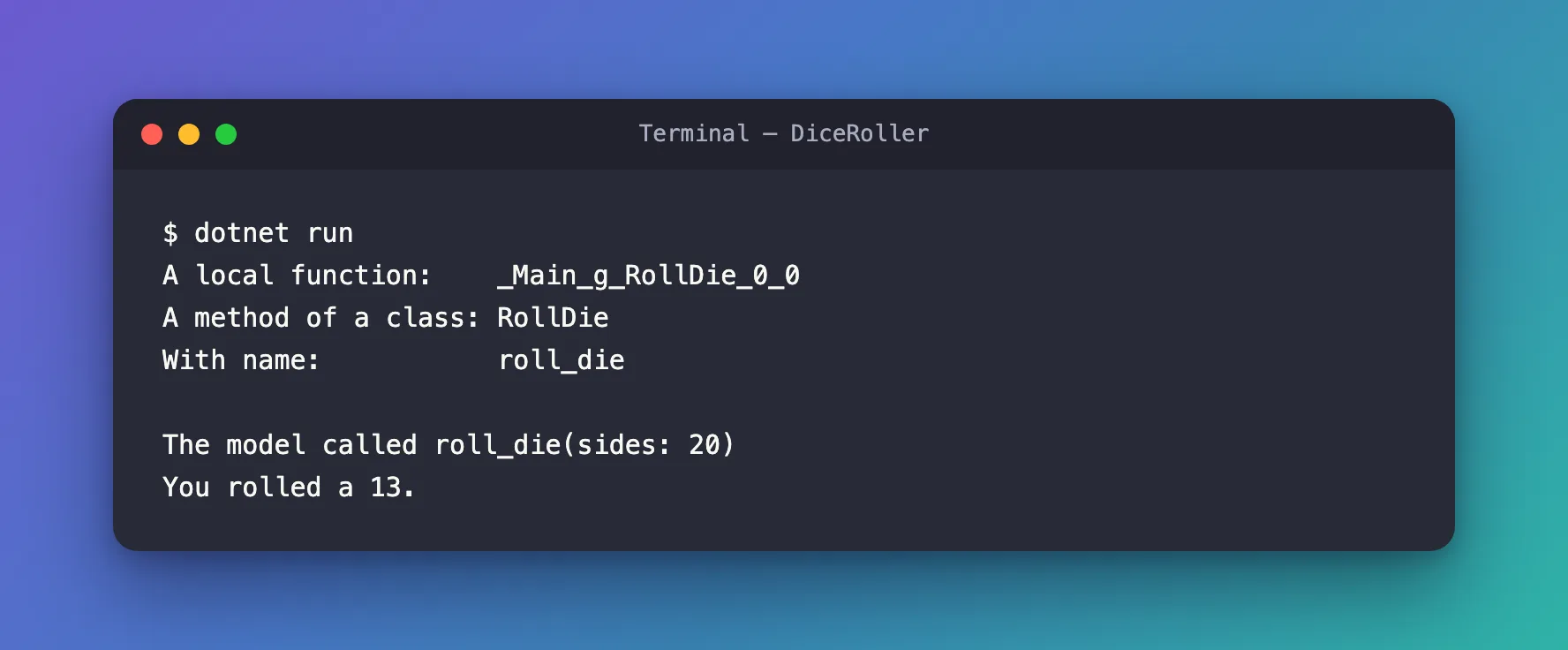
- The local function got
_Main_g_RollDie_0_0. In a top-level program, the compiler turnsRollDieinto a hidden method with a name like<<Main>$>g__RollDie|0_0, and the tool's name is built from that. - The method of a class got
RollDie, its own name. - With
name:, the tool isroll_die, and that's the name the model used: it calledroll_die(sides: 20).
The Complete File
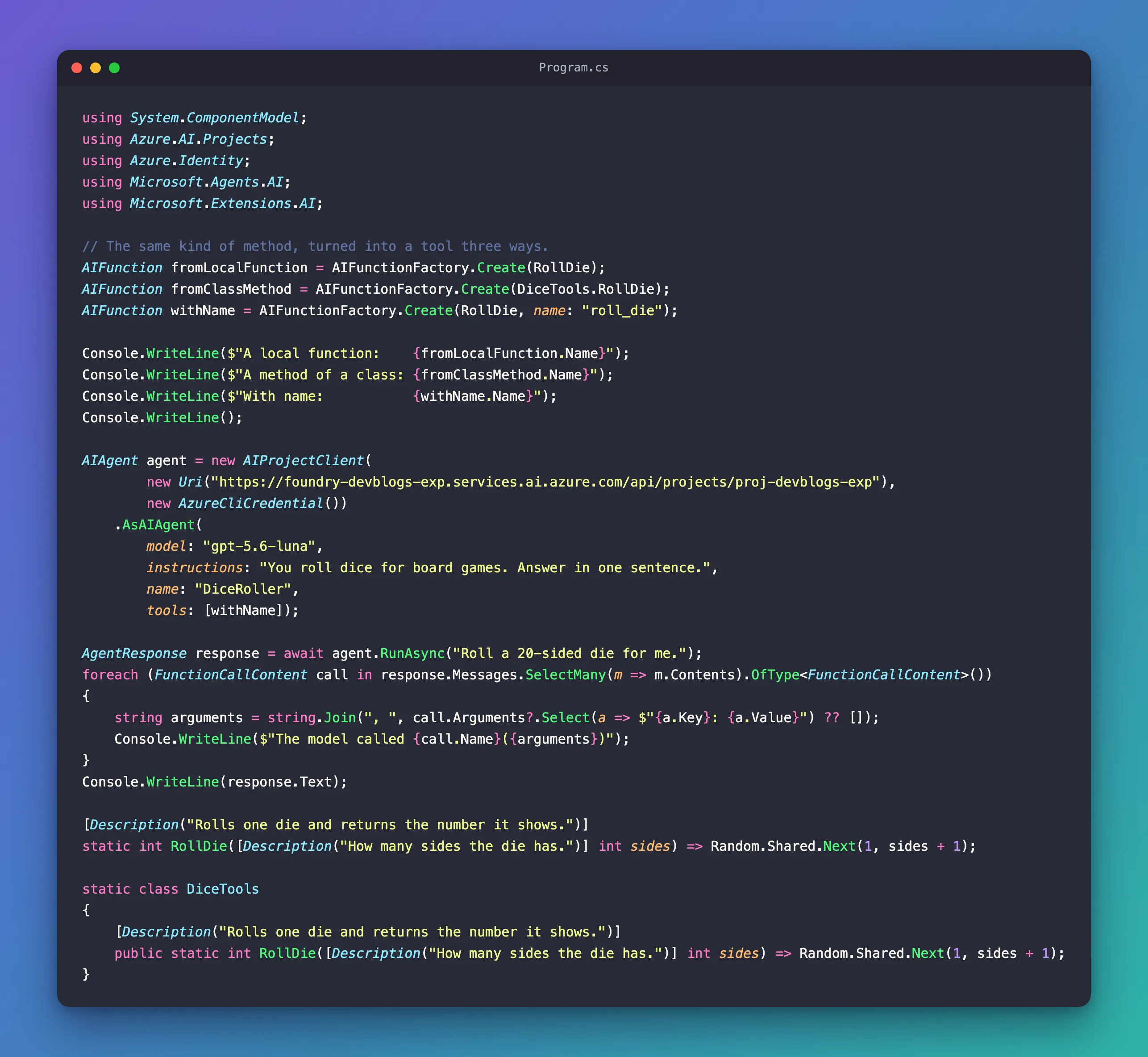
Program.cs from Step 2 is the whole program.
Common Mistakes
| Mistake | What happens | Do this instead |
|---|---|---|
Creating a tool from a local function without name: | The model sees _Main_g_RollDie_0_0 | Pass name: |
| Naming the tool for the code, not for the model | A name like RollDie2 says nothing | Name what the tool does, such as roll_die |
Using [AIFunctionName] to set the name | With Microsoft.Extensions.AI 10.11.0, the build fails with error MEAI001 | Use name: or [DisplayName] (Fixed) |
FAQ
Can I set the name on the method instead?
Yes: [DisplayName("roll_die")] from System.ComponentModel on the method gives the tool that name, without name:. I checked it on a local function, and the tool's name was roll_die.
Do I need name: for a method of a class?
Not to get a readable name: it gets the method's name. Use name: when the model should see a different one, such as roll_die instead of RollDie.
Conclusion
AIFunctionFactory.Create names a tool after its method, and for a local function in a top-level program that's a name the compiler made, such as _Main_g_RollDie_0_0. Pass name: to give the tool the name the model should see, or put [DisplayName] on the method, or use a method of a class.
Additional Resources
- AIFunctionFactory.Create — how a tool's name and description are found.
- Using function tools with an agent — function tools in Agent Framework.
