How to Get Unix Seconds from a Date in Java

Unix time counts the seconds since 1 January 1970 UTC, and many formats store times that way. A java.util.Date counts milliseconds, though, so getting seconds out of it takes one more step.
Syntax
long <seconds> = <date>.toInstant().getEpochSecond();
long <milliseconds> = <date>.getTime();
| Part | What it does |
|---|---|
<date>.getTime() | The milliseconds since 1970-01-01 00:00:00 UTC. |
.toInstant().getEpochSecond() | The seconds since the same moment. |
The JDK 25 documentation for Date.getTime: "Returns the number of milliseconds since January 1, 1970, 00:00:00 GMT represented by this Date object." For Instant.getEpochSecond: "Gets the number of seconds from the Java epoch of 1970-01-01T00:00:00Z."
The Example
The example takes the Date for 09:30 UTC on 26 November 2026 and prints its milliseconds, then its seconds in two ways.
Prerequisites
- A JDK, the Java Development Kit.
java Main.javaruns a single file without compiling it first. This guide uses OpenJDK 25.0.5.1.
Step 1: Write the Code
Create a file named Main.java:
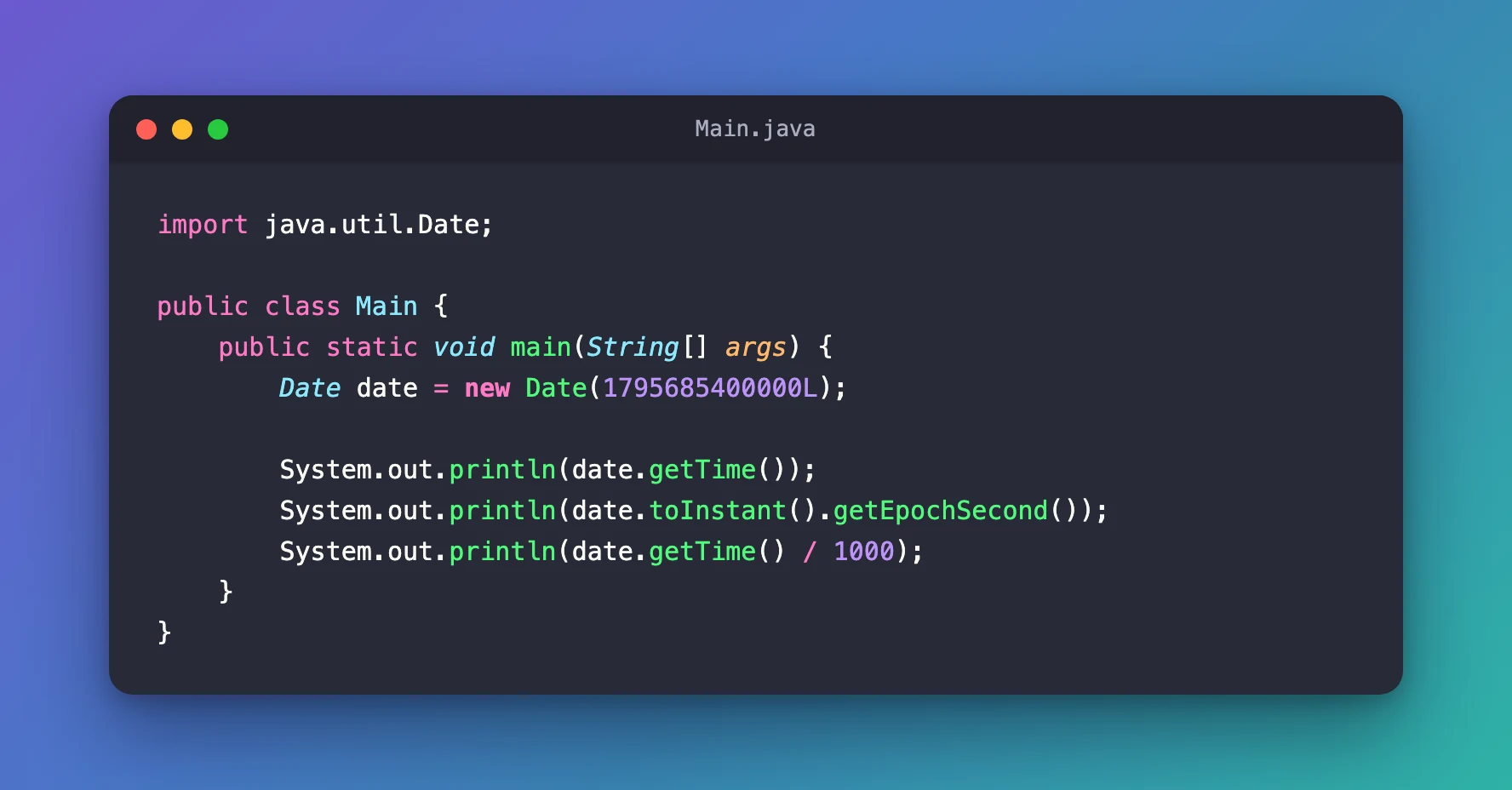
import java.util.Date;

public class Main {
    public static void main(String[] args) {
        Date date = new Date(1795685400000L);

        System.out.println(date.getTime());
        System.out.println(date.toInstant().getEpochSecond());
        System.out.println(date.getTime() / 1000);
    }
}
new Date(1795685400000L) creates the Date from milliseconds; the L makes the number a long, because it's too big for an int.
Step 2: Run It
java Main.java
1795685400000
1795685400
1795685400
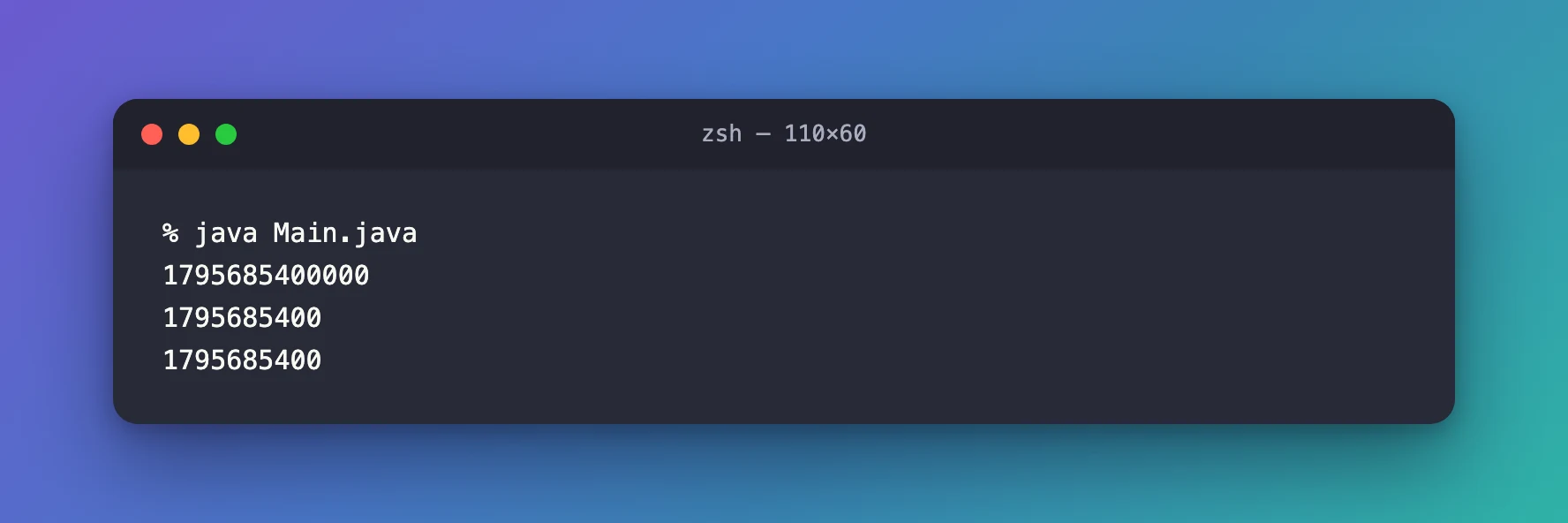
getTime() gave milliseconds, three digits longer; both ways of getting seconds agreed. The command is the same in zsh, bash and PowerShell.
Common Mistakes
| Mistake | What happens | Do this instead |
|---|---|---|
Using getTime() where seconds are expected | The value is 1,000 times too big | Use toInstant().getEpochSecond() |
Writing a big number without L | error: integer number too large | Add L for a long literal |
Storing seconds in an int | It overflows in 2038 | Use long |
Troubleshooting
| Symptom | Likely cause | Fix |
|---|---|---|
| A date shows up tens of thousands of years in the future | Milliseconds were read as seconds | Divide by 1,000, or use getEpochSecond() |
integer number too large | A literal over the int range lacks L | Add L |
FAQ
Which way is better?
toInstant().getEpochSecond() says what it means. getTime() / 1000 gives the same result for dates after 1970.
How do I go from seconds back to a Date?
Date.from(Instant.ofEpochSecond(seconds)).
Conclusion
date.getTime() returns milliseconds since 1970; date.toInstant().getEpochSecond() returns seconds. Use seconds wherever a format such as Unix time expects them.
Additional Resources
- Date.getTime(), in the JDK 25 API documentation.
- Instant.getEpochSecond(), in the JDK 25 API documentation.
