How to Get the Status Code of a Web Request in PowerShell

Is a web page or API up? Its HTTP status code says so: 200 for success, 404 for not found, 500 for a server error. In PowerShell, Invoke-WebRequest returns a response whose StatusCode holds it. This guide reads the code of a working and a missing page, with real output from PowerShell 7.6.10.
Syntax
(Invoke-WebRequest -Uri <URL>).StatusCode
(Invoke-WebRequest -Uri <URL> -SkipHttpErrorCheck).StatusCode
| Part | What it means |
|---|---|
( ... ).StatusCode | Runs the request, then reads the response's status code |
-SkipHttpErrorCheck | Returns error responses, such as 404, instead of raising an error |
The reference: "The Invoke-WebRequest cmdlet sends HTTP and HTTPS requests to a web page or web service." And for -SkipHttpErrorCheck: "This parameter causes the cmdlet to ignore HTTP error statuses and continue to process responses."
Prerequisites
- PowerShell 7. This guide uses PowerShell 7.6.10.
- An internet connection: the example asks httpbin.org, which answers with whatever status code the address names.
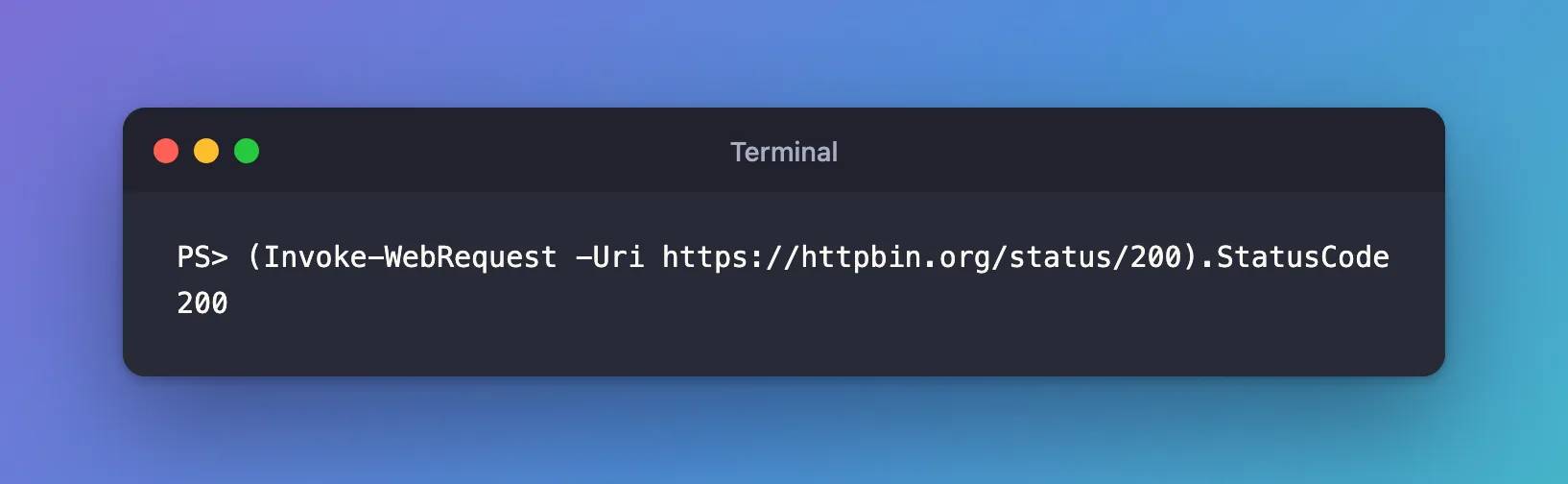
Step 1: Read a Success Code
(Invoke-WebRequest -Uri https://httpbin.org/status/200).StatusCode
200
Step 2: Read an Error Code
Without help, a 404 raises an error instead of returning a response:
(Invoke-WebRequest -Uri https://httpbin.org/status/404).StatusCode
Invoke-WebRequest: Response status code does not indicate success: 404 (Not Found).
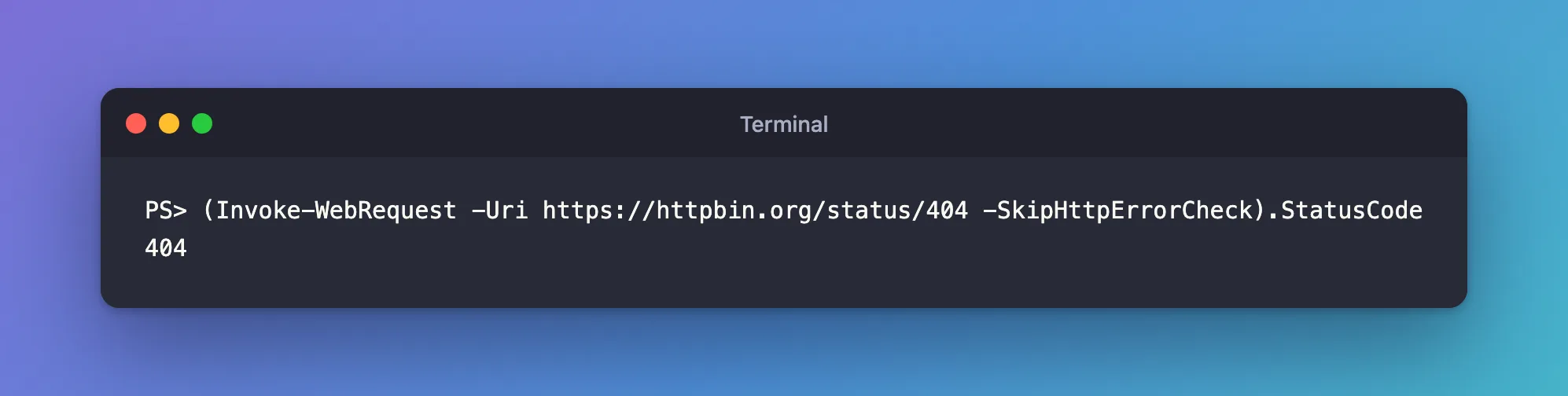
With -SkipHttpErrorCheck, the response comes back and you can read its code:
(Invoke-WebRequest -Uri https://httpbin.org/status/404 -SkipHttpErrorCheck).StatusCode
404
Common Mistakes
| Mistake | What happens | Do this instead |
|---|---|---|
Expecting .StatusCode to be 404 for a missing page | The request raises Response status code does not indicate success: 404 (Not Found). before there's a response to read | Add -SkipHttpErrorCheck, or catch the error with try / catch |
Reading .StatusCode from Invoke-RestMethod's result | Its result is the body, which has no StatusCode: it came back empty | Use Invoke-WebRequest, or Invoke-RestMethod's -StatusCodeVariable |
Troubleshooting
| Symptom | Likely cause | Fix |
|---|---|---|
Response status code does not indicate success | The server answered 400 or above | Use -SkipHttpErrorCheck to read the code instead |
FAQ
Can I get the text of the status too?
Yes, from StatusDescription: for the 200 response it was OK.
Can Invoke-RestMethod give me the code?
Yes, through a variable: Invoke-RestMethod -Uri https://httpbin.org/status/200 -StatusCodeVariable code stored 200 in $code. The reference: "Creates a variable containing a HTTP status code result of the request."
Conclusion
(Invoke-WebRequest -Uri ...).StatusCode printed 200 for a working page; for a missing one, -SkipHttpErrorCheck returned the response so .StatusCode printed 404 instead of an error.
Additional Resources
- Invoke-WebRequest —
-SkipHttpErrorCheckand the response properties.
