How to Get the Only Item of a Sequence with LINQ Single in C#

files.Single() returns the one item in files, and fails loudly when there's no item or more than one. Use it when exactly one item is the only correct answer.
Microsoft's reference: Returns the only element of a sequence, and throws an exception if there is not exactly one element in the sequence. With a condition, it Returns the only element of a sequence that satisfies a specified condition, and throws an exception if more than one such element exists.
Syntax
T <item> = <items>.Single();
T <item> = <items>.Single(<x> => <condition>);
| Part | What it is |
|---|---|
<items> | Any sequence, such as an array or a List<T> |
Single() | Returns the item when the sequence holds exactly one |
<x> => <condition> | A test for each item: Single returns the one item that passes |
T | The type of the items, such as string or int |
When the count isn't exactly one, Single throws an InvalidOperationException. The section after the run shows each message.
The Example
A console app called LinqSingle gets the only file name from a list that holds one, and the only even number from a list of four numbers.
Prerequisites
- The .NET 10 SDK.
dotnet --versionprints a version that starts with10.0.
Step 1: Create a Console App
dotnet new console -n LinqSingle
cd LinqSingle
The template "Console App" was created successfully.

Processing post-creation actions...
Restoring /Users/you/source/LinqSingle/LinqSingle.csproj:
  Determining projects to restore...
  Restored /Users/you/source/LinqSingle/LinqSingle.csproj (in 44 ms).
Restore succeeded.
dotnet new console -n LinqSingle creates a folder named LinqSingle with a project file and a Program.cs, and cd moves into it. Everything this example uses is part of .NET, so there's no package to add. Open the folder in VS Code, or LinqSingle.csproj in Visual Studio.
Step 2: Write the Code
Replace everything in Program.cs. First the list with one file:
// A list that must hold exactly one item: Single returns that item.
string[] files = ["report.txt"];
string onlyFile = files.Single();
Console.WriteLine($"The only file: {onlyFile}");
files.Single() returns report.txt, because it's the only item.
Then the condition:
// With a condition: the one number in the list that's even.
int[] numbers = [3, 8, 5, 7];
int even = numbers.Single(number => number % 2 == 0);
Console.WriteLine($"The only even number: {even}");
number => number % 2 == 0 is the test. % gives the remainder of a division, so the test passes for even numbers, and of 3, 8, 5 and 7 only 8 passes.
Step 3: Run It
Run it in VS Code's terminal, or press Ctrl+F5 in Visual Studio:
dotnet run
The only file: report.txt
The only even number: 8
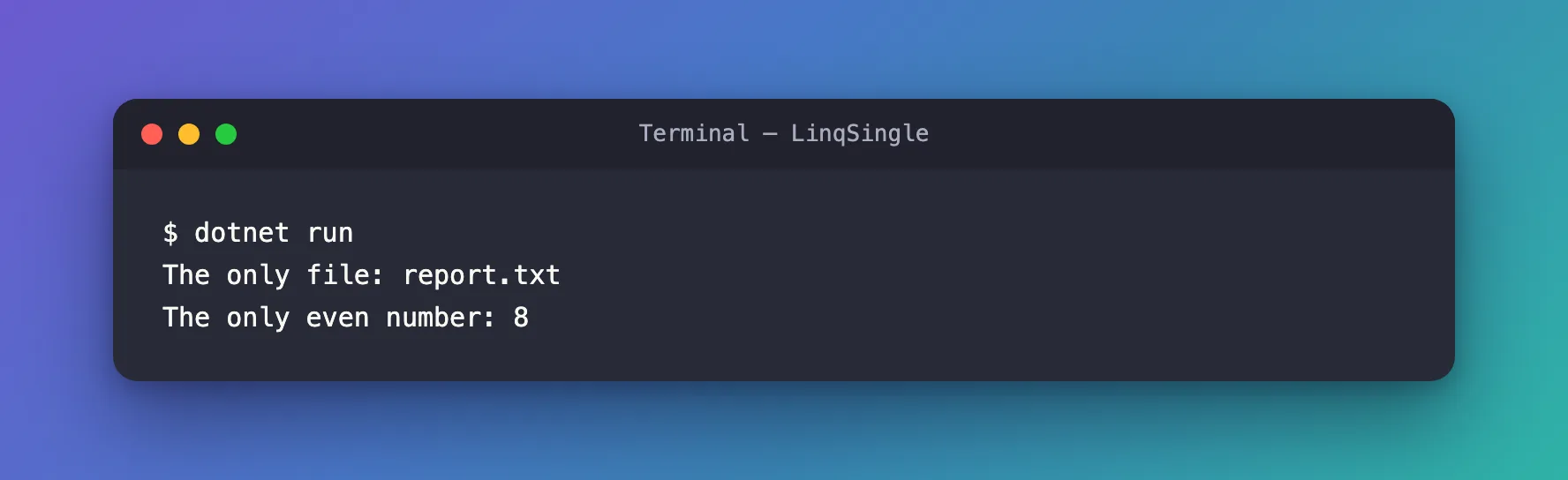
Both calls found exactly one item, so both returned it: report.txt from the one-item list, and 8, the only even number of the four.
The Complete File
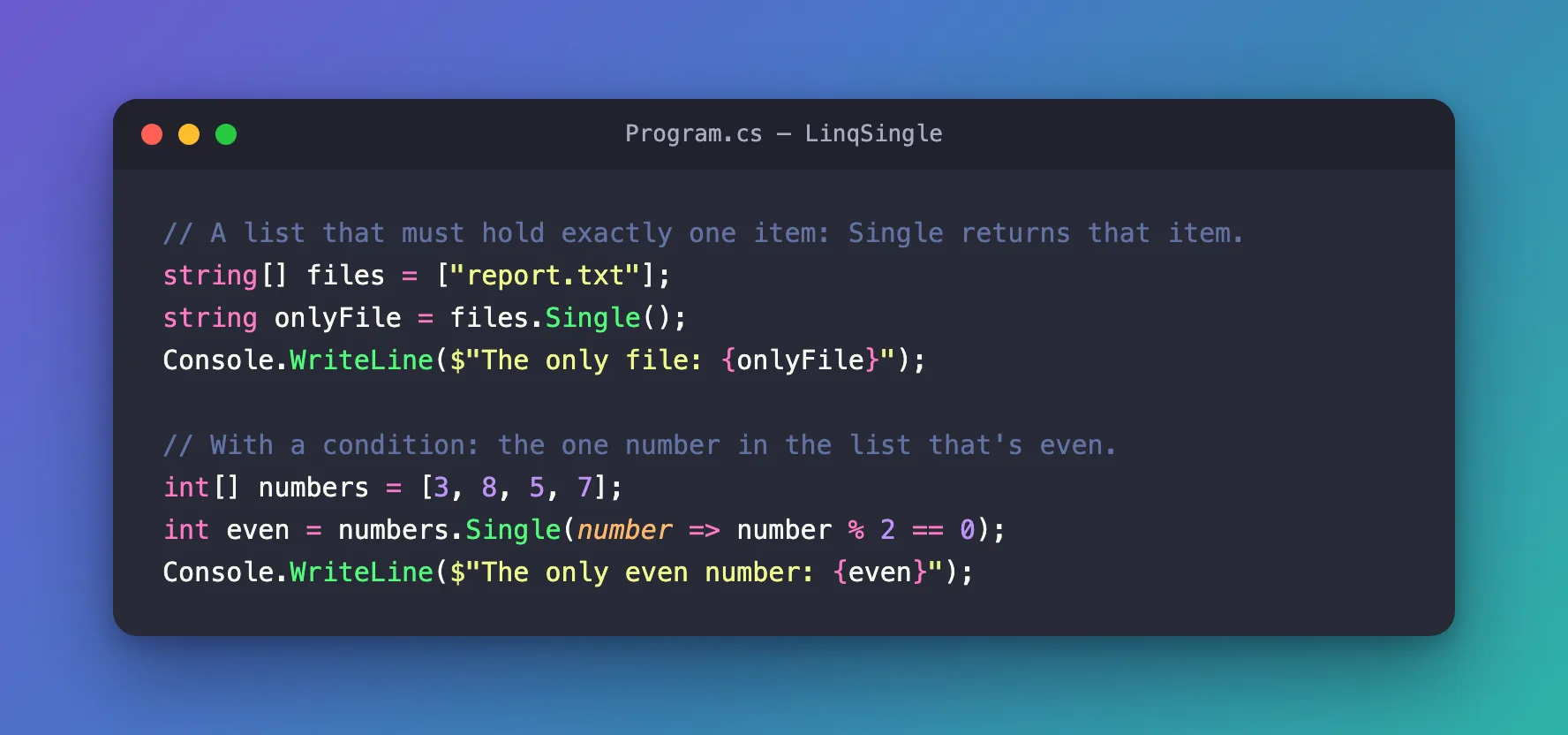
// A list that must hold exactly one item: Single returns that item.
string[] files = ["report.txt"];
string onlyFile = files.Single();
Console.WriteLine($"The only file: {onlyFile}");

// With a condition: the one number in the list that's even.
int[] numbers = [3, 8, 5, 7];
int even = numbers.Single(number => number % 2 == 0);
Console.WriteLine($"The only even number: {even}");
When There Isn't Exactly One Item
This check calls Single on a list with no items and on a list with two, and prints each exception's message:
string[] noFiles = [];
string[] twoFiles = ["report.txt", "notes.txt"];

try
{
    Console.WriteLine(noFiles.Single());
}
catch (InvalidOperationException error)
{
    Console.WriteLine($"No items: {error.Message}");
}

try
{
    Console.WriteLine(twoFiles.Single());
}
catch (InvalidOperationException error)
{
    Console.WriteLine($"Two items: {error.Message}");
}
No items: Sequence contains no elements
Two items: Sequence contains more than one element
With a condition the messages name the match: a test that no number passed gave Sequence contains no matching element, and a test that two numbers passed, 8 and 6, gave Sequence contains more than one matching element.
Common Mistakes
| Mistake | What happens | Do this instead |
|---|---|---|
Calling Single on a list that can be empty | It threw InvalidOperationException: Sequence contains no elements | Use SingleOrDefault when an empty list is a normal case, and check its result |
Using Single to get the first match when several can match | With 3, 8 and 6, the even-number test threw Sequence contains more than one matching element | Use First, which the reference describes as: Returns the first element in a sequence that satisfies a specified condition. |
Expecting SingleOrDefault to accept two items | It still threw Sequence contains more than one element. The reference: this method throws an exception if there is more than one element in the sequence. | Use SingleOrDefault only where zero or one item is allowed |
FAQ
What does SingleOrDefault return for an empty list?
The default value of the item type. The reference: The default value for reference and nullable types is null. An empty string array gave null, and an empty int array gave 0, which looks the same as a real 0 in the list.
Why did Single look at every number?
To be sure that no second item passes the test, Single keeps looking after it finds one. A check counted the calls to the test: Single found 8 after looking at all 4 numbers, although 8 was the second.
Conclusion
Single() returns the only item of a sequence, and Single(condition) the only item that passes a test. Both throw when the count isn't exactly one, which is what you want when one item is the only correct answer. When an empty sequence is normal, use SingleOrDefault, and when several items can match, use First.
Additional Resources
- Enumerable.Single — both forms and their exceptions.
- Enumerable.SingleOrDefault — the form that allows an empty sequence.
- Enumerable.First — the first item that passes a test, however many do.
