How to Get the Length of a String in C#

Length tells you how many characters a string has: "abc".Length is 3. It's what you check when a value must be at least, or at most, a certain number of characters long.
Microsoft's reference: Gets the number of characters in the current String object. Length is a property, not a method, so you write it without brackets. Spaces and punctuation count like any other character.
Syntax
int <count> = <text>.Length;
| Part | What it is |
|---|---|
<text> | Any string |
Length | A property, so no brackets. It counts the string's char values |
<count> | An int: 0 for an empty string |
The reference adds a detail that matters for some text: The Length property returns the number of Char objects in this instance, not the number of Unicode characters. The reason is that a Unicode character might be represented by more than one Char.
The Example
A console app called StringLength checks four passwords against a minimum length of 8 characters.
Prerequisites
- The .NET 10 SDK.
dotnet --versionprints a version that starts with10.0.
Step 1: Create a Console App
dotnet new console -n StringLength
cd StringLength
The template "Console App" was created successfully.

Processing post-creation actions...
Restoring /Users/you/source/StringLength/StringLength.csproj:
  Determining projects to restore...
  Restored /Users/you/source/StringLength/StringLength.csproj (in 47 ms).
Restore succeeded.
dotnet new console -n StringLength creates a folder named StringLength with a project file and a Program.cs, and cd moves into it. Everything this example uses is part of .NET, so there's no package to add. Open the folder in VS Code, or StringLength.csproj in Visual Studio.
Step 2: Write the Code
Replace everything in Program.cs. First the passwords:
string[] passwords = ["abc", "Spring2026#", "", "correct horse"];
Then the check:
foreach (string password in passwords)
{
    string verdict = password.Length >= 8 ? "long enough" : "too short";
    Console.WriteLine($"\"{password}\" has {password.Length} characters: {verdict}");
}
password.Lengthis the number of characters inpassword.password.Length >= 8 ? "long enough" : "too short"picks the first text when the length is 8 or more, and the second otherwise.
Step 3: Run It
Run it in VS Code's terminal, or press Ctrl+F5 in Visual Studio:
dotnet run
"abc" has 3 characters: too short
"Spring2026#" has 11 characters: long enough
"" has 0 characters: too short
"correct horse" has 13 characters: long enough
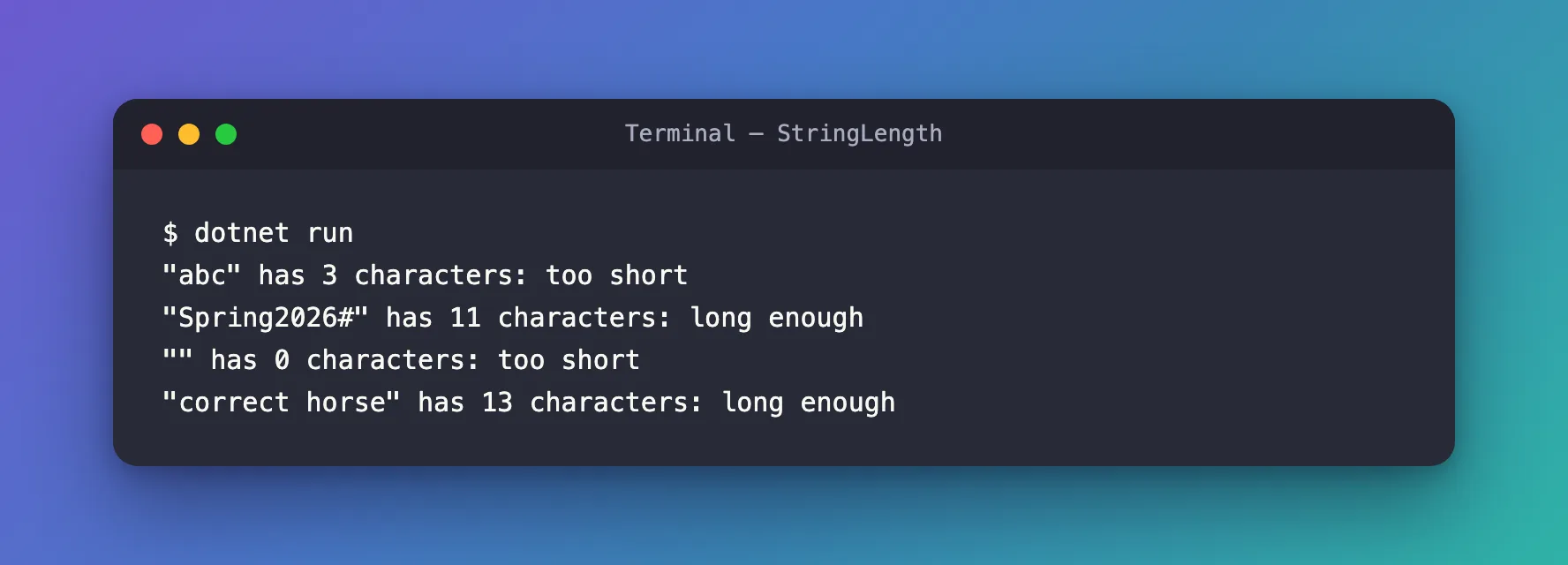
"", the empty string, has length 0.correct horsehas 13 characters, because the space in the middle counts too.
The Complete File
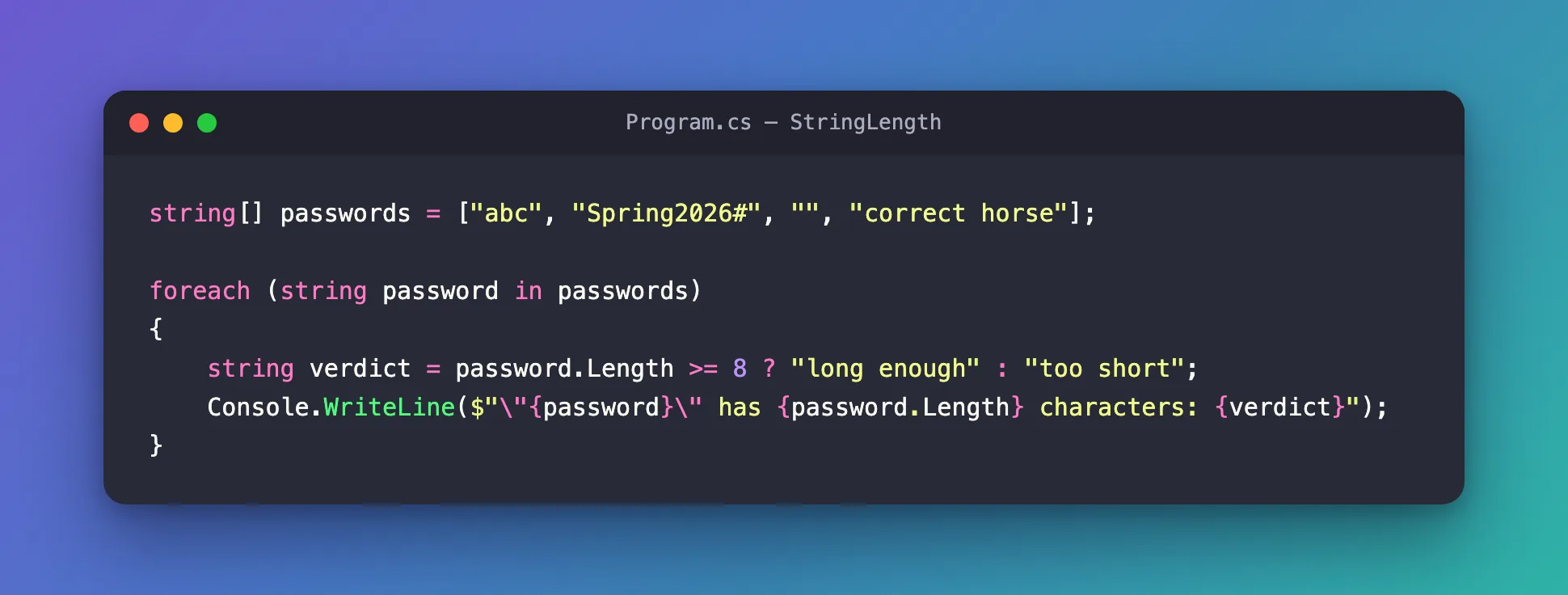
string[] passwords = ["abc", "Spring2026#", "", "correct horse"];

foreach (string password in passwords)
{
    string verdict = password.Length >= 8 ? "long enough" : "too short";
    Console.WriteLine($"\"{password}\" has {password.Length} characters: {verdict}");
}
Common Mistakes
| Mistake | What happens | Do this instead |
|---|---|---|
| Expecting an emoji to count as one character | "👍".Length is 2: that emoji takes two char values | Count what a person sees with new StringInfo(text).LengthInTextElements, which returned 1 |
Reading Length of a null string | NullReferenceException: Object reference not set to an instance of an object. | Check for null first, or write text?.Length ?? 0, which returned 0 |
FAQ
Does Length count spaces?
Yes: correct horse came out as 13 characters, space included.
Is Length the number of bytes?
No. Length counts characters, and some characters take more than one byte when the text is stored as UTF-8: Café €5 has 7 characters but becomes 10 UTF-8 bytes.
Conclusion
text.Length is the number of characters in text, spaces included, and 0 for an empty string. For text with emoji or other characters outside the basic range, StringInfo.LengthInTextElements counts what a reader sees.
Additional Resources
- String.Length — what Length counts.
- StringInfo.LengthInTextElements — counting characters as a reader sees them.
